

An Ahrefs tutorial is useful when it helps you turn tool reports into SEO decisions. The goal is not to memorize every screen. The goal is to know which report answers which question, what action it should trigger, and how you will prove the fix worked after it ships.
Use public Ahrefs guidance as a source map: Site Explorer can support competitor and link research, keyword tools can support demand checks, audit reports can support technical cleanup, and rank tracking can support monitoring. Then add an execution layer that the tutorial itself cannot own for your site: priority, owner, next action, and validation.
Start With The Job Behind The Tutorial
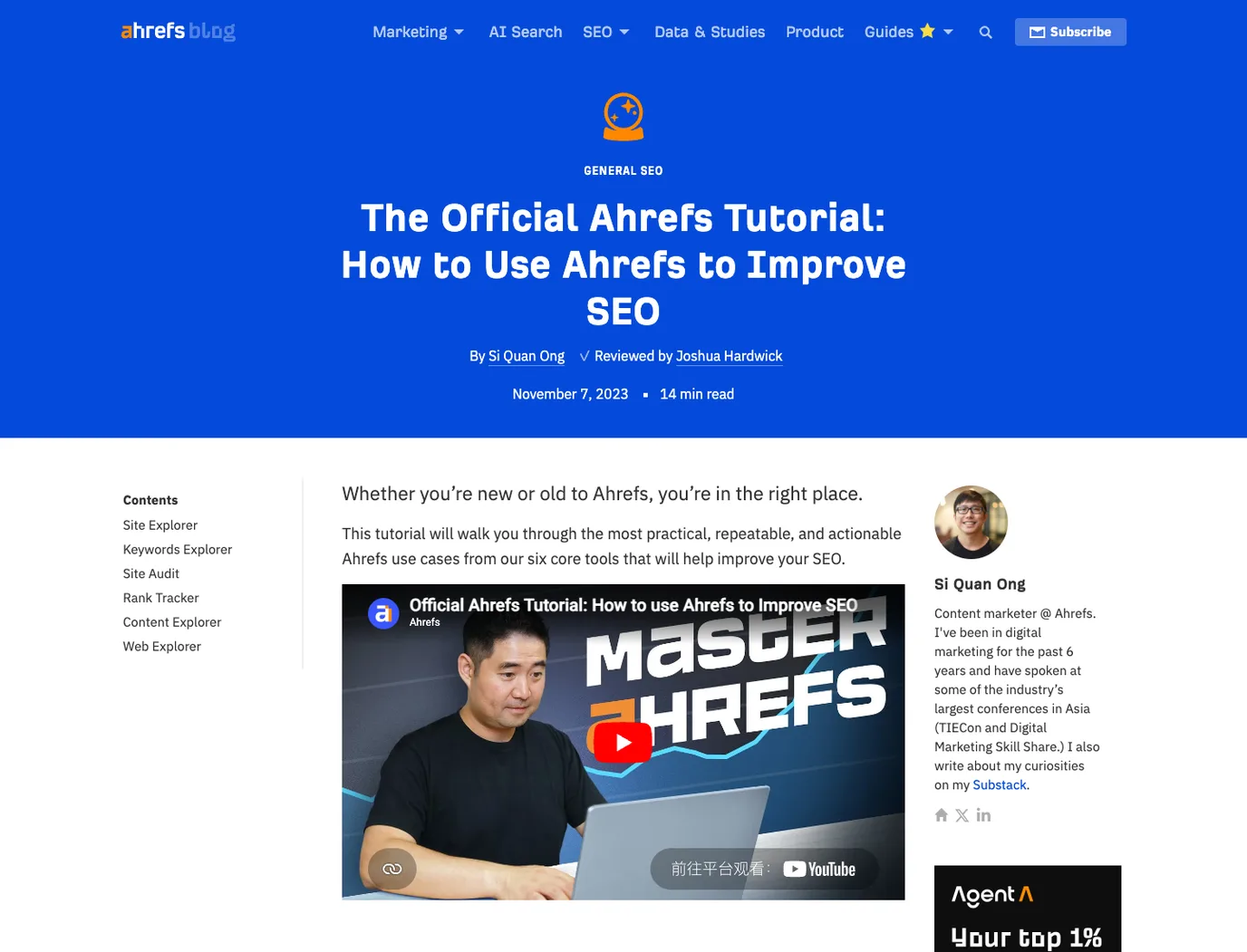
The official Ahrefs tutorial frames the page around practical use cases for Ahrefs tools. That makes the search intent clear. The reader is not looking for a generic SEO definition. They want to learn how reports become SEO work.
That intent is valid for a Searvora article, but the angle must be fair. Do not claim private Ahrefs access, invent product behavior, or rewrite the competitor's walkthrough. Treat the public tutorial as evidence of the reader job, then build a separate operating workflow around it.
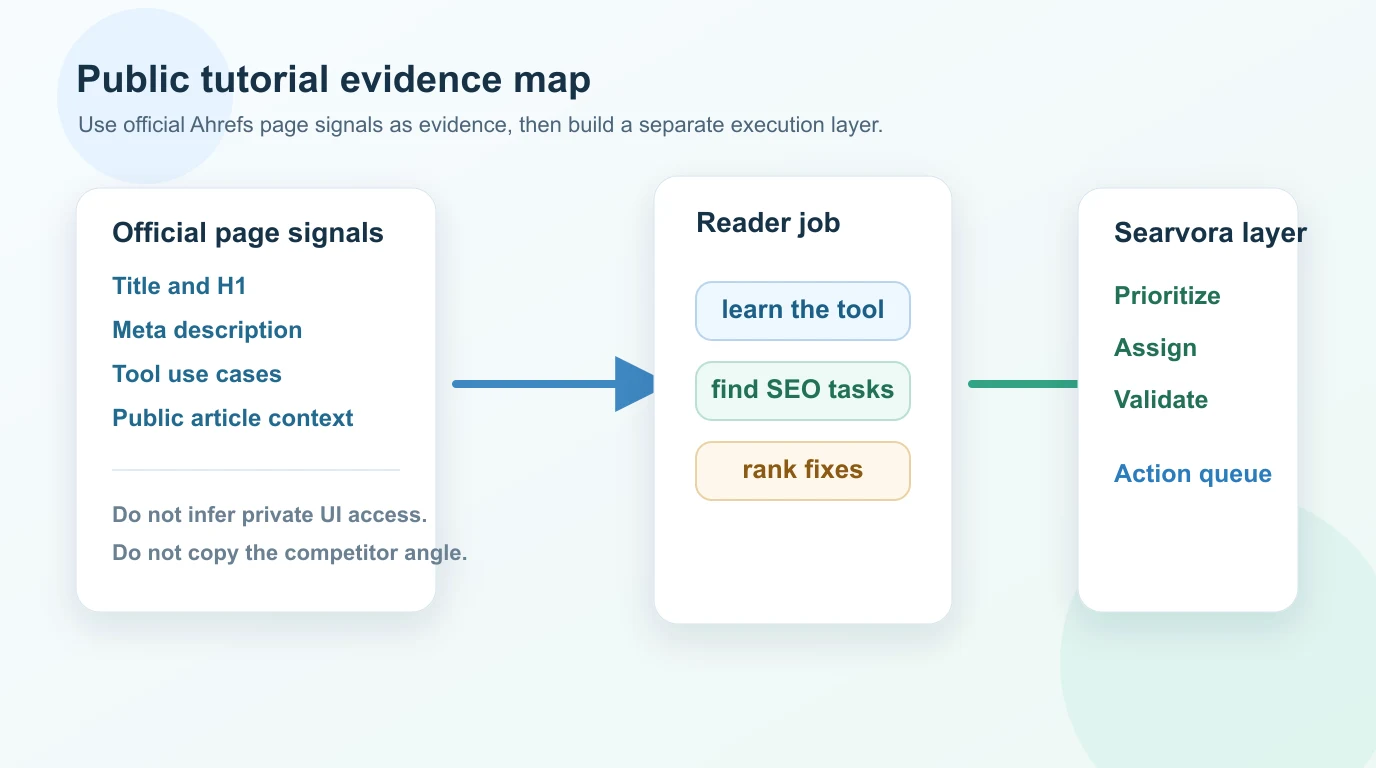
Use this first-pass map:
| Tutorial signal | Reader job | Searvora interpretation |
|---|---|---|
| Competitor research reports | Understand why another site earns traffic | Turn observations into page-type, content, and technical hypotheses |
| Keyword and SERP reports | Find demand and ranking opportunities | Decide whether the next asset is an article, landing page, tool, hub, or refresh |
| Backlink and broken-page reports | Find authority or cleanup opportunities | Separate safe fixes from risky link tactics |
| Site audit reports | Detect technical issues | Group findings into crawl, indexability, metadata, link, and template queues |
| Rank tracking reports | Monitor movement | Connect changes to shipped work and validation dates |
The useful output is a short work queue, not another export.
Turn Reports Into Questions Before Actions
SEO tools are tempting because every report looks actionable. A broken backlink, keyword gap, missing title, lost ranking, or competitor page can all feel urgent. But a report is only a signal. The next step depends on the question it answers.
Use this translation table before assigning work:
| If the report shows | Ask this first | Likely next action |
|---|---|---|
| A competitor page earns traffic | What user job does that page serve? | Create, refresh, defer, or ignore based on page type and overlap |
| A keyword has demand | Which page type can satisfy it? | Route to article, product page, hub, tool, or existing page update |
| A page lost rankings | What changed in demand, SERP, content, links, or crawl state? | Diagnose before rewriting |
| A crawl issue appears | Does it affect important pages or a whole template? | Prioritize by footprint and indexability risk |
| A link report looks noisy | Is there real evidence of lost equity or unnatural risk? | Fix broken internal paths; treat disavow as last resort |
This is where the search intent workflow helps. Brand tutorials show you what a tool can inspect. Intent work decides whether your site needs a new page, a better page, or no page at all.
Build The Ahrefs Tutorial Workflow As A Fix Queue
The safest way to use any Ahrefs tutorial is to convert each report into the same queue format. That keeps the team from collecting screenshots without changing the site.
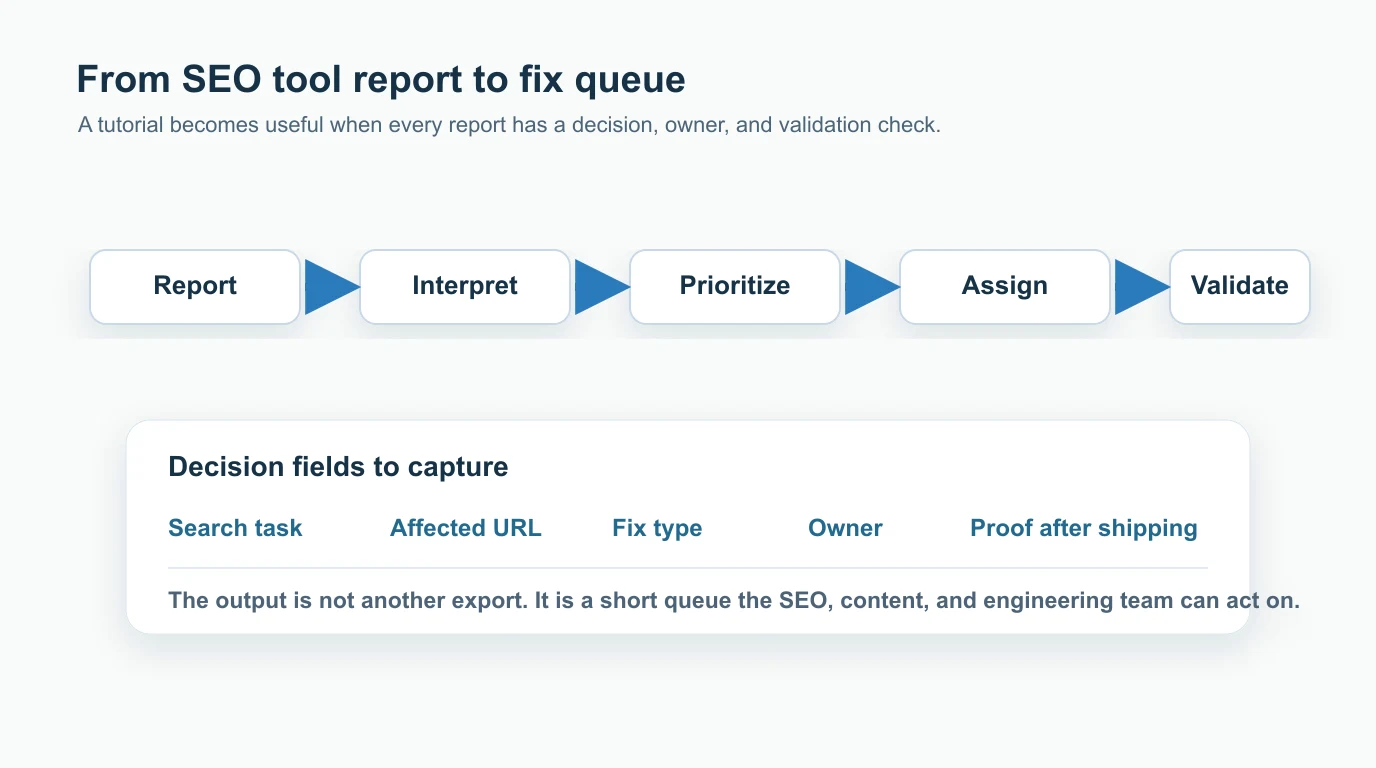
Use this queue structure:
| Field | What to capture | Example decision |
|---|---|---|
| Source report | The public Ahrefs use case or report family that triggered review | Competitor page, keyword gap, broken backlink, audit issue |
| Search task | The reader or crawler job behind the issue | Learn, compare, fix, buy, navigate, validate |
| Affected URL | The Searvora page, template, directory, or missing asset | Existing blog post, product page, category page, new hub |
| Fix type | Content, technical, internal link, metadata, authority, or measurement | Refresh intro, add comparison table, fix canonical, add links |
| Priority | Impact, confidence, effort, and risk | High only when the issue affects meaningful demand or important pages |
| Owner | SEO, content, engineering, product, or growth | One accountable team, not a vague shared task |
| Validation | How the team proves the fix landed | Re-crawl, index check, query mix, CTR, ranking, AI-search clarity |
For competitor page analysis, pair the report with SEO competitor analysis. The competitor URL proves a page exists and may be winning. It does not prove your response should be the same article.
Prioritize The Work Instead Of Following Every Use Case
A long tutorial can create too many possible tasks. Prioritization protects the team from chasing every report because it is available.
Score each opportunity with five questions:
- Is the affected page important to growth, revenue, authority, or product education?
- Is the issue confirmed by more than one signal, such as report evidence plus crawl or search data?
- Is the user job clear enough to choose the right page type?
- Can the team make the page more useful than the competitor or current version?
- Is there a concrete validation method after the fix ships?
If the answer is weak, park the task. Tool coverage is not the same as business priority.
| Task type | High priority when | Defer when |
|---|---|---|
| Competitor gap | No Searvora URL serves the same keyword, page type, and user job | It is a broad adjacent cluster with no information gain |
| Keyword opportunity | Demand is clear and the page type is obvious | The query likely wants a tool, template, or product page instead |
| Technical issue | It blocks crawl, indexation, canonical clarity, or internal links at scale | It is isolated to a low-value page with no measurable impact |
| Link cleanup | The issue affects real equity, user paths, or risk evidence | It is only a third-party metric label with no operational proof |
| Reporting change | It changes a decision in the weekly review | It is a metric nobody will act on |
The SEO metrics workflow is the right companion when report noise needs to become a weekly review cadence. Keep only the metrics that change an owner, priority, or validation date.
Add Validation Before You Call The Tutorial Done
An Ahrefs tutorial can show where to look. Your workflow still needs to prove whether the site improved.
Use validation by task type:
| After you ship | Validate with |
|---|---|
| A refreshed article | Query mix, CTR, internal links, AI-search clarity, and content quality |
| A technical fix | Re-crawl, canonical status, robots behavior, sitemap state, and index coverage |
| A competitor gap article | Canonical, sitemap inclusion, internal links, source hygiene, and first query movement |
| A broken-link or redirect fix | Status codes, inlinks, redirect target relevance, and source-page updates |
| A dashboard or reporting change | Weekly review output and whether the metric changed the work queue |
Google's Search Console performance report is useful after content changes because it shows queries, pages, countries, devices, clicks, impressions, CTR, and average position. For technical changes, crawl data and index checks keep the team from assuming a fix is live just because it was merged.
Where Searvora Fits
Searvora fits after the tool report, when the team needs a decision model. The AI SEO consultant is positioned around pattern diagnosis, priority scoring, fix-ready guidance, and execution alignment. That is the layer that turns third-party research, crawl evidence, and content signals into assigned work.
Use it to:
- Group Ahrefs-inspired findings by user job and page type.
- Compare each opportunity against existing Searvora URLs before drafting.
- Separate article opportunities from landing pages, tools, hubs, and resource assets.
- Rank tasks by impact, confidence, effort, and validation path.
- Hand the final queue to content, SEO, product, or engineering owners.
For technical work discovered during the process, the technical SEO workflow gives a deeper crawl and validation frame. For refresh decisions, a content audit helps decide whether to update, merge, redirect, or leave a page alone.
A Practical Ahrefs Tutorial Checklist
Use this checklist whenever an Ahrefs tutorial or report produces a possible SEO task:
- Record the source report and public tutorial context.
- Write the reader or crawler job in one sentence.
- Identify the affected Searvora URL, template, or missing asset.
- Check whether an existing page already serves the same keyword, page type, and user job.
- Decide whether the work is create, refresh, merge, technical fix, internal link, reporting change, or no action.
- Define the information gain before drafting or editing.
- Assign one owner and one next action.
- Add the validation method before the work starts.
- Re-check the page after crawl, indexing, and reporting windows have enough data.
- Keep the decision in the queue so the next review does not rediscover the same report.
An Ahrefs tutorial is most valuable when it changes what the team ships. Use the tool evidence, stay honest about what is public, and add the operating layer that turns reports into prioritized SEO work.