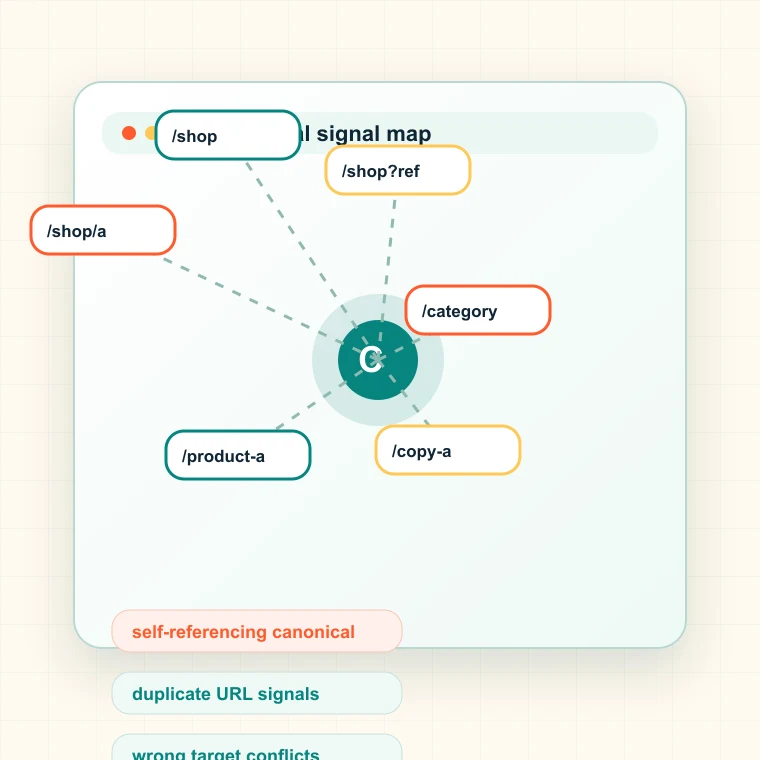
What this canonical checker checks
The tool fetches a page and compares its canonical signals across HTML and HTTP headers. It helps you decide whether search engines are being pointed to the correct version of the content.
- Detects missing, multiple, self-referencing, and pointing-elsewhere canonical tags.
- Checks HTTP Link header canonicals in addition to HTML tags.
- Resolves relative canonical URLs against the final page URL.
- Flags cross-domain or conflicting canonical targets.
When to check canonical tags
Run a canonical check when rankings split across URL variants, a migration changes paths, faceted URLs appear in search, or a page is indexed even though another URL should be preferred.
- Before publishing duplicated landing pages or localized variants.
- After CMS, platform, or template changes that affect head tags.
- When Google indexes parameter, slash, or protocol variants.
- When a high-value page loses impressions to a weaker URL.
How to interpret canonical results
A self-canonical page is usually healthy when it is the preferred ranking URL. A page canonicalized elsewhere can be correct for duplicates, but dangerous when the target is weaker, blocked, or unrelated.
- Missing canonicals increase ambiguity on duplicate-prone sites.
- Multiple canonicals force search engines to choose between conflicting hints.
- Cross-domain canonicals need strong ownership and business justification.
- Canonicalized pages should still be internally linked consistently.
Common canonical mistakes
Canonical mistakes are expensive because they rarely look like a broken page. Users can still visit the URL while search engines consolidate signals somewhere else.
- Do not point canonical tags from product pages to category pages by accident.
- Do not leave staging or preview canonical URLs in production templates.
- Do not mix canonical targets with redirect targets.
- Do not assume canonical tags can fix crawl traps or poor internal links.
Next step after checking canonicals
If one URL is risky, check adjacent templates. Canonical problems often repeat across collections, variants, locales, and generated landing pages rather than staying isolated to one page.
- Use the indexability checker when canonicalized pages are also noindex or blocked.
- Use the sitemap validator when canonical targets differ from sitemap URLs.
- Use hreflang checks when localized pages canonicalize to the wrong language.
- Use Spider Analysis to group canonical conflicts by template and owner.
- Document the URL group, owner, expected impact, validation step, and next publishing decision so the result becomes a fix ticket instead of another exported spreadsheet.