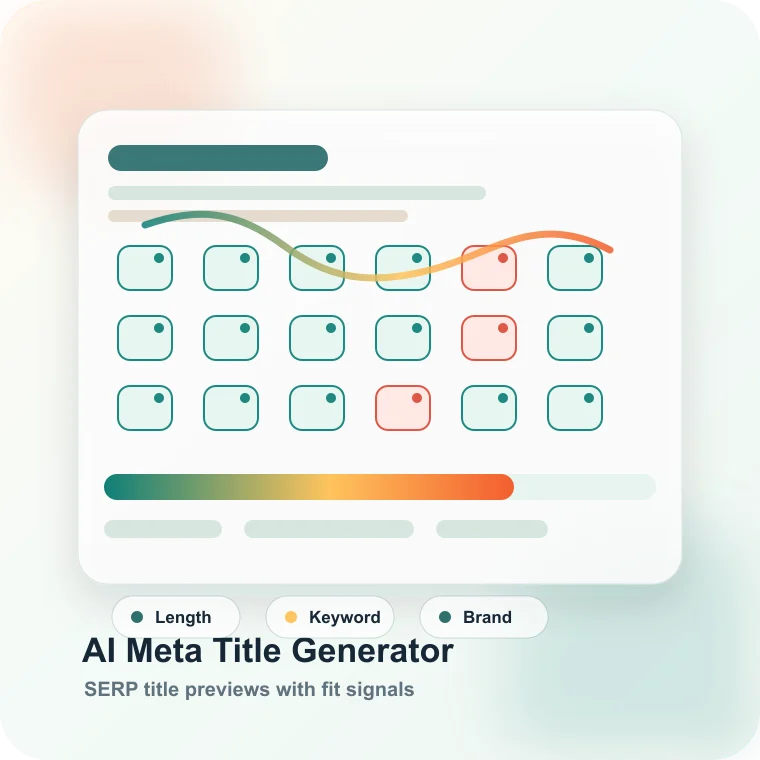
What this meta title generator checks
The generator extracts page context, headline signals, visible copy, target keyword, brand name, page type, and tone before proposing title tags that can fit real SERP constraints.
- Reads existing title, description, H1, H2, and repeated terms when URL mode is used.
- Accepts pasted content when URL fetching is not desirable.
- Marks keyword and brand inclusion instead of hiding the tradeoff.
- Labels titles as short, good, or long based on practical title length.
When to generate new title tags
Use it when a page has impressions but low CTR, when a template creates repeated titles, when a new landing page needs search positioning, or when content was rewritten but metadata was not updated.
- Before publishing new SaaS, ecommerce, or editorial pages.
- When Search Console shows ranking but weak click-through rate.
- When multiple pages compete with similar title patterns.
- When a page promise no longer matches the actual content.
How to interpret title candidates
A good title is not only the right length. It should make the primary task clear, place the most important keyword early, avoid exaggerated claims, and match what the page can actually deliver.
- Use exact keyword inclusion when the query is clear and high value.
- Use brand inclusion when recognition or trust affects click decisions.
- Prefer specific outcomes over vague phrases like best solution.
- Avoid titles that promise a comparison, checklist, or guide the page does not contain.
Common meta title mistakes
Many title problems come from automation that treats every page type the same. Product pages, blog posts, collection pages, and local pages need different title promises.
- Do not stuff two or three primary keywords into one title.
- Do not append the brand twice when the site template already adds it.
- Do not write titles that are disconnected from H1 and page content.
- Do not use the same title pattern across pages with different intent.
Next step after generating titles
Choose the strongest candidate, compare it with the page H1 and search intent, then test the change in a controlled metadata update cycle. For template pages, crawl related URLs before changing many titles at once.
- Pair title changes with meta description changes when CTR is the goal.
- Use canonical checks before optimizing duplicate or near-duplicate pages.
- Use Spider Analysis to find template-level title drift.
- Track impressions and CTR after Google recrawls the page.
- Document the URL group, owner, expected impact, validation step, and next publishing decision so the result becomes a fix ticket instead of another exported spreadsheet.