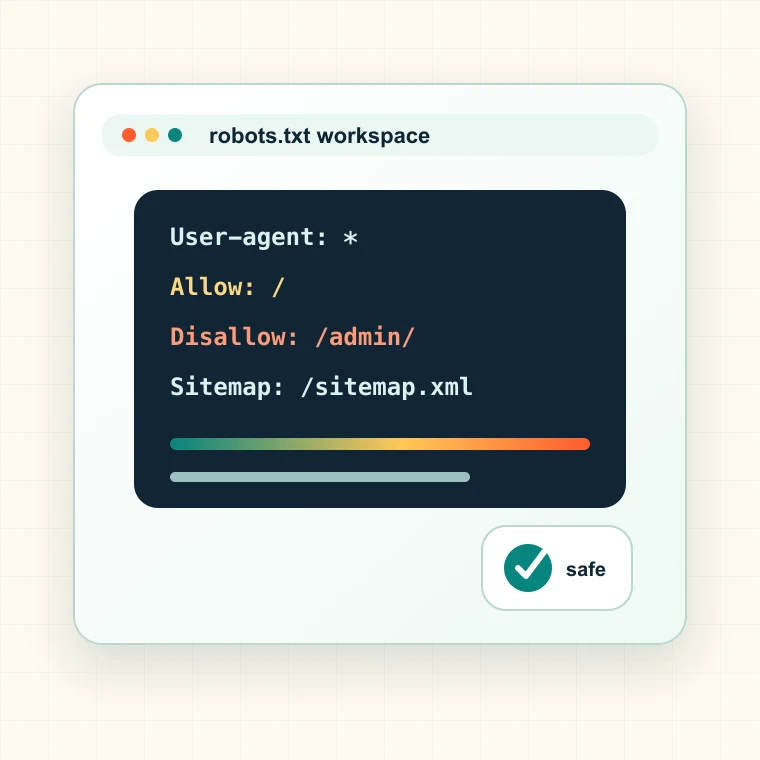
What this robots.txt generator creates
The generator creates a readable robots.txt draft based on site URL, sitemap URL, crawler identity, allow rules, disallow rules, and optional crawl delay. It favors clarity over clever blocking patterns.
- Creates user-agent blocks for general or custom crawlers.
- Supports sitemap directives so discovery signals are easier to find.
- Adds allow and disallow rules in a predictable order.
- Keeps the draft copy-ready for review before deployment.
When to generate robots.txt rules
Use it before launching a new site, restructuring private paths, cleaning crawl traps, or reviewing whether faceted, checkout, search, and internal pages should be crawled.
- Before a new domain or subdomain launch.
- After ecommerce faceted navigation creates crawl traps.
- When internal search, cart, checkout, or account paths appear in crawl data.
- When AI and search crawler access rules need a clean baseline.
How to interpret robots.txt output
Robots.txt is a crawl directive, not an indexing guarantee. A disallowed URL can still be discovered through links, and an allowed URL can still be noindex or canonicalized elsewhere.
- Allow rules should protect important pages from broad disallow patterns.
- Disallow rules should target crawl waste, not hide sensitive content.
- Sitemap directives should point to canonical production sitemap files.
- Crawl delay should be used carefully because major search engines interpret it differently.
Common robots.txt mistakes
The most damaging robots mistakes are broad rules that block assets, localized sections, product pages, or the entire site. A small syntax change can become a traffic incident.
- Do not use robots.txt to protect private data.
- Do not block CSS or JavaScript required for rendering important pages.
- Do not disallow pages that need to be crawled to see noindex tags.
- Do not deploy broad wildcard rules without testing sample URLs.
Next step after generating robots.txt
Review the draft, test sample URLs, and crawl critical paths before deploying. The safest robots file is one that is easy to explain and easy to validate.
- Use the indexability checker to test important URLs after deployment.
- Use the sitemap validator to confirm sitemap directives point to clean files.
- Use Spider Analysis to find blocked revenue pages and crawl traps.
- Keep version history for every robots.txt change.
- Document the URL group, owner, expected impact, validation step, and next publishing decision so the result becomes a fix ticket instead of another exported spreadsheet.