

An Ahrefs Site Audit tutorial is most useful when it helps you decide what to fix next, who should own that work, and how to prove the repair reached the live site. A list of warnings is only an input. The outcome should be a small queue of evidence-backed changes with a recrawl check already defined.
This guide stays deliberately narrow. It uses the public Site Audit workflow as the starting point, then adds the operating layer that a team needs after it has read the report: scope, affected URLs, impact, owner, and validation. It does not claim private Ahrefs access or reproduce a product walkthrough.
Start With The Public Ahrefs Workflow
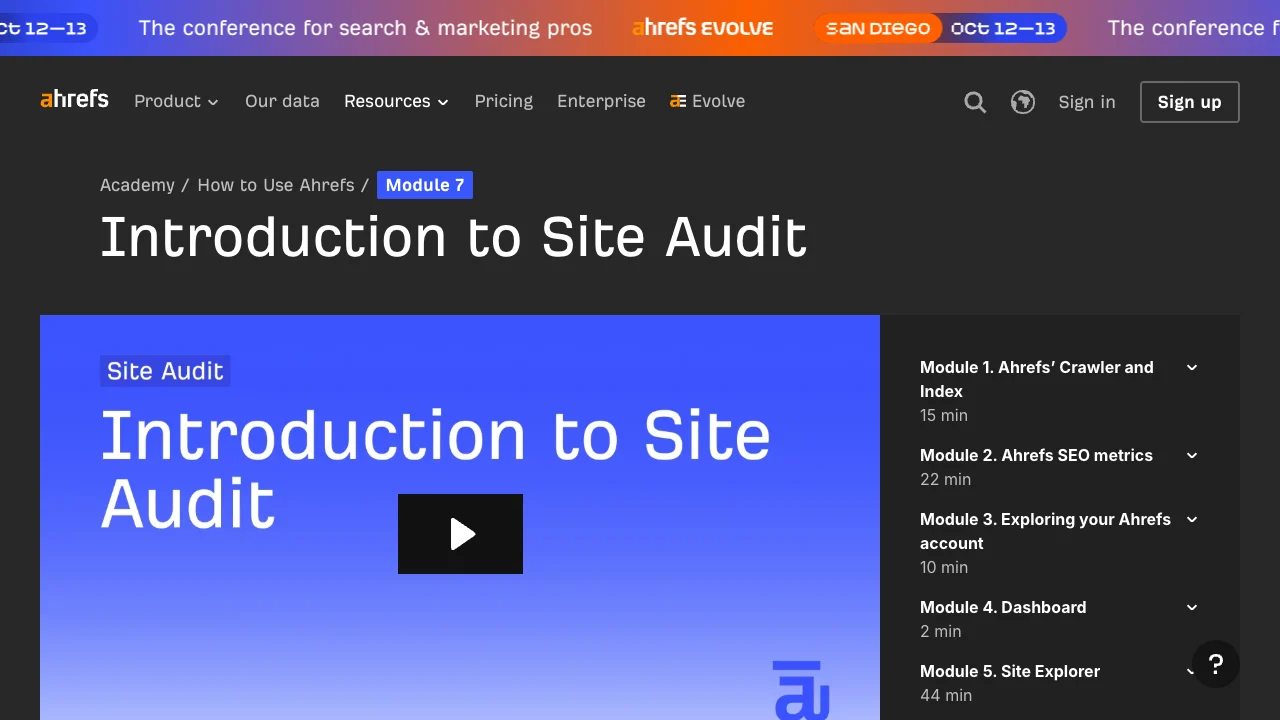
The public Ahrefs Academy introduction to Site Audit describes scheduled technical SEO audits and presents the workflow around a project, project history, and an overview. That is enough context to clarify the reader job: inspect a site-level technical signal, understand whether it represents a repeatable problem, and decide what to do with it.
The important boundary is simple: a report category is not yet a fix. Before assigning work, identify the affected URL set and the search role those pages play. A warning on a retired utility URL is different from the same warning across a revenue-supporting template or an important article cluster.
Use the public workflow in this order:
- Define the project or page group you are reviewing.
- Compare the latest result with the relevant project history instead of treating one crawl as a trend.
- Read the overview as a set of investigation prompts, not a backlog to clear.
- Group confirmed findings by URL pattern, template, directory, or locale.
- Give each group one owner and one validation check before changing the site.
That sequence keeps the tutorial focused on a decision, not on memorizing labels.
Scope The Audit Before You Read The Warnings
Good audit work begins with a named scope. State whether the review concerns a whole-site baseline, a release, a directory, a template, a locale, or a small set of high-value URLs. The scope tells you which warnings might share a cause and which team can safely investigate them.
| Review scope | Question to answer | Evidence to collect |
|---|---|---|
| Whole-site baseline | Can search systems discover and interpret important pages? | Sitemap coverage, canonical patterns, internal links, indexability, response behavior |
| Release or migration | Did a change preserve the intended search paths? | Before-and-after URL samples, redirects, rendered output, canonical targets |
| Template or directory | Is one reusable pattern creating repeated risk? | Representative URLs, source fields, page-type rules, affected count |
| Content cluster | Are the pages competing, disconnected, or technically blocked? | Query intent, inlinks, page purpose, crawl and index signals |
If the finding concerns general crawling and indexing rather than a named product workflow, the technical SEO site audit guide gives the broader evidence model. This article adds a narrower bridge from the public Site Audit hierarchy to an owner-ready work queue.
Turn Each Signal Into A Fix Ticket
The audit becomes actionable when every signal is translated into a checkable ticket. Start with the source signal, but do not stop there. Add the smallest context that lets another person reproduce the question, choose a safe change, and verify the result later.

| Ticket field | What it should contain | Why it prevents noise |
|---|---|---|
| Source signal | The report category and the project-history comparison that triggered review | Keeps the evidence traceable without treating the label as the diagnosis |
| Affected URL group | A template, directory, locale, or explicitly listed URLs | Separates a repeated cause from an isolated exception |
| Search role | Product, category, service, hub, article, or utility page | Stops low-value pages from receiving the same urgency as important ones |
| Proposed check | The rendered tag, link path, response, canonical, content field, or sitemap behavior to inspect | Gives the owner a falsifiable investigation |
| Owner | SEO, engineering, content, product, or localization | Makes the next action accountable |
| Validation | Recrawl, rendered-page check, sitemap comparison, or indexability verification | Prevents “fixed” from meaning only “edited” |
For example, “duplicate title” is not an adequate ticket. “Collection template emits the same title for 48 indexable pages; engineering will change the template variable; SEO will recrawl the collection and compare representative rendered titles” is adequate. It names the pattern, the owner, and the proof.
The broader Ahrefs tutorial is useful when the work begins with several report families. Use this article when the question is specifically how to turn Site Audit output into a technical fix queue without copying the source tool's interface or making unsupported claims about it.
Prioritize The Problem Group, Not The Loudest Label
Severity labels are a useful starting signal, but they are not a business-priority system. A finding deserves attention when its footprint, page value, confidence, and validation path make a clear case for action.
Use this compact triage:
| Dimension | Higher-priority evidence | Reason to defer |
|---|---|---|
| Footprint | A repeatable template, directory, or locale pattern | One low-value URL with no wider pattern |
| Search access | Important pages may be hard to crawl, index, or consolidate | The page has no intended search role |
| Page value | The affected group supports discovery, conversion, authority, or a key content cluster | The group is retired, experimental, or intentionally excluded |
| Confidence | The report agrees with rendered-page, sitemap, or crawl evidence | The signal is unconfirmed or contradicts the live output |
| Validation | A concrete post-change recrawl or inspection can test the result | The expected result cannot be described yet |
This makes room for a useful decision: defer. If the team cannot name the URL group, the owner, or the expected observable change, keep the finding in review rather than creating a vague task. That protects time for problems that can actually change crawl access, page understanding, or user paths.
Use A Second Crawl As The Decision Gate
A code change, CMS edit, or ticket closure does not prove a technical SEO repair is live. The validation plan should be written before the change starts, then checked against the same URL group after the change is available.
Use a validation loop:
- Record a baseline for the affected URLs, including the signal and a few representative examples.
- State the expected live behavior in plain language.
- Ship the smallest appropriate fix with a named owner.
- Inspect representative rendered pages and the expected crawl or sitemap behavior.
- Recrawl the same scope and record any remaining exceptions separately.
The expected behavior must be specific. “Fix indexing” is not testable. “The canonical product URLs return 200, self-canonicalize, remain linked from category navigation, and appear in the intended sitemap after release” is testable. If a recrawl does not support that statement, the ticket is still open.
Where Searvora Fits
Searvora SEO Spider Crawler fits after the public tutorial has identified an audit question and the team needs a consistent evidence-to-action path. It can keep crawl access, indexability, canonicals, redirects, metadata, internal links, sitemap behavior, issue grouping, priority, and handoff in the same technical review.
Use it when the next step needs to be more precise than “review the warnings”:
- Crawl the relevant URL group and preserve the evidence that matters.
- Separate discovery, indexability, architecture, metadata, content-quality, and release-risk questions.
- Rank groups by scope, page value, impact, confidence, and effort.
- Give the work to the right owner with a defined acceptance check.
- Recheck the changed URL group after release.
Ahrefs Site Audit Tutorial Checklist
Before treating a public Site Audit signal as work, confirm all of the following:
- The review scope and affected URL group are explicit.
- The signal is compared with project history or another relevant baseline.
- The page group has a known search or business role.
- The live site provides enough evidence to confirm the problem.
- The owner and smallest safe fix are named.
- The expected live behavior is written before implementation.
- The post-change validation includes the same URL group and a recrawl or inspection.
The tutorial is complete when the report has changed what the team can verify and ship. Keep the public tool guidance as the source context, then add the scoped decisions, ownership, and validation that turn audit signals into lasting SEO work.