

Competitor analysis tools help you study what rival sites publish, rank for, change, earn links from, and expose in their technical setup. The useful question is not which tool has the most impressive dashboard. It is which tool gives your team enough evidence to choose the next SEO action.
The Ahrefs competitor analysis tools roundup that surfaced this opportunity proves the search intent is a real tools list. Searvora's information gain is the operating layer: compare each tool by the competitor job it supports, the confidence level of its evidence, and the handoff it creates for SEO, content, product, or engineering.
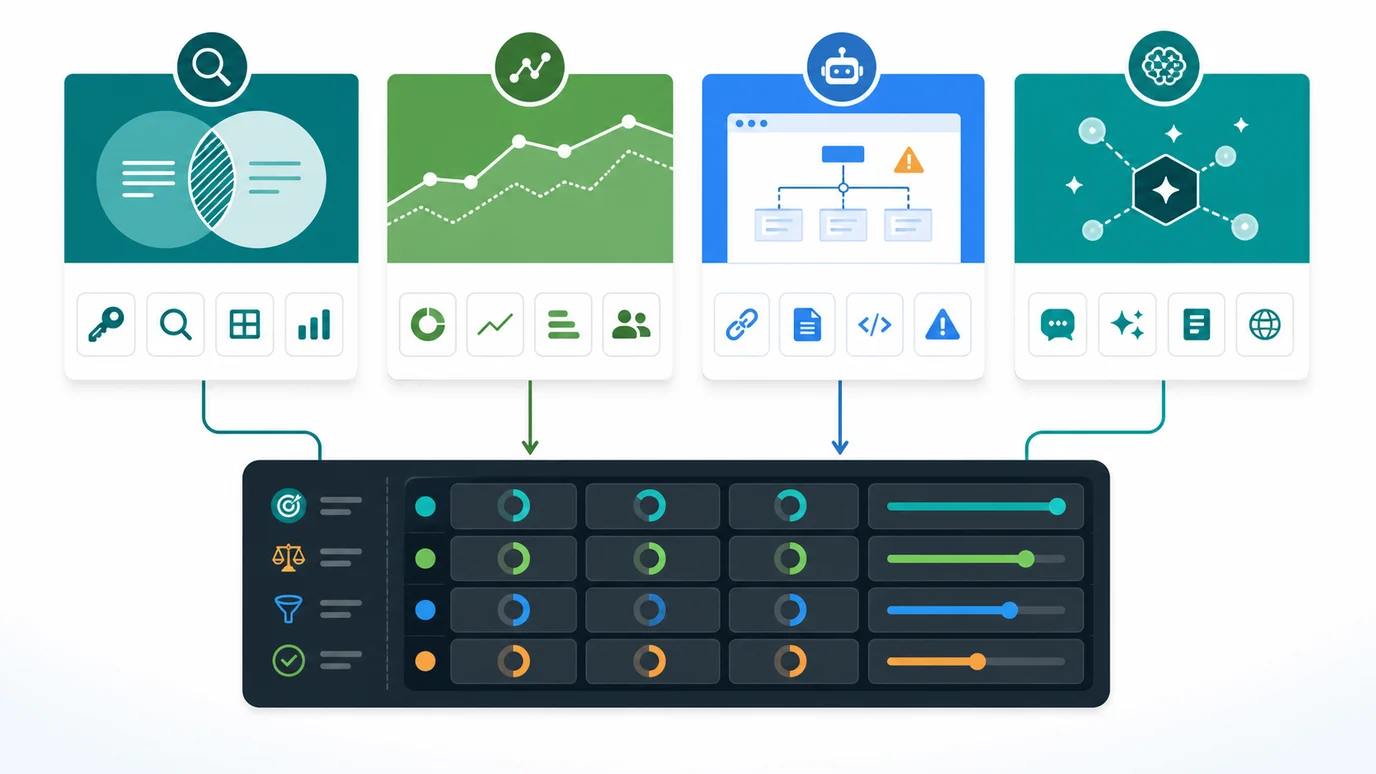
Compare Competitor Analysis Tools by Job
Start with the competitor question before you choose the software. A backlink database, traffic estimator, audience research tool, website change monitor, tech stack lookup, and crawler all answer different parts of the competitor picture.
| Tool | Best fit | What to validate before acting |
|---|---|---|
| Searvora AI SEO Dashboard | Turning competitor and visibility signals into page-group queues | Whether the segment, owner, and validation window are clear |
| Ahrefs Site Explorer | SEO, backlink, paid, and AI visibility competitor research | Whether the winning URL maps to a page type you can improve |
| Semrush Traffic Analytics | Directional competitor traffic and market benchmarks | Treat outside-site traffic estimates as modeled signals |
| SparkToro | Audience, channel, and influence research | Confirm that audience overlap supports an SEO or content decision |
| Visualping | Monitoring competitor page and offer changes | Decide which changes deserve SEO review, not just alert storage |
| BuiltWith | Competitor technology stack lookup | Separate platform clues from ranking or demand evidence |
| Screaming Frog SEO Spider | Crawl evidence, page structure, and technical QA | Use responsible crawl scopes and validate findings before fixes |
1. Searvora AI SEO Dashboard
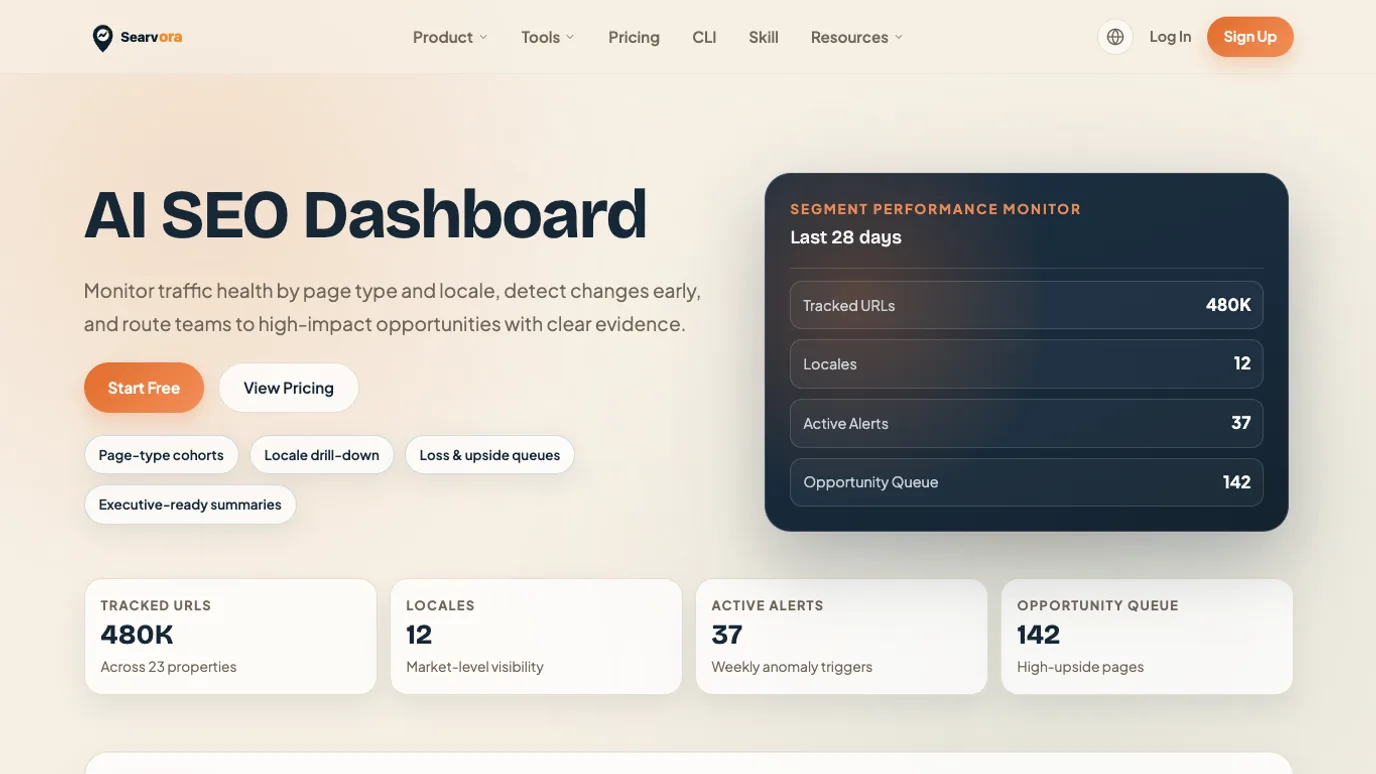
Searvora AI SEO Dashboard is the best fit when competitor research needs to become a weekly operating queue. The current public product page positions it around page-type and locale performance, anomaly detection, opportunity queues, and cross-team reporting.
Use Searvora when competitor evidence already exists but the team still needs to decide what happens next:
- Which page group or topic cluster changed?
- Is the signal a traffic benchmark, a search visibility shift, a crawl issue, or an AI-search gap?
- Which owner should review the finding?
- What should be rechecked after the page, fix, or content update ships?
Best next action: use the AI SEO dashboard after raw competitor tools expose a signal, then turn that signal into a prioritized work queue with owner, rationale, and validation window.
2. Ahrefs Site Explorer
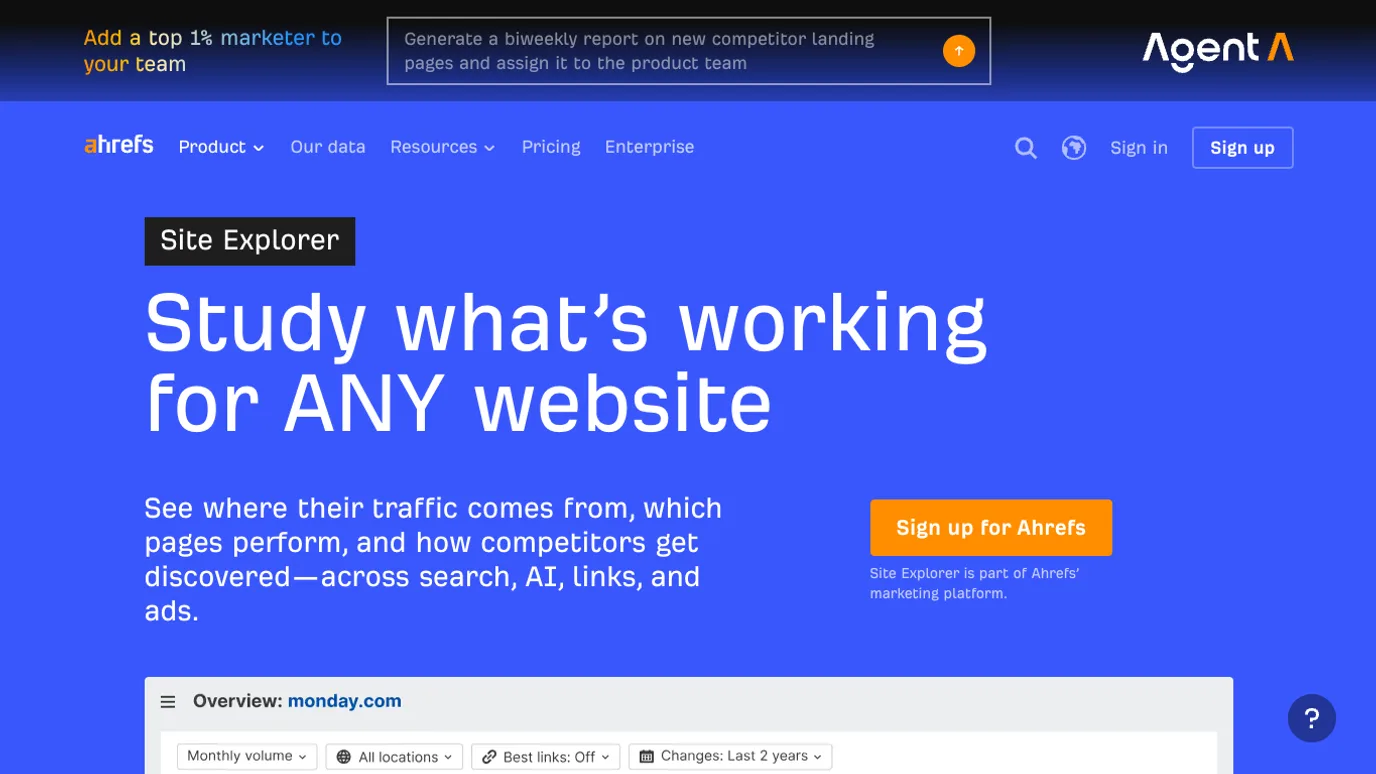
Ahrefs Site Explorer is the strongest option in this list when the competitor question is search-led: which pages bring traffic, which links support them, which paid or AI visibility signals appear, and which URLs deserve deeper review. The official Site Explorer page presents it as a way to study what works for any website across search, AI, links, and ads.
Use it when you need to find:
- Competitor pages that earn organic traffic.
- Keywords and topic clusters behind those pages.
- Backlink and authority signals that may explain performance.
- Paid search or visibility clues that shape the market.
The handoff risk is over-copying. A competitor URL is evidence of demand, not a draft outline. Pair Ahrefs findings with SEO competitor analysis so each rival page becomes create, refresh, merge, support, ignore, or monitor.
3. Semrush Traffic Analytics
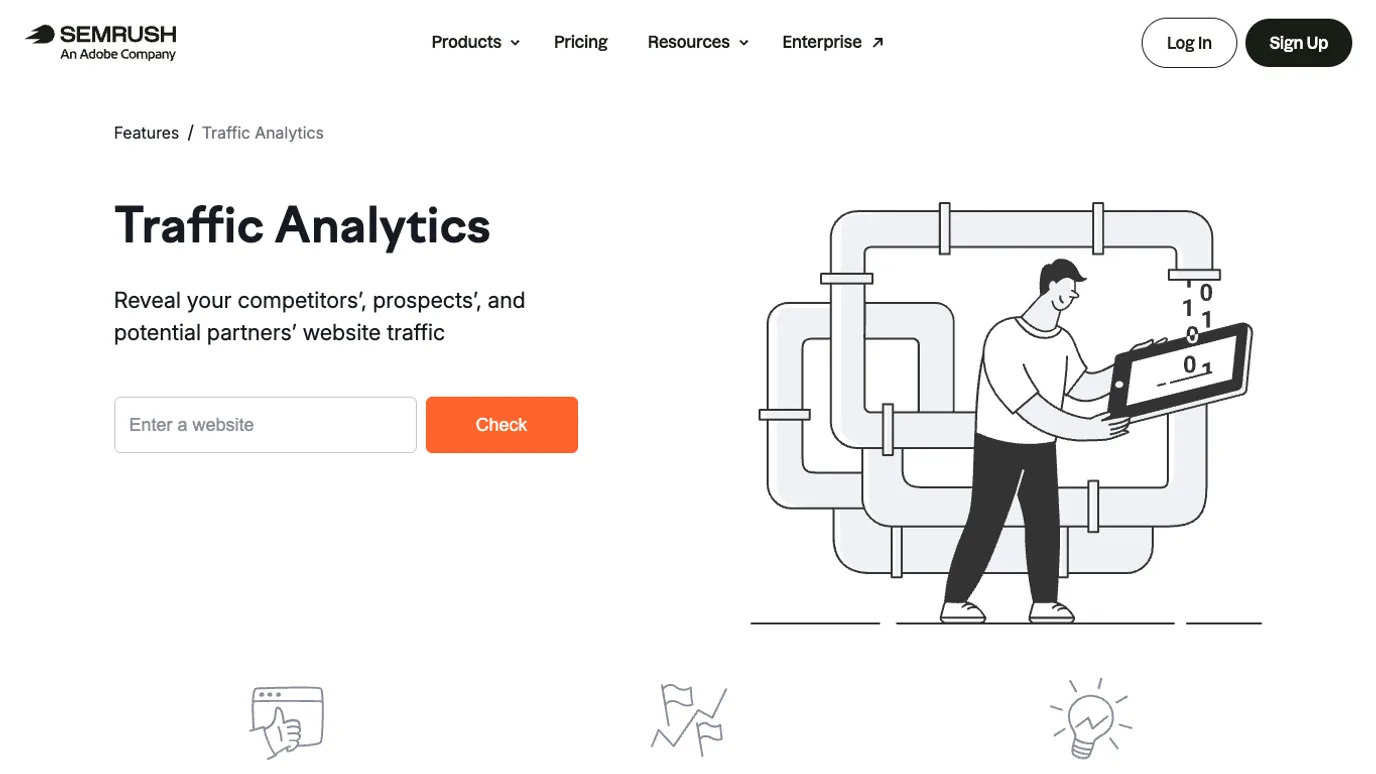
Semrush Traffic Analytics is useful when the competitor question is market-level: which sites appear to be gaining attention, which channels matter, and how your site compares directionally. The official Traffic Analytics page frames it around revealing competitors, prospects, and partners' website traffic.
Use it when your team needs:
- Directional outside-site traffic benchmarks.
- Market or niche research before choosing a content cluster.
- Partner, prospect, or competitor qualification.
- Context for why a rival site deserves a closer page-level review.
The guardrail is confidence. Competitor traffic estimates are not first-party analytics. Treat them as prioritization signals, then validate the page opportunity with Search Console, SERP shape, crawl readiness, and content fit before assigning a writer.
4. SparkToro
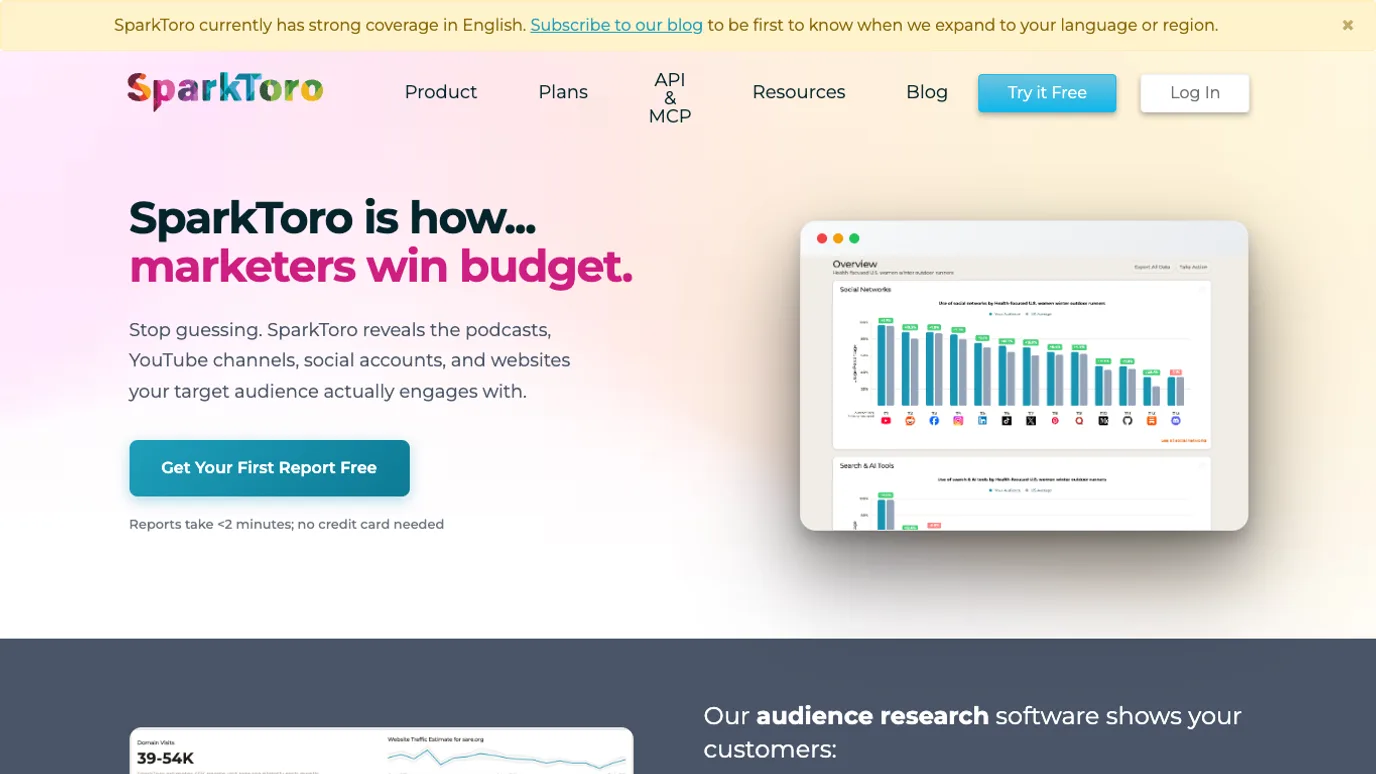
SparkToro is best when competitor analysis is really audience research. The official SparkToro page positions the product around finding the websites, podcasts, YouTube channels, social accounts, and publications that reach an audience.
Use it when the SEO decision depends on where the audience already pays attention:
- Which publications or channels shape the market?
- Which adjacent topics deserve outreach or content research?
- Which audiences overlap with competitor brands?
- Which sources might support a digital PR, linkable asset, or brand visibility plan?
SparkToro is not a crawler or rank tracker. Its output becomes SEO work when it helps choose a source, topic, distribution angle, or outreach target that can later be validated through links, mentions, traffic, or AI-search citations.
5. Visualping
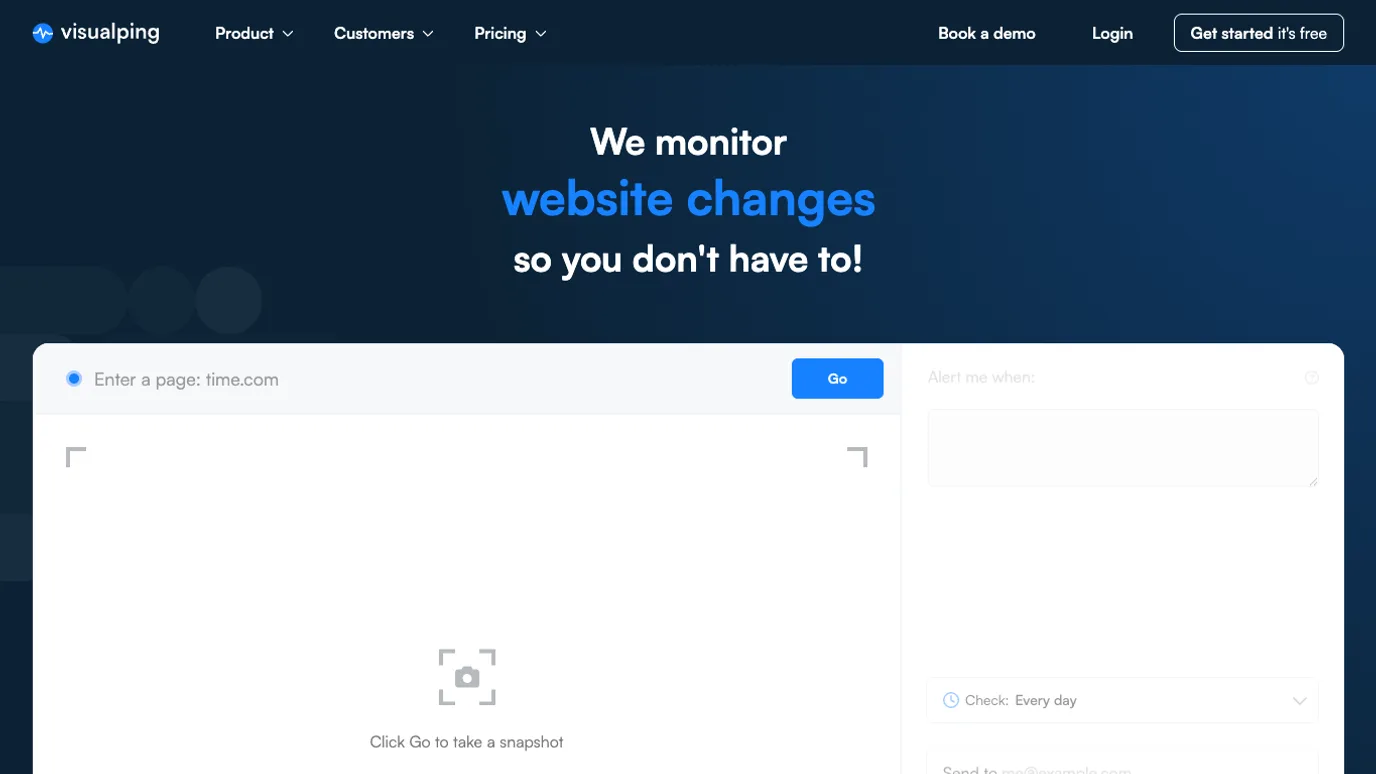
Visualping is useful when the competitor signal is change. The official Visualping page presents the product as website change detection, monitoring, and alerts.
Use it to watch:
- Competitor pricing or positioning page updates.
- Product, feature, or category page changes.
- New resource hubs, landing pages, or comparison pages.
- Messaging shifts that might affect your own content roadmap.
The handoff risk is alert fatigue. A competitor page changing does not automatically mean your team should rewrite a page. Route alerts into a review queue: changed page, likely intent, existing Searvora overlap, expected impact, and next validation step.
6. BuiltWith
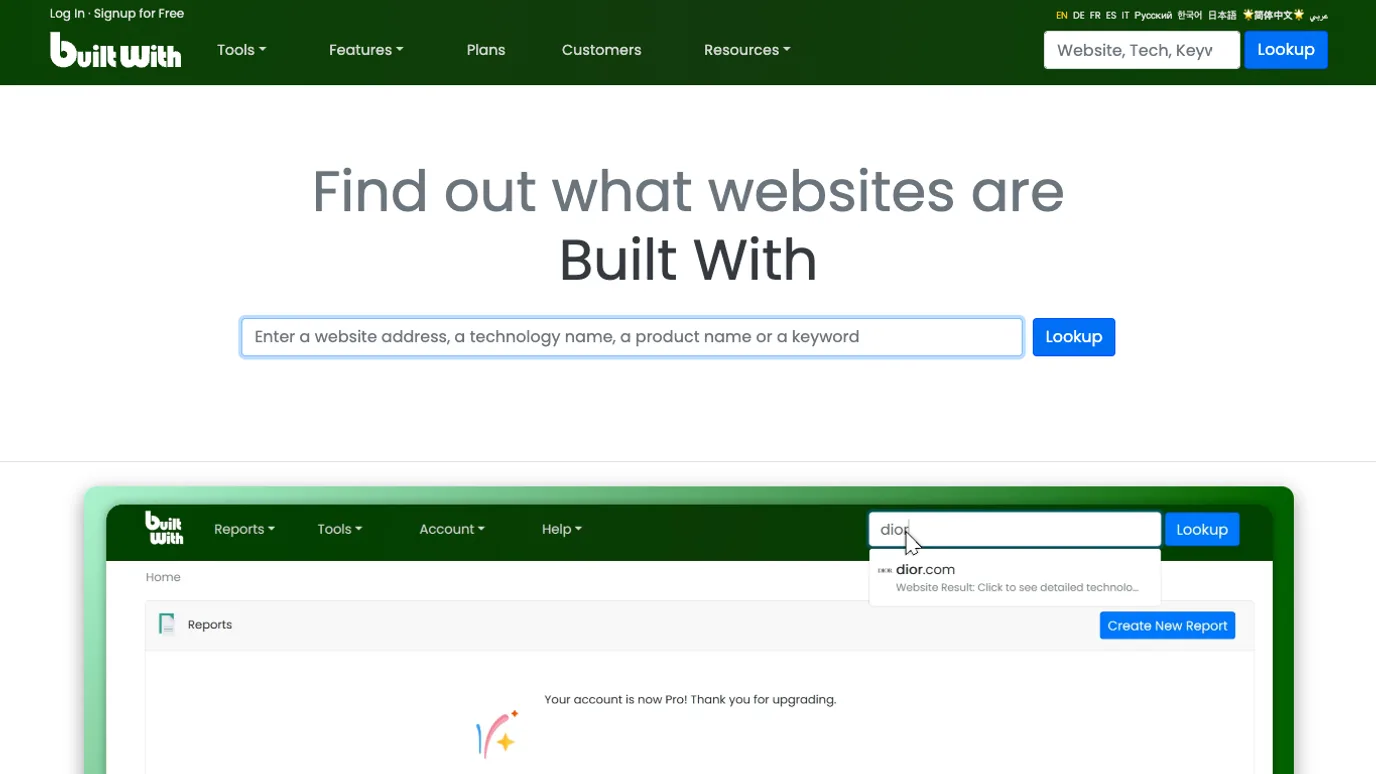
BuiltWith is useful when competitor analysis needs technology context. The official BuiltWith page describes a technology lookup and profiler for finding what a website is built with.
Use it when the SEO question may involve:
- CMS, ecommerce, analytics, or tag-management clues.
- JavaScript framework or platform risk.
- Competitor stack patterns in a vertical.
- Technology adoption that may shape content or product positioning.
The guardrail is interpretation. A tool can reveal a technology pattern, but it cannot prove why a competitor ranks. Use BuiltWith as context, then confirm crawl behavior, rendered content, canonical signals, page templates, and search demand before assigning work.
7. Screaming Frog SEO Spider
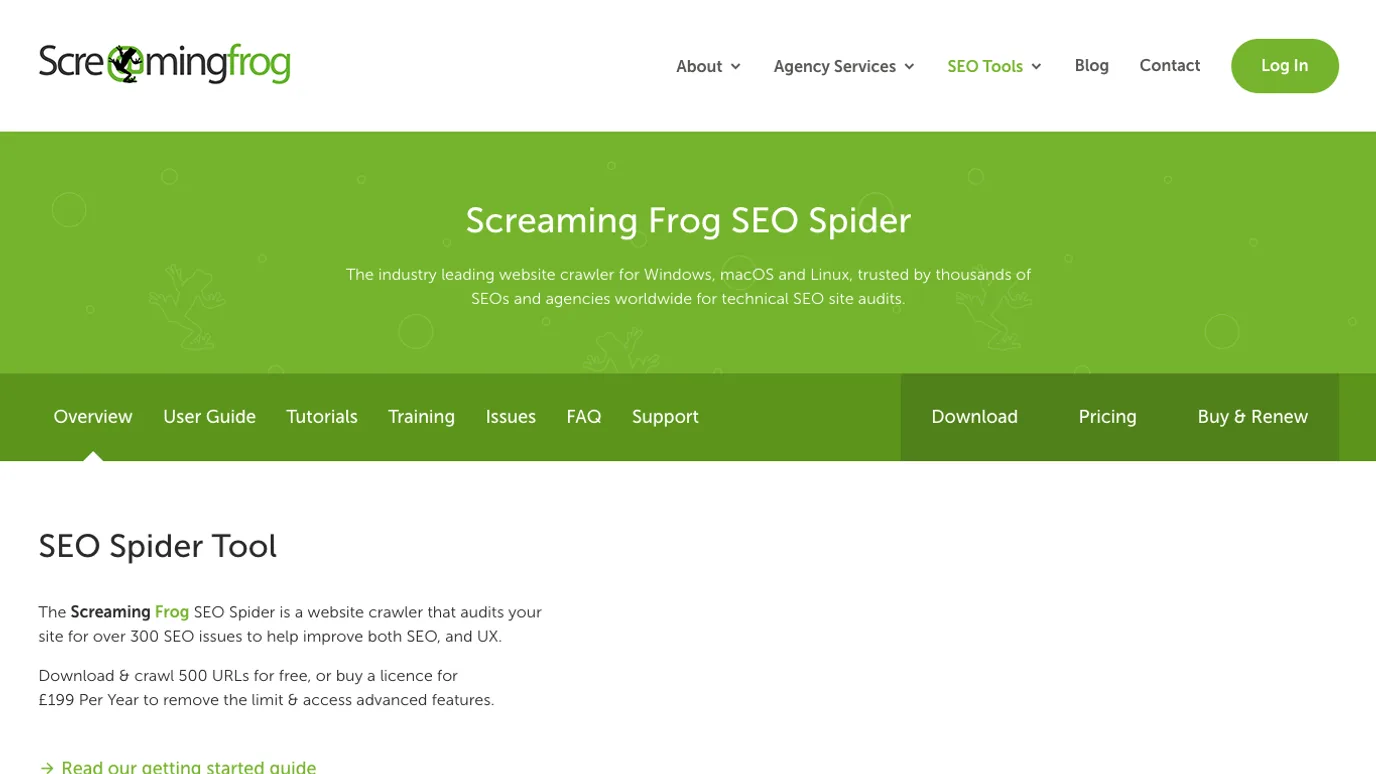
Screaming Frog SEO Spider is best when competitor analysis needs page structure and crawl evidence. The official SEO Spider page describes a website crawler for technical SEO site audits on desktop platforms.
Use it when the question is technical:
- How are competitor pages titled and internally linked?
- Which status codes, redirects, canonicals, or metadata patterns appear?
- Which page templates look repeatable?
- Does your own site have crawl issues that would block a similar page from performing?
Keep the scope responsible. Crawl only public pages, respect site rules, and avoid turning competitor crawl exports into copied content. The practical use is pattern recognition: page types, metadata consistency, link depth, and issues your own site should validate with a technical SEO crawler.
Turn Tool Outputs Into an SEO Decision
A competitor analysis stack works when every tool has a handoff. Otherwise the team ends up with exports from six systems and no decision.
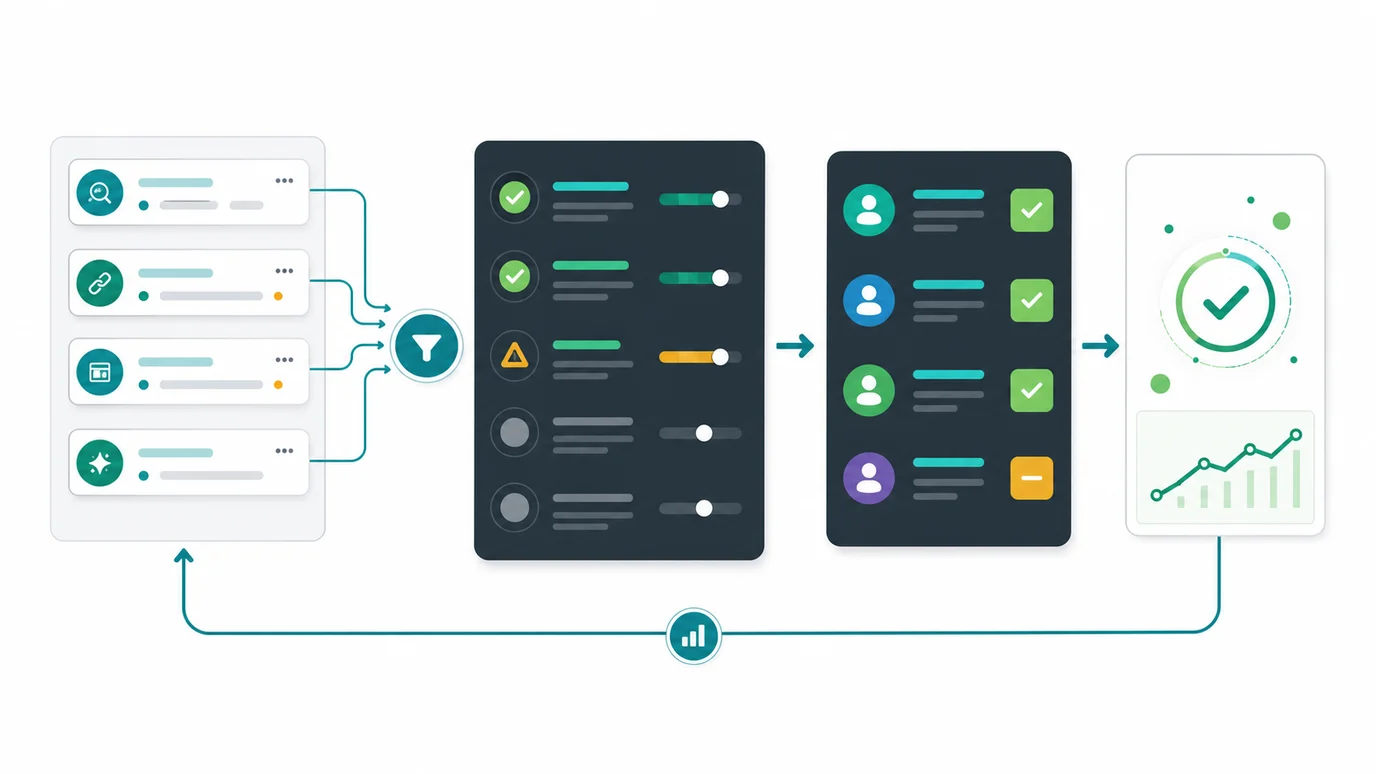
Use this sequence:
- Detect the signal in the right tool.
- Name the competitor URL, query, audience, technology, or changed page.
- Decide whether the signal is demand, content, technical, audience, brand, or monitoring evidence.
- Compare it against existing Searvora pages and product surfaces.
- Choose the asset type: article, landing page, tool, hub, comparison, refresh, or no-op.
- Assign the owner, acceptance criteria, and validation window.
- Recheck the same evidence source after the change ships.
This is where a tool roundup becomes different from a generic tool list. The best competitor analysis tools do not simply expose what rivals are doing. They help your team decide whether to ship content, fix crawl blockers, change positioning, create a comparison page, or leave the opportunity alone.
Which Tool Should You Start With?
Use this decision table when budget or attention is limited:
| If your main question is... | Start with | Add next |
|---|---|---|
| Which competitor pages get search visibility? | Ahrefs Site Explorer | Searvora for action queue and validation |
| How big is competitor traffic directionally? | Semrush Traffic Analytics | Search Console and page-level review |
| Where does the audience spend attention? | SparkToro | Content gap analysis and outreach planning |
| What did a competitor page change? | Visualping | SEO review queue and page-type decision |
| What technology stack supports the site? | BuiltWith | Crawl and rendered-page validation |
| How are pages structured technically? | Screaming Frog SEO Spider | Searvora SEO Spider Crawler for your own fix queue |
| Which finding should ship first? | Searvora AI SEO Dashboard | AI SEO Consultant or crawler handoff |
For broader tool selection, keep traffic analysis tools separate from competitor analysis tools. Traffic tools help you understand movement. Competitor analysis tools help you explain rival advantage and choose the response.
Where Searvora Fits
Searvora is the operating layer after competitor tools expose evidence. Use third-party tools to discover competitor traffic, links, audiences, page changes, technologies, or crawl patterns. Then use Searvora to decide what the evidence should become: a page update, technical fix, internal-link change, comparison asset, monitoring task, or content brief.
That handoff matters because competitor research can easily turn into mimicry. The safer workflow is:
- Collect competitor evidence from official tools.
- Define the page type and user job.
- Check whether Searvora already owns the same job.
- Add a stronger information-gain angle.
- Route the work into a queue with owner, rationale, and validation.
Competitor Analysis Tools Checklist
Before buying or adding another competitor analysis tool, answer these questions:
- Which competitor job will this tool improve every week?
- Is the evidence first-party, modeled, crawled, monitored, or inferred?
- Can the output identify a URL, page type, keyword group, audience, technology, or owner?
- Does the tool overlap an existing tool in your stack?
- What action should happen when the signal changes?
- Which Searvora page or workflow already covers the same user job?
- How will the team validate the change after it ships?
The best competitor analysis tool is the one that shortens the path from rival evidence to a shipped decision. Start with the job, keep confidence levels visible, and make every finding end with work your team can validate.