

Traffic analysis tools help you understand where visits come from, which pages are moving, and what changed before a traffic report becomes a guess. The useful stack does not stop at a chart. It separates owned analytics, search visibility, competitor estimates, privacy constraints, behavior evidence, and the next SEO action.
The Ahrefs traffic analysis tools roundup that surfaced this opportunity proves the intent is a real tools list. Searvora's information gain is the operating layer: choose the tool by the decision it can support, the confidence level of the data, and the handoff it creates for SEO, content, product, or engineering.
Compare Traffic Analysis Tools By The Decision
Start with the traffic question, not the logo. A first-party analytics tool, a search performance report, a competitor estimate, and a behavior replay tool can all be useful, but they should not be treated as the same evidence.
| Tool | Best fit | What to validate before acting |
|---|---|---|
| Searvora AI SEO Dashboard | Turning SEO signals into page-type and owner queues | Whether the segment, owner, and validation window are clear |
| Google Analytics | Owned-site sessions, engagement, events, and conversion paths | Tracking setup, consent mode, channel grouping, and date windows |
| Google Search Console | Google Search clicks, impressions, queries, and page movement | Query sample, country/device filter, page intent, and indexing status |
| Ahrefs Web Analytics | Privacy-friendly site analytics for verified properties | Whether it covers the traffic questions your team must answer |
| Semrush Traffic Analytics | Competitor and market traffic estimates | Treat modeled competitor numbers as directional, not first-party truth |
| Matomo | Privacy-first analytics with data ownership needs | Hosting model, governance, and implementation effort |
| Plausible Analytics | Lightweight privacy-friendly traffic reporting | Whether simple metrics are enough for your decision cadence |
| Microsoft Clarity | Session behavior, heatmaps, and friction clues | Pair behavior evidence with traffic and search data before changing pages |
The Traffic Analysis Tools Shortlist
This shortlist is not a universal ranking. It separates tools by the job they are strongest at from official public pages and local Searvora product evidence.
Searvora AI SEO Dashboard
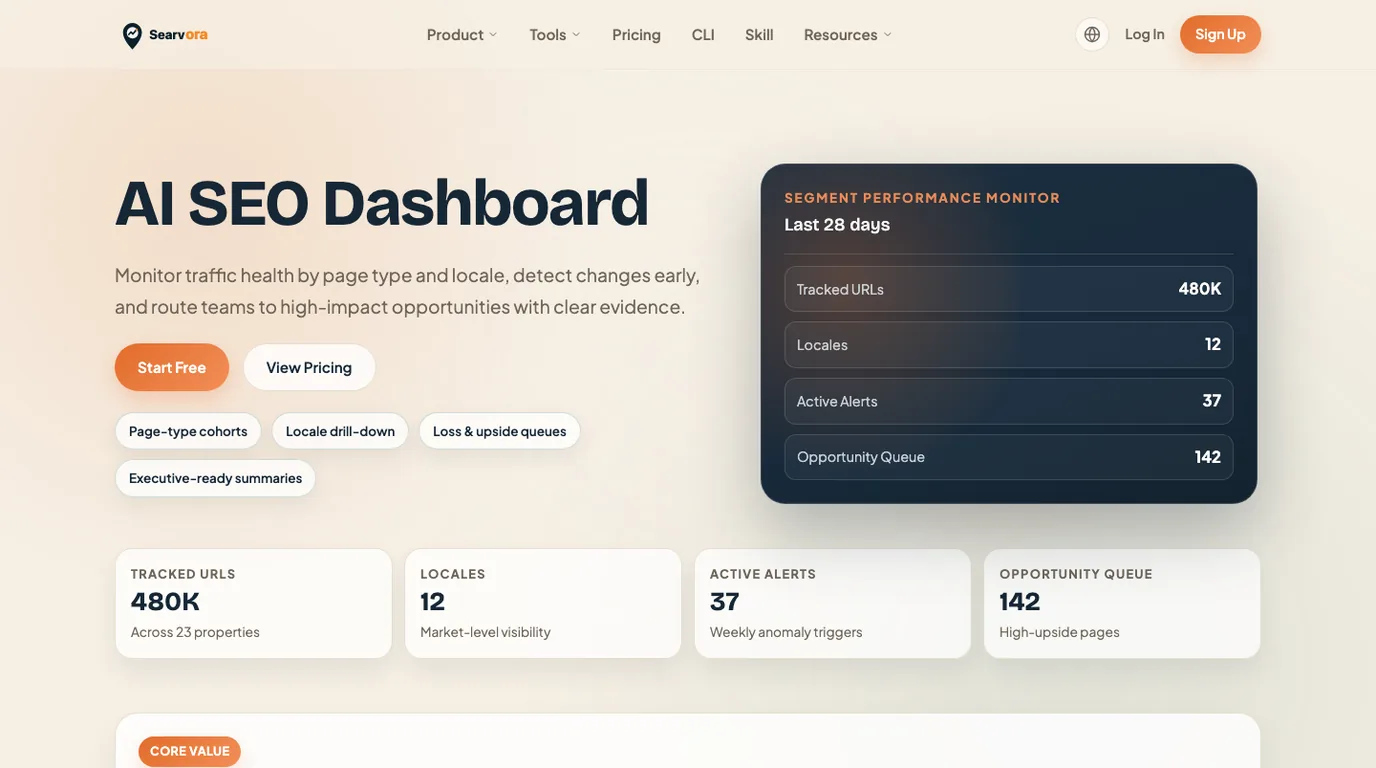
Searvora AI SEO Dashboard is useful when traffic analysis has to become operating work. The local product page positions the dashboard around page-type and locale performance, anomaly detection, opportunity queues, cross-team reporting, and prioritized actions.
Use it when the team needs to answer questions such as:
- Which page type, locale, directory, or template changed?
- Is the movement a traffic drop, a search visibility change, or a content opportunity?
- Which owner should review the issue first?
- What evidence should the team recheck after the fix ships?
Best next action: use the dashboard after your raw sources are connected, then route the finding into an owner-ready SEO queue instead of another screenshot in a slide.
Google Analytics

Google Analytics is the default owned-site traffic source for many teams. The official Google Analytics page frames it around understanding customers across devices and platforms, with tools to improve marketing return.
Use it when the question is about visitors after they reach your site: sessions, events, paths, conversions, landing pages, engagement, and source or medium behavior. It is less useful when the question is "what keywords can we rank for?" or "how much traffic does a competitor get?"
Best next action: check tracking quality before changing SEO work. A channel grouping issue, tag gap, consent change, or date mismatch can look like an SEO problem when it is really a measurement problem.
Google Search Console
Google Search Console is the search-facing traffic source. The official Search Console page says its reports help measure Search traffic and performance, fix issues, and improve how a site appears in Google Search.
Use it when traffic analysis needs query and page context: impressions, clicks, CTR, average position, countries, devices, page groups, indexing status, and result appearance. It is the right companion when an analytics report says traffic changed but does not explain whether search demand, snippets, or indexing moved first.
Best next action: pair Search Console with how to find organic search traffic in Google Analytics when you need to reconcile search demand with landing-page behavior.
Ahrefs Web Analytics
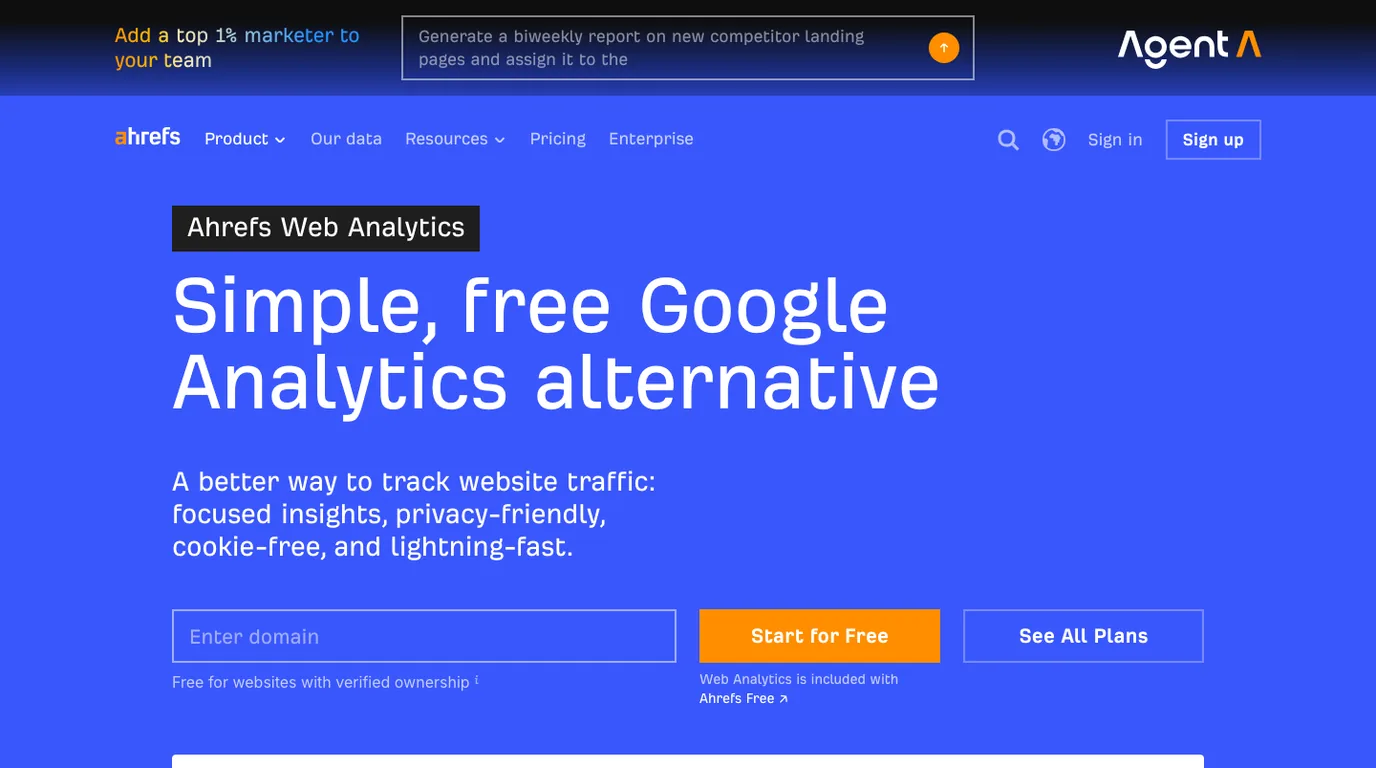
Ahrefs Web Analytics is positioned as a simple Google Analytics alternative. The official Ahrefs Web Analytics page emphasizes free, privacy-friendly, cookie-free website traffic tracking.
Use it when a team wants straightforward site analytics without a heavy setup. It can be a good fit for verified sites where the main job is seeing traffic trends and page movement without adding complex marketing attribution.
Best next action: decide whether the analytics output is enough to change a page or whether the team still needs search query context, crawl evidence, or a reporting queue.
Semrush Traffic Analytics
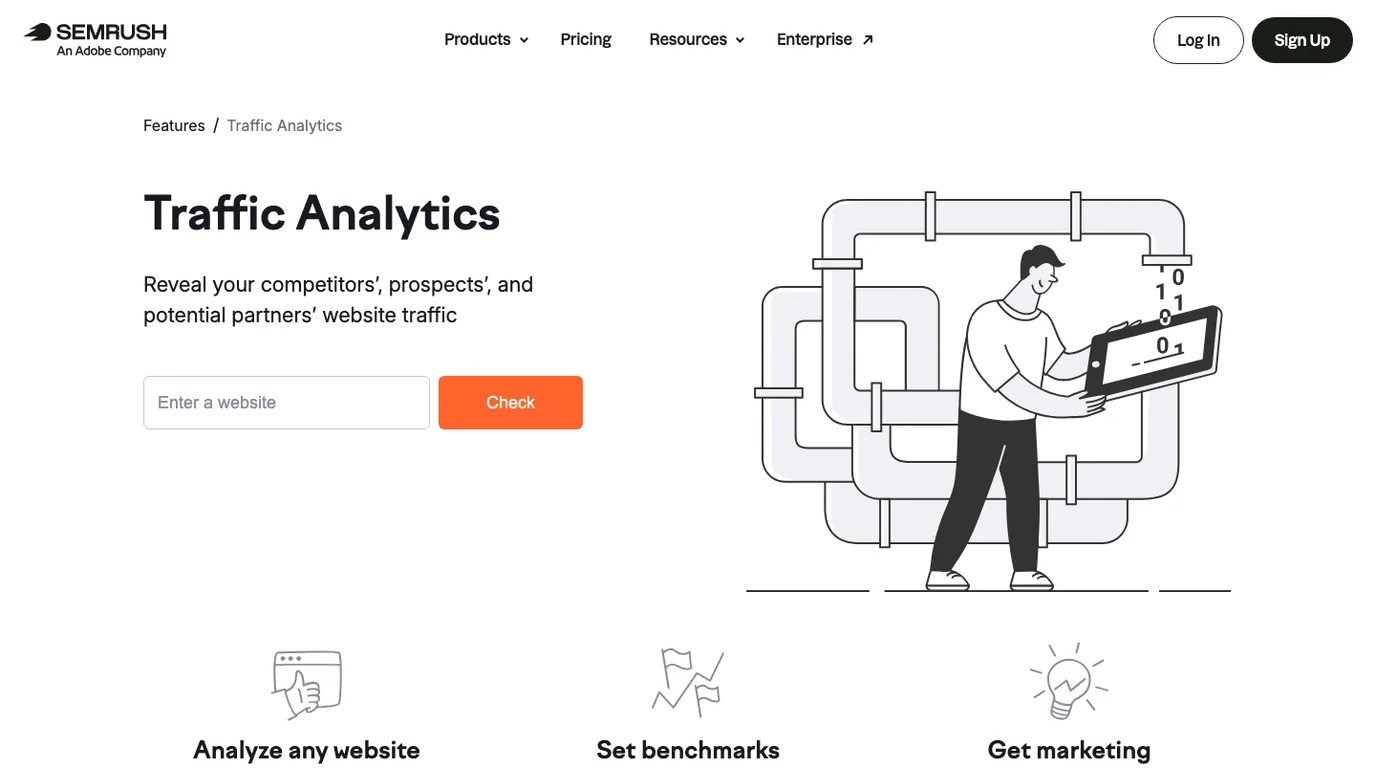
Semrush Traffic Analytics is built for competitor and market traffic analysis. The official Traffic Analytics page positions it around revealing competitors', prospects', and potential partners' website traffic, then using that data for benchmarks and marketing insights.
Use it when you need directional competitor context: which sites are growing, which channels seem important, which markets may matter, and where a partner or competitor might be getting attention.
The guardrail is confidence. Competitor traffic tools estimate outside properties. Treat those numbers as prioritization signals, then validate your own page opportunities through Search Console, analytics, SERP review, and crawl readiness.
Matomo

Matomo is a strong option when privacy, data ownership, and governance matter. The official Matomo page emphasizes privacy-first analytics, GDPR-compliant analytics, and data ownership.
Use it when the analytics decision is partly about control: where data is stored, how consent is handled, how teams govern reporting, and whether the organization needs a self-hosting path.
Best next action: define the governance requirement first. If the team only needs a weekly SEO queue, a lighter tool may be enough. If privacy and ownership are first-order constraints, Matomo deserves a deeper review.
Plausible Analytics

Plausible Analytics is useful when a team wants a simple privacy-friendly traffic view. The official Plausible page positions it as lightweight analytics with no cookies and a clear Google Analytics alternative message.
Use it when the team wants fast answers to basic traffic questions without building a large analytics implementation. It is especially useful for content sites, small SaaS websites, and teams that need clear reporting more than deep attribution.
Best next action: decide what will happen after the traffic number changes. Simple analytics are only enough when the team already knows how to route a decline, spike, or page-level opportunity.
Microsoft Clarity
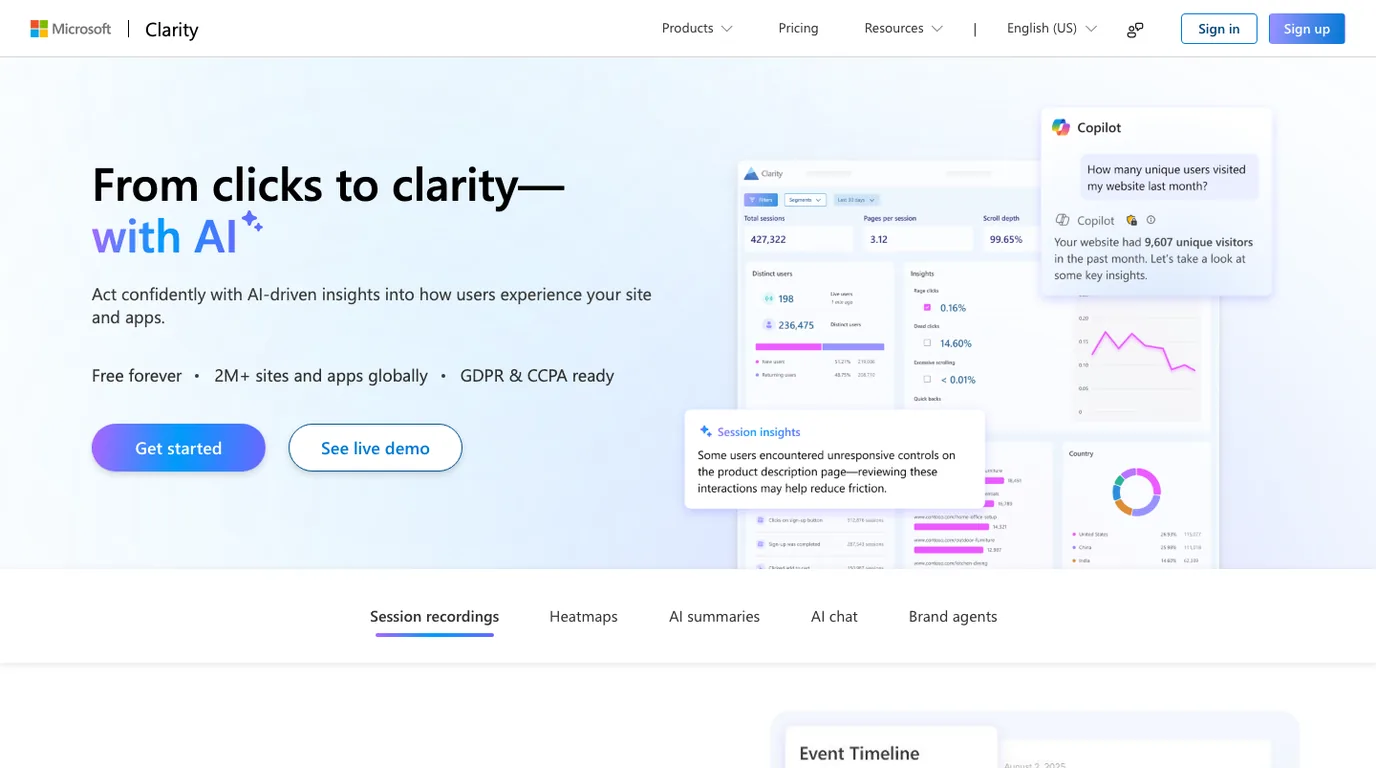
Microsoft Clarity is not a traffic attribution source in the same way as analytics or Search Console. It is behavior evidence. The official Microsoft Clarity page emphasizes session recordings, heatmaps, and AI-assisted insights into how users experience a site.
Use it when traffic is reaching the page but behavior looks wrong: users hesitate, miss a call to action, rage-click a broken element, or fail to scroll to the section that answers the query. For SEO teams, that is useful after a page already has impressions or visits.
Best next action: connect Clarity evidence to a page hypothesis before editing. A heatmap should lead to a title, intro, layout, internal-link, or conversion-path decision, not a vague "improve UX" ticket.
How To Choose The Right Stack
Most teams do not need every traffic analysis tool. They need a stack that separates facts by confidence level.
| If the question is... | Start with | Then add |
|---|---|---|
| Did our owned traffic change? | Google Analytics, Matomo, Plausible, or Ahrefs Web Analytics | Search Console and Searvora for search/action context |
| Did Google Search visibility change? | Google Search Console | Analytics, crawl evidence, and snippet review |
| Are competitors gaining attention? | Semrush Traffic Analytics | SERP review, content gap checks, and page-type decisions |
| Why are users leaving a page? | Microsoft Clarity | Analytics segment, Search Console query, and page rewrite hypothesis |
| Which SEO action should ship next? | Searvora AI SEO Dashboard | Crawl checks, consultant review, or content workflow |
This is where traffic tools connect with automated SEO reporting. A recurring report should not only collect metrics. It should name the segment, likely cause, owner, next action, and validation window.
Where Searvora Fits
Searvora fits after the raw traffic source exposes a signal. Use traffic analysis tools to collect evidence, then use the dashboard to make the evidence operational: affected page group, likely cause, owner, confidence, expected impact, and next validation check.
That handoff matters because traffic analysis can otherwise become a debate about charts. The useful workflow is:
- Detect the movement in analytics, Search Console, or competitor data.
- Segment the affected pages by type, directory, locale, template, or owner.
- Decide whether the issue is search demand, indexing, snippet mismatch, content fit, behavior, or competitor movement.
- Assign the next action to SEO, content, product, or engineering.
- Recheck the same segment after the fix or monitoring window.
For broader metric design, pair this with SEO metrics to track. For recurring reports, use automated SEO reporting as the operating cadence.
Traffic Analysis Tools Checklist
Use this checklist before acting on a traffic report:
- Name the decision the report should change.
- Separate owned analytics from search performance and competitor estimates.
- Confirm date range, channel grouping, country, device, and page filters.
- Check whether tracking or consent changes explain the movement.
- Segment by page type, directory, locale, or template before assigning work.
- Add Search Console query and page evidence for organic search movement.
- Treat competitor traffic estimates as directional, not exact.
- Use behavior tools only after you know which page and hypothesis to test.
- Assign one owner and one validation window for the next action.
- Remove dashboard views that never change a shipped decision.
Traffic analysis tools are worth using when they shorten the path from movement to action. Pick the evidence source for the question, keep confidence levels visible, and make every report end with work the team can validate.