

Core Web Vitals are Google-backed user experience metrics for loading speed, responsiveness, and visual stability. For SEO teams, the job is not to chase a perfect score on every URL. The job is to find which page templates affect search visibility, decide which metric is limiting the experience, assign the right fix, and validate the change after release.
Treat Core Web Vitals as part of technical SEO evidence. A slow product template, jumpy article header, or delayed checkout component can affect many important URLs at once. A weak score on one low-value page might not deserve the same urgency. The useful workflow connects field data, lab diagnostics, crawl context, and business priority before engineering time gets assigned.
What Core Web Vitals Measure
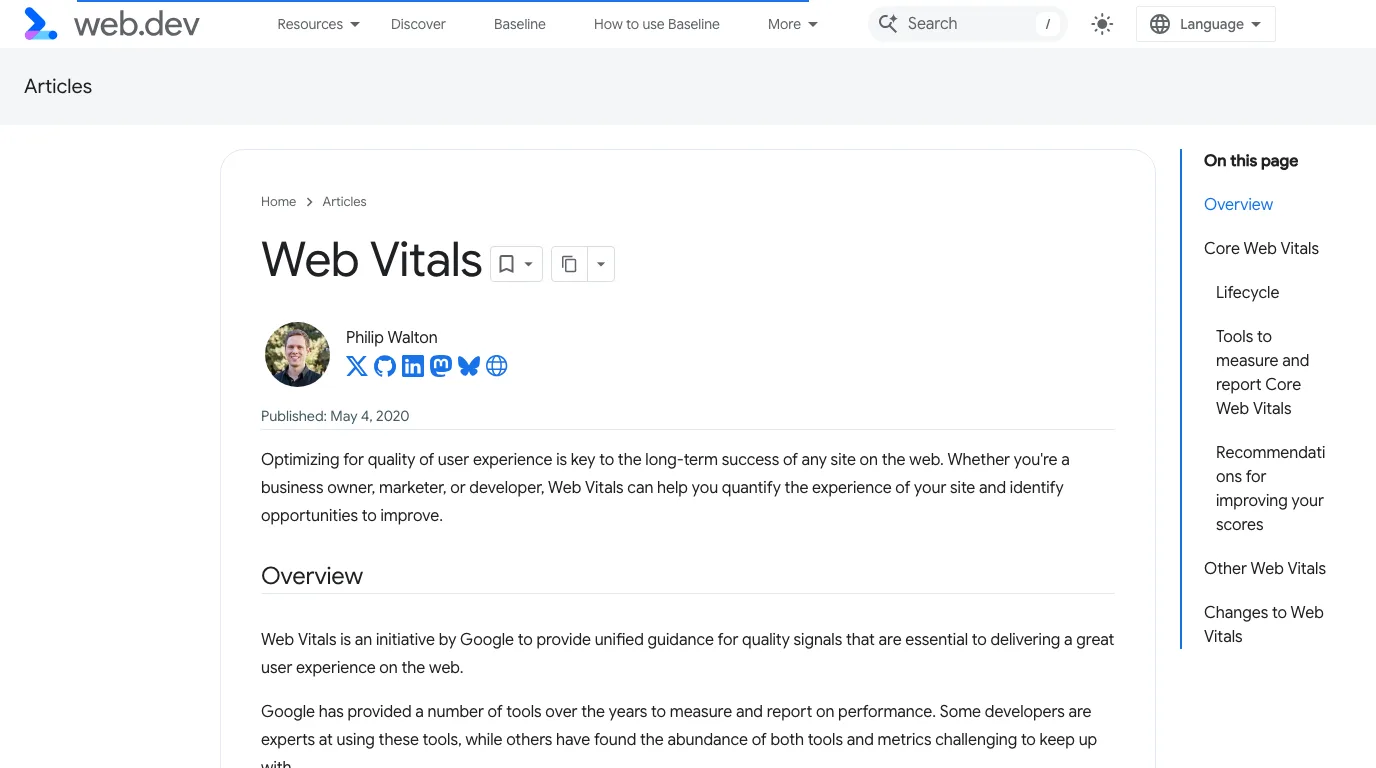
Google's Core Web Vitals documentation frames the metrics around real-world page experience. The current core set is:
| Metric | What it measures | Good target | SEO workflow question |
|---|---|---|---|
| Largest Contentful Paint | How quickly the main content appears | LCP at or under 2.5 seconds | Is the primary content block slow because of server response, render blocking, image weight, or template bloat? |
| Interaction to Next Paint | How quickly the page responds to interaction | INP under 200 milliseconds | Are scripts, hydration, third-party tags, or long tasks delaying user input? |
| Cumulative Layout Shift | How visually stable the page remains | CLS below 0.1 | Are images, ads, fonts, embeds, or late UI components moving content after load? |
The numbers matter, but the page role matters too. A blog article with weak LCP may need image and font work. A Shopify collection page with weak INP may need JavaScript and app-script review. A landing page with high CLS may need fixed media dimensions and more stable above-the-fold layout.
Separate Field Data From Lab Tests
Core Web Vitals decisions get noisy when teams mix data sources without labeling them. Field data shows how real visitors experienced pages. Lab tests reproduce a page under controlled conditions and make debugging easier. Both are useful, but they answer different questions.
Use this split before opening tickets:
| Evidence source | Best use | Watch out for |
|---|---|---|
| Search Console Core Web Vitals report | Find URL groups with real-user issues | Grouping may hide the exact template or component causing the issue |
| PageSpeed Insights field data | Compare real-user experience for a URL or origin | Low-traffic URLs may not have enough field data |
| Lighthouse lab runs | Debug likely causes and test changes quickly | Lab conditions can differ from real visitor devices and networks |
| CrUX data | Understand origin-level experience trends | It is broad and still needs URL/template diagnosis |
| Crawl and template inventory | Map affected URLs to page type, indexability, and internal importance | A crawler explains scope, not the performance root cause by itself |
If field data is poor and lab data is also poor, the fix is usually real. If lab data is poor but field data is healthy, test again on representative pages before escalating. If field data is poor but lab data looks fine, segment by device, country, template, or traffic source; the issue may appear only for a subset of visitors.
This is where Core Web Vitals overlap with a broader SEO metrics workflow. The metric is useful only when it changes the next action, owner, or validation date.
Prioritize By Template And Search Value
Do not sort Core Web Vitals work by score alone. Sort it by affected template, organic value, and fix leverage.
Start with this triage:
| If the affected URLs are | Priority | First owner |
|---|---|---|
| Product, collection, pricing, demo, or conversion pages with organic demand | High | Engineering, SEO, growth |
| Article templates that support a major topic cluster | High when many URLs share the issue | Content platform, frontend, SEO |
| International or localized pages with the same template issue | High when the issue repeats by locale | Engineering and localization owner |
| One low-traffic utility page | Low unless the same pattern appears elsewhere | Product or frontend |
| Pages that are blocked, non-canonical, or not indexed | Fix access/indexability first | SEO and engineering |
The last row matters. A performance fix will not help much if the URL is blocked by robots, canonicalized away, missing from internal links, or returning the wrong status code. Pair Core Web Vitals review with a technical SEO audit so the team does not optimize pages that search systems cannot use.
Map Each Metric To A Fix Path
Each Core Web Vitals metric points to a different fix path. Keep tickets specific enough that the owner knows where to start.
| Symptom | Common causes | Better ticket |
|---|---|---|
| LCP is slow on article pages | Oversized hero image, late font loading, render-blocking CSS, slow server response | Compress and preload the article hero image, review critical CSS, and validate LCP on the article template |
| INP is poor on ecommerce pages | Heavy JavaScript, app scripts, hydration work, long main-thread tasks | Audit interaction-blocking scripts on collection and product pages, then retest key actions |
| CLS is high on landing pages | Images without dimensions, late banners, embeds, font swaps, injected widgets | Reserve layout space for media and injected components before the page paints |
| Mobile scores are worse than desktop | Heavier device constraints, large media, script execution, third-party tags | Test the mobile template first and remove non-critical work from the initial path |
| Only a few URLs fail | Local content, media, or embed issue | Fix those URLs directly before changing the whole template |
For JavaScript-heavy sites, pair the review with a JavaScript SEO check. A page can look fine after the browser settles but still delay interaction, hide links, or render important content later than search and users need.
Validate Fixes After Release
A Core Web Vitals fix is not finished when Lighthouse improves on a staging URL. The validation loop should prove that the right production pages improved and that no SEO signal broke while the team optimized performance.
Run this sequence:
- Save the affected URL group, template name, metric, device, and baseline evidence.
- Confirm whether each URL is indexable, canonical, internally linked, and worth improving.
- Assign the fix by metric, not by generic "speed" language.
- Test representative pages in lab tools before release.
- Re-crawl the affected template after release to confirm titles, canonicals, links, images, and status codes are still correct.
- Watch field data after enough real-user traffic accumulates.
- Keep the decision note so the next audit does not rediscover the same issue without context.
Core Web Vitals field data can lag because it depends on real visitor samples. That delay is normal. Use lab tests and crawl checks for immediate release QA, then use field data to confirm whether real users eventually saw the improvement.
Where Searvora Fits
Searvora SEO Spider Crawler fits the technical evidence layer around Core Web Vitals work. The product page positions it around online technical site audits, JavaScript rendering, canonical and hreflang validation, image alt and weight checks, indexability, redirects, and issue clustering. That is the context a performance ticket needs before it becomes engineering work.

Use the crawler to answer operational questions around the performance work:
| Searvora check | Why it supports Core Web Vitals work |
|---|---|
| URL inventory by template | Shows whether one failing URL is isolated or part of a repeated pattern |
| Image and metadata checks | Finds oversized or missing image context that often travels with LCP and layout issues |
| JavaScript rendering review | Helps identify pages where rendered content, links, or metadata differ from the source |
| Canonical and indexability checks | Prevents teams from optimizing URLs that should not be search targets |
| Issue clustering | Turns scattered findings into owner-ready queues by template and severity |
For monitoring, the AI SEO Dashboard is the natural companion after fixes ship. Use it to review page-type cohorts, detect organic movement, and connect the Core Web Vitals fix to traffic, indexing, and action status instead of leaving it as an isolated performance ticket.
Core Web Vitals Audit Checklist
Use this checklist when Core Web Vitals appears in an SEO audit:
- Identify the affected metric: LCP, INP, CLS, or a combination.
- Label the evidence source as field data, lab data, crawl evidence, or manual inspection.
- Group URLs by template, directory, locale, and device.
- Remove URLs that are blocked, non-canonical, noindexed, or low-value unless the same issue affects important pages.
- Compare affected pages against organic demand and business value.
- Assign the likely owner by metric and component.
- Fix representative templates before chasing every individual URL.
- Re-crawl after release to confirm technical SEO signals still match the intended URL.
- Re-test with lab tools for immediate QA.
- Re-check field data after enough real-user samples collect.
Core Web Vitals are easiest to improve when the team treats them as a search-value workflow, not a scorecard. Define the affected template, prove the issue with the right data source, ship the narrowest fix, and validate the page as both usable and search-ready.