

If you need to know how enterprise health systems manage ai search visibility at scale, start with the public source pages answer systems can actually use. The work is to map patient, service, location, specialty, and trust queries to the right owned pages, confirm those pages are crawlable, assign the fixes to the right owner, and recheck the same query groups after changes ship.
This is SEO and content operations work, not clinical advice. Health systems need a repeatable way to manage source evidence across many teams without turning every AI answer screenshot into a new content request.
Start With Health-System Query Groups
An enterprise health system rarely has one visibility problem. It has many query jobs spread across service lines, locations, physicians, patient access, insurance, reputation, and educational content.
Use this first split:
| Query group | What the searcher needs | Source page that should support it |
|---|---|---|
| Service discovery | Which service, specialty, or care pathway fits the need | Service line page, specialty hub, or condition explainer |
| Location access | Where care is available and how to get there | Location, clinic, service-area, and appointment pages |
| Provider choice | Which physician, care team, or credential is relevant | Provider profile, department page, and specialty links |
| Patient access | Insurance, appointments, referrals, preparation, and support | Access, billing, insurance, and support pages |
| Trust evidence | Whether the system is credible, current, and accountable | About, accreditation, research, quality, and policy pages |
The source-page decision matters because broad health-system pages often compete with their own service pages, location pages, provider pages, and education pages. If the team does not name the page that should win, the recheck will only create more ambiguity.
Build A Source-Page Inventory
At scale, the inventory is the control surface. It shows which pages should support each query group, whether those pages are eligible for search, and which team owns the next fix.
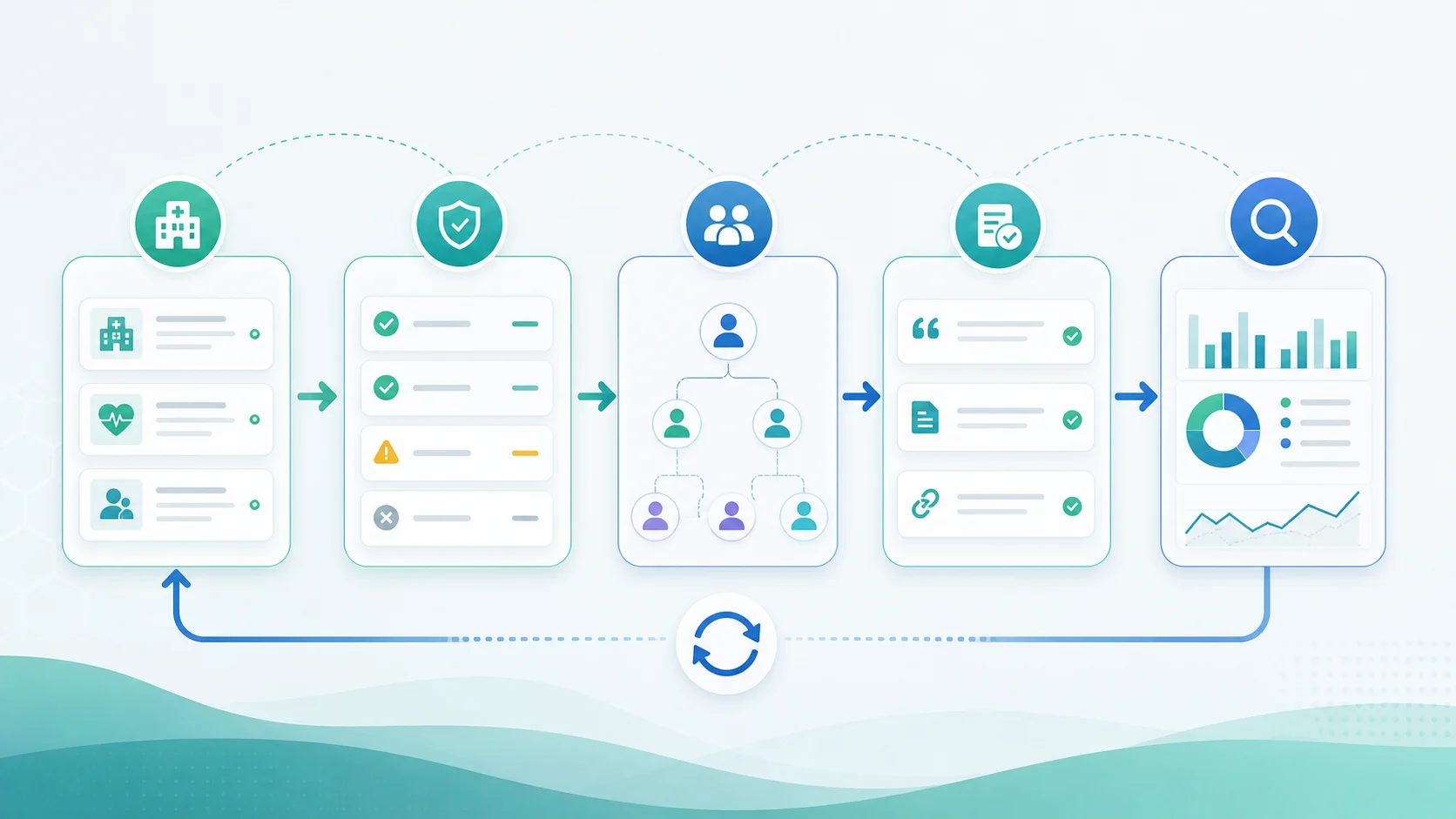
Start with the pages that should be cited, summarized, or used as supporting evidence:
| Inventory field | Why it matters | What to record |
|---|---|---|
| Query group | Keeps checks stable across rechecks | Patient task, service line, market, and language |
| Expected source URL | Prevents vague "visibility is down" notes | Canonical URL that should support the answer |
| Page role | Separates service, location, provider, support, and education pages | Page type, owner team, and business priority |
| Evidence strength | Shows whether the page answers the query directly | Direct answer, examples, proof, FAQs, and internal support |
| Eligibility state | Finds blockers before rewriting copy | Indexability, canonical, rendered content, sitemap, and links |
| Recheck state | Keeps validation honest | Last checked query, cited sources, and next review date |
The AI search visibility gap workflow for B2B is useful when the team needs a broader query-group model. For health systems, the same idea needs stricter ownership because location, service-line, compliance, content, and technical teams may all touch the same answer path.
Check Crawl Eligibility Before Rewriting
AI visibility problems often get assigned to content when the first blocker is technical. Before asking a service-line team to rewrite copy, confirm that the source page can be found, crawled, indexed, and understood.
Google's AI features documentation keeps the technical baseline grounded in normal Search eligibility. Pages need to be accessible and useful before they can appear as supporting links in AI search experiences.
Run this eligibility pass:
| Check | Pass condition | Health-system risk when weak |
|---|---|---|
| Status and redirects | The canonical page returns a clean 200 response | Old service pages, facility pages, or campaign pages may be cited instead |
| Indexability | The page is not blocked, noindexed, or canonicalized away | Answer systems may rely on directories or competitors |
| Rendered evidence | Key facts appear in HTML, not only in widgets or PDFs | Useful details become hard to extract |
| Internal links | Hubs, service pages, location pages, and provider pages link clearly | Important pages look isolated or secondary |
| Sitemap coverage | Current canonical URLs appear in the intended sitemap | Retired pages can stay easier to discover than current pages |
| Structured facts | Visible page facts and structured data agree | Entity confusion weakens trust and source selection |
Use a crawl when the issue is eligibility or architecture. The AI crawlability and GEO workflow is the right companion when crawl access, rendered content, canonicals, links, and source evidence all need to be checked together.
Route Findings To Governance Owners
Enterprise health systems need owner routing because the best fix is not always a content edit. One finding may need technical SEO. Another may need a location-data update. Another may need product marketing, legal review, patient access, or communications.
Use this routing table before assigning work:
| AI search finding | Likely source issue | Better owner |
|---|---|---|
| System is named but no owned URL is cited | Source ownership is weak | SEO lead and content owner |
| Competitor hospital is cited for the same service | Service-line page lacks evidence or internal support | Service-line marketing |
| Directory page is cited for access or location | Local page or profile evidence is stronger than owned content | Local SEO or operations |
| Outdated page appears in answers | Canonical, redirect, sitemap, or internal-link signals are stale | Technical SEO and engineering |
| Answer cites general medical content instead of the system | The owned page does not clearly answer the patient task | Content, clinical review, and SEO |
| Answer varies every check | Query group may be unstable or too broad | Monitoring owner |
The point is not to make AI search visibility look simpler than it is. The point is to keep each finding small enough to ship: one query group, one expected source page, one owner, one fix, and one recheck window.
Where Searvora Fits
Searvora AI SEO Dashboard fits the monitoring and handoff layer. Use the AI SEO dashboard to keep health-system query groups, source-page cohorts, cited sources, competitor presence, and owner-ready fixes in one operating view.
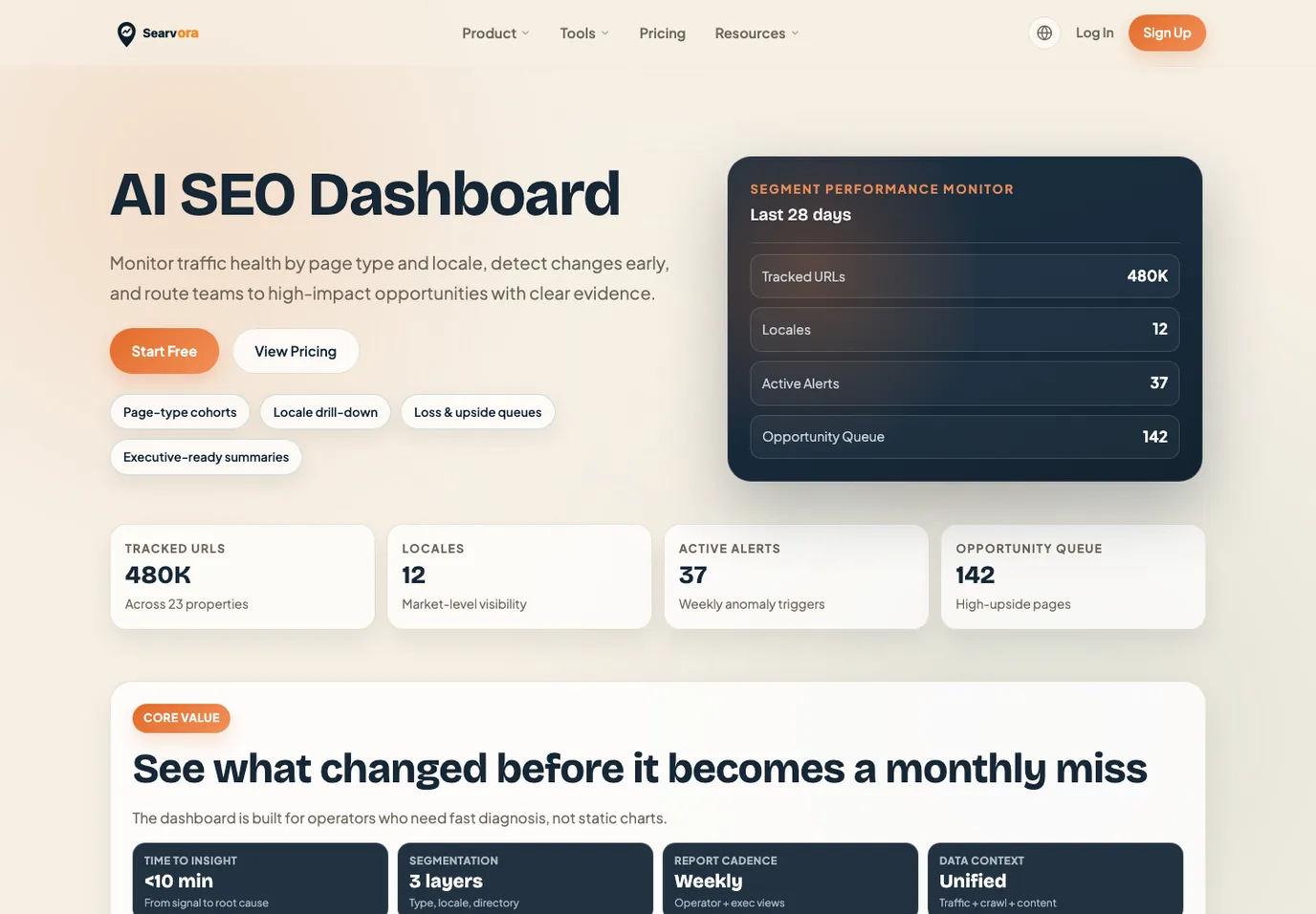
The dashboard should not replace clinical, legal, or brand review. It should help the SEO team preserve the evidence trail so source-page, crawl, and content fixes are easier to prioritize.
Recheck Without Overclaiming
Health-system AI search visibility changes slowly and unevenly. A good recheck does not claim that one edit caused one answer. It asks whether the same query group now has better source evidence and a clearer next action.
Use this recheck sequence:
- Choose one query group, market, and language.
- Name the owned source page that should support the answer.
- Record whether the answer names the health system, cites the owned page, cites competitors, cites directories, or uses general sources.
- Check indexability, canonical, rendered content, internal links, sitemap coverage, and structured facts.
- Assign one fix to one owner.
- Recheck the same query group after the page has time to be crawled and reused.
- Decide whether to improve the source page, fix crawl access, consolidate overlap, update location evidence, or keep monitoring.
Enterprise health systems manage AI search visibility at scale by making the work less reactive. Keep the query groups stable, keep the source pages accountable, check crawl eligibility before rewriting, and route findings to owners who can ship the next fix.