

If you need to know how to audit a site with Sitebulb, do not start by ticking every setting and exporting every issue. Start with the question the audit must answer, choose the Sitebulb settings that support that question, crawl the right URL set, segment the findings, then turn the results into a fix queue with owners and validation checks.
Sitebulb is useful when you need crawler evidence, structured audit sections, hints, URL lists, and visual explanations for technical SEO work. The risk is treating the tool output as the audit itself. A strong audit still needs scope, judgment, priority, and a way to prove that fixes worked.
The Short Workflow
Use Sitebulb as the crawl evidence layer, then force the output through an implementation gate:
| Step | What to do in Sitebulb | Output you need before acting |
|---|---|---|
| 1. Define the audit question | Decide whether you are auditing a launch, migration, traffic drop, template, or whole domain | A crawl scope that matches the business risk |
| 2. Choose settings deliberately | Enable the data sources and extra checks that support the question | A crawl that is complete enough without wasting time |
| 3. Run and segment the crawl | Group URLs by template, directory, status, indexability, and organic value | Issue groups instead of isolated warnings |
| 4. Add manual and search context | Compare crawl findings with GSC, analytics, logs, or manual checks when needed | Evidence that separates noisy hints from real SEO risk |
| 5. Build the fix queue | Assign owner, priority, affected URL set, and validation method to each fix | A handoff the team can actually ship |
| 6. Re-crawl the repaired segment | Test the same URLs after fixes go live | Before-and-after evidence that closes the audit |
Start With A Narrow Audit Question
The official Sitebulb technical SEO audit guide frames audit work around a checklist, a crawl, finding review, actionable solutions, manual checks, search data, and affected-page exports. That is a sensible sequence, but the first decision is still yours: what kind of audit are you running?
Use this split before opening the crawler:
| Audit trigger | Better Sitebulb scope | Avoid starting with |
|---|---|---|
| Migration or redesign | Old URLs, new URLs, redirect map, canonicals, and sitemap samples | A full crawl with no release labels |
| Traffic drop | Affected templates, ranking pages, internal links, status codes, and indexability | Every low-priority warning across the whole domain |
| New template launch | Staging or newly published template samples, source/rendered HTML, metadata, links, and canonicals | Only homepage checks |
| Ecommerce cleanup | Category, product, facet, parameter, and pagination patterns | Random URL samples that miss crawl traps |
| JavaScript risk | Raw HTML, rendered output, discovered links, metadata, and page resources | Visual QA without crawler evidence |
The technical SEO site audit workflow is the broader operating model. This Sitebulb-specific article is narrower: how to use the tool without letting the tool decide the priority for you.
Choose Sitebulb Settings Without Collecting Everything
Sitebulb's official audit settings documentation describes granular audit configuration, including optional Google Analytics, Google Search Console, crawl sources, content extraction, and content search settings. It also warns users not to enable every extra option just because it exists.
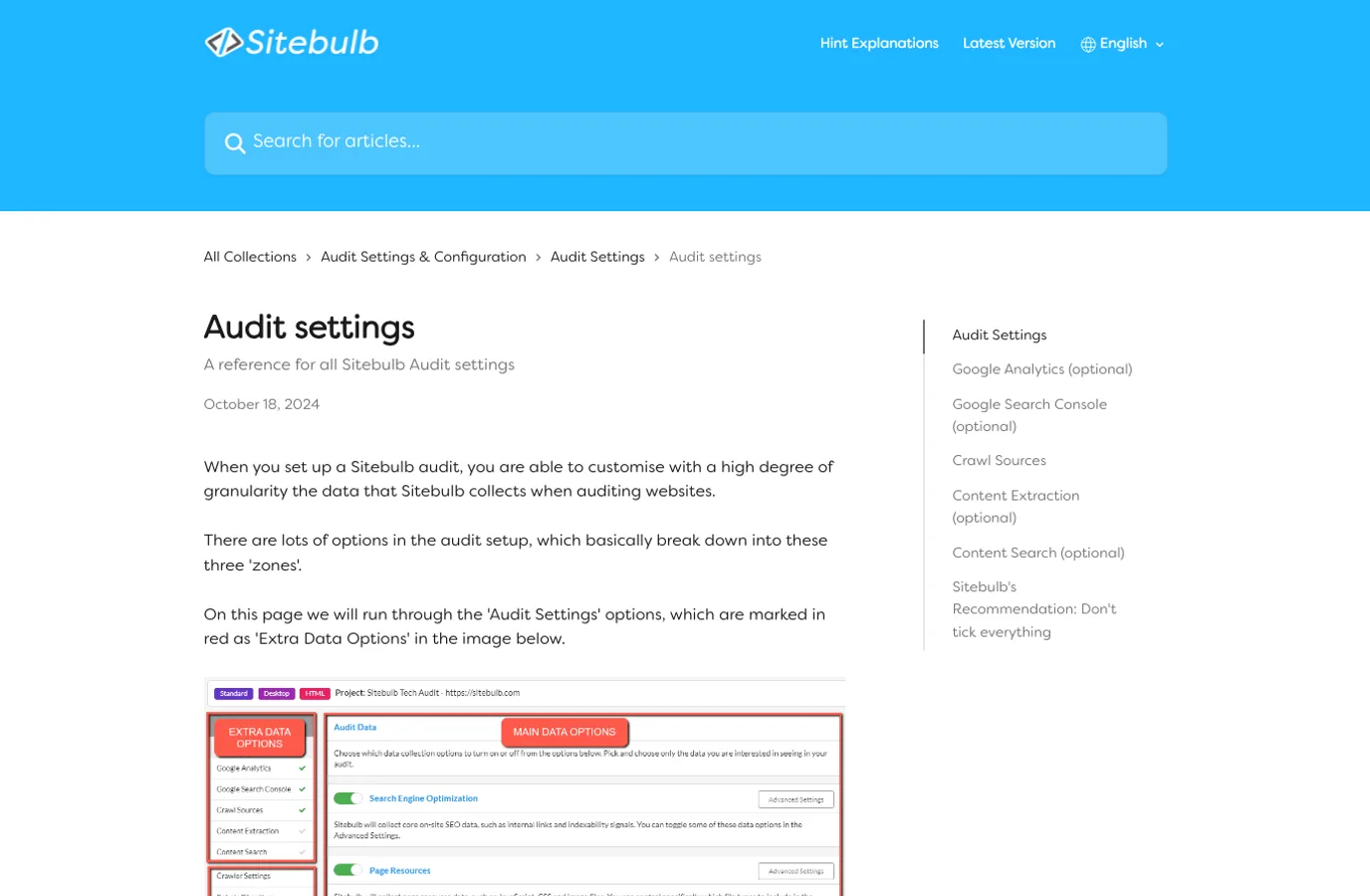
Treat settings like a scope contract:
| Setting area | Turn it on when | Skip or narrow it when |
|---|---|---|
| Google Search Console | You need query, indexation, sitemap, or URL Inspection context | The audit is only a quick pre-launch technical crawl |
| Google Analytics | You need traffic or conversion context for prioritization | The crawl is a template QA pass with no traffic history |
| Crawl sources | You need sitemap, list, or discovered URL coverage | The URL set is already controlled by a migration or launch list |
| Content extraction | You need to pull page fields, prices, schema hints, or custom text | The audit is only about access, status, and indexability |
| Content search | You need to find a phrase, compliance copy, or template marker | The audit question does not depend on matching text |
| Performance and accessibility | Those checks are part of the audit decision | They would slow the crawl without changing the next action |
This is where many audits get noisy. A comprehensive crawl can be useful, but a bloated crawl can hide the issues that matter. If the business question is canonical drift in one directory, make that directory easy to isolate before the crawl starts.
Read The Crawl Outcome By Page Group
After the crawl finishes, resist the urge to triage by tool category alone. Sitebulb hints are easier to act on when they are connected to URL groups:
| URL group | Questions to ask | Why it changes priority |
|---|---|---|
| Money pages | Are they indexable, internally linked, canonicalized correctly, and included in clean sitemaps? | A small defect can affect revenue or lead flow |
| New templates | Do titles, descriptions, H1s, canonicals, and rendered links behave consistently? | One template bug can repeat across hundreds of URLs |
| Faceted or parameter paths | Are crawl traps, duplicate content, and canonical targets controlled? | Crawl waste can expand quickly |
| Blog or resource pages | Are internal links, metadata, schema, and thin pages creating quality drag? | Content issues may need editorial owners, not engineers |
| International routes | Do hreflang, canonicals, language URLs, and sitemaps agree? | Locale mistakes split signals and confuse users |
The useful question is not "how many warnings did Sitebulb find?" It is "which page group is at risk, who can fix it, and how will we verify the fix?"
If the audit starts with search data, pair this workflow with the Google Search Console site audit. GSC can show the symptom; Sitebulb can help explain whether internal links, canonicals, status codes, rendered content, or metadata created the technical cause.
Turn Findings Into Owner-Ready Actions
The Sitebulb guide on organizing a site audit for SEO emphasizes purpose, resource, actionable recommendations, prioritization, and manual interpretation. That is the right mindset: an audit report should not become another file that waits for someone else to translate it.
Use this queue format:
| Finding | Owner | Priority rule | Validation check |
|---|---|---|---|
| Canonical points away from indexable page | SEO plus engineering | High when the affected URLs are ranking, linked, or in sitemap | Re-crawl sample URLs and confirm canonical, sitemap, and internal-link agreement |
| Important links missing from rendered HTML | Frontend engineering | High when navigation or product discovery depends on those links | Compare source HTML, rendered DOM, and crawl-discovered links |
| Duplicate metadata across one template | Content ops plus product templates | Medium to high when the template owns search landing pages | Re-crawl titles, descriptions, H1s, and affected template samples |
| Redirect chains in internal links | Engineering or CMS owner | High when chains affect important crawl paths | Re-crawl internal links and status paths after link updates |
| Low-value parameters discovered at scale | SEO plus platform engineering | High when the pattern creates crawl traps or duplicate pages | Validate robots, canonical, internal links, and crawl discovery after cleanup |
This is also the point where the Sitebulb output may need manual checks. If a canonical warning appears on one URL, inspect whether it is a deliberate canonical, a template rule, a staging leftover, or a CMS field mistake. If a performance hint appears, decide whether it affects a money template or a low-value page that should not drive the sprint.
Where Searvora Fits After Sitebulb
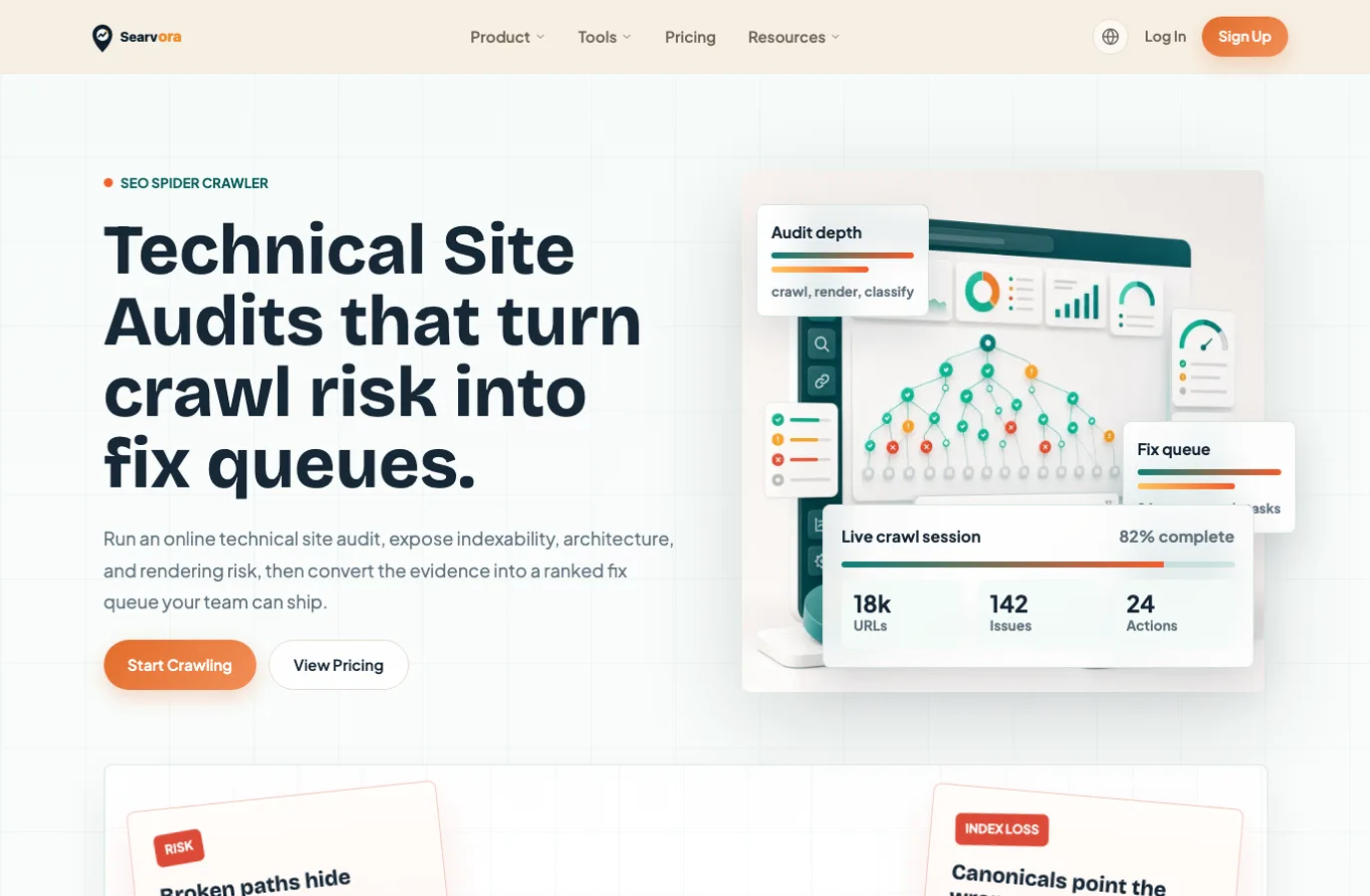
Use Sitebulb when the audit needs a mature desktop or cloud crawler, detailed hints, support documentation, and established technical SEO reporting patterns. Use Searvora's SEO Spider Crawler when the bottleneck is turning crawl risk into a prioritized queue your team can review, assign, and validate.
The local Searvora product page positions the crawler around technical site audits that expose indexability, architecture, rendering risk, issue grouping, severity, and owner-ready fix queues. That makes it a natural follow-up layer when Sitebulb has already helped collect the evidence but the team still needs:
| Delivery need | Why it matters after a Sitebulb audit |
|---|---|
| Issue grouping | Stakeholders need template and directory patterns, not hundreds of isolated rows |
| Priority logic | Crawled issues need business context before they become tickets |
| Owner handoff | Engineering, content, SEO, and product teams need different instructions |
| Validation criteria | A fix is not finished until the same evidence confirms the repair |
| Continuous monitoring | Launches, migrations, and traffic drops need repeatable checks |
This is not a claim that one tool replaces the other. It is a workflow split: Sitebulb can help you inspect and explain the technical evidence; Searvora helps keep the evidence connected to execution.
A Practical Sitebulb Audit Checklist
Before you call the audit complete, make sure each item has an answer:
| Check | Pass condition |
|---|---|
| Scope is named | The audit says which host, folder, template, launch, migration, or symptom triggered the crawl |
| Settings match the scope | Optional data sources are enabled only when they change the decision |
| URL groups are labeled | Findings can be filtered by template, directory, sitemap, page type, or business value |
| Indexability is reconciled | Status codes, robots, noindex, canonicals, sitemaps, and internal links tell the same story |
| Rendering is tested when relevant | Source HTML, rendered HTML, and crawl-discovered links are compared for important pages |
| Search data is used selectively | GSC or analytics data helps prioritize, not decorate the report |
| Fixes have owners | Every recommended fix names the team, next action, and acceptance check |
| Validation is scheduled | The team knows which segment to re-crawl and what must change |
If the audit still feels too broad, compare the workflow with the JetOctopus site audit guide. The tools differ, but the operating question is the same: does the crawl output become a shipped fix, or does it become another export?
When Sitebulb Is Not Enough By Itself
Sitebulb can give a strong crawl picture, but it should not be the only source of judgment in these cases:
| Situation | Add this evidence before recommending work |
|---|---|
| Traffic dropped after a release | Search Console queries, affected landing pages, release notes, and crawl comparison |
| The issue appears across one template | A template sample, CMS field check, and owner review |
| The warning affects thousands of URLs | Segment by page value, crawl depth, internal links, and indexability state |
| The page uses JavaScript heavily | Source/rendered HTML comparison and crawler discovery checks |
| The recommendation needs engineering time | Impact estimate, affected URL set, acceptance criteria, and rollback risk |
The best answer to "how to audit a site with Sitebulb" is not a longer export. It is a tighter operating loop: scope the audit, collect the right crawl evidence, interpret it by page group, assign the work, and validate the live repair.