

Marketing tools are useful when each tool has a job. One tool can show search demand. Another can explain owned traffic. Another can crawl technical blockers. Another can help a team draft, brief, schedule, or validate content. The problem starts when the stack grows into screenshots, exports, and dashboards that never become work.
The Ahrefs marketing tools roundup that surfaced this opportunity proves the intent is a real tools list. Searvora's information gain is the operating layer: choose marketing tools by the decision they improve, the evidence they provide, and the handoff they create for SEO, content, product, or engineering.
Compare Marketing Tools By Workflow
Do not start with a universal ranking. Start with the workflow your team needs to improve.
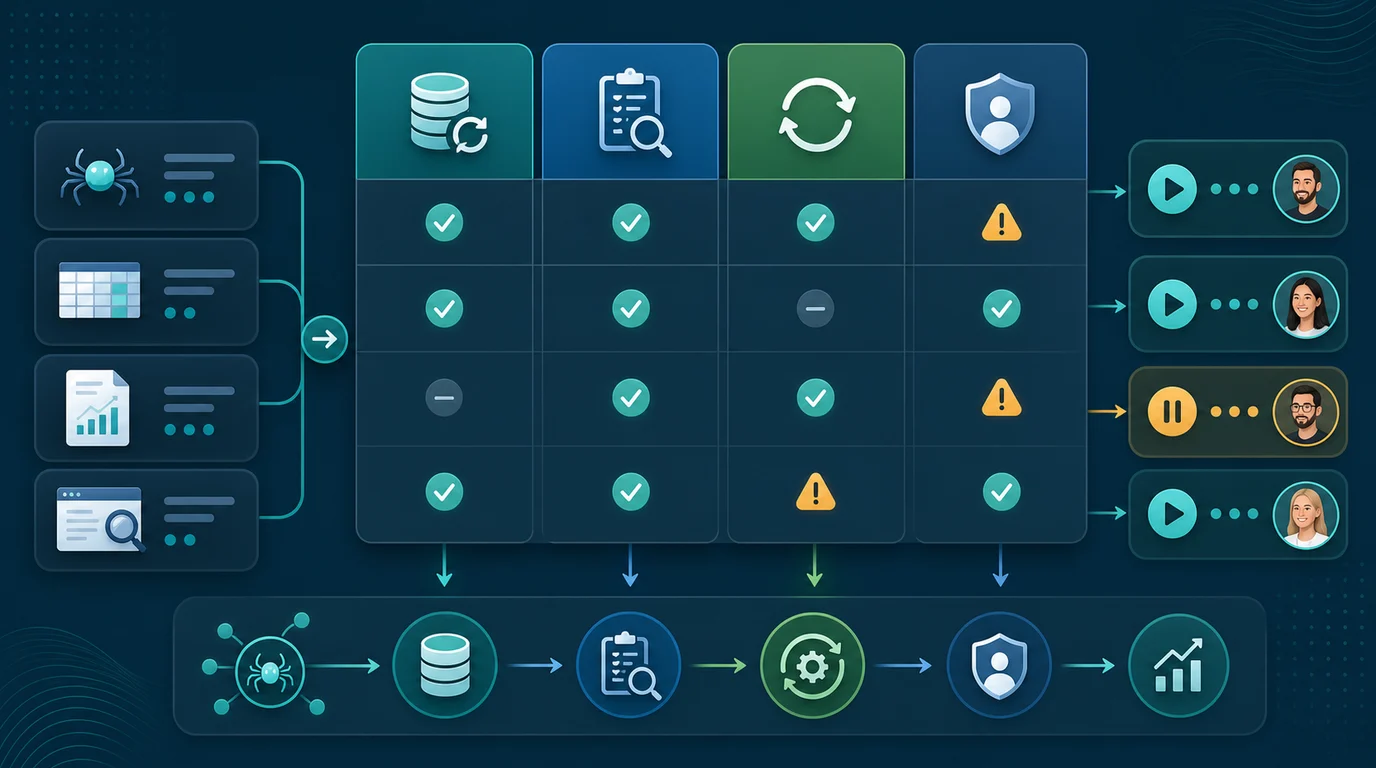
| Workflow job | Marketing tool type | What the tool should decide |
|---|---|---|
| Detect demand and movement | Search performance, analytics, AI visibility, and traffic tools | Which page, query, segment, or competitor shift deserves review |
| Decide the next action | SEO strategy, prioritization, reporting, and planning tools | Whether the response is content, technical SEO, internal links, positioning, or monitoring |
| Ship the work | Content workflow, crawler, CMS, and publishing tools | Which owner can release the fix and what evidence will prove it worked |
The Marketing Tools Shortlist
This shortlist is not every marketing tool category. It focuses on tools that help search-led content teams move from signal to shipped work.
| Tool | Best fit | What to verify before choosing |
|---|---|---|
| Searvora AI SEO Dashboard | Segment monitoring, AI visibility review, opportunity queues, and cross-team SEO reporting | Whether page groups, owners, and validation windows match your operating cadence |
| Google Search Console | Google Search clicks, impressions, queries, indexing clues, and page movement | Query sampling, country/device filters, page intent, and whether the ranking URL is the right one |
| Google Analytics | Owned-site behavior, traffic sources, events, conversions, and landing-page engagement | Tracking quality, consent changes, channel grouping, and date-window consistency |
| Ahrefs Web Analytics | Lightweight site analytics for teams that want a simpler traffic view | Whether it answers the traffic questions your SEO team actually reviews |
| Semrush Traffic Analytics | Directional competitor and market traffic analysis | Treat outside-site traffic estimates as prioritization signals, not exact truth |
| Screaming Frog SEO Spider | Technical SEO crawling, status codes, metadata, links, redirects, and canonicals | Whether crawl findings become grouped, prioritized, and validated fixes |
| Blogify | Shopify blog drafting, enrichment, metadata, and publishing workflow | Whether store context, internal links, and review controls fit the content calendar |
| AI SEO Consultant | Turning mixed SEO signals into ranked action plans and team handoffs | Whether recommendations preserve evidence, owner, impact, and acceptance criteria |
Searvora AI SEO Dashboard
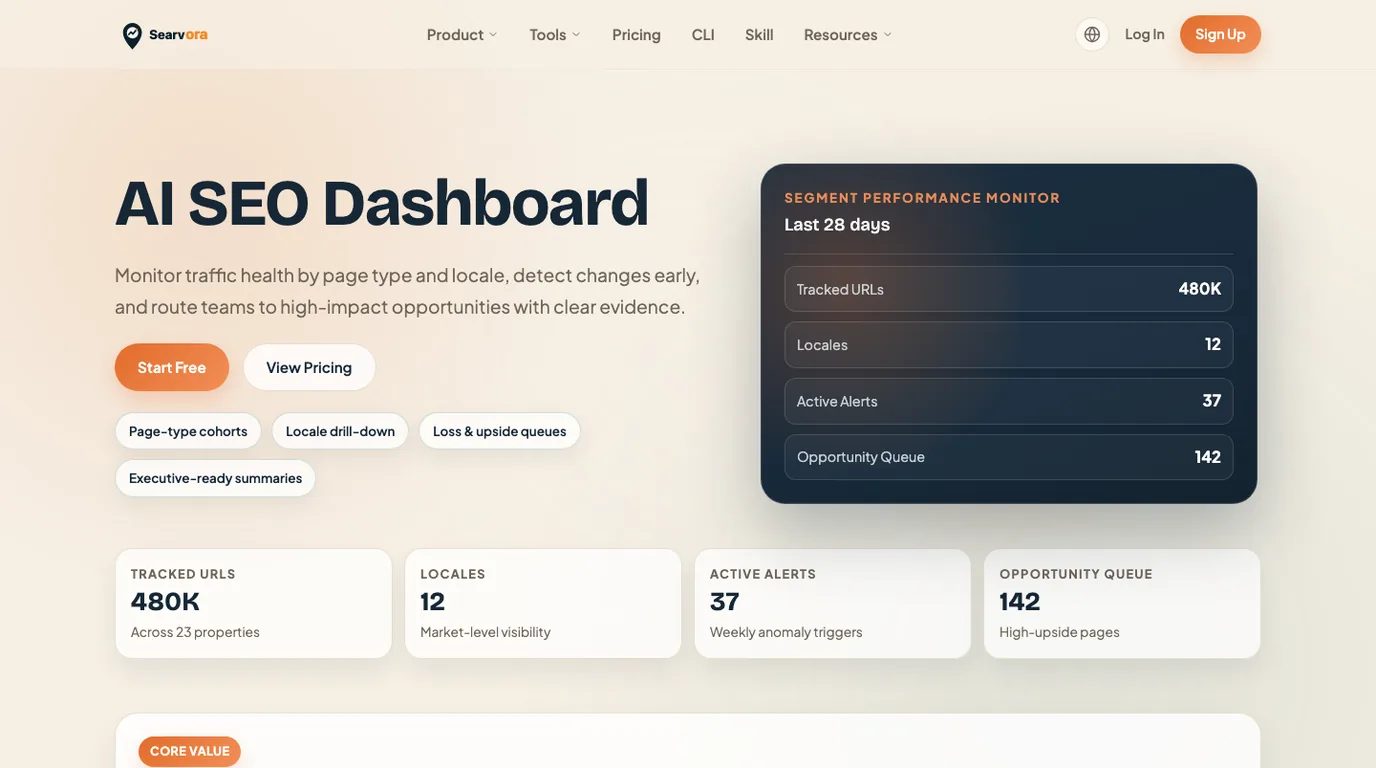
Searvora AI SEO Dashboard is the best fit when marketing tools need to become a weekly search operating cadence. The current Searvora product page positions the dashboard around page-type cohorts, locale drill-downs, anomaly detection, opportunity queues, and cross-team reporting.
Use it when the team needs to answer questions such as:
- Which page type, locale, directory, or template changed?
- Is the movement a traffic change, search visibility shift, AI-search issue, or content opportunity?
- Which owner should review the finding first?
- What evidence should the team recheck after the work ships?
Best next action: use the dashboard after raw tools expose a signal, then turn that signal into an owner-ready queue instead of another chart.
Google Search Console
Google Search Console is the first marketing tool to check when the question is about Google Search performance. The official Search Console page presents it as the place to measure search traffic, inspect performance, and improve how a site appears in Google Search.
Use it for clicks, impressions, CTR, average position, indexing clues, page movement, and query-to-URL fit. It is especially useful when analytics says traffic changed but does not explain whether search demand, ranking URL, snippet, or indexing moved first.
Best next action: pair Search Console evidence with an owned analytics source, then decide whether the fix is a title rewrite, content refresh, internal-link update, crawl check, or page-type change.
Google Analytics

Google Analytics is the owned-site behavior layer. The official Google Analytics page frames the product around understanding customers and using business insights to act.
Use it when the question starts after the visit: sessions, source or medium, engagement, events, conversion paths, landing pages, returning users, and campaign behavior. For SEO teams, it becomes more useful when paired with Search Console because you can separate search demand from on-site behavior.
Best next action: check tracking quality before assigning SEO work. A consent-mode change, tag gap, channel grouping issue, or date mismatch can look like a traffic problem when it is really a measurement problem.
Ahrefs Web Analytics
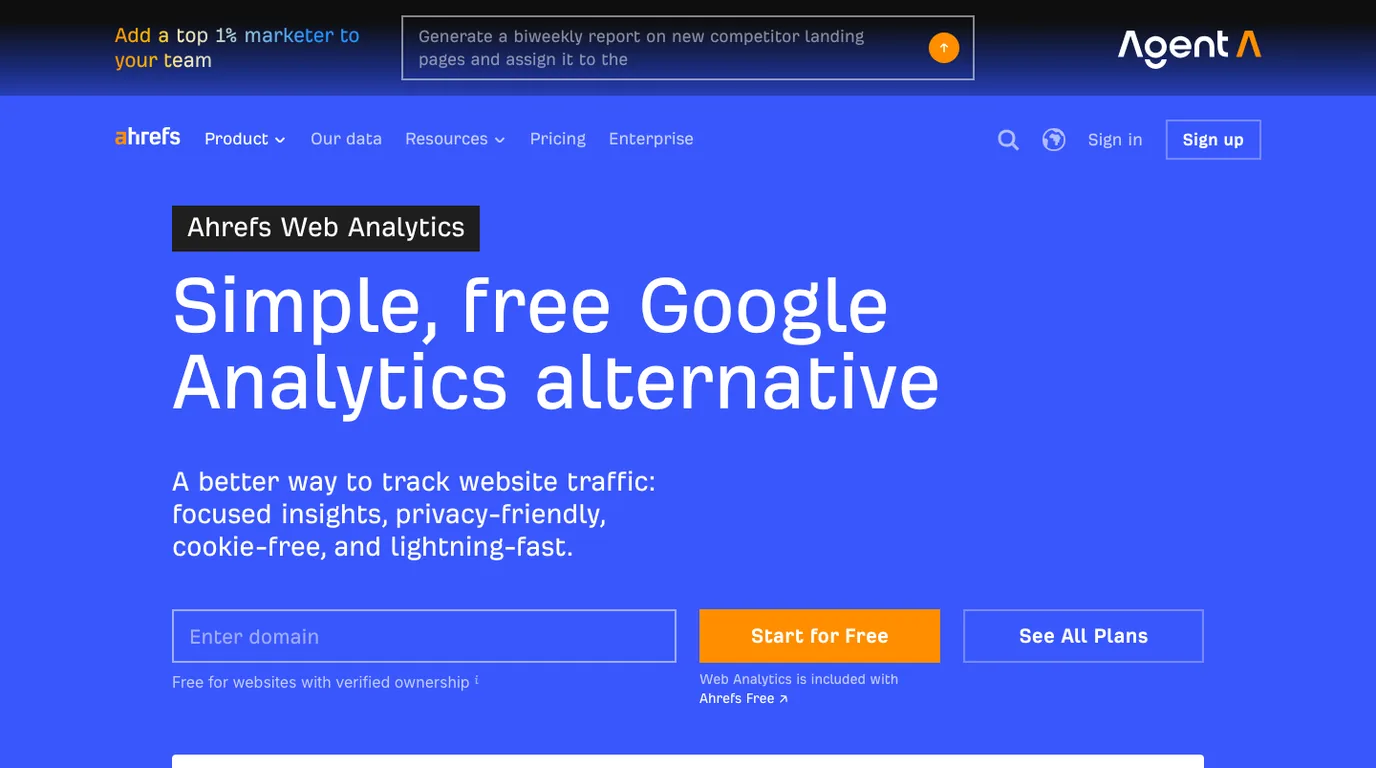
Ahrefs Web Analytics is a simpler traffic analytics option for teams that want quick site traffic insight without a heavy setup. The official Ahrefs Web Analytics page positions it as a free, privacy-friendly Google Analytics alternative.
Use it when the marketing question is straightforward: how many visitors came to the site, which pages moved, and whether the team needs a lighter analytics view. It is not a replacement for every attribution workflow, but it can reduce setup weight for lean content teams.
Best next action: decide whether the traffic view can change a page, campaign, or owner queue. If it cannot, add Search Console, crawl evidence, or a reporting layer before making SEO calls.
Semrush Traffic Analytics
Semrush Traffic Analytics is useful when the marketing question involves competitors, markets, or potential partners. The official Semrush Traffic Analytics page positions the product around revealing website traffic for competitors, prospects, and market research.
Use it for directional context: which competitors appear to be gaining attention, which markets may matter, which channels seem important, and which sites deserve a deeper content or SERP review.
Best next action: keep confidence visible. Competitor traffic tools estimate outside properties. Treat them as prioritization signals, then validate the page opportunity through SERP shape, Search Console evidence, crawl readiness, and content fit before writing.
Screaming Frog SEO Spider
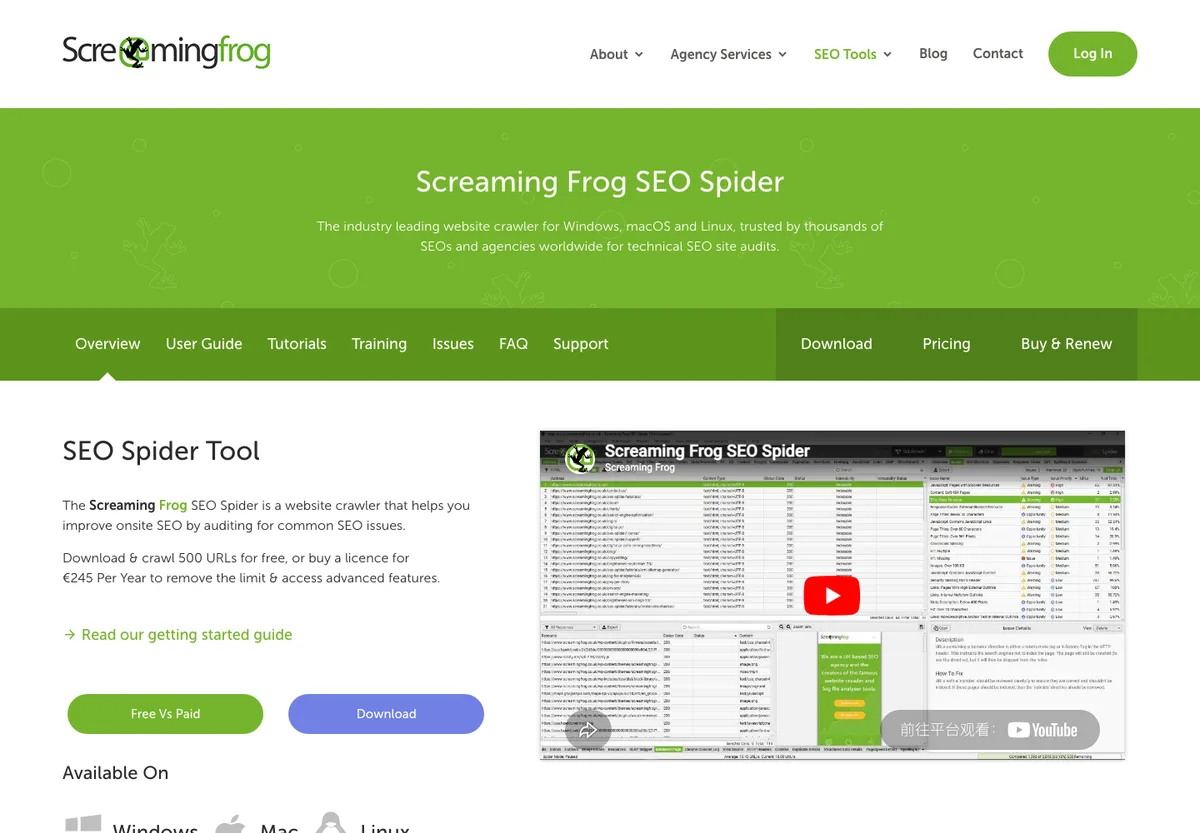
Screaming Frog SEO Spider is a familiar crawler for technical SEO audits. The official SEO Spider page positions it around crawling websites and finding technical SEO issues across desktop platforms.
Use it when the marketing problem may be technical: broken links, redirects, metadata, canonicalization, internal links, sitemap behavior, images, or rendered-page problems. It is strongest when the team knows how to interpret crawl exports.
Best next action: group crawl findings by template, page type, severity, and business impact before assigning work. A crawler is only a marketing tool when its output changes what the team ships.
Build The Stack Around Detect, Decide, Ship
Most teams do not need more marketing tools. They need a cleaner handoff between tools.

Use this operating model:
| Stage | Primary question | Good inputs | Output |
|---|---|---|---|
| Detect | What changed or what opportunity appeared? | Search Console, analytics, AI visibility, competitor estimates, crawl alerts | A named page group, query group, or market signal |
| Decide | What should happen next? | SEO dashboard, consultant review, content gap analysis, reporting context | A prioritized action with owner, rationale, and expected impact |
| Ship | How does the work get released and checked? | Blogify, crawler, CMS workflow, engineering queue, validation checklist | A published change, technical fix, or monitoring decision |
For deeper workflow design, use SEO automation to decide what can be collected repeatedly, traffic analysis tools to separate evidence sources, and Blog SEO to move content work from idea to publishable page.
Where Searvora Fits
Searvora fits when marketing tools need to become one operating system instead of separate tabs. Use the dashboard layer to detect movement by page group, use crawl and content evidence to explain why it happened, then route the next action to SEO, content, product, or engineering.
That matters because marketing tool stacks often fail at the handoff. Analytics may show a traffic change. Search Console may show query movement. A crawler may show a technical blocker. A content tool may create a draft. The growth team still needs to decide whether the next step is monitor, refresh, rewrite, crawl, redirect, brief, or build a new page.
Marketing Tools Buying Checklist
Before adding another marketing tool, answer these questions:
- Which decision will this tool improve every week?
- Does it provide first-party data, third-party estimates, crawl evidence, content workflow, or prioritization?
- Can the output be segmented by page type, directory, locale, campaign, product line, or owner?
- Does the tool show source evidence, or only a blended score?
- Can the finding become a task with owner, rationale, acceptance criteria, and validation window?
- Does it duplicate an existing tool, or does it fill a real evidence gap?
- What will the team stop doing if this tool joins the stack?
- Which Searvora page, product, or workflow already owns the same job?
The best marketing tools do not make the stack bigger. They shorten the distance between signal and shipped work. Pick the tools that help your team detect the right change, decide the next action, and validate the result after release.