

Mobile-first indexing means Google primarily uses the mobile version of a page for indexing and ranking. The practical SEO job is not "make the page smaller." It is to prove that the mobile page exposes the same important content, links, metadata, structured data, media, and indexability signals that the desktop page promises.
Google's mobile-first indexing documentation makes the baseline clear: the mobile version is the version Google uses for indexing and ranking. Google's June 2024 Search Central update also said that after July 5, 2024, sites not accessible on mobile would no longer be indexable in Search. That turns mobile checks into release QA, not a cosmetic audit.
Start With The Mobile Version Google Can See
Run the first pass from the mobile version, then compare desktop. If the team starts on desktop, the audit often protects a version Google is not primarily using for the index.
Use this scope before opening a crawler:
| Page group | Why it needs mobile-first indexing checks | First evidence to collect |
|---|---|---|
| Product, pricing, or demo pages | Lost content or links can hurt conversion-intent queries | Mobile rendered body, title, meta, canonical, CTA links |
| Article and hub templates | Accordions, lazy content, and navigation changes can hide context | H1, H2s, body sections, schema, author, internal links |
| Ecommerce collections | Facets, pagination, variants, and media often differ by viewport | Canonical, pagination links, product cards, image alt text |
| International pages | Mobile templates can drop hreflang or alternate URL logic | Hreflang, canonical, language switcher, localized links |
| Recent redesigns | Responsive CSS and app-shell changes can create parity regressions | Baseline crawl, rendered DOM, template owner, release date |
Compare Mobile And Desktop Signals
Start with the same URL set in two render contexts. Use a smartphone crawler user agent and viewport for the mobile pass, then compare the desktop pass only to find parity gaps.
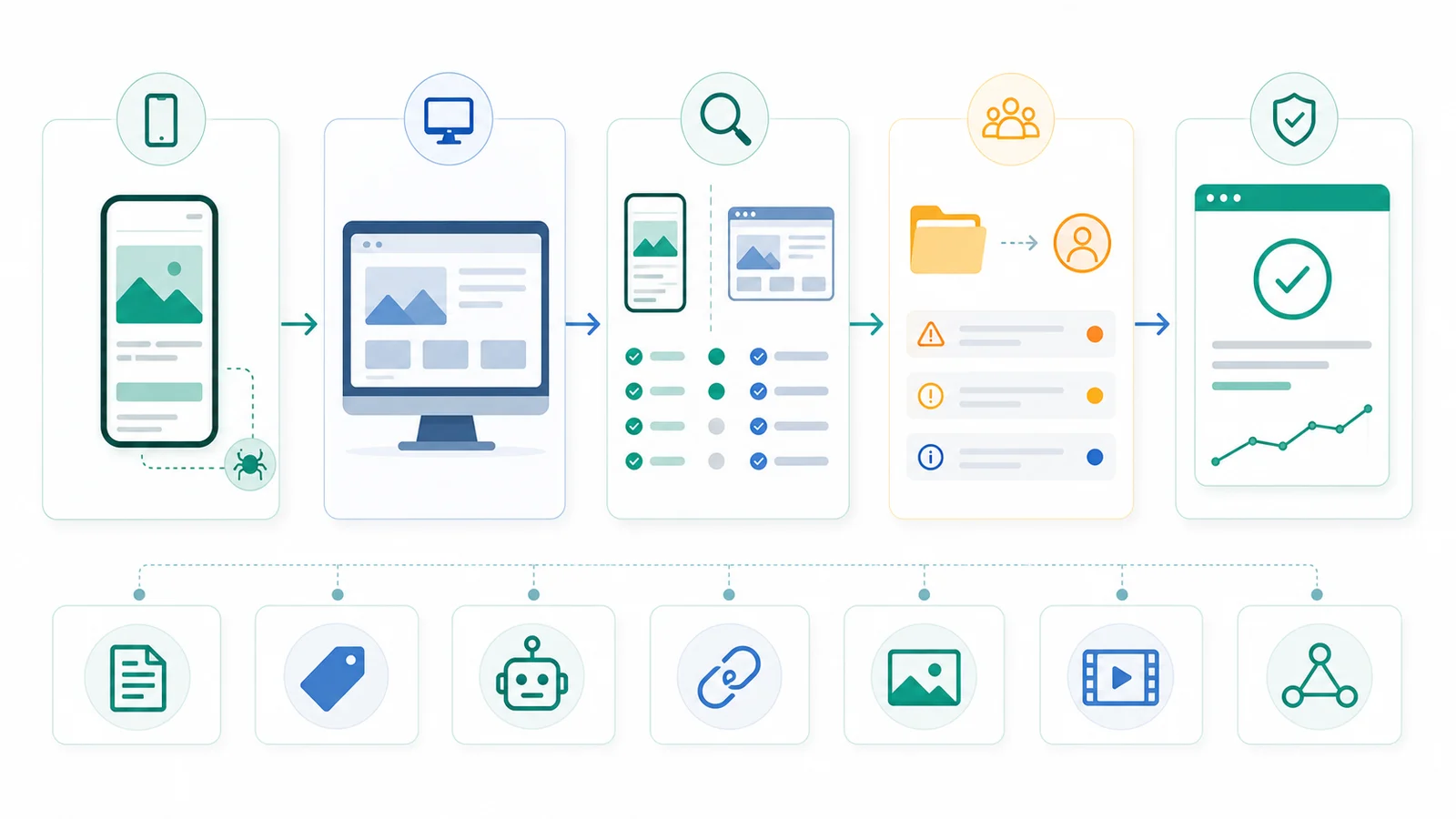
Check these fields side by side:
| Signal | Mobile-first indexing risk | What the fix should prove |
|---|---|---|
| Primary content | Mobile version has less text, fewer examples, hidden FAQs, or missing product details | Mobile rendered content covers the same page job as desktop |
| Title and meta description | Mobile template outputs a different title or missing description | Source and rendered mobile metadata match the intended page promise |
| Robots directives | Mobile page carries noindex, nofollow, or conflicting X-Robots behavior | Mobile and desktop robots rules are equivalent for indexable pages |
| Canonical | Mobile and desktop disagree about the representative URL | Canonical, sitemap, redirects, and rendered DOM point to one owner URL |
| Structured data | Mobile page lacks breadcrumb, product, article, or video markup present on desktop | Structured data exists on both versions and uses correct URLs |
| Images and video | Mobile version drops important media, alt text, captions, or video metadata | Mobile media remains crawlable, high quality, and contextually described |
| Internal links | Mobile navigation or accordions remove links to important pages | Search-important links render as crawlable anchors with href values |
Google's documentation specifically calls out same robots meta tags, accessible resources, equivalent content, equivalent headings, structured data parity, and equivalent title/meta description. Use those as the audit contract, then add your own page-type fields.
Prioritize Template Gaps Before Isolated Pages
The highest-risk mobile-first indexing problems usually repeat across templates. One missing mobile metadata field on a checkout page matters. A missing mobile metadata field on every collection page matters more.
Score each gap with this model:
| Priority factor | High-risk pattern | Lower-risk pattern |
|---|---|---|
| Search role | The page group earns impressions, links, revenue, signups, or AI-answer citations | The URL has no intended search role |
| Template footprint | The same mobile gap repeats across a directory or page type | One isolated URL needs manual cleanup |
| Signal severity | Content, canonical, robots, structured data, or internal links differ | Decorative layout differs but search signals match |
| Release timing | A redesign, CMS change, JavaScript update, or migration shipped recently | The template is stable and no visibility shift is visible |
| Validation confidence | A recrawl can confirm the fixed signal quickly | The expected search effect is indirect or unmeasurable |
This is where mobile-first indexing overlaps with JavaScript SEO. If the mobile page depends on client-side rendering, compare raw HTML and rendered DOM. If the issue is about whether Google selected or indexed the URL, route the evidence into the Google indexing workflow instead of rewriting the page blindly.
Turn Parity Issues Into Owner-Ready Fixes
A useful mobile-first indexing ticket should not say "fix mobile SEO." It should name the page group, the missing mobile signal, the owner, and the validation rule.
Use this handoff format:
| Handoff field | What to write |
|---|---|
| URL group | Template, directory, locale, product type, or sample URL list |
| Mobile evidence | Rendered mobile content, metadata, canonical, robots, schema, media, or links |
| Desktop comparison | The desktop signal that shows what is missing or different |
| Search risk | How the gap affects indexing, ranking context, discovery, media search, or consolidation |
| Owner | Frontend, CMS, SEO, content, localization, ecommerce, or analytics |
| Fix | The smallest template or content change that restores parity |
| Validation | Recrawl mobile, compare rendered DOM, inspect canonical/sitemap, or monitor Search Console |
For separate mobile URLs, keep canonical and alternate signals especially tight. Google's guidance keeps the desktop URL as canonical and the mobile URL as alternate in that setup. For responsive sites, the same URL and HTML model usually removes that class of mistake, but it does not remove the need to test rendered content, internal links, images, and structured data.
Validate With A Mobile Recrawl
After the fix ships, recrawl the same URL set with the mobile rendering context. The goal is not to prove that the page looks nice on a phone. The goal is to prove the mobile version now carries the intended search contract.
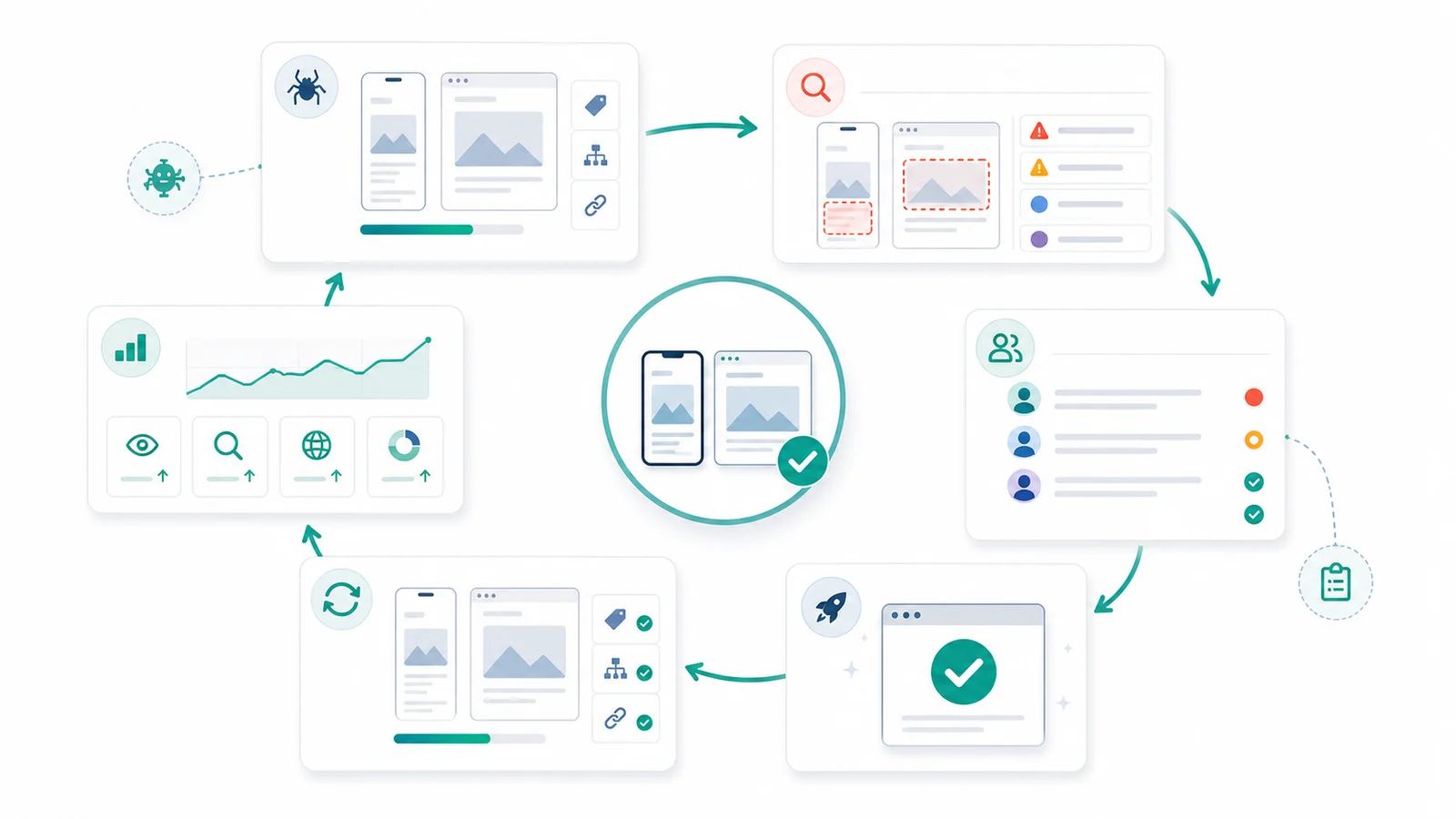
Run this validation loop:
- Save the baseline mobile crawl and rendered HTML sample.
- Compare mobile and desktop title, meta description, canonical, robots, H1, structured data, media, and internal links.
- Group gaps by template and owner.
- Fix the highest-risk template or page group first.
- Re-crawl the same sample with smartphone rendering.
- Confirm the sitemap, canonical, hreflang, and internal links still agree.
- Monitor Search Console after Google has time to revisit the affected URLs.
- Add the parity check to pre-launch QA for future releases.
For a broader technical audit, connect this workflow to the technical SEO site audit. Mobile parity is one layer of the same operating model: evidence, owner, fix, validation.
Where Searvora Fits
Searvora SEO Spider Crawler fits the evidence and validation layer of mobile-first indexing work. The product page verifies support for JavaScript rendering, robots parsing, canonical and hreflang validation, metadata checks, image alt coverage, sitemap discovery, issue clustering, exports, and recurring crawls.
Use it when the team needs to answer:
| Searvora workflow step | What it helps prove |
|---|---|
| Mobile rendered crawl | Whether important content, metadata, links, and media exist in the mobile version |
| Signal comparison | Which template groups have parity gaps that can affect indexing or ranking context |
| Issue clustering | Whether the problem is a repeated template bug or a one-page exception |
| Fix queue | Which owner should repair content, rendering, canonical, robots, media, or links |
| Recrawl validation | Whether the live mobile page now matches the intended search contract |
Mobile-first indexing checks are successful when the team can answer four questions: can Google access the mobile page, does it carry the same important signals as desktop, who owns each gap, and how will a recrawl prove the fix worked?