

If you need to use Screaming Frog Custom Search, the useful workflow is simple: decide which word, phrase, code pattern, or missing marker matters, crawl the right URL set, review the matched pages, then turn those matches into SEO QA actions by template and owner.
The mistake is treating Custom Search like a random sitewide find command. It becomes valuable when the pattern changes a decision: analytics tags are missing, old brand copy still appears, a compliance phrase leaked into live pages, or a template marker proves that important pages are using the wrong component.
The Short Workflow
Use Custom Search as a QA rule, not as a curiosity search.
| Step | What to decide | Output you need |
|---|---|---|
| 1. Name the pattern | Text, regex, tag, class, script, phrase, or missing marker | A search rule with a clear pass/fail meaning |
| 2. Limit the crawl | Whole site, directory, sitemap, launch list, or template sample | A URL set that matches the risk |
| 3. Choose the match logic | Contains, does not contain, source HTML, rendered HTML, or regex | A rule that finds the right pages without broad false positives |
| 4. Review examples | Check several matched and unmatched URLs manually | Confidence that the pattern means what you think it means |
| 5. Group the findings | Segment by template, page type, directory, owner, and organic value | A fix queue instead of a raw export |
| 6. Re-crawl after changes | Run the same rule again on the affected URL set | Evidence that the issue is fixed |
What The Screaming Frog Tutorial Covers
The official Screaming Frog Custom Search tutorial frames the feature around finding words, phrases, or code in the HTML or text of a website. The page explains a practical feature path: add search filters, input text or regex, decide whether pages should contain or not contain the pattern, then review occurrence counts in the crawl output.
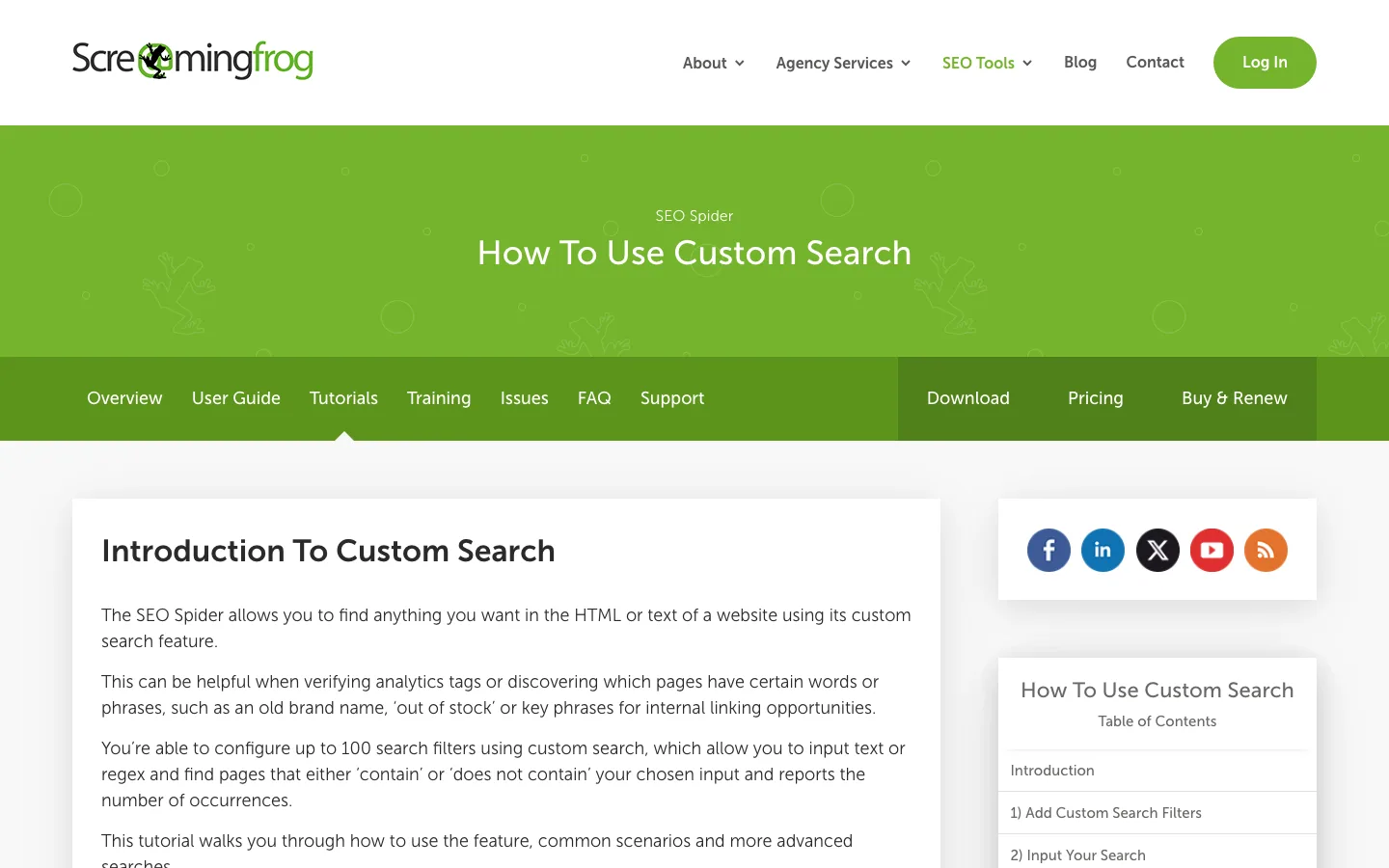
That is a strong crawler feature because many SEO risks are not exposed by a standard title, H1, canonical, or status-code report. You may need to search for a legacy analytics snippet, a deprecated brand name, an out of stock phrase, a hidden template marker, or a JavaScript route that should not appear on indexable pages.
The SEO decision still starts before the setting. Ask what the pattern proves:
| Pattern to search | SEO question it answers | Common false positive |
|---|---|---|
| Old brand or product name | Did a migration leave stale copy live? | Footer, archive, or legal text that is allowed |
| Analytics or consent code | Are important templates missing tracking or consent instrumentation? | Script appears but is blocked, duplicated, or inactive |
noindex, nofollow, or blocked text | Did a template or CMS state leak onto public pages? | Example code inside a tutorial page |
| Out-of-stock or unavailable copy | Are product pages still indexable while unavailable? | Related product cards or recommendations |
| Promo or campaign phrase | Did a seasonal campaign stay live after expiry? | Blog archives where the old phrase is intentionally preserved |
| Component class or data attribute | Which templates use a risky module? | Shared layout wrappers that do not identify the specific page block |
If the search pattern is a structured page field rather than a yes/no match, use a custom extraction workflow instead. The SEO web scraping guide is a better fit when you need to extract dates, prices, schema values, author names, or other fields into columns.
Turn Matches Into SEO QA Rules
Custom Search helps most when it is tied to a release, migration, template cleanup, or content QA pass.
For a launch, search the new URL set for staging domains, temporary copy, debug flags, missing tracking snippets, and old canonical patterns. For a content refresh, search article pages for outdated product names, old claims, expired offers, and internal-link anchor patterns. For ecommerce, search product and collection templates for availability copy, noindex leaks, variant text, and duplicate boilerplate.
Use this rule brief before crawling:
| Rule field | Example |
|---|---|
| Pattern name | Deprecated checkout copy |
| URL scope | /collections/ and /products/ from the launch sitemap |
| Match logic | Does contain the exact phrase in rendered text |
| Expected state | Zero matches on live templates |
| Owner | Ecommerce content plus theme engineering |
| Validation | Re-crawl the same URL set after the theme update |
This turns the crawler result into a decision. A single match on one low-value archive page may need no action. The same match across every product template is a release blocker.
Where Searvora Fits After The Match List
Screaming Frog Custom Search is useful for finding the pattern. The harder work is deciding which matches deserve action and proving the repair later. That is where Searvora's technical SEO workflow fits.
The local Searvora product evidence positions SEO Spider Crawler around crawl discovery, indexability, canonicals, metadata QA, image checks, custom extraction via XPath and CSS selectors, issue grouping, organic-impact prioritization, and owner-ready fix queues.
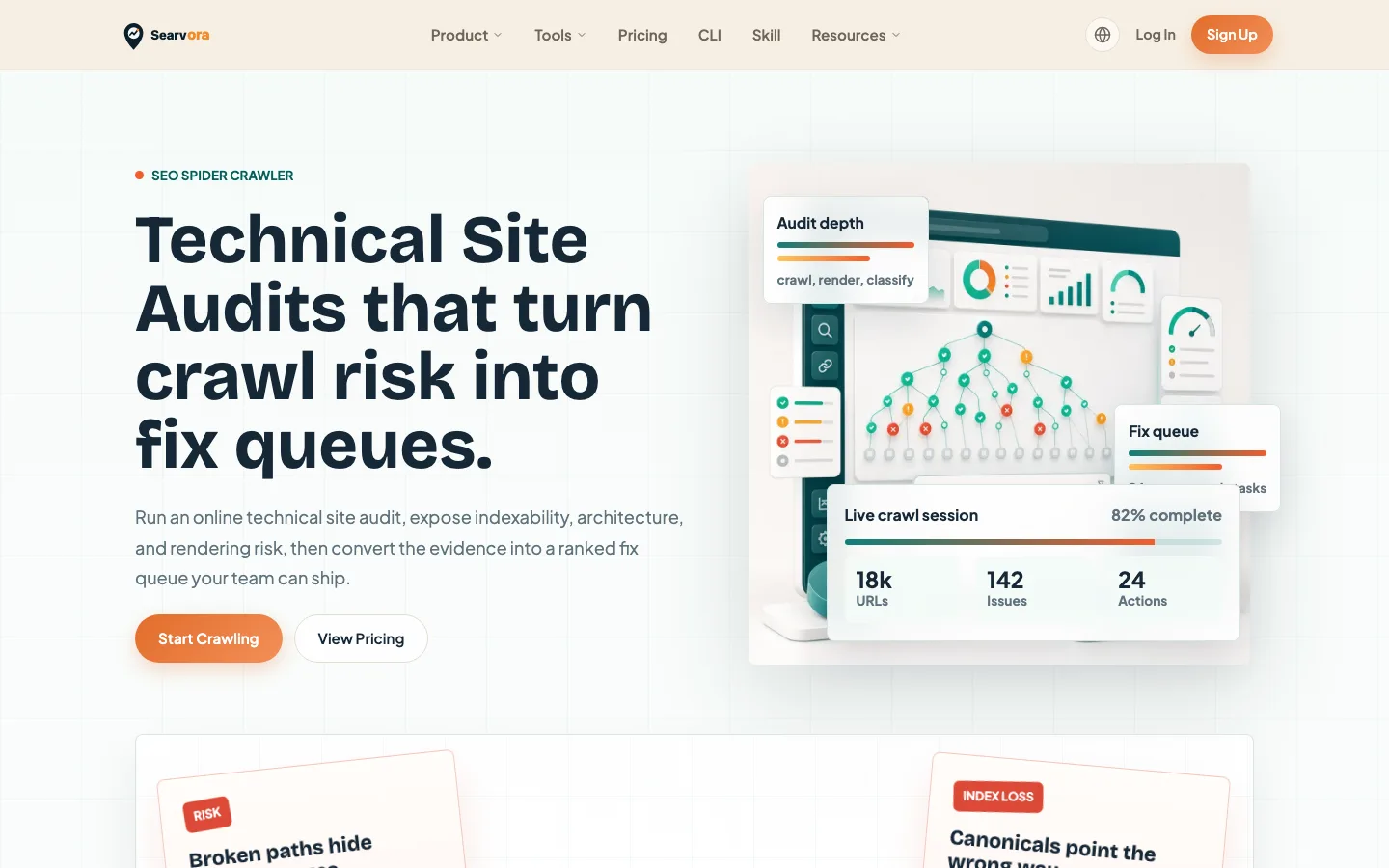
Use Searvora when the Custom Search result needs to become shared work:
| Need after the search | Searvora workflow layer |
|---|---|
| Group matches by page type | Segment by template, directory, sitemap source, and crawl depth |
| Prioritize the issue | Add indexability, traffic value, internal links, and business risk |
| Route the fix | Assign content, SEO, product, or engineering owners |
| Validate the repair | Re-crawl the affected segment and compare the same evidence |
| Connect broader context | Pair crawl findings with AI SEO Dashboard and AI SEO Consultant priorities when the issue affects visibility or roadmap planning |
This is not a claim that one tool replaces the other. Use the Screaming Frog tutorial when the searcher needs the feature path. Use the Screaming Frog SEO Spider review when the decision is tool fit. Use Searvora when the crawl evidence needs to become a fix queue the team can ship.
QA Checks Before You Trust The Matches
Custom Search can produce noisy output if the rule is too broad. Run this QA pass before assigning work:
| Check | Pass condition |
|---|---|
| Pattern precision | The match captures the issue, not generic layout text or sample code |
| URL scope | The crawl includes the templates that could actually have the problem |
| Rendering mode | The rule checks source or rendered output based on where the pattern appears |
| Manual review | A small sample of matched and unmatched URLs is inspected in the browser |
| Owner mapping | Each meaningful match points to a team that can fix it |
| Priority context | Matches are joined to indexability, crawl depth, internal links, and page value |
| Repeatability | The same rule can be run again after the fix ships |
For broader audit work, pair this with the technical SEO site audit workflow. Custom Search is a sharp tool, but it is only one signal inside the larger crawl, indexability, content, and validation loop.
When Custom Search Is The Wrong Tool
Do not use Custom Search when the question needs structured extraction, ranking analysis, or judgment from search data. If you need a field value from each page, use custom extraction. If you need to know whether the affected pages still receive impressions, add Search Console or dashboard data. If you need to choose between competing fixes, bring in priority scoring and owner constraints.
Use Screaming Frog Custom Search for pattern QA. Use Searvora to keep the result connected to crawl context, business risk, and a repair loop. The best outcome is not a longer list of matches. It is a smaller set of fixes that the team can validate after release.