
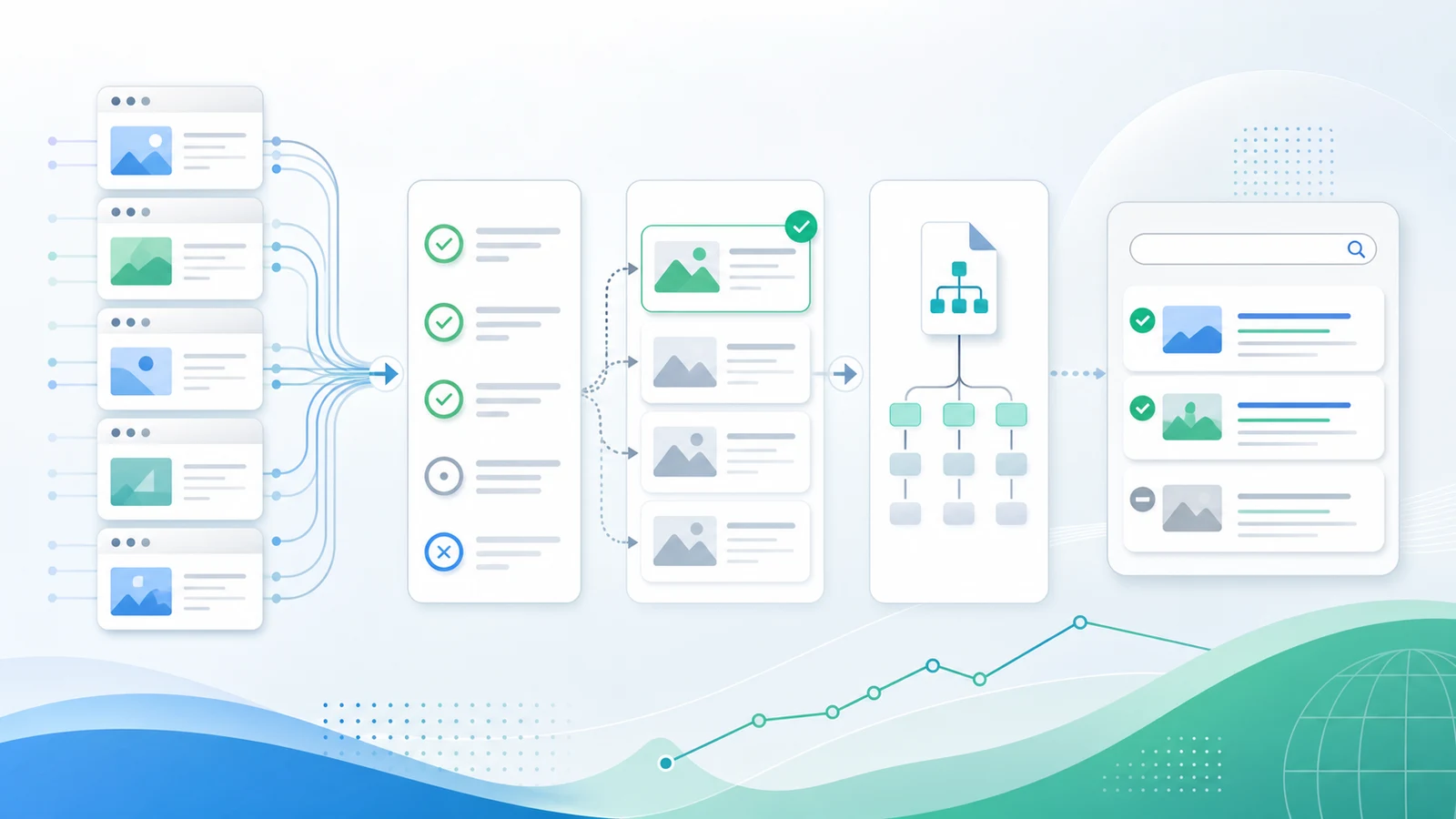
Google indexing problems are rarely solved by resubmitting the same URL over and over. The useful workflow is to prove that the page can be discovered, crawled, rendered, selected as canonical, and trusted as a useful search result. Only then does submission become a validation step instead of a guess.
Start with crawl evidence. Build a clean URL inventory, separate blocked pages from duplicate or low-value pages, fix the signals that disagree, then use Search Console and a recrawl to confirm that Google can see the updated version.
Diagnose The Indexing Blocker First
An indexing issue starts as a symptom, not a root cause. A page can be missing from Google because it is blocked, noindexed, canonicalized away, orphaned, duplicated, thin, newly discovered, or simply waiting for recrawl. Treat those as different jobs.
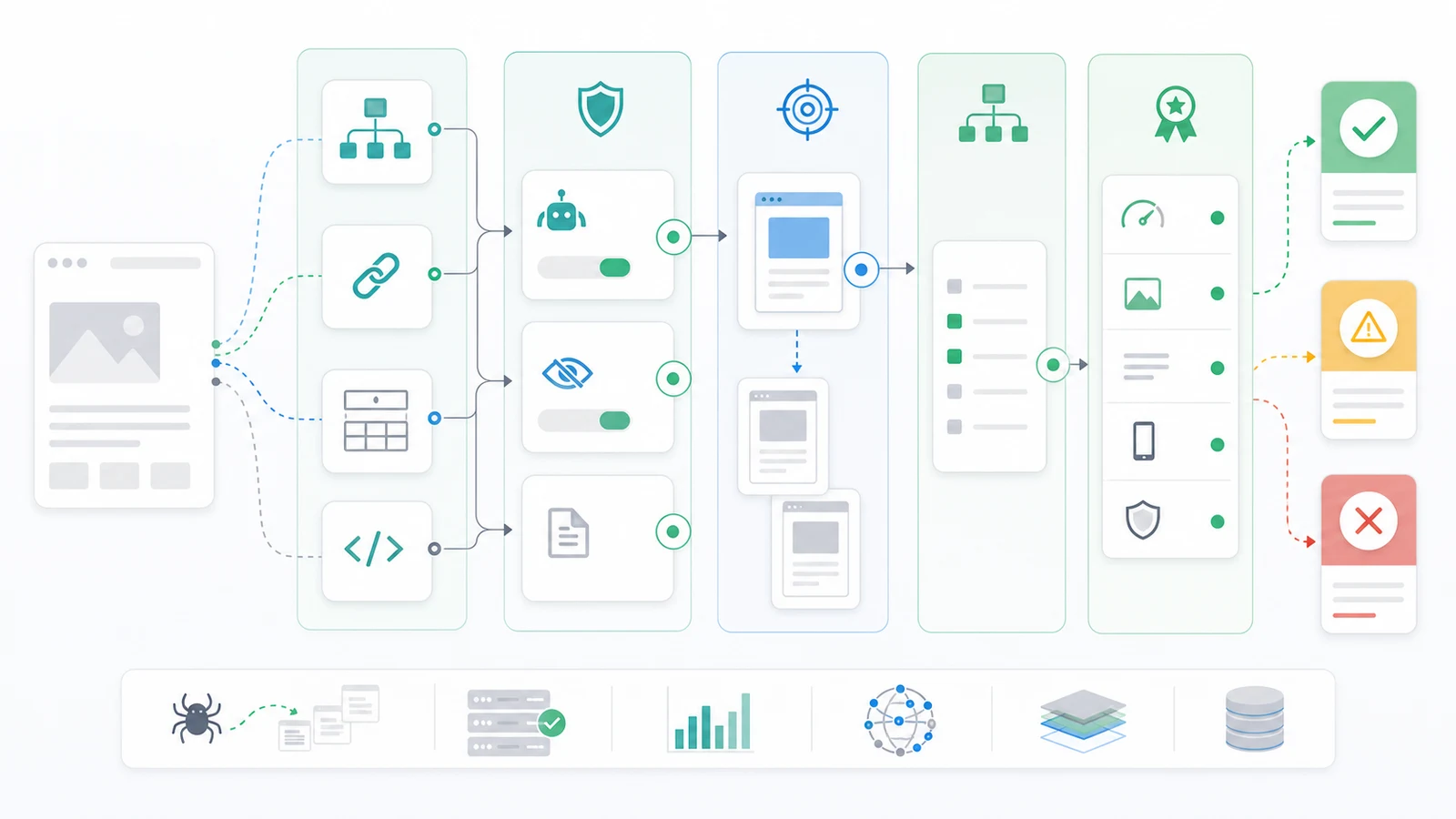
Use this first-pass diagnostic table before changing content:
| Symptom | First evidence to check | Likely fix path |
|---|---|---|
| URL is not discovered | Internal links, XML sitemap, crawl depth | Add useful internal links and submit a clean sitemap URL |
| URL is crawled but not indexed | Robots directives, noindex, canonical target, content value | Remove conflicting rules or improve the page job |
| Wrong URL is indexed | Canonical tags, redirects, duplicate variants, internal links | Consolidate signals around the preferred URL |
| Many similar pages are excluded | Facets, parameters, archive pages, duplicate templates | Control crawl paths and decide which pages deserve indexing |
| Fixes shipped but status has not changed | Recrawl timing, rendered HTML, sitemap status | Reinspect, recrawl, and monitor before making unrelated edits |
Google's crawler overview is a useful reminder that discovery and crawling come before indexing. If search systems cannot reach the right URL or the live HTML sends mixed signals, the indexing queue is not the real bottleneck.
Build A Crawl Inventory Around Important Pages
Google indexing work gets messy when teams inspect one URL at a time. A single missing article might be isolated, but a group of excluded product pages, localized pages, or CMS templates usually points to a pattern. Crawl the site and group URLs before assigning fixes.
Collect these fields for every important page group:
- Final URL and status code.
- Redirect chain and canonical URL.
- Robots.txt access and meta robots state.
- Internal inlinks, crawl depth, and orphan status.
- XML sitemap inclusion and sitemap URL freshness.
- Rendered title, H1, primary content, and structured data.
- Page type, template, locale, and business priority.
This turns the work from "why is this one page missing?" into "which signal class is blocking this page group?" For example, a product template with self-canonicals and no internal links needs discovery work. A blog archive full of canonicalized tag pages needs inclusion rules. A new landing page with strong internal links but a noindex tag needs release QA.
If the sitemap is noisy, use an XML sitemap generator workflow to filter for canonical, indexable URLs. If the issue appears across multiple technical signals, the broader technical SEO workflow helps keep crawl access, metadata, links, and validation in one sequence.
Fix Eligibility Before Rewriting The Page
Indexing eligibility is the search access layer. Content refreshes do not help if the page tells crawlers not to index it, points canonical signals elsewhere, redirects unexpectedly, or can only be reached through a weak crawl path.
Use this sequence:
- Confirm the URL returns a healthy final status code.
- Check that robots.txt does not block the page or critical rendering resources.
- Remove accidental
noindexdirectives from pages that should appear in search. - Confirm the canonical points to the intended page and uses the final URL.
- Make sure internal links and sitemaps point to the same canonical URL.
- Check the rendered page, not only the CMS preview or source template.
- Re-crawl the affected template group after the fix ships.
For robots directives, Google's robots meta tag documentation is the source of truth. For canonical issues, compare the live page against Google's canonicalization guidance. The practical goal is simple: every signal should agree on the URL you want indexed.
| Signal | Healthy indexing pattern | Warning pattern |
|---|---|---|
| Status code | Final URL returns 200 | Redirect chain, soft 404, 5xx, or blocked response |
| Robots | Page can be crawled and indexed | Disallow, noindex, or blocked rendering resources |
| Canonical | Self-canonical or deliberate canonical target | Canonical points to a duplicate, old URL, or different locale |
| Internal links | Relevant pages link to the canonical URL | Page is orphaned or linked only through filters |
| Sitemap | Lists only canonical indexable URLs | Lists redirects, noindex pages, or canonicalized variants |
Decide Whether The Page Deserves Indexing
Not every crawlable page should be indexed. Google indexing work also includes saying no to pages that are duplicate, thin, internal-only, or not useful for search. A clean index is usually smaller than the CMS inventory.
Ask these questions before forcing a URL into the sitemap:
| Page question | Keep indexable when | Remove, merge, or noindex when |
|---|---|---|
| Does it serve a distinct search job? | The page has a unique task, audience, or page type | Another URL already serves the same keyword, type, and user job |
| Is the content useful enough? | It gives specific answers, examples, or decision support | It is boilerplate, empty, duplicated, or purely filtered |
| Does it belong in search? | Users could reasonably land there from Google | It is an internal utility, account page, cart state, or thin archive |
| Can it be maintained? | The owner and update path are clear | It depends on stale data or unmanaged generated output |
| Is the URL pattern stable? | Canonical and internal links can stay consistent | Parameters or generated routes create endless variants |
This is where indexing overlaps with content decisions. If two URLs serve the same job, use the keyword cannibalization workflow before merging or creating another page. If a page deserves to stay but needs a clearer promise, route it through a content refresh rather than hiding it from search.
Submit Clean Signals And Validate The Result
Submission is useful after the live signals are clean. It is not a substitute for fixing the page. Once the crawl evidence looks healthy, submit or resubmit the URL and sitemap, then watch whether the same evidence source confirms the change.
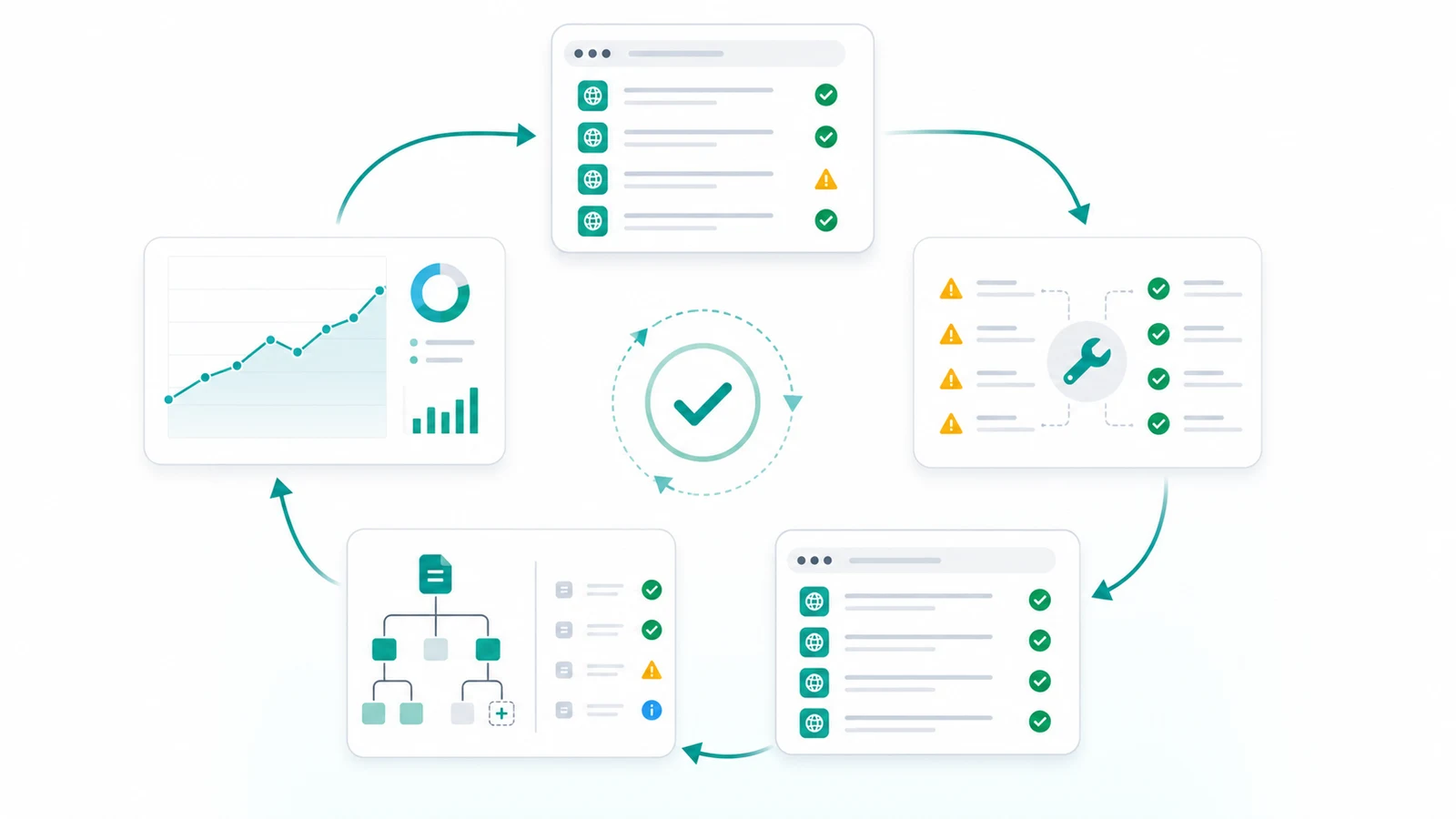
Use this validation loop:
- Save the baseline crawl and Search Console status before the fix.
- Ship the smallest fix batch that can be checked clearly.
- Re-crawl the affected URLs and template peers.
- Inspect the rendered HTML for robots, canonical, links, and primary content.
- Submit the clean sitemap or use URL inspection for priority URLs.
- Monitor indexing status and search performance after recrawl windows.
- Record the decision so the same template does not regress later.
Google's URL Inspection tool documentation explains how to inspect a specific URL in Search Console. Use it for priority pages, but keep the crawl export as your team evidence. Search Console shows how Google reports the page; your crawl shows what your site is currently sending.
Where Searvora Fits
Searvora SEO Spider Crawler fits the indexing workflow when teams need repeatable evidence instead of one-off checks. Use it to crawl status codes, internal links, canonicals, robots directives, sitemap discovery, duplicate signals, and template patterns before assigning work.
The useful handoff looks like this:
| Workflow step | Searvora role | Output |
|---|---|---|
| Crawl the affected section | Gather URL status, links, canonicals, and indexability signals | Baseline evidence for the indexing issue |
| Group by template and page type | Separate isolated misses from structural problems | Cleaner owner and priority decisions |
| Fix and re-crawl | Compare live output against the baseline | Proof that the technical blocker changed |
| Escalate strategy questions | Send ambiguous page-value decisions into AI SEO Consultant | A prioritized action queue instead of scattered notes |
For broad technical audits, use the SEO checklist to route crawl access, content quality, authority, and measurement work into separate queues. Indexing problems often look technical at first, but the final fix may belong to engineering, content, SEO, or product.
Google Indexing Checklist
Use this checklist when important pages are missing from search:
- Confirm the URL is meant to appear in search.
- Crawl the URL and its template group.
- Check status code, redirects, robots rules, and
noindex. - Confirm canonical tags, internal links, and sitemaps point to the same final URL.
- Inspect the rendered HTML and primary content.
- Decide whether the page is unique enough to deserve indexing.
- Remove duplicate, thin, internal-only, or unstable URL variants from the indexable set.
- Submit a clean sitemap or inspect priority URLs after fixes ship.
- Re-crawl and compare against the baseline.
- Monitor indexing status, impressions, and page-level performance after Google revisits the site.
Google indexing is not one button. It is a workflow for proving that important pages are discoverable, eligible, useful, and validated after release. Start with crawl evidence, fix the signal conflict, then submit and monitor the clean version.