

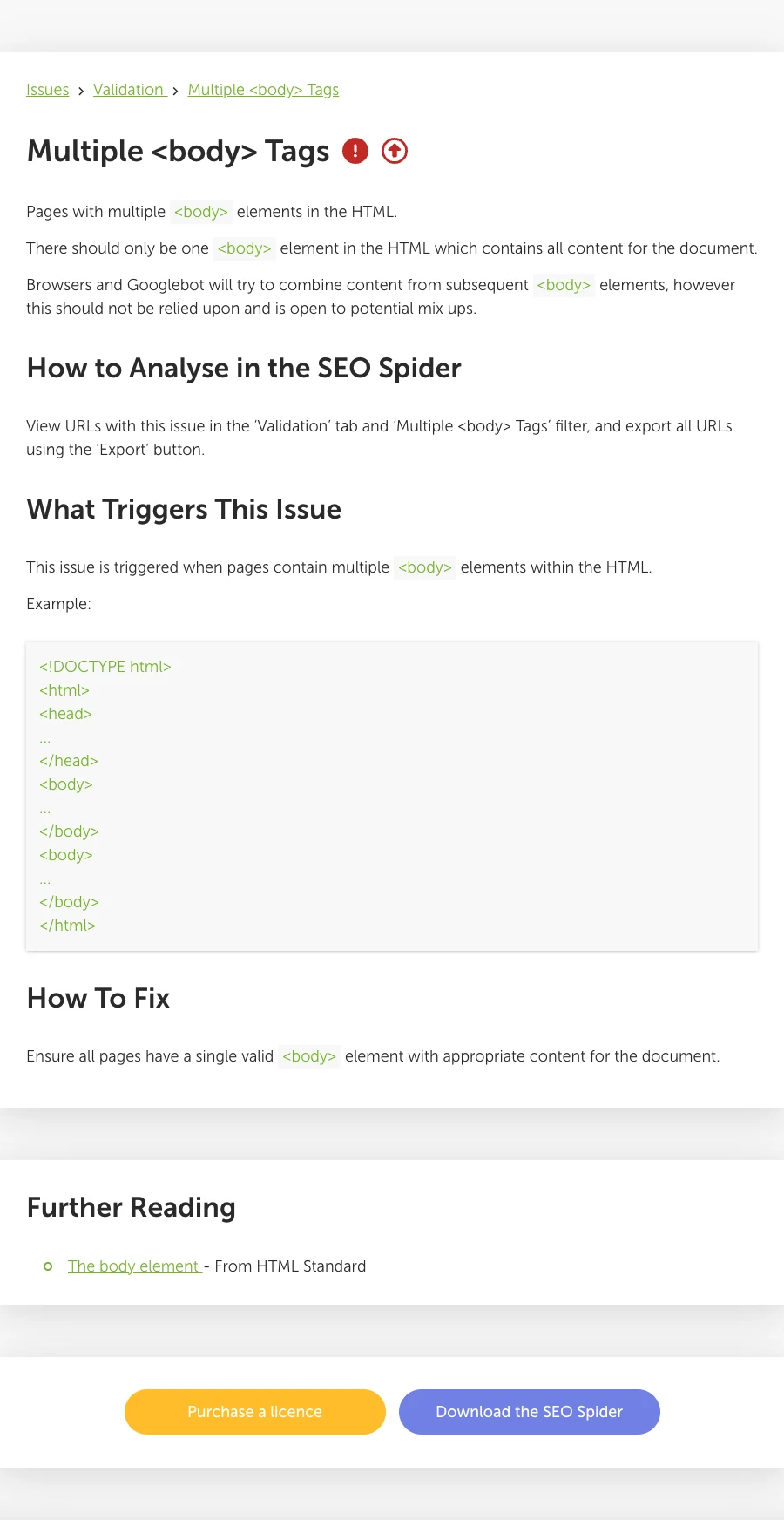
Multiple body tags mean the delivered HTML contains more than one <body> element. The page may still look normal because browsers recover from invalid markup, but that recovery is not a reliable publishing contract. Fix the source that emits the extra element, then verify both the raw response and the rendered DOM across every affected template.
The SEO risk is usually indirect. Multiple body tags signal broken document ownership: a layout, include, app shell, or transformation is trying to create a second page root. The same boundary can also duplicate metadata, move content, hide links, or make crawler output differ from what a developer sees in the browser.
Diagnose the Failure Before Editing
Start by proving where the second body tag exists. Do not assume that a browser's Elements panel shows the source exactly as the server sent it.
| Evidence | What it answers | Useful check |
|---|---|---|
| Raw HTTP response | Did the server or build output emit two body start tags? | Save the response before JavaScript runs |
| View Source | Does the delivered document repeat the page shell? | Search for <body without relying on the live DOM |
| Rendered DOM | Did client-side code create or move nodes during hydration? | Compare after scripts finish |
| Validator output | Is the document non-conforming, and where does parsing go off track? | Run the exact production URL or saved HTML |
| Crawl sample | Is the issue isolated or shared by a route/template group? | Segment by template, locale, CMS type, and release |
The HTML Standard body element definition describes the body as the document's content container. MDN's body element reference is a useful implementation summary. In a normal HTML document, one document shell owns one body.
Why Browsers Can Hide Multiple Body Tags
HTML parsers are designed to recover from malformed input so users still get a page. That resilience can make invalid source look harmless. A later body start tag does not create a dependable second document body; the parser can ignore the tag itself while processing attributes or following content according to its current parsing state.
This is why three views of the same URL may disagree:
- View Source shows two literal body start tags.
- The Elements panel shows one repaired body node.
- A crawler reports a validation error even though the visible page appears complete.
The page working in one browser is not validation. A future template change, bot parser, rendering timeout, or injected fragment may expose a different failure. Treat browser recovery as evidence that the parser compensated, not proof that the markup is safe.
The refreshed Screaming Frog issue page defines the same narrow symptom and recommends filtering affected URLs in its Validation report. That is useful discovery evidence, but the fix still belongs in the source template or rendering boundary.
Find the Root Cause by Ownership Boundary
Most multiple-body failures come from one component believing it owns the whole document when it should own only a fragment.
| Root cause | Typical evidence | Correct ownership fix |
|---|---|---|
| Nested layout or template | A child template includes html, head, and body inside a parent layout | Keep document tags in the root layout only |
| CMS theme plus embedded full page | A plugin or imported block contains a complete HTML document | Store and render the fragment inside the existing body |
| Server include or edge rewrite | Repeated shell appears in the raw response after composition | Make the include return body content, not a second document |
| SPA or microfrontend bootstrap | Client code creates a new body instead of mounting into a root element | Mount inside an existing container such as #app |
| Hydration fallback | Error handling replaces a fragment with full-page markup | Return a fragment-safe error state |
| Invalid document transformation | Minifier, sanitizer, email-to-web converter, or proxy injects a shell | Fix or bypass the transformation at the responsible layer |
Search the codebase for body-tag ownership, but do not stop at a text match. Frameworks can generate the tag from layout APIs, document components, theme files, or render adapters. Trace the route from request to final response and identify which layer is allowed to emit the document shell.
For JavaScript applications, pair this investigation with a raw HTML versus rendered DOM audit. A hydration mismatch may not literally append a second body node, yet it can still reveal that server and client disagree about document structure.
Fix One Document Shell at the Source
The durable fix is to make one root layout responsible for html, head, and body, while every nested layout or component returns content that belongs inside that body.
Use this sequence:
- Save one failing URL, its raw response, and its rendered DOM as the baseline.
- Identify whether the extra body originates on the server, during build output, at an edge transformation, or in the client.
- Trace the affected route to the root layout, theme, include, or application mount point.
- Remove the duplicate document shell from the child layer; keep only the fragment it should own.
- Check shared error pages, consent wrappers, embeds, and fallback routes that may reuse the same code.
- Rebuild and inspect the exact production artifact, not only the source component.
- Validate the raw HTML and rendered DOM again.
- Re-crawl the template group to prove the failure did not move to another route.
Do not "fix" this with a client-side script that removes the second tag after load. That leaves invalid source in place, depends on execution timing, and can preserve whatever parsing side effects happened before the cleanup ran.
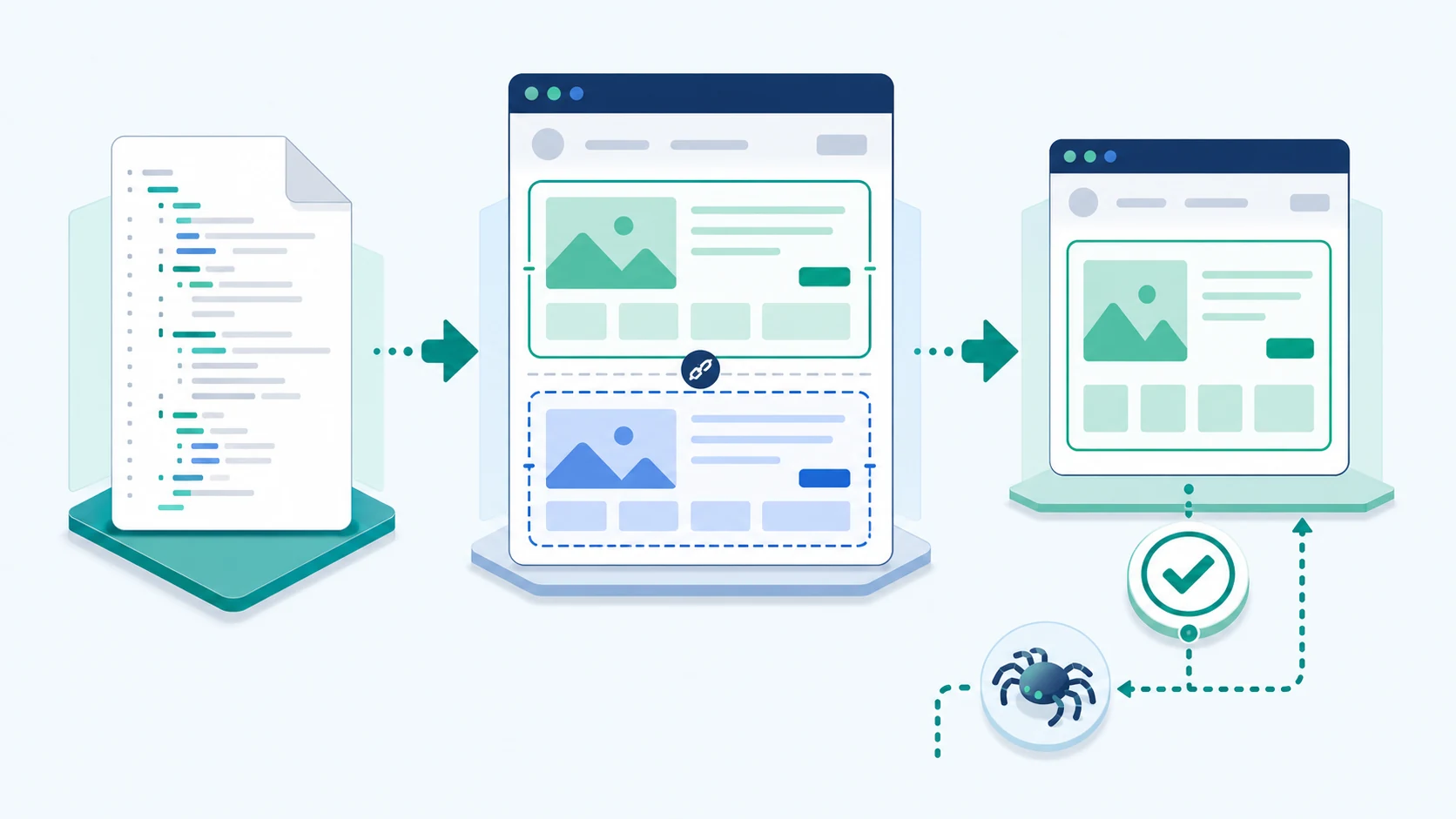
Validate the Fix Across the Template
One corrected sample URL is not enough when the root cause sits in a shared layout or CMS block. Build a regression set around the ownership boundary.
| Test group | Include | Pass condition |
|---|---|---|
| Route variants | Home, article, product, category, search, and error routes | One document body in delivered HTML |
| Locale variants | Every language or market using the layout | Same shell ownership and valid locale output |
| Render modes | Static, server-rendered, cached, and client navigation | No duplicate shell in any path |
| Auth or consent states | Logged out, logged in, consent accepted, consent declined | Wrappers stay inside the existing body |
| Failure states | 404, 500, empty data, timeout, and fallback UI | Error output remains fragment-safe |
Run the Nu HTML Checker against representative final pages or saved responses. Then crawl the full affected segment and confirm the issue count returns to zero. Validation tools answer different questions, so keep both: the checker finds document-conformance errors, while a crawl proves coverage and groups failures by template.
This fits the wider technical SEO validation workflow: save a baseline, fix the narrowest shared source, inspect final output, and re-crawl before closing the ticket.
Prioritize Multiple Body Tag Findings
Multiple body tags deserve a fix, but the deployment order should follow impact rather than the raw issue count.
Prioritize first when the problem affects:
- indexable product, category, landing, or article templates;
- a recent framework, theme, CMS, or edge-rendering release;
- many URLs from one shared layout;
- pages where source and rendered titles, canonicals, links, or main content also differ;
- international templates where locale shells and hreflang output depend on the same layout;
- error or fallback routes that can replace high-value pages during failures.
An isolated internal preview page is lower urgency, but it still identifies a broken ownership rule. Fix the shared source before that rule reaches public templates.
Where Searvora Fits
Searvora SEO Spider Crawler is the product fit after the first failing URL proves the issue. The current product surface supports online crawls with rendering, structured URL inventory, issue grouping, template-oriented prioritization, and owner-ready fix queues.
Use that workflow to turn one validation warning into a controlled repair:
- Crawl the affected route or directory and save the baseline URL set.
- Group failures by template, locale, and page type.
- Attach raw-source and rendered-DOM evidence to the shared cause.
- Assign the root layout or transformation to the correct engineering owner.
- Re-crawl the same set after release and confirm zero affected public URLs.
Multiple Body Tags Fix Checklist
Before closing the issue, confirm all of the following:
- The raw production response contains one document body.
- The rendered DOM contains one body and the expected main content.
- One root layout owns the document shell.
- Nested layouts, CMS blocks, embeds, and fallbacks return fragments only.
- Titles, canonicals, robots directives, headings, links, and structured data still match the intended page.
- The HTML checker no longer reports the duplicate-body failure.
- The crawl covers every affected template and locale.
- Error, consent, authentication, and client-navigation states pass the same check.
- A regression test protects the shell boundary in the next release.
- The final recrawl records zero remaining affected public URLs.
Multiple body tags are not a reason to panic about rankings. They are a reason to repair document ownership before parser recovery hides a larger template failure. Diagnose the raw source and rendered DOM, fix the layer that created the second shell, then validate the whole route family.