

This Screaming Frog SEO Spider review looks at the tool as a public-source buying and workflow decision for technical SEO teams. The official SEO Spider product page positions it as a website crawler for Windows, macOS, and Linux that audits common SEO issues, crawls 500 URLs for free, and unlocks advanced features with a paid licence.
That makes the tool easy to respect, but the buying question is more specific: does your team need a desktop crawler export, an online crawler workflow, or a fix queue that blends crawl evidence with prioritization and handoff?
Quick Verdict
Screaming Frog SEO Spider is strongest when a technical SEO operator wants direct crawl control, desktop analysis, and exportable audit evidence. It is less natural when the team needs shared prioritization, browser-based access, AI-search monitoring, and owner-ready execution queues after the crawl.
| Review area | Screaming Frog SEO Spider is strong when | Watch the tradeoff |
|---|---|---|
| Crawl control | One operator needs deep crawl configuration and exports | Desktop workflows can become file handoffs instead of shared queues |
| Technical checks | The audit needs status codes, redirects, titles, metadata, canonicals, directives, duplicate content, XML sitemaps, and JavaScript rendering checks | Findings still need prioritization by template, business value, and owner |
| Pricing entry point | Small crawls can start with the free 500 URL limit | Larger recurring audits require the paid licence |
| Team execution | The SEO lead already has a process for turning exports into tickets | Less direct fit when stakeholders need browser access and action status |
| Searvora fit | The team wants crawl evidence connected to fix queues, AI SEO visibility, and handoff decisions | Use Searvora for the operating layer, not as a claim that every desktop feature is replaced |
What Screaming Frog SEO Spider Is Built For
The public product page makes the core job clear: crawl a site and surface technical SEO issues. The listed workflows include broken links, redirects, page titles and meta descriptions, duplicate content, robots and directives, XML sitemap generation, Google Analytics, Search Console, PageSpeed Insights integrations, JavaScript rendering, site architecture visualization, scheduled audits, crawl comparison, structured data validation, spelling and grammar checks, and custom extraction.
That breadth matters. Many technical SEO audits still begin with exactly those signals:
- Can the crawler reach the important URL set?
- Are status codes, redirects, canonicals, and directives coherent?
- Do titles, descriptions, H1s, and duplicate patterns show template problems?
- Does the rendered page expose the content, links, and metadata search systems need?
- Can the team export evidence for developers, content owners, and stakeholders?
If the operator already knows what to inspect, Screaming Frog is a familiar audit workbench. For deeper rendering checks, pair any crawler output with a practical JavaScript SEO workflow, because crawl evidence is only useful when raw HTML, rendered DOM, links, and metadata agree.
Pricing Changes The Workflow Question
The official pricing page says the free version can crawl up to 500 URLs and the paid version removes that limit and unlocks advanced features. The current public pricing checked on June 29, 2026 lists 1 to 4 licences at EUR 245 per licence, per year, with volume discounts for larger teams.
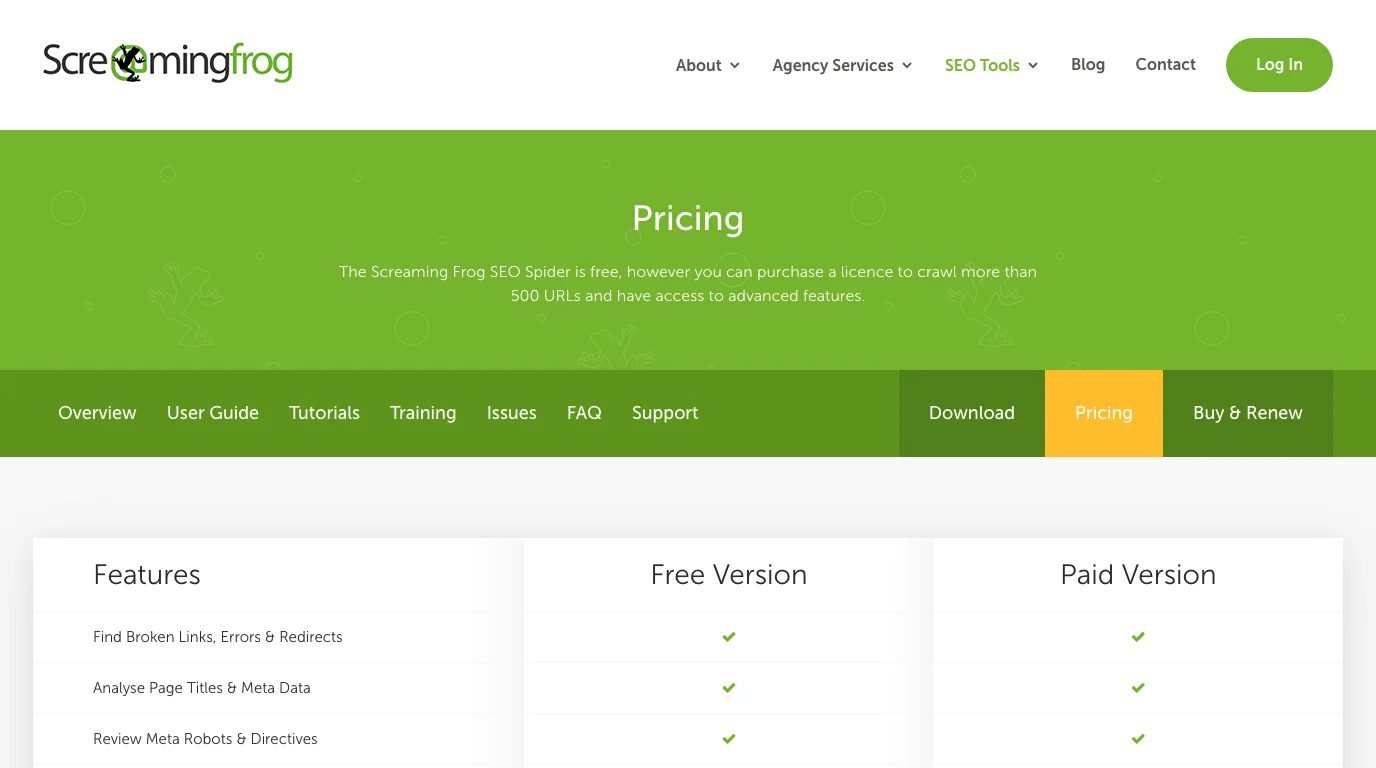
That price can be easy to justify for a technical SEO who runs frequent audits. The more important question is not only cost. It is where the work goes after the crawl.
| If your team mostly needs | The paid licence may make sense because | Add another workflow when |
|---|---|---|
| Large site crawls | The 500 URL free limit is too small | Multiple owners need a shared queue, not a desktop export |
| Advanced audit controls | Configuration depth matters to the operator | Stakeholders need explanations and priority logic |
| Recurring crawl comparisons | Change tracking helps release QA | Search performance and AI visibility need to sit beside crawl data |
| Custom extraction | The audit depends on structured page data | Extracted fields need content or engineering handoff |
Screaming Frog can produce strong evidence. It does not automatically decide which issues should ship first. That is the gap many teams feel after the export is ready.
Where Searvora Fits Beside A Desktop Crawler
Searvora SEO Spider Crawler is built around a browser-based technical site audit workflow: crawl, diagnose, prioritize, and hand off. The local product page positions it around rendering, sitemap discovery, robots parsing, structured URL inventory, issue grouping, severity, template footprint, organic impact, confidence, and owner-ready fix queues.
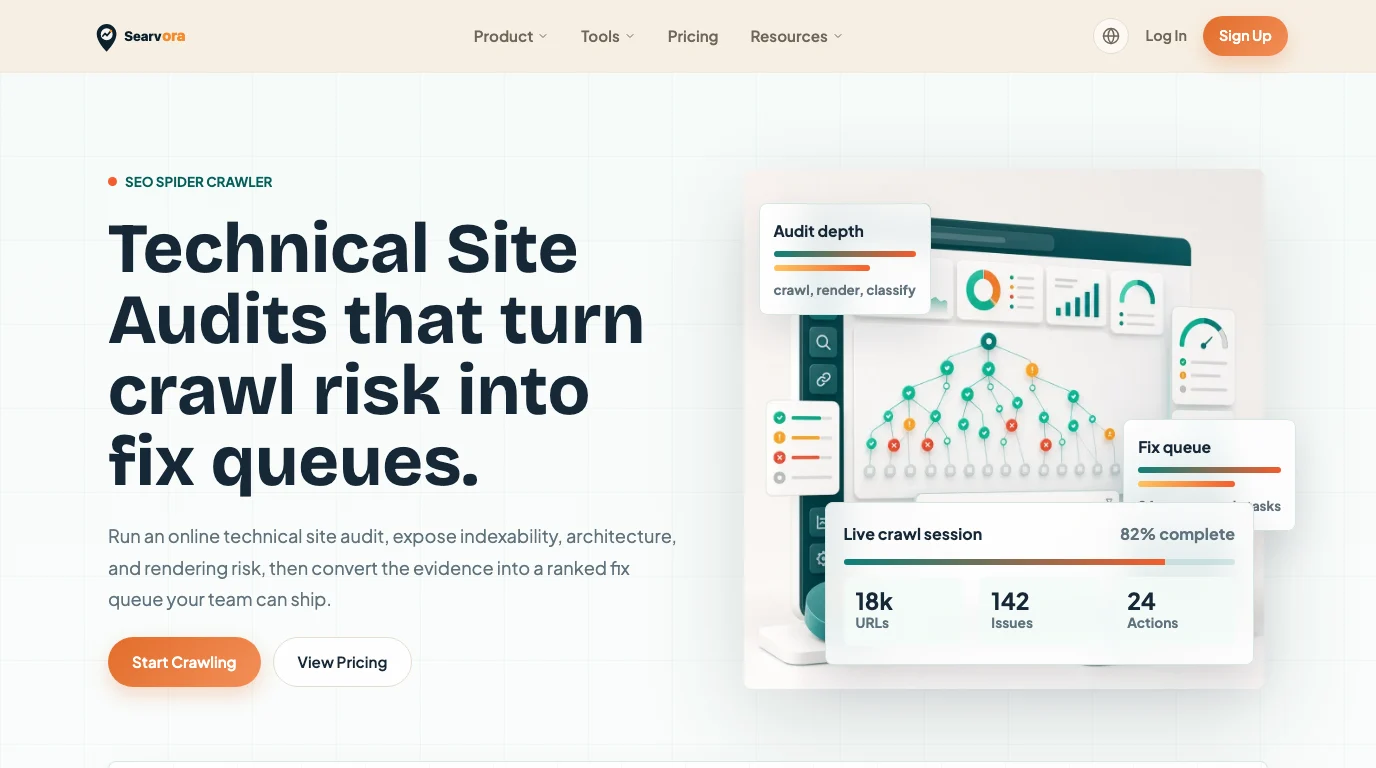
That does not make the review a universal replacement argument. The safer comparison is by workflow:
| Workflow need | Screaming Frog SEO Spider | Searvora SEO Spider Crawler |
|---|---|---|
| Desktop crawl control | Strong fit for technical operators | Not the main positioning |
| Browser-based team access | Less central to the product story | Stronger fit for shared audit review |
| Issue grouping | Available through crawl data and reports | Framed directly around fix queues and severity |
| AI-search or GEO context | Requires separate process | Can sit beside AI SEO Dashboard and Consultant workflows |
| Owner handoff | Usually built after export | Built into the product promise as an execution layer |
For site audit work that starts in Google Search Console, the Google Search Console site audit workflow is a useful companion. Search Console can reveal search-facing symptoms; a crawler explains whether canonical, redirect, sitemap, internal-link, or rendered-page evidence caused them.
Choose By The Work After The Crawl
Use this checklist before choosing a crawler workflow:
| Question | Choose Screaming Frog when | Choose Searvora when |
|---|---|---|
| Who runs the crawl? | One technical SEO owns the analysis | Multiple people need to read, assign, and monitor issues |
| What is the output? | Exports, crawl files, screenshots, and operator analysis | Prioritized issue groups, owner handoffs, and validation criteria |
| How technical is the audit? | Configuration depth and custom extraction matter most | The audit must become a ranked queue quickly |
| How often does it run? | The operator controls recurring desktop workflows | The team wants shared recurring visibility |
| What happens next? | The SEO lead manually turns evidence into tickets | The workflow needs built-in prioritization and execution context |
The overlap is healthy. Many mature teams use more than one audit surface: a desktop crawler for deep inspection, Search Console for Google-facing signals, analytics for business impact, and an online workflow for prioritization and handoff.
Review Scorecard For Technical SEO Teams
This scorecard keeps the decision practical:
| Dimension | Review judgment | Why it matters |
|---|---|---|
| Technical audit depth | Strong | The public feature set covers the core crawl, metadata, directive, sitemap, rendering, and extraction jobs technical SEOs expect |
| Beginner friendliness | Mixed | The product is powerful, but the value depends on knowing how to interpret crawl evidence |
| Team collaboration | Mixed | Exports are useful, but they are not the same as a shared action queue |
| Cost clarity | Strong | Free crawl limit and paid licence model are public and easy to understand |
| Modern AI-search workflow fit | Needs surrounding process | AI visibility, entity clarity, and prioritization need additional reporting and decision layers |
The best fit is a team with a technical SEO owner who wants granular crawl control. The weaker fit is a team that already knows the site has problems but keeps losing time between audit export, priority debate, ticket creation, and recrawl validation.
The Practical Recommendation
Screaming Frog SEO Spider deserves its reputation as a serious crawler. It is a strong option when the audit owner wants desktop crawl control and knows how to turn technical findings into decisions.
Searvora fits when the crawl is only the first half of the job. If the team needs crawl evidence grouped by severity, template footprint, business context, and owner-ready next actions, use the SEO Spider Crawler as the operating layer around technical SEO fixes.
For broader prioritization, connect crawl findings to the technical SEO workflow. A crawler can show what is broken. The operating system around the crawler decides what should ship next.