
How much does a site audit cost? For SEO work, the useful answer is not one flat number. A lightweight automated scan can be cheap, a focused consultant review usually costs more, and an implementation-ready audit for a complex site can cost much more because it includes diagnosis, prioritization, stakeholder handoff, and validation after fixes ship.
So the better question is: what decision should the audit help you make? A site audit that only lists issues is priced differently from one that tells engineering, content, product, and leadership what to do next. Use cost as a scope signal, not just a budget line.
Start With the Audit Job
The SERP for site audit cost is full of pricing pages because buyers are trying to avoid two bad outcomes: overpaying for a generic report or underpaying for a scan that cannot guide real work. Public pricing guides vary widely. WebFX's audit pricing survey points to many businesses paying in the low hundreds, while Neil Patel's SEO audit pricing guide frames quality audits across a much wider range when strategy and enterprise complexity are included.
Both can be true because they are not always describing the same deliverable.
| Audit job | What you are buying | Cost risk |
|---|---|---|
| Automated scan | Tool output for obvious crawl, metadata, or performance issues | Looks cheap but may not explain priority or ownership |
| Focused technical review | Human review of crawl, indexability, canonicals, redirects, links, and templates | Good value if the scope is narrow and evidence-backed |
| Content and search audit | Page quality, intent fit, cannibalization, traffic patterns, and refresh decisions | Can drift into opinion if no search or crawl evidence is used |
| Implementation-ready audit | Findings grouped by impact, owner, effort, dependency, and validation method | Costs more because it includes decision work, not just diagnosis |
| Enterprise audit | Segments, locales, migrations, templates, stakeholders, and release gates | Expensive when broad, but cheaper than fixing the wrong system later |
Separate Scan Price From Decision Price
An automated audit is useful when you need a fast baseline. It can catch missing titles, broken URLs, redirect chains, noindex mistakes, and obvious technical defects. It should not be priced like a strategic roadmap because the tool does not know your launch calendar, CMS constraints, revenue pages, or team capacity.
The higher-cost layer is decision work. Someone has to decide whether the issue affects a template or one URL, whether it matters to search demand, whether it needs engineering or content ownership, and how the team will prove the fix worked. That is where a site audit becomes SEO operations instead of a prettier export.
Use this split before comparing quotes:
| If the quote includes | Treat it as | What to ask next |
|---|---|---|
| Issue export only | Scan or tool setup | Which issues matter first? |
| Crawl plus human review | Diagnostic audit | How are findings grouped by impact? |
| Search Console and analytics review | Performance audit | Which page groups are tied to traffic or revenue? |
| Content recommendations | Content audit | Which pages should be kept, refreshed, merged, or retired? |
| Owner-ready tickets | Execution audit | Who ships each fix and how is it validated? |
| Recrawl after changes | Validation loop | What changed in the live output? |
Match Cost to Site Complexity
Site size is only one cost driver. A 200-page site with clean templates can be easier to audit than a 60-page site with duplicate landing pages, JavaScript rendering risk, bad canonicals, and unclear ownership. The audit gets more expensive when the reviewer needs to understand systems, not just pages.
Price usually rises when the audit needs to cover:
- Multiple page templates, locales, subdomains, or ecommerce facets.
- Rendering checks for JavaScript-heavy pages.
- Canonical, hreflang, sitemap, robots, and redirect validation.
- Search Console, analytics, crawl, and SERP evidence in one view.
- Content quality and keyword cannibalization decisions.
- Engineering, content, product, and leadership handoff.
- Post-fix validation after releases.
If your site only needs a launch checklist, do not buy an enterprise audit. If your site has a migration, international expansion, or recurring traffic volatility, do not buy only a one-click report.
For broader budget framing, pair this with the SEO pricing framework. For the technical layer, use the technical SEO workflow to define which crawl and indexability checks actually belong in the audit.
Ask What the Report Will Let You Do
A cheap site audit is expensive when the team cannot act on it. Before approving the cost, ask what the final report will make possible the next week.
Use this buyer checklist:
| Audit output | Useful version | Weak version |
|---|---|---|
| Findings | Grouped by page type, template, and search impact | Long spreadsheet sorted by tool severity |
| Priority | Impact, confidence, effort, and dependency explained | "High, medium, low" with no business context |
| Ownership | Each fix routed to engineering, content, SEO, or product | Everyone is copied, nobody owns it |
| Recommendations | Specific CMS, code, content, or linking changes | Generic best-practice advice |
| Validation | Recrawl, Search Console check, or live-page proof named | No follow-up method |
| Executive summary | Decision memo with tradeoffs and next steps | A deck that repeats the issue list |
The strongest site audit does not just answer "what is wrong?" It answers "what should we fix first, who should do it, and how will we know it worked?"
Budget for Implementation Separately
Many audit quotes exclude implementation. That can be fine, but it must be visible before you compare prices. An audit that costs less but leaves you with engineering discovery, CMS cleanup, content rewrites, redirect mapping, or QA work may not be cheaper by the time the fix ships.
Ask each provider or internal owner:
- Is implementation included, optional, or out of scope?
- Will findings become owner-ready tickets or only recommendations?
- Does the audit include a post-fix crawl or validation review?
- Which dependencies can delay the work?
- What is the minimum useful scope if budget is tight?
If the proposal includes recurring monitoring, compare it with your audit cadence. A weekly scan, monthly crawl, and quarterly strategic audit can coexist, but they should not all be priced as the same job. The SEO audit frequency workflow is the safer way to set that rhythm.
Use Evidence Before You Approve the Spend
The most practical way to control site audit cost is to reduce uncertainty before the proposal is signed. You do not need every answer. You do need enough evidence to avoid buying the wrong layer.
Prepare these inputs before asking for quotes:
| Input | Why it affects cost |
|---|---|
| Sitemap and URL patterns | Shows how much inventory the audit must inspect |
| Search Console access or exports | Connects findings to actual search visibility |
| Analytics segments | Separates valuable pages from cleanup-only pages |
| Recent releases or migrations | Reveals risk windows and validation needs |
| CMS and engineering constraints | Determines whether recommendations can ship |
| Known business goals | Keeps the audit from chasing low-value issues |
Google's guide to hiring an SEO is useful here because it frames SEO help around concrete services such as technical advice, content development, site structure, and training. Those services have different costs and should not be hidden inside one vague "audit" line item.
Where Searvora Fits
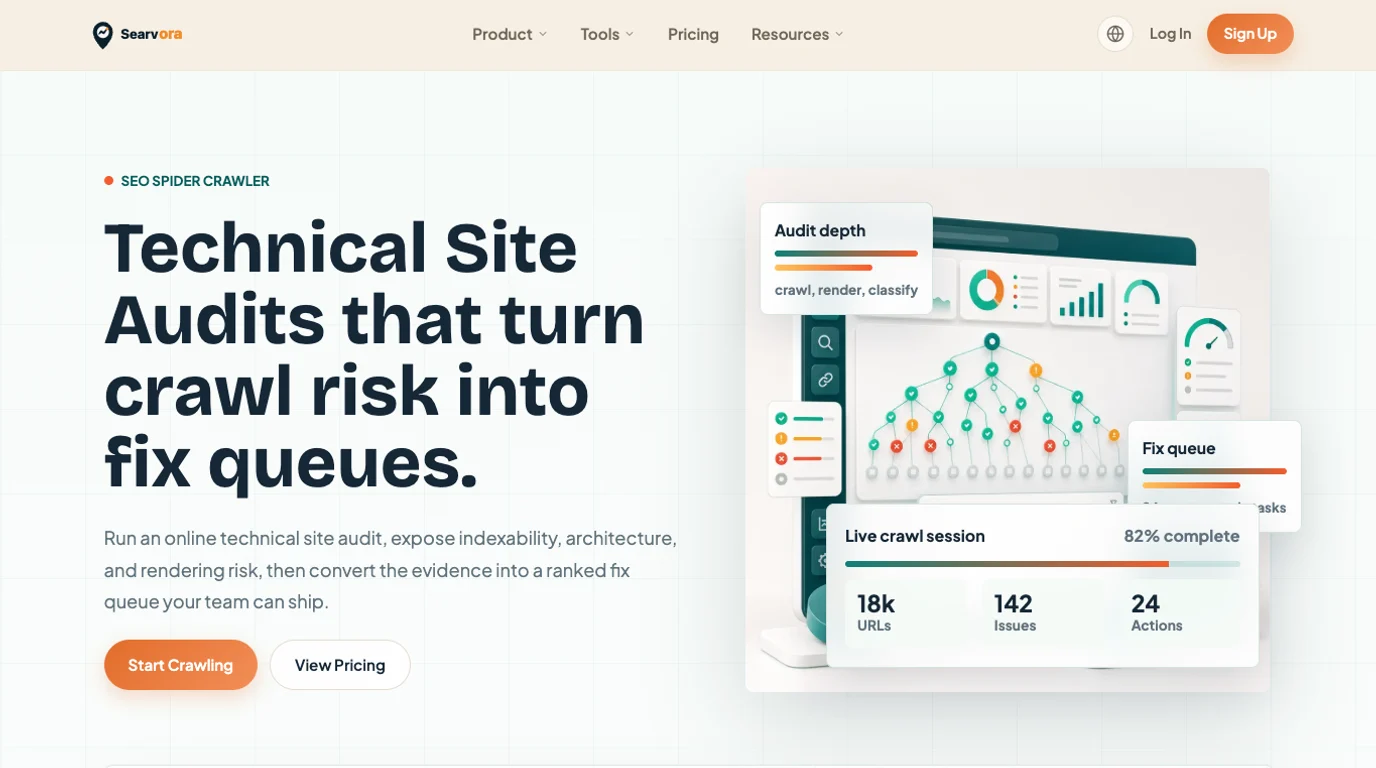
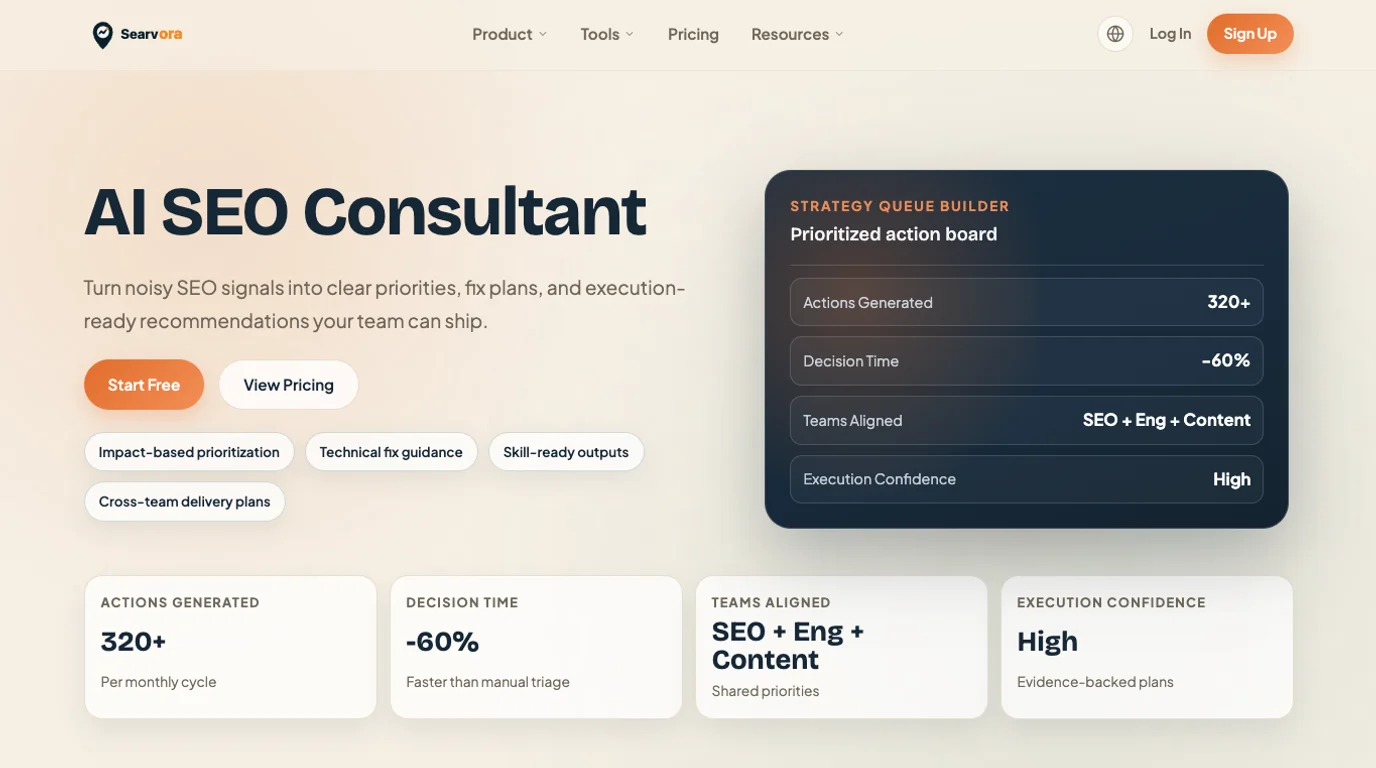
Searvora fits when a site audit cost decision needs better evidence and a clearer action path. Use the crawler layer to see crawl, indexability, metadata, and architecture risk. Use the AI SEO Consultant to turn mixed evidence into prioritized work with owner notes and validation steps.
That makes Searvora useful before, during, and after a paid audit:
| Moment | Searvora role |
|---|---|
| Before quotes | Clarify whether you need a scan, technical review, content audit, or execution roadmap |
| During audit review | Challenge vague findings with crawl, page type, and search evidence |
| After fixes ship | Monitor changed pages and keep the next action queue focused |
Searvora does not replace every expert review. It helps you avoid paying expert prices for generic scans and helps your team turn higher-priced audits into shipped, validated work.
Site Audit Cost Checklist
Use this checklist before approving a site audit quote:
- Name the decision the audit must support.
- Separate automated scan, human review, implementation planning, and validation.
- Confirm which data sources the reviewer will use.
- Ask how findings will be grouped by template, page type, impact, and owner.
- Check whether content, technical, authority, and analytics work are in scope.
- Confirm whether implementation is included or priced separately.
- Ask what the final report will let the team do in the first week.
- Require a validation method for important fixes.
- Compare quotes by useful output, not just page count or hourly rate.
- Walk away from any audit that cannot explain evidence, scope, owner, and proof.
The right site audit cost is the smallest investment that gives your team a trustworthy next action. Pay for scans when you need scans. Pay for strategy when the site is complex. Pay for validation when the business needs proof that the work actually changed search visibility.