

Topics vs keywords in SEO is not a choice between competing planning methods. A topic defines the subject space your site should explain. A keyword is evidence of a specific searcher task inside that space. The useful decision is not whether to choose topics or keywords. It is whether one page can credibly own the task, or whether the topic needs a different page role, a supporting page, or an update to an existing URL.
That distinction keeps a content team from making two opposite mistakes: publishing one thin page for every wording variation, or using a broad topic as an excuse to ignore the queries that reveal what readers actually need.
Topics Set the Boundary and Keywords Test It
Start with a topic when you need to understand the conceptual territory. Then use keywords to test whether the territory contains one job or several. Neither layer is enough on its own.
| Planning layer | What it answers | What it should not decide alone |
|---|---|---|
| Topic | What subject, entity, problem, or workflow the site should cover | Whether every related question belongs on one URL |
| Keyword | How a searcher phrases a specific task, question, comparison, or need | Whether a new page is justified without reviewing current coverage |
| Page job | What one URL must help the reader understand, decide, or do | Whether the site has enough supporting evidence and links |
| Validation signal | Whether the chosen URL is crawlable, discoverable, and earning the right queries | Whether a topic deserves expansion before the evidence is clear |
A broad topic may need a hub, several child articles, a tool, a landing page, or one focused explainer. The right answer depends on the reader job, not how many related phrases exist in a spreadsheet.
Start With the Reader Job Before You Count Variants
Before grouping terms, write one sentence that begins with: “The reader needs to…” If the sentence changes, the page job probably changes too.
For example, “SEO topics” can hide several different tasks:
| Searcher need | Better page role | Why it is distinct |
|---|---|---|
| Decide whether a topic deserves one page or a cluster | Decision guide | The reader needs a scoping rule before writing |
| Map a whole subject into hubs, children, and internal links | Topical map workflow | The reader needs cluster architecture |
| Assign query groups to existing or planned URLs | Keyword map | The reader needs URL ownership and routing |
| Diagnose pages that already compete for the same query | Cannibalization fix | The reader needs a remediation workflow |
This article owns the first decision: how to use topics and keywords together when scoping a page. If you already know the cluster needs site architecture, use the SEO topical map workflow. If you are assigning query groups to owner URLs, the keyword mapping workflow is the more specific next step.
Use Three Scope Tests Before You Create a Page
The scope test prevents a topic from becoming a pile of duplicate briefs. Run it before drafting.
1. Is the subject narrow enough for one clear answer?
Keep one page when the topic, search intent, and expected format point to the same reader outcome. A question like “what is keyword relevance” can live in one explainer if its close variants all need the same definition, examples, and next action.
2. Do the keyword groups expose genuinely different jobs?
Split only when the task changes. A user looking for a checklist, a calculator, a comparison, a product, or a technical fix is not necessarily asking for another section of a generic article. They may need a different asset altogether.
3. Does an existing URL already own the answer?
Look for the current page that serves the same core keyword, page type, and user job. Related pages are not automatically a problem. A hub can support a child guide, a technical tutorial can support a tool page, and a strategy article can support an implementation workflow. Duplicate the job only when the reader would receive the same answer from both URLs.
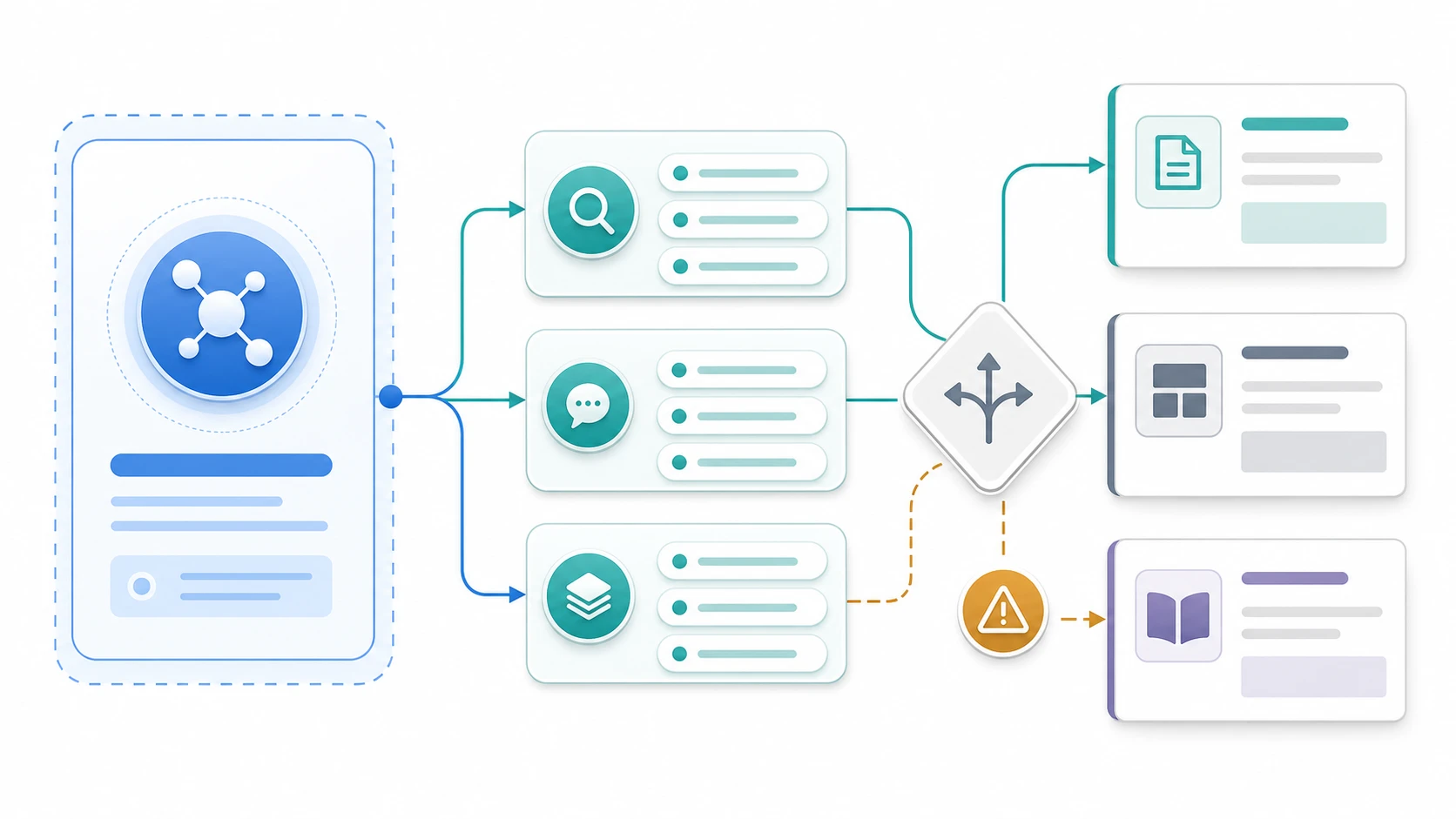
Keep Keywords as Evidence Instead of Treating Them as Commands
A keyword list becomes useful when every row helps answer a page decision. Treat keyword variants as evidence about wording, intent, modifiers, and missing proof—not as commands to create one URL per phrase.
| Evidence to inspect | What it can reveal | Page decision it supports |
|---|---|---|
| Query modifier | Whether the reader wants a definition, process, tool, template, review, or comparison | Article, tool, asset, landing page, or comparison |
| Repeated question | Whether a section needs a direct answer or an FAQ-style explanation | Add a section before creating a new URL |
| Different object of action | Whether the reader is trying to plan, diagnose, validate, or buy | Split the task if the action changes |
| Existing URL performance | Whether the current owner already has a credible claim on the task | Refresh, link, or monitor instead of creating |
| Crawl and indexability state | Whether an owner URL can actually perform in search | Fix the page before adding another competitor |
The goal is not to make the topic smaller than it is. The goal is to decide where the page boundary should sit. A strong topic can be broad; the individual URLs inside it still need precise jobs.
Give Every Planned URL a Role in the Topic
Once a topic needs more than one page, assign a role before writing. This protects topical authority without turning the cluster into copies of the same guide.
| URL role | What it owns | Good internal-link relationship |
|---|---|---|
| Parent guide or hub | Orientation, definitions, and paths into the cluster | Links down to distinct child jobs |
| How-to article | One repeatable task with steps and validation | Links up to the broader context and across to prerequisites |
| Tool or checker | A task the reader wants to perform | Links to the explaining guide and the validation method |
| Landing page | A solution or product-category decision | Links to proof, use cases, and task-specific resources |
| Update or merge target | An existing page that already owns the job | Receives improvements instead of a competing URL |
This is where a topic-first approach earns its value. It makes related content intentional. It does not erase the keywords that help a team see whether the content still matches the search task.
Separate Healthy Coverage From Keyword Cannibalization
Two pages can live in the same topic cluster without competing. The test is stricter than “they use some of the same words.”
| Question | Healthy adjacent coverage | Cannibalization risk |
|---|---|---|
| Core keyword | Different primary phrase or different query group | The same core keyword is targeted twice |
| Page type | Hub, how-to, tool, comparison, and landing roles are distinct | Both pages use the same format for the same task |
| User job | Each URL answers a different decision or action | The reader would choose either page for the same answer |
| Internal links | Pages clarify their relationship and hand readers forward | Pages compete without a clear canonical owner |
When the risk is real, do not solve it by adding more copy to both pages. Choose the canonical owner, merge unique evidence where useful, redirect when appropriate, or rewrite one page around a genuinely different task. The keyword cannibalization workflow covers that remediation step in detail.
Validate the Topic Plan After It Ships
Topic planning is only a hypothesis until the URLs are published, crawled, and measured. Add a small validation loop to every approved page so the team can tell whether the boundary was right.
- Confirm that one canonical URL owns each defined job.
- Check that the page title, H1, opening answer, and internal anchors all describe the same job.
- Crawl the page and its close neighbors for indexability, canonicals, links, and duplicate templates.
- Review the query groups that begin producing impressions or clicks; note where searchers ask for a different asset.
- Check whether the parent, child, tool, and landing pages route readers cleanly rather than repeating one another.
- Record the next action as create, refresh, merge, link, fix, or monitor.
For AI search visibility, make the subject, page job, examples, and next action obvious enough for an answer system to extract. That does not mean turning every article into a glossary. It means that a useful page gives readers and crawlers a clear reason to treat it as the owner of one task.
Where Searvora Fits
The public AI SEO Consultant page positions Searvora around pattern-based diagnosis, priority scoring, fix-ready guidance, and execution alignment. That makes it a natural fit after a team has identified a topic but still needs to choose the next URL and owner.
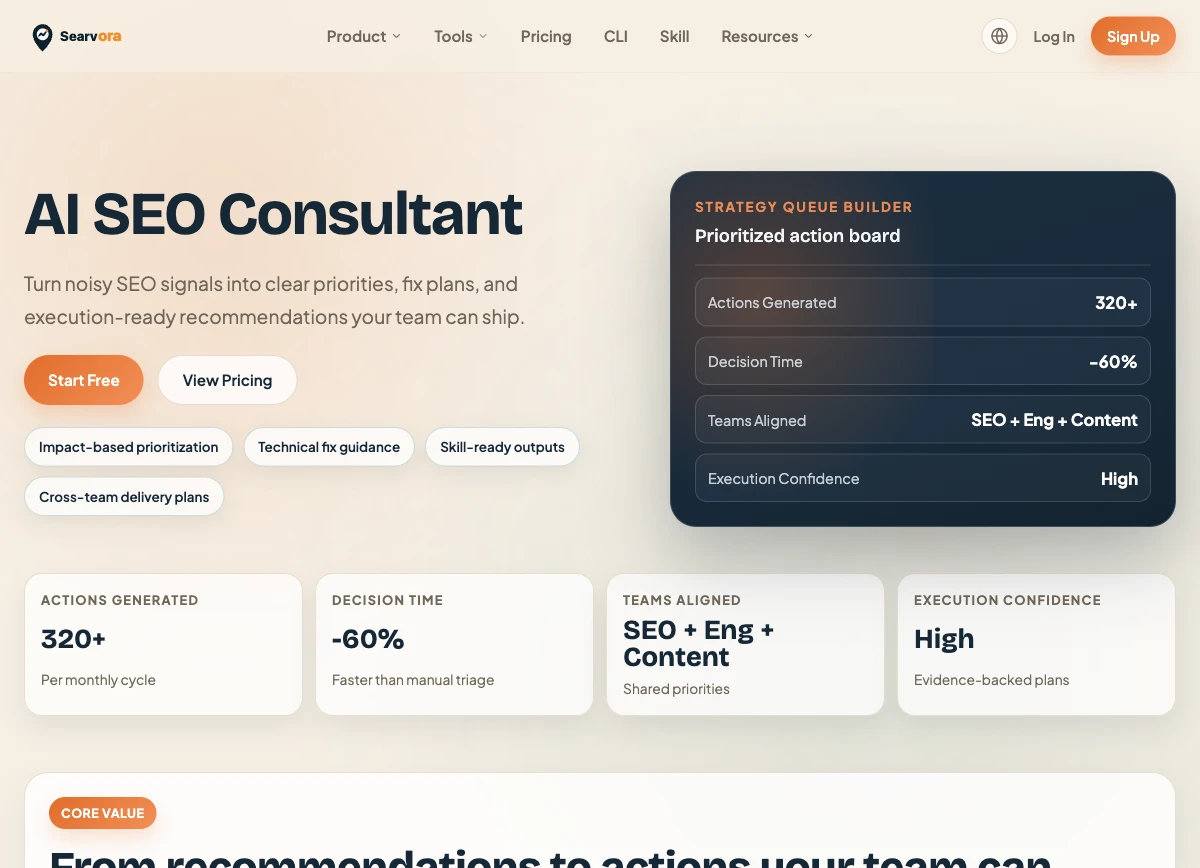
Use the consultant layer to turn the planning conversation into a traceable action queue:
| Planning question | Useful handoff |
|---|---|
| Is this a new page or an existing-page update? | Create, refresh, merge, or monitor decision with rationale |
| Which cluster gap matters first? | Priority based on opportunity, effort, and confidence |
| What could block the page from performing? | Technical or content validation checks before drafting |
| Who should act next? | A clear SEO, content, or engineering owner handoff |
Topics and Keywords Planning Checklist
Before approving the next brief, confirm that you can answer all of these questions:
- What is the broad topic boundary?
- Which keyword groups prove a shared job, and which reveal a different one?
- Does a current URL already own the core keyword, page type, and user task?
- Should the asset be a hub, article, tool, landing page, comparison, update, or no page yet?
- What does this page add beyond adjacent coverage?
- Which internal links explain the relationship inside the cluster?
- What crawl, canonical, indexability, and search-performance checks will validate the decision?
Topics make SEO planning coherent. Keywords make it accountable to real search tasks. Use both layers to create pages with distinct jobs, then validate that the site still gives each job one clear owner.