

The user-declared canonical not selected status is a troubleshooting signal, not a prompt to replace a tag at random. It means the URL you asked Google to treat as representative is not the URL Google selected for that duplicate cluster.
The fastest reliable fix is to compare the two URLs, collect the page-level evidence that points to each one, and change the strongest contradiction first. That is different from a broad canonical audit. This guide is for the operator who already has a Search Console status and needs a defensible repair sequence.
Google describes canonicalization as its selection of one representative URL from duplicate or very similar pages. A rel="canonical" tag expresses a preference, but it is not an instruction that overrides every other signal. See Google's canonicalization overview before treating a disagreement as a tag-only problem.
Start With the Two Canonical Values
Open URL Inspection for the affected page and record both values before changing the CMS or template:
| Field | The question to answer | Why it matters |
|---|---|---|
| User-declared canonical | Which URL does the current page nominate? | This is the preference your HTML, HTTP header, sitemap, or CMS may be sending. |
| Google-selected canonical | Which URL did Google choose for the cluster? | This reveals the competing page Google considers the better representative. |
| Inspected URL | Is the page itself supposed to be the preferred result? | Sometimes the declared target is wrong for the page's actual job. |
| Cluster relationship | Are the two URLs truly duplicate or only loosely related? | Canonicalization is a poor substitute for distinct content, an archive policy, or access control. |
Google's URL Inspection documentation separates the user-declared and Google-selected values. Keep a dated record of both. The inspected value can change as Google processes the site, so a copied status label without the two URLs is not enough evidence for an engineering ticket.
Build an Evidence Chain Before Editing
Canonical selection becomes easier to explain when every signal is visible side by side. Crawl the inspected URL, the declared canonical, the Google-selected canonical, and the closest duplicate variants. For each row, capture the final status code, redirect target, source canonical, rendered canonical, indexability, sitemap presence, internal inlinks, and page purpose.

Use this evidence table to identify the first conflict:
| Signal | Expected state when the inspected URL should win | Common conflict | First repair owner |
|---|---|---|---|
| HTML and rendered canonical | Both nominate the same preferred URL | JavaScript or a CMS plugin changes the canonical after the source HTML loads | Engineering or CMS owner |
| Final response | Preferred URL returns an indexable 200 response | The preferred URL redirects, is blocked, or is noindex | Engineering or SEO owner |
| Internal links | Important navigation and contextual links use the preferred URL | Templates still point to a parameter, alternate locale, or old path | Content or template owner |
| XML sitemap | The preferred indexable URL is listed consistently | The sitemap lists a duplicate or canonicalized-away URL | Platform or SEO owner |
| Page purpose | The preferred URL is the clearest representative for users | Pages are materially different, so the cluster itself is wrong | Content or information-architecture owner |
Do not edit every signal in the same deploy. A single obvious conflict—such as a self-canonical page that also redirects elsewhere—can hide the cause. Record the baseline, make the smallest coherent fix, then recrawl the affected template or directory.
For a broader inventory of source and rendered signals, use the canonical tags audit workflow. It complements this article: that workflow maps the whole cluster, while this one starts from the specific Search Console disagreement.
Fix the Strongest Contradiction First
The repair should match the page relationship, not a generic canonical checklist.
- Keep both URLs only when both have distinct jobs. If a category, product, locale, or guide serves a materially different user need, rewrite the overlap or clarify the page architecture instead of forcing one page to canonicalize to the other.
- Redirect a disposable duplicate. If users should never need the alternate URL, use a direct permanent redirect to the preferred page and remove competing self-canonical signals.
- Align an accessible alternate. If the alternate must remain available, keep it indexable only when it has a genuine job. Otherwise align
rel="canonical", internal links, and sitemap inclusion around the preferred URL. - Repair template drift. A canonical that changes after render, varies by locale, or differs between pages from the same template is usually a template or integration defect, not a one-URL edit.
- Check language alternatives separately. Do not use a cross-language canonical to tidy a localization issue. When language variants are involved, validate the reciprocal relationships with the non-canonical hreflang return-links guide.
Google's guidance on consolidating duplicate URLs explains why redirects and canonical annotations are stronger than sitemap inclusion, while also stressing that signals should agree. That gives a practical ordering: correct the URL relationship and page source first, then make links and sitemaps reinforce it.
Turn the Finding Into a Fix Queue
One mismatch is often a template pattern. Instead of closing the Search Console item after a single page edit, turn the evidence into a queue that another operator can validate.
| Queue field | Example value | Why it prevents repeat work |
|---|---|---|
| Affected template or pattern | Filter URLs using an alternate canonical | Lets the team search for the same defect across the site |
| Preferred URL rule | Self-canonical, indexable category URL | Prevents different owners from choosing different targets |
| Conflicting signal | Sitemap still lists the alternate URL | Gives the fix an observable acceptance condition |
| Owner | CMS, engineering, content, or localization | Keeps a technical finding from becoming an unassigned note |
| Recrawl scope | All URLs using the affected template | Confirms the rule, not just the example URL |
| Search Console follow-up | Reinspect the priority URL after recrawl | Separates a live fix from Google's later processing state |
This queue is where a crawler adds leverage. Searvora SEO Spider Crawler is designed to inspect technical SEO issues across page structure, links, canonical behavior, redirects, and sitemap signals. Use it to collect the site-side evidence; use URL Inspection to confirm the Google-side result for priority URLs. The two views answer different questions and should stay separate in the handoff.
Validate With a Recrawl, Then Reinspect
After the fix is live, repeat the same evidence collection against the affected URLs. The goal is not merely to see the new tag. The goal is to prove that the page source, rendered output, redirects, sitemap, and internal links now make the same choice.
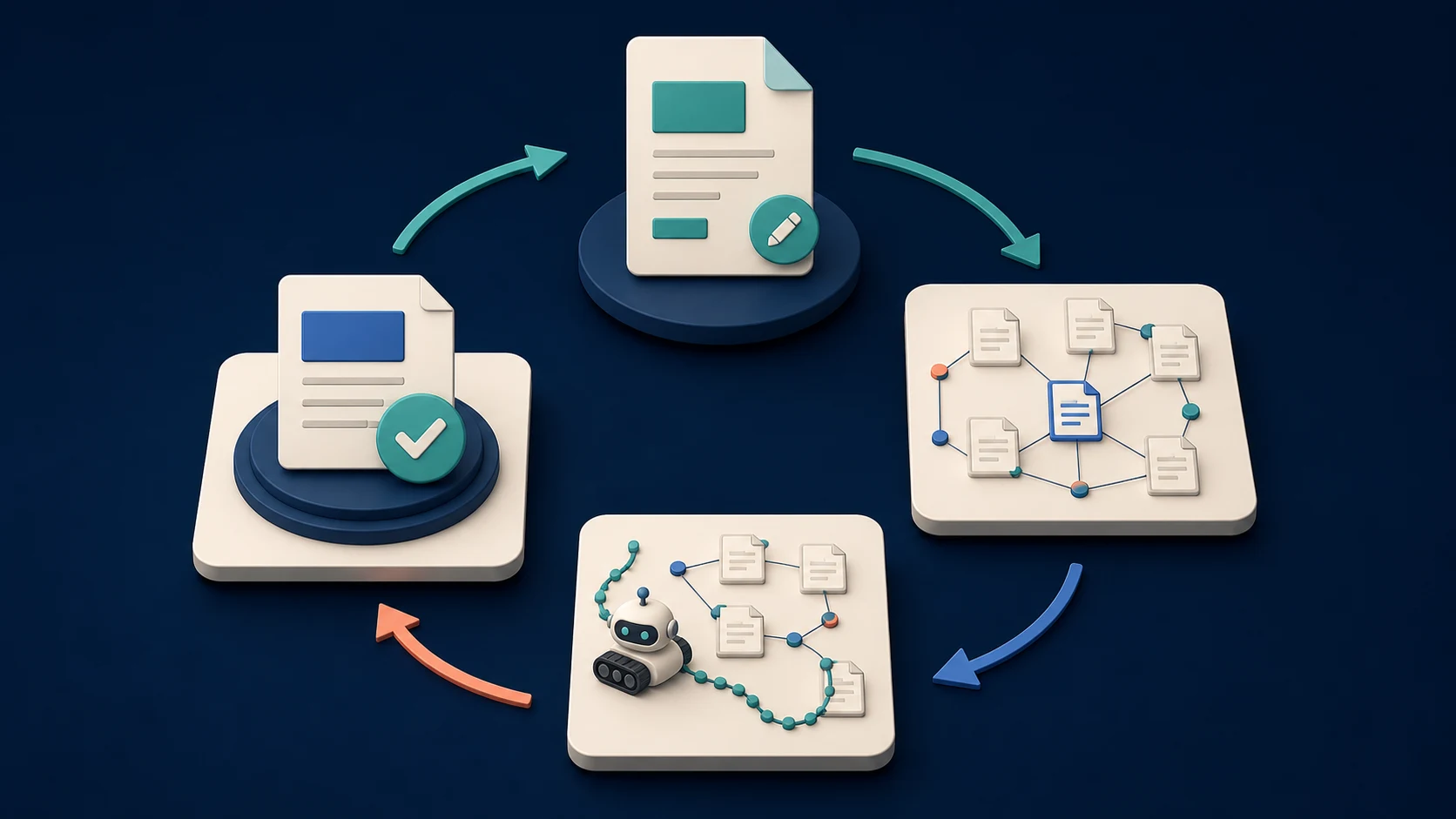
Use this validation order:
- Fetch the preferred URL and alternates to confirm their final status codes and redirect chains.
- Compare the source and rendered canonical values for the affected template.
- Confirm that important internal links and XML sitemap entries point to the intended indexable URL.
- Recrawl the whole affected pattern, not only the URL that appeared in Search Console.
- Reinspect priority URLs in Search Console after Google has had time to process the update.
- Keep the before-and-after evidence with the ticket so a later regression can be traced to the template, release, or content change that caused it.
Google notes that canonical re-evaluation can take time, even after a content or configuration fix. Its canonicalization troubleshooting guide recommends using URL Inspection to see the selected page and checking whether the preferred page still makes sense for search users. Treat a clean live recrawl as a release gate; treat Google's later selected-canonical value as the confirmation step.
Make Canonical Decisions Easier to Defend
The useful output of this workflow is not “canonical tag changed.” It is a short chain of evidence that says which URL should own the search job, which signal contradicted that decision, who fixed it, and how the team will prove the pattern is clean.
When a page is genuinely the best representative, make that choice obvious everywhere. When it is not, fix the information architecture instead of trying to win a disagreement with one tag.