

Crawling password protected websites is useful before a launch, migration, or template change. It is only safe when the crawl has an explicit owner, a low-privilege account, a narrow URL boundary, and a validation plan for what happens after the crawl.
The goal is not to make every private URL crawlable. The goal is to collect the technical evidence you need without letting a crawler wander into account actions, admin routes, irreversible test data, or a staging site that should never be discoverable in search.
Quick Answer
Treat a protected-site crawl as a controlled test. Get written authorization, use a purpose-built account with no write permissions, limit the crawl to the pages that answer the audit question, exclude state-changing paths, and record the checks that prove the release boundary still works afterward.
| Before the crawl | Decision to make | Evidence to keep |
|---|---|---|
| Access | Which owner authorizes the test and what account role is safe? | Approval, account purpose, expiry, and scope |
| Scope | Which host, paths, templates, and URL sources are in bounds? | Start URLs, includes, excludes, and a stop condition |
| Crawl | Which SEO signals are being checked? | Status, rendered HTML, canonicals, robots, links, and metadata |
| Release | What must be true before the environment is exposed or promoted? | Owner, fix list, noindex/access checks, and recrawl result |
Treat Access as a Test Permission
Password protection is an access boundary, not a green light to use production-like privileges. Ask the environment owner to create an account specifically for the audit, then remove it or expire it when the test closes.
The account should be able to view the pages that matter and nothing more. It should not publish content, install extensions, change settings, complete payments, create users, trigger destructive workflows, or access customer data. If a meaningful crawl cannot be done with that level of access, narrow the audit rather than expanding permissions by default.
The official Screaming Frog guide to crawling password-protected websites makes the same practical point: authenticated crawls can follow links that log a user out or reach actions with side effects, so a separate account without write permissions is the safer starting point.
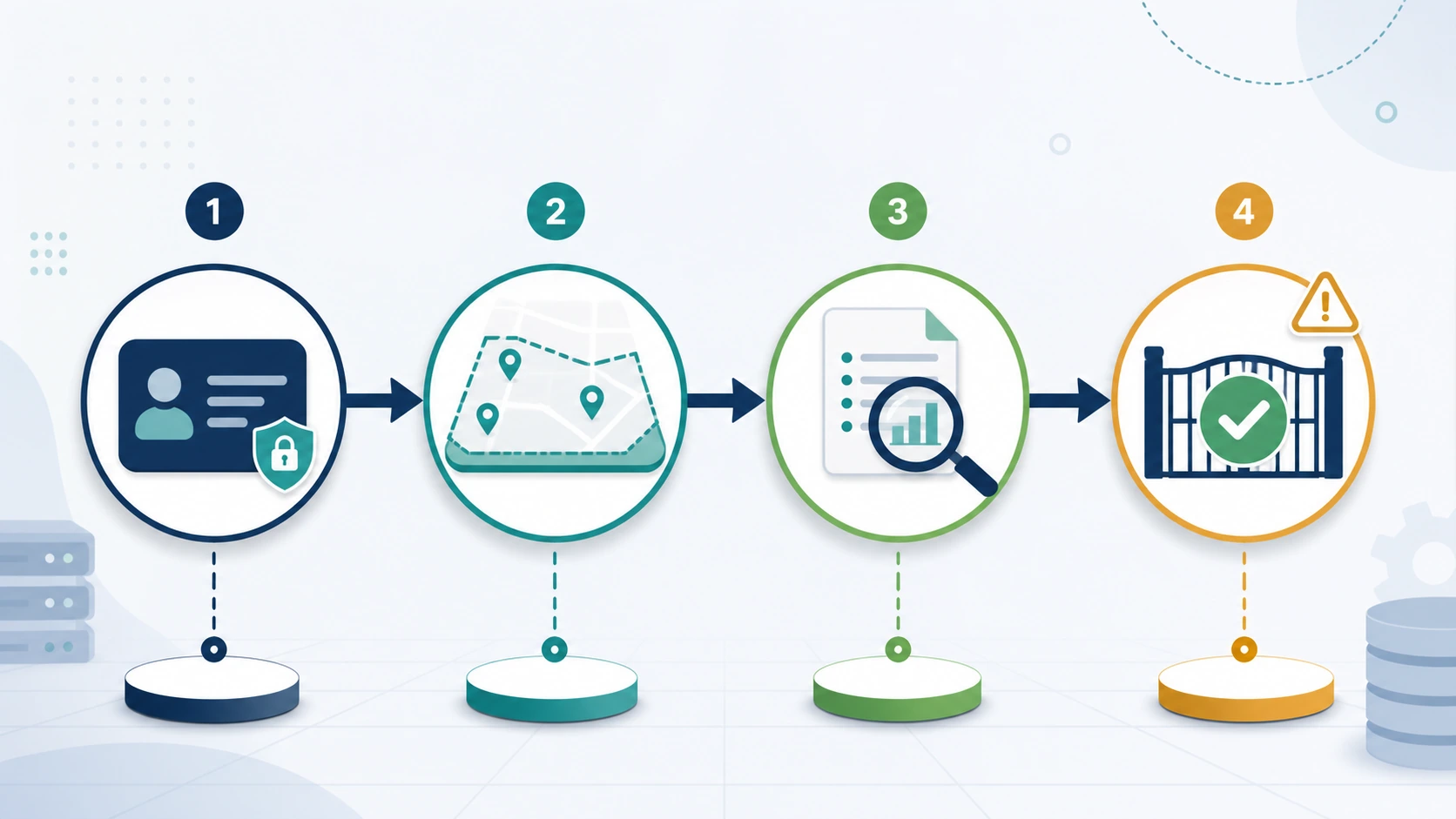
Write four details into the audit brief before anyone enters credentials:
- The person who authorizes the crawl and the time window.
- The account role and the expected logout or expiry path.
- The exact hostnames, directories, templates, and URL sources in scope.
- The actions that stop the crawl immediately, such as an unexpected admin route, a live payment surface, or customer data.
This is not bureaucracy. It prevents a technical SEO audit from becoming an unreviewed application test.
Draw the Crawl Boundary Before Logging In
The crawl boundary should answer a page question, not merely describe an environment. “Crawl staging” is too broad. “Validate that the new collection template returns the intended title, canonical, internal links, and noindex behavior across 150 staged URLs” is an audit brief a team can review.
Start with the smallest dependable URL source:
| URL source | Use it when | Boundary risk |
|---|---|---|
| Curated URL list | A release has a known QA set | It does not reveal unexpected discovery paths |
| XML sitemap | You need to compare intended inventory with crawlable inventory | A sitemap can include stale or non-indexable URLs |
| One directory | A new template or locale has a contained footprint | Cross-directory canonicals and links can be missed |
| Controlled start URL | You need to see natural internal discovery | The crawler can reach account or application routes without exclusions |
Use includes and excludes as safety controls, not just reporting filters. Exclude administrative areas, logout links, cart and checkout actions, search-result URLs, destructive preview controls, and any route the environment owner flags as stateful. Record those rules next to the result so the recrawl can be reproduced.
For a broader discussion of what belongs in the crawl scope, see when crawl budget is actually a problem. The principle is the same: collect the URLs and signals that can change the next decision, not every possible response the site can generate.
Keep Access Control and Search Indexing Separate
Authentication, robots rules, and noindex solve different problems. Mixing them together is how teams ship a staging environment that is either needlessly exposed or impossible to validate.
| Control | Primary job | What it does not prove |
|---|---|---|
| Password or HTTP authentication | Limits who can request the environment | Whether a future public page will stay out of search |
robots.txt | Communicates crawl rules to compliant bots | Whether a URL with external links is absent from results |
noindex | Tells supporting search engines not to index a reachable page | Whether an unauthorized person can access the page |
| Canonical | Signals the preferred URL among duplicate variants | Whether the target itself is accessible or indexable |
For a reachable non-production URL that must stay out of search, make sure the indexing signal can actually be observed. Google's noindex documentation explains that a crawler has to access the page to see the directive; blocking the crawler first can prevent it from reading that signal.
That distinction matters during launch QA. Test the intended access boundary first, then test the page response, rendered head, canonical target, and indexability declaration as separate checks. If the environment will be promoted to a public hostname, repeat those checks after the promotion instead of assuming the staging result transfers unchanged.
The related robots.txt SEO workflow is useful when the team needs to make crawl rules explicit without treating robots as a substitute for private access control.
Read the Crawl as a Release Decision
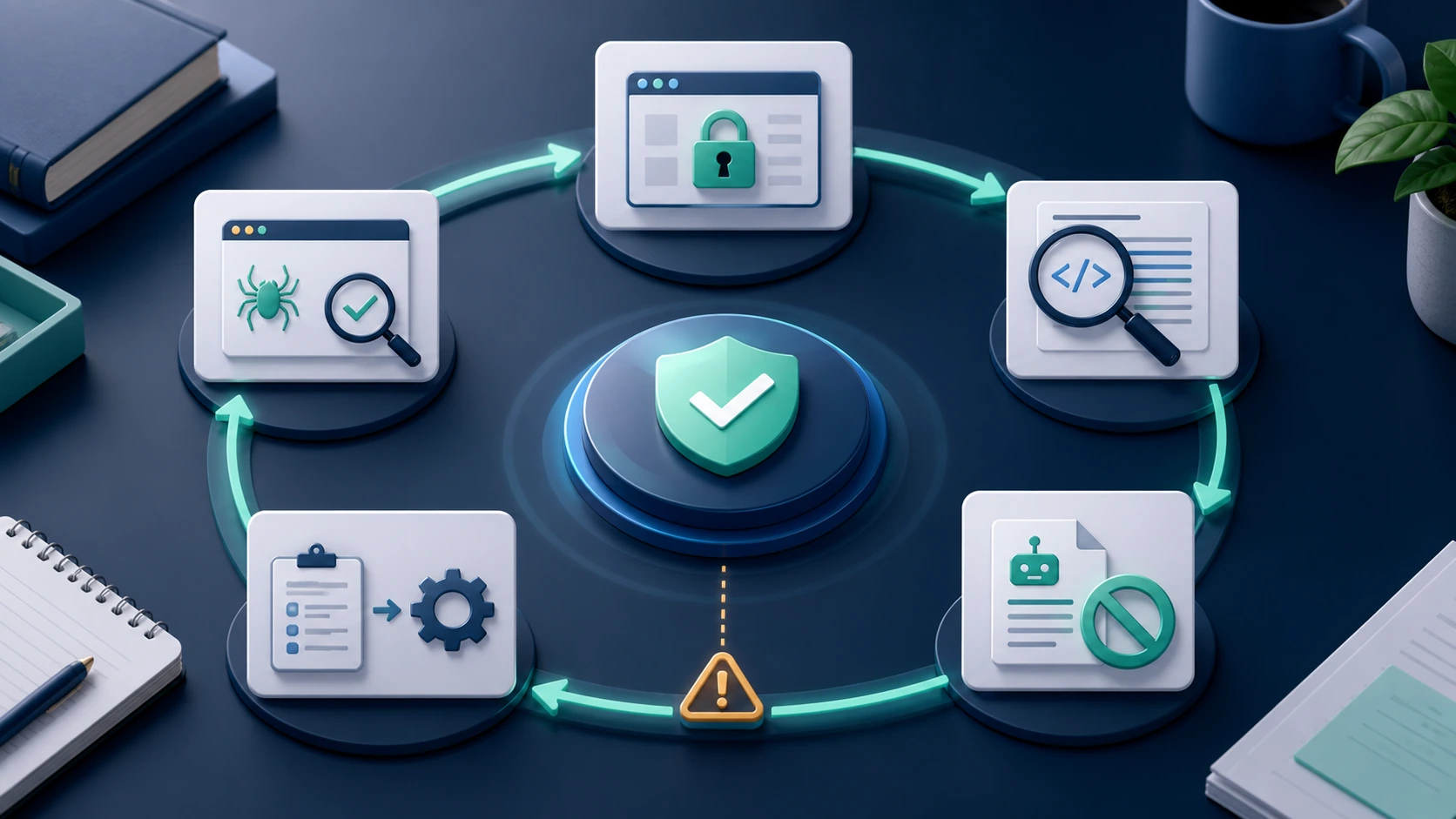
Do not finish with a raw export. Group findings by the action they require, the page type affected, and the proof needed after a fix ships.
The most useful protected-site crawl report answers questions such as:
- Which priority pages are reachable only after authorization, and is that intentional?
- Which templates expose the expected title, headings, canonical, robots, and internal-link signals?
- Which links leave the approved audit boundary or point to stateful paths?
- Which pages would become indexable if the environment were promoted today?
- Which finding belongs to engineering, content, release management, or security?
Turn the Result Into an Owner-Ready Fix Queue
Searvora SEO Spider Crawler is positioned for the part of the workflow after access has been authorized: crawl discovery, indexability and canonical analysis, on-page QA, prioritization, and owner-ready technical handoffs. It should not be treated as a reason to expand a protected environment's permissions.
Use a technical SEO crawler when you need to turn the approved crawl evidence into a shared action list:
| Finding | Owner | Validation after the fix |
|---|---|---|
| Protected page resolves unexpectedly on a public host | Release or platform owner | Check host routing, response, and access behavior from an unauthenticated session |
| Canonical points to a staging or wrong production URL | Engineering or template owner | Confirm the rendered canonical and recrawl the affected template group |
noindex is missing or cannot be observed | SEO and engineering | Inspect the final HTML or HTTP header on the reachable target and validate in Search Console when public |
| Internal links reach logout, admin, or preview routes | Template or application owner | Re-crawl the scoped path and verify the exclusion and link graph |
Protected Crawl Checklist Before a Launch
Use this checklist before you run the crawl and again before the release moves forward:
- Confirm the environment owner and written audit purpose.
- Create a dedicated read-only account, with no production or customer-data access.
- Specify the allowed hostnames, URL sources, directories, and stop conditions.
- Exclude admin, logout, checkout, account, preview-action, and other stateful paths.
- Record the expected response, canonical, robots, and
noindexbehavior for each priority template. - Crawl only the approved scope and preserve the URL source plus inclusion and exclusion rules.
- Group findings by affected template, owner, severity, and evidence needed to close them.
- Recheck access from an unauthenticated context before launch.
- Re-crawl the affected URLs after fixes and after hostname promotion.
- Retire the audit account or rotate its access when the test window closes.
The safe way to crawl a password-protected website is to make authorization, scope, SEO evidence, and release validation one deliberate workflow. That gives the team an audit they can trust without turning the crawl into an uncontrolled test of the application.