

Free SEO tools are useful when each tool has a job. One tool can show crawl blockers. Another can check metadata. Another can validate structured data. The problem starts when a team collects a dozen free reports and still has no owner, priority, or fix path.
The Ahrefs roundup that surfaced this opportunity proves the search intent is a true tools list. Searvora's information gain is the operating layer: compare free tools by the SEO decision they improve, the limit they leave behind, and when to move from a quick check into a crawl, content, or AI-search workflow.
Choose Free SEO Tools By The Job
Start with the decision, not the brand list. A free tool is only useful if it reduces uncertainty for the next action.
| SEO job | Free tool type to start with | What the result should decide |
|---|---|---|
| Build a crawl input list | Sitemap extractor or sitemap validator | Which URLs belong in the next crawl or indexability review |
| Confirm search performance | Google Search Console or Bing Webmaster Tools | Which existing pages deserve refresh, links, or technical checks |
| Check page speed and UX risk | PageSpeed Insights | Whether performance issues need engineering triage |
| Validate structured data | Rich Results Test or Schema Markup Validator | Whether markup is eligible, valid, and aligned with visible page content |
| Spot technical crawl issues | Free crawler or site audit tool | Which broken links, metadata issues, redirects, or indexability risks need priority |
| Turn signals into work | Searvora tools plus a workflow layer | Which owner, page type, and validation step should happen next |
The Free SEO Tools Shortlist
This is not a universal ranking. It separates tools by the job they are best suited for from public pages and local Searvora product evidence.
| Tool | Best fit | Main limit |
|---|---|---|
| Searvora Free SEO Tools | Focused sitemap, metadata, llms.txt, canonical, indexability, robots.txt, and hreflang checks | Quick checks still need a prioritized workflow after the issue is found |
| Google Search Console | Search performance and indexing evidence for verified sites | It only sees properties and queries where you already have Google data |
| Bing Webmaster Tools | Bing search reporting, URL submission, keyword research, and technical diagnostics | It is strongest for Bing visibility and verified properties |
| PageSpeed Insights | Page performance and Core Web Vitals investigation | It explains symptoms, but implementation still needs engineering context |
| Rich Results Test | Google rich-result eligibility checks | It does not replace full schema strategy or content-quality review |
| Schema Markup Validator | General structured data validation | Valid schema is not the same as useful, visible, or eligible schema |
| Ahrefs Webmaster Tools | Free verified-site analytics, technical insights, and SEO metrics | It is limited to verified sites and Ahrefs' product model |
| Screaming Frog SEO Spider | Desktop crawl checks and small-site technical inspection | The free workflow still requires manual interpretation and local setup |
Searvora Free SEO Tools
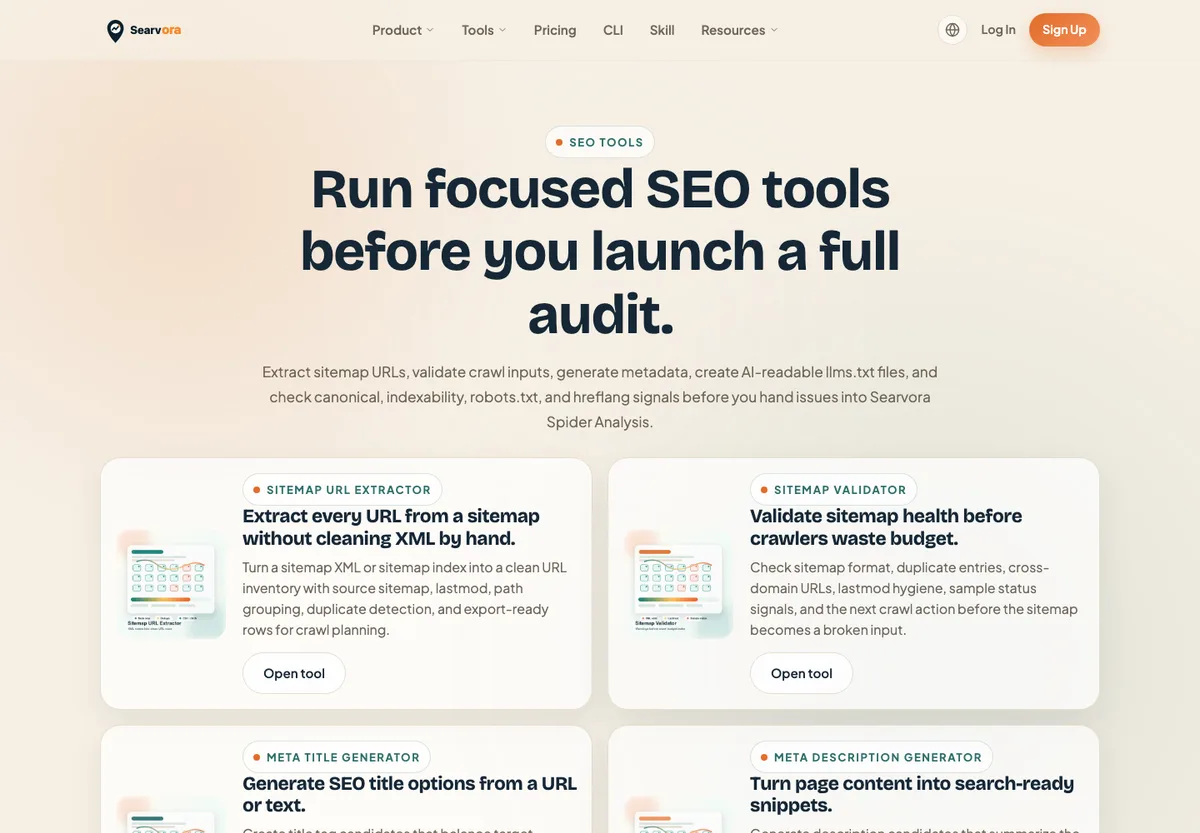
Searvora's free SEO tools are useful when a team needs a focused check before a full audit. The local tools catalog includes sitemap URL extraction, sitemap validation, meta title generation, meta description generation, llms.txt generation, canonical checking, indexability checking, robots.txt generation, and hreflang tag generation.
Use them when the next step is narrow and concrete:
- Extract sitemap URLs before a crawl.
- Validate whether a sitemap has obvious crawl-input problems.
- Draft metadata for a page that already has a clear job.
- Check whether canonical, indexability, robots, or hreflang signals are internally consistent.
- Create an llms.txt starting point for AI-search discoverability work.
The limit is scope. A focused free tool can catch a signal, but it will not decide whether the fix should beat a content refresh, internal-link update, or crawl-priority project. That is where the workflow has to continue.
Google Search Console
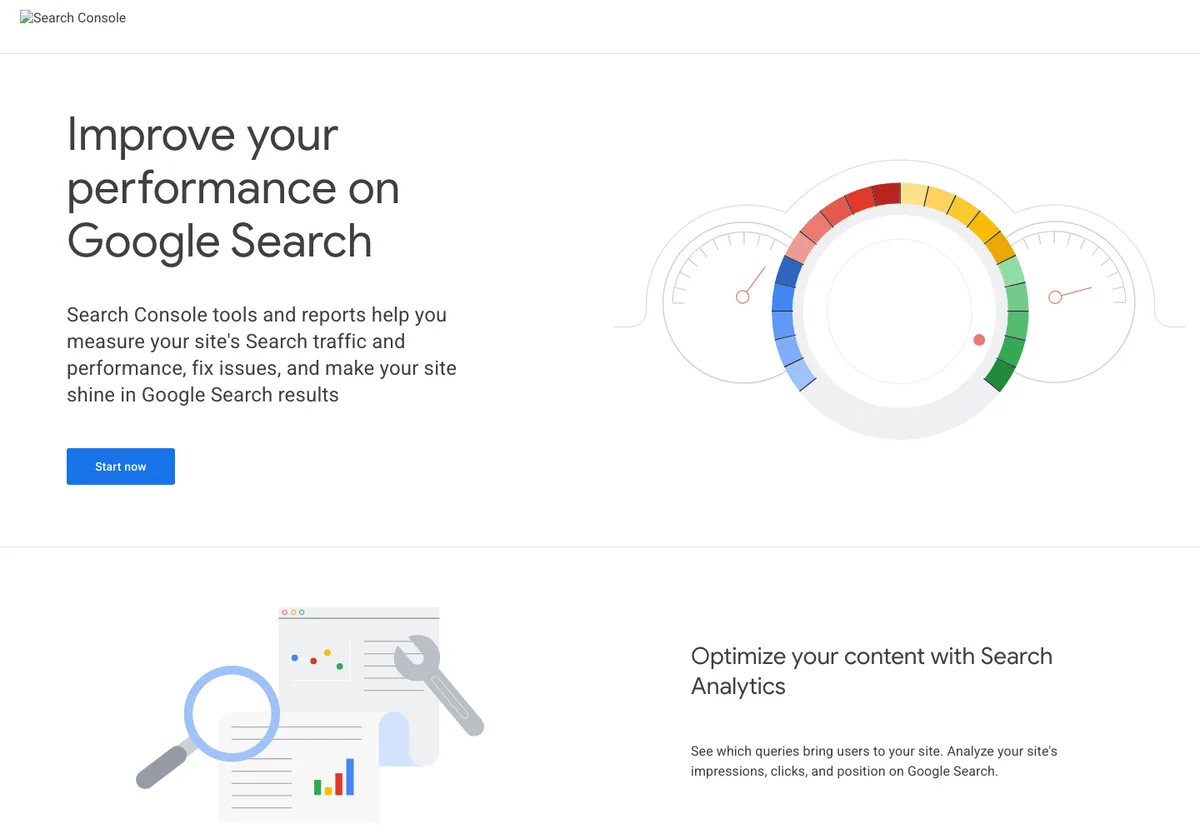
Google Search Console is the free source to check how Google sees verified properties. The public Search Console page positions it around measuring Search traffic and performance, fixing issues, and making a site shine in Google Search results.
Use it when the question is about pages that already have evidence. Look for high-impression pages with weak CTR, queries that almost match the page promise, and index coverage issues that need technical validation.
Best next action: decide whether the existing URL needs a title rewrite, content refresh, internal links, or crawl/indexability check before creating another article.
Bing Webmaster Tools
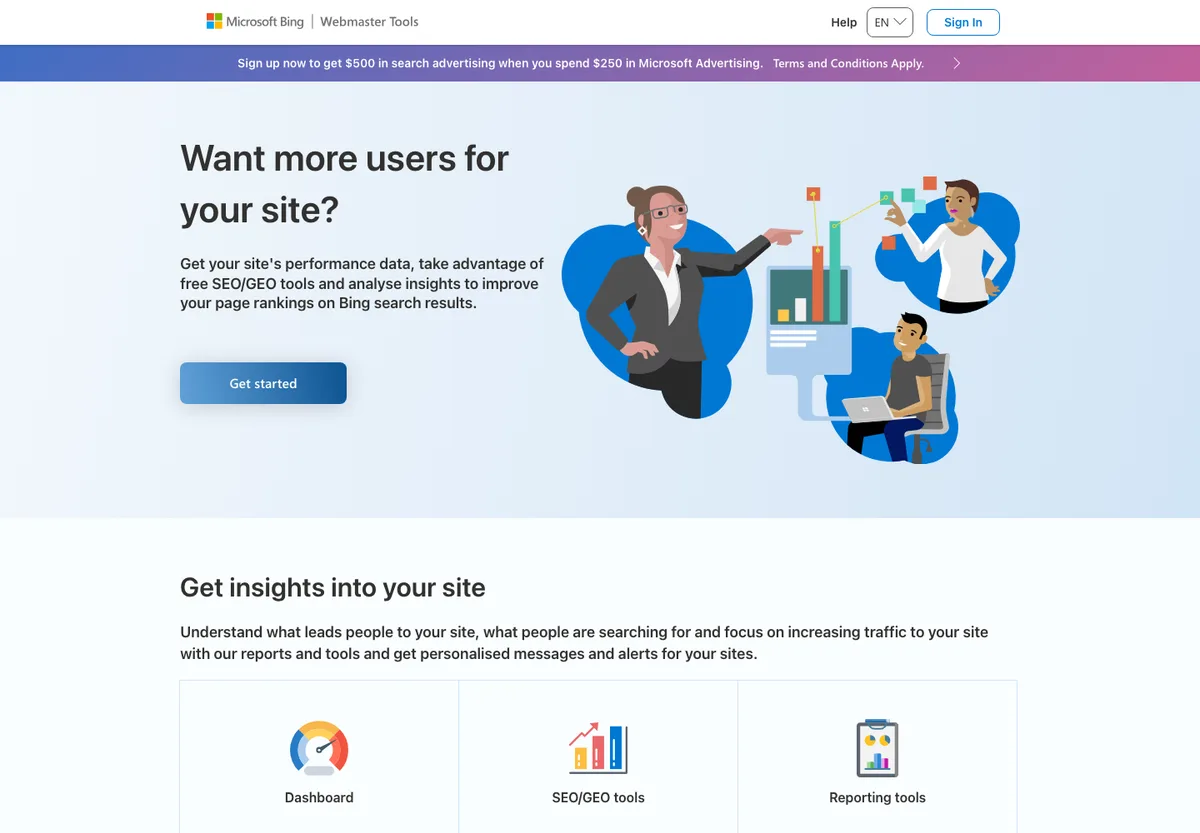
Bing Webmaster Tools is useful when Bing visibility matters or when teams want another free diagnostic layer. The public Bing Webmaster Tools page positions the product around free reports, tools, and resources, including site performance, keyword research, backlinks, URL submission, site scan, and SEO reporting.
Use it to compare Google-only conclusions against another search surface. If Bing shows a different page pattern, index state, or keyword opportunity, do not immediately rewrite content. Check crawl access, canonical signals, sitemap inclusion, and page intent first.
Best next action: add Bing evidence to the same page queue, then decide whether the fix belongs to technical SEO, content, internal links, or submission/indexing.
PageSpeed Insights
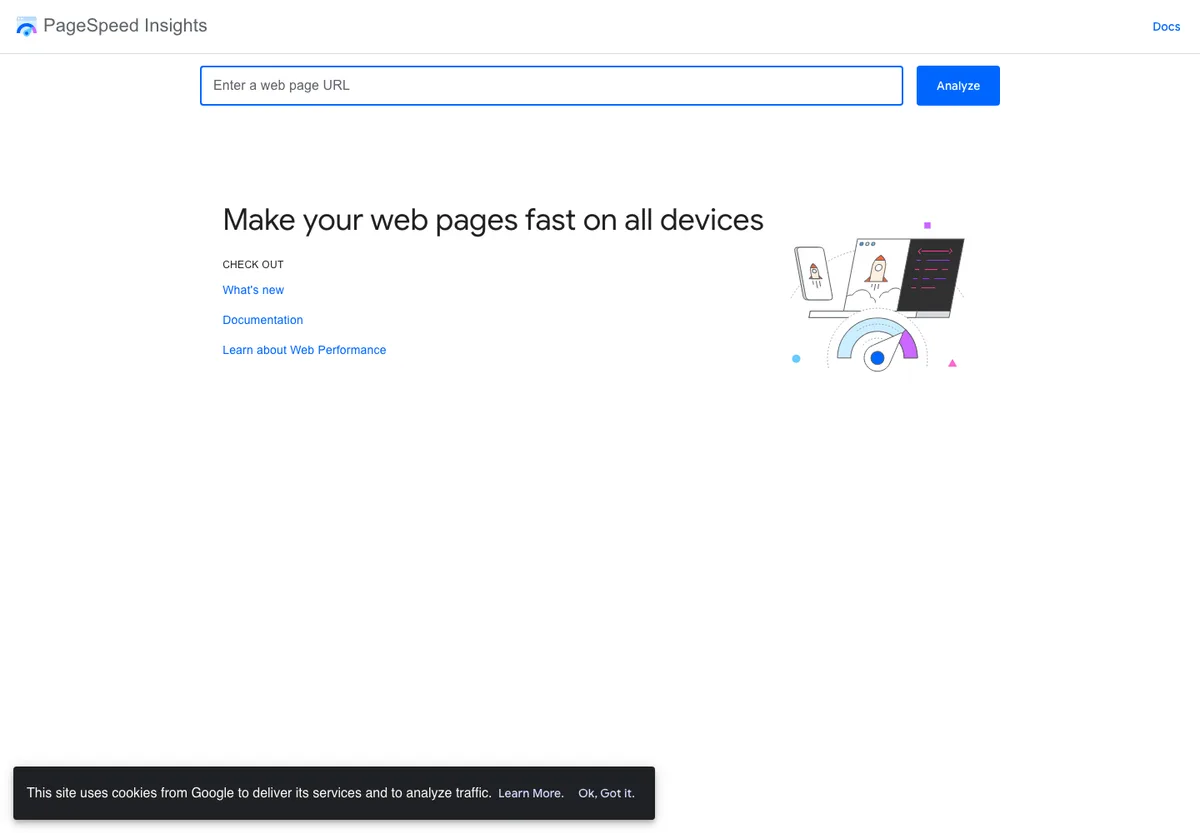
PageSpeed Insights is a good free first pass when performance may be affecting search experience. The public PageSpeed Insights page analyzes a URL and reports whether web pages are fast on all devices.
Treat the score as a triage signal, not the whole task. The useful question is which template, route, script, image pattern, or rendering issue needs engineering work. A single slow URL can represent a site-wide template issue or one unusually heavy page.
Best next action: group affected URLs by template, confirm whether the issue appears in field data or lab data, then hand the fix to engineering with page examples.
Rich Results Test
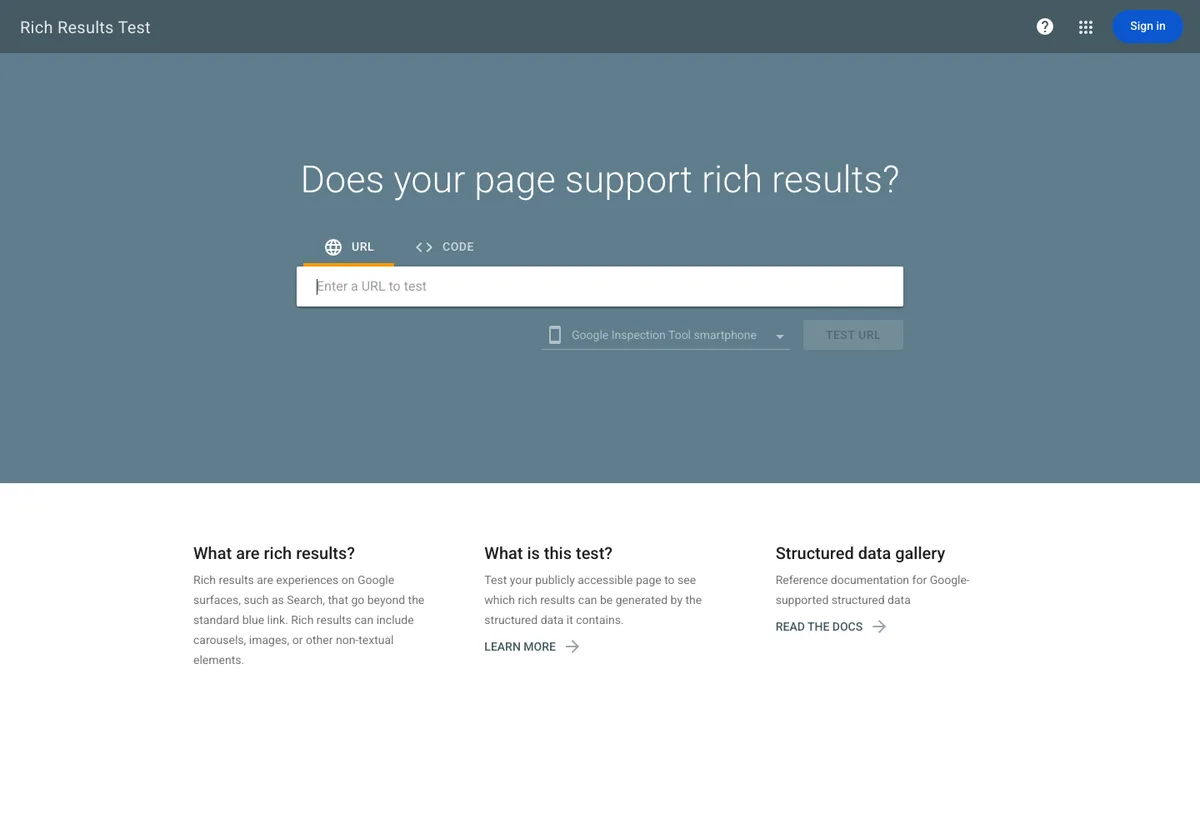
Google's Rich Results Test helps check whether a page can support Google rich results. The public Rich Results Test page accepts a URL or code snippet and reports rich-result support based on structured data.
Use it after you know which rich-result type actually fits the page. Adding markup because a tool allows it is backwards. The markup should describe visible, useful content on the page.
Best next action: validate the page, fix errors, then confirm the structured data still matches visible content, canonical URL, and page type.
Schema Markup Validator
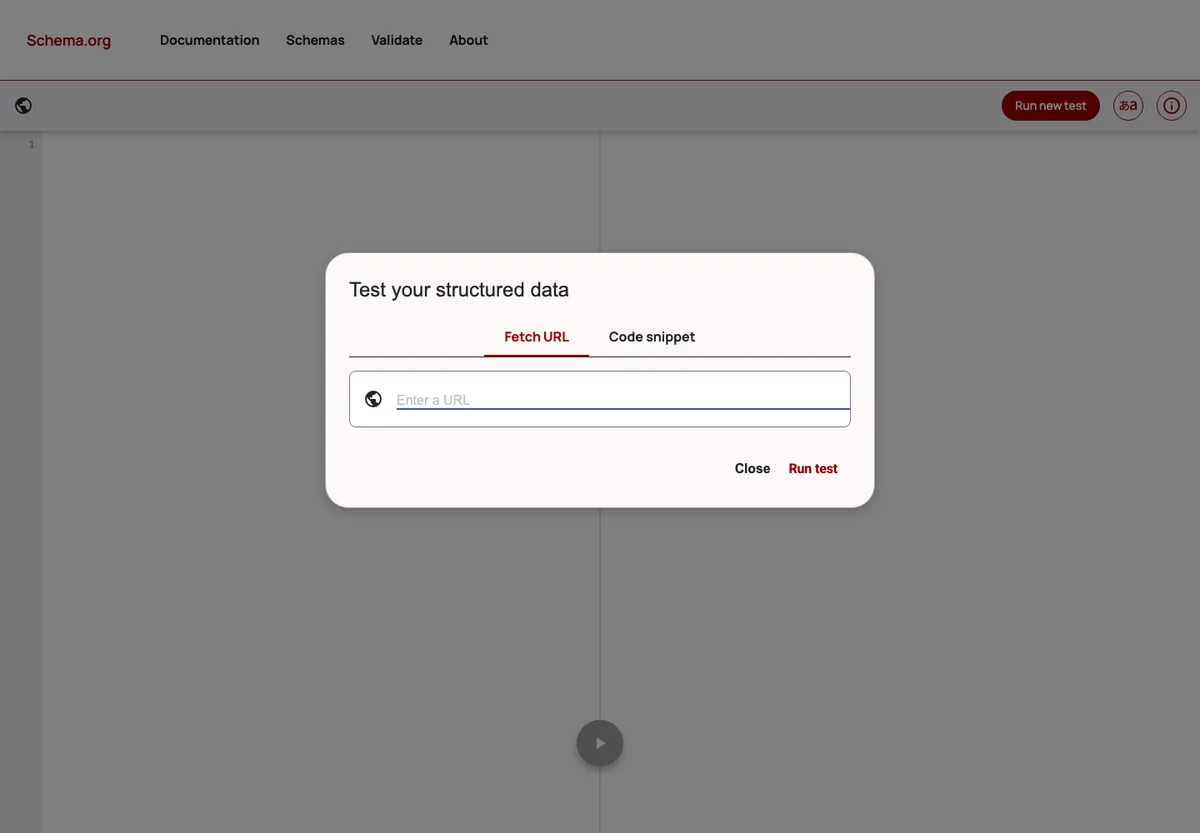
Schema Markup Validator is useful for general structured data debugging. The public Schema Markup Validator tests structured data without making the task only about Google's rich-result features.
Use it when the goal is clean schema, not just rich-result eligibility. This is especially helpful for organization, article, breadcrumb, product, FAQ, and software application markup where the entity model matters.
Best next action: fix invalid or misleading properties, then check whether the schema supports the page's search job and AI-search citation context.
Ahrefs Webmaster Tools
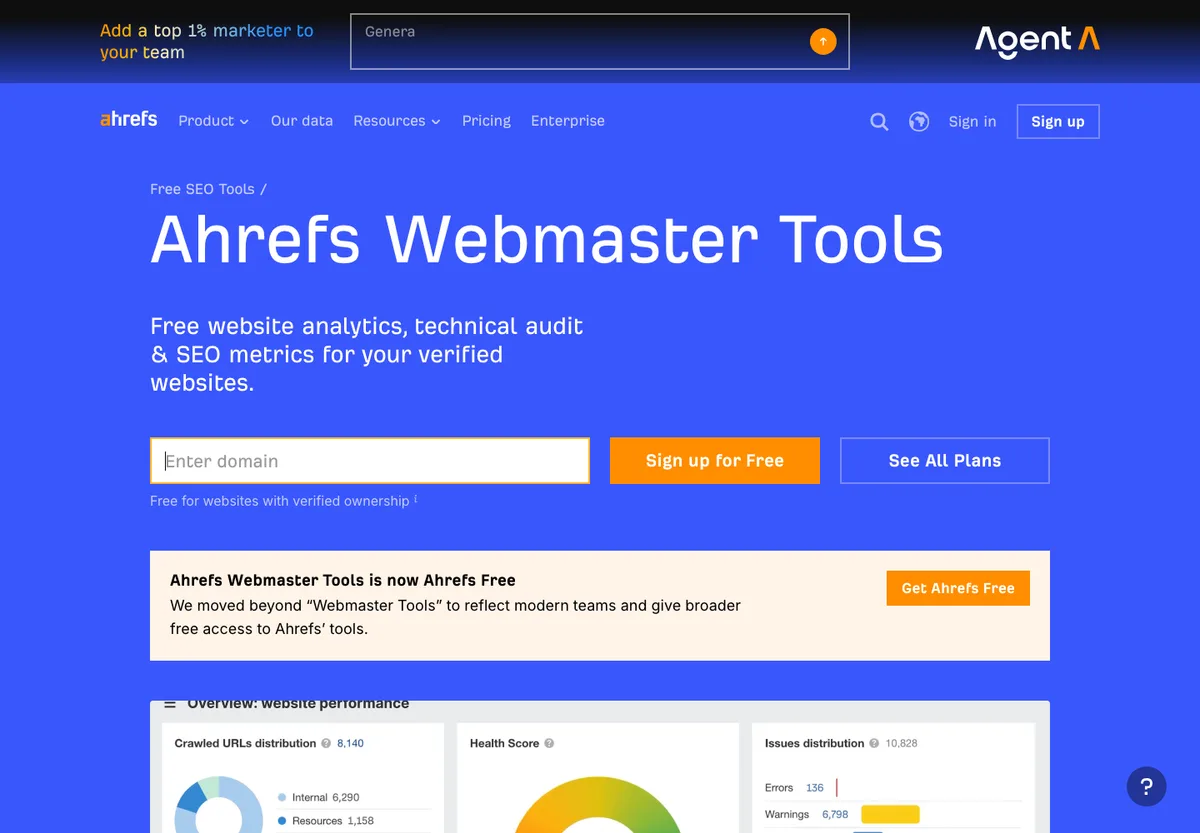
Ahrefs Webmaster Tools is a strong free option for verified websites. The public Ahrefs Webmaster Tools page frames it around free website analytics, technical insights, and SEO metrics for verified sites.
Use it when backlink context, organic keywords, and technical audit signals need to sit together. It can be especially useful for teams that want a free entry point into Ahrefs-style site evidence before choosing a paid SEO suite.
Best next action: turn findings into page-level decisions. If a report shows a technical issue, verify it with crawl evidence. If it shows a keyword opportunity, compare it against existing Searvora coverage before writing.
Screaming Frog SEO Spider
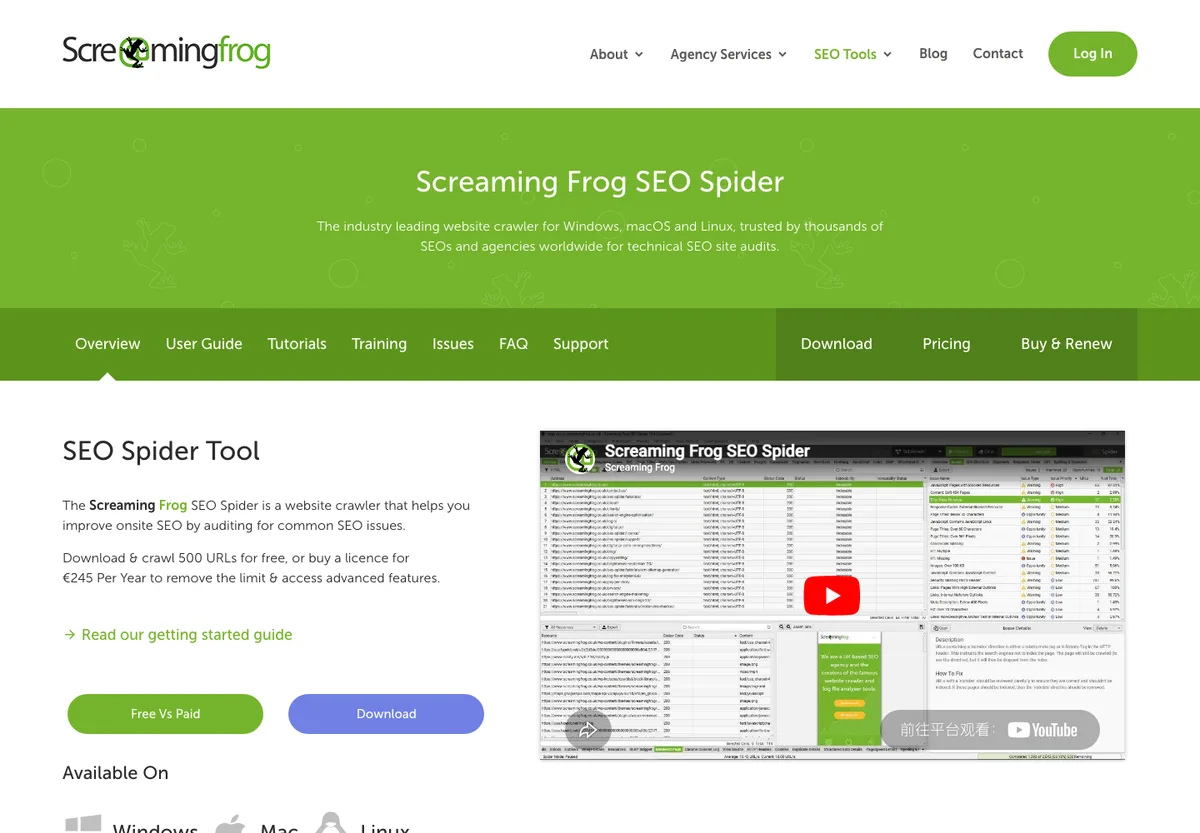
Screaming Frog SEO Spider is a familiar crawler for technical SEO audits. The public SEO Spider page positions it as a website crawler for technical SEO site audits on Windows, macOS, and Ubuntu.
Use it when you need a desktop crawl to inspect status codes, metadata, links, canonicals, redirects, and other technical signals. It is especially useful when the team is comfortable interpreting crawler exports.
Best next action: keep the crawl small enough to understand, group issues by template and business impact, then decide which fixes deserve engineering time.
Build A Workflow From The Free Stack
Free SEO tools work best in sequence:
- Start with Search Console and Bing Webmaster Tools to find pages with search evidence.
- Use Searvora tools to check sitemap, metadata, canonical, indexability, robots, hreflang, and llms.txt signals.
- Use PageSpeed Insights when UX or Core Web Vitals may explain a performance gap.
- Use Rich Results Test and Schema Markup Validator when structured data affects the page job.
- Use Ahrefs Webmaster Tools or a crawler when the issue needs broader site context.
- Turn the evidence into one action queue with owner, priority, and validation criteria.
This is where the free SEO tools article differs from the free keyword research tools workflow. Keyword tools help pick and shape demand. Free SEO tools help validate whether pages, templates, and search signals are ready for that demand.
If the issue is technical, pair the tool output with the technical SEO workflow. If the issue is AI-search discoverability, connect the evidence to an AI visibility workflow before rewriting pages.
When Free Tools Are Enough
Free tools are enough when the problem is narrow, the page set is small, and one owner can act quickly.
| Situation | Free tools can handle it | Move to a workflow layer when |
|---|---|---|
| One page has weak CTR | Search Console plus metadata review | Many templates share the same snippet pattern |
| A sitemap may be stale | Sitemap validator and extractor | The sitemap feeds a migration, international rollout, or recurring crawl |
| A page may be blocked | Indexability and robots checks | The issue affects many URLs or conflicts with canonical rules |
| Structured data may be invalid | Rich Results Test or Schema Markup Validator | Schema strategy needs entity, content, and template governance |
| A small crawl finds broken links | Free crawler or focused spider pass | Fixes need owner routing, impact scoring, or validation recrawls |
Free checks are not a lower-quality version of paid SEO work. They are the right first layer when the question is specific. The mistake is treating them as a finished operating system.
Where Searvora Fits
Searvora is useful after free tools expose the signal. Use the free tool surface for focused checks, then use Searvora's broader workflow to decide what the evidence should become: a crawl fix, metadata update, content refresh, AI-search visibility task, or owner-ready priority queue.
Run This Approval Checklist
Before a free SEO tool finding becomes a task, answer these questions:
- Which page, template, directory, or property does the finding affect?
- Is the issue visible in search performance, crawl data, or page rendering?
- Does the fix belong to SEO, content, engineering, or product?
- Is this one URL, one template, or a site-wide pattern?
- Which Searvora URL already covers the same user job, if any?
- What evidence will prove the fix worked after release?
The best free SEO tools do not replace judgment. They shorten the path to it. Use them to collect focused evidence, then turn that evidence into a decision your team can ship and recheck.