

Long-tail vs short-tail keywords is not just a volume comparison. Short-tail keywords are broad, usually higher-demand phrases such as "keyword research" or "SEO tools." Long-tail keywords are more specific searches such as "long-tail vs short-tail keywords" or "keyword research for Shopify product pages." The useful difference is the decision each phrase helps you make.
Use short-tail keywords to understand markets, define hubs, and measure whether a topic deserves ongoing investment. Use long-tail keywords to find clearer user jobs, choose page types, and decide whether to create, refresh, merge, or skip a page. A healthy SEO roadmap needs both, but they should not enter the same queue with the same expectations.
The Ahrefs comparison article that surfaced this opportunity explains the popularity difference well. Searvora's information gain is the operating layer around that comparison: how to turn broad and specific demand into page-job decisions, cannibalization checks, internal links, and validation after publish.
The Difference That Actually Matters
Short-tail keywords usually have fewer words, broader intent, and more competition. Long-tail keywords usually have narrower intent, smaller demand, and more obvious context. That simple definition is useful, but it is not enough to approve a content brief.
The practical question is what the keyword lets you decide:
| Signal | Short-tail keyword | Long-tail keyword |
|---|---|---|
| Typical demand | Higher volume, broader query family | Lower volume, more specific variants |
| Intent clarity | Often mixed across beginner, tool, commercial, and how-to needs | Usually closer to one task, audience, or problem |
| Best planning use | Define hubs, parent pages, product areas, and market size | Pick child pages, sections, examples, and update targets |
| Main risk | Publishing a generic article that cannot beat stronger authorities | Creating thin pages that split one user job across too many URLs |
| Better success metric | Cluster growth, internal-link support, and market coverage | Query fit, task completion, and focused page performance |
When Short-tail Keywords Deserve Attention
Short-tail keywords are useful when a team needs to understand the shape of a market. They can show which topics have enough breadth to support a hub, product landing page, evergreen explainer, or cluster plan.
Use a short-tail keyword when you need to answer one of these questions:
- Is this topic important enough to become a parent page or hub?
- Which product, workflow, or audience does this topic belong to?
- What child topics should support the parent page?
- Which existing Searvora URL should own the broad job?
- What internal links should connect the cluster?
The mistake is sending every broad keyword straight to an article draft. A phrase like "keyword research" may need a parent workflow, a product CTA, supporting child articles, and technical validation. It should not be judged only by whether the exact phrase is attractive.
Short-tail terms are also useful for roadmap governance. If several long-tail opportunities point back to the same broad topic, the parent page may need a stronger definition, better internal links, or a clearer table before another child page is created.
When Long-tail Keywords Should Lead The Brief
Long-tail keywords become valuable when they reveal a more specific job than the parent topic. The phrase may name an audience, platform, comparison, problem, output, or tool requirement. That context makes the brief safer.
For example, the parent long-tail keywords workflow explains how to route specific query ideas. This article has a narrower job: compare short-tail and long-tail terms so the planner knows which kind of signal should drive the next decision.
Use long-tail keywords when the search phrase makes one of these choices clearer:
| Long-tail pattern | Reader job | Better page decision |
|---|---|---|
| "long-tail vs short-tail keywords" | Compare two keyword types | Comparison guide or decision section |
| "how to find long-tail keywords" | Complete a research task | How-to article with steps and validation |
| "long-tail keywords for ecommerce" | Apply the concept to a site type | Child article, Shopify workflow, or existing ecommerce section |
| "best long-tail keyword tool" | Compare software options | True roundup with public-source evidence |
| "long-tail keyword examples" | See patterns | Examples section, glossary update, or child article only if demand is distinct |
That page-type match matters more than word count. A four-word phrase can still be broad. A two-word phrase can be narrow if the user job is specific enough.
Route Both Keyword Types To Page Jobs
The safest workflow is to route both keyword types before writing. Short-tail demand may become a hub. Long-tail demand may become a child article. Either one may become an existing-page refresh if the site already owns the job.
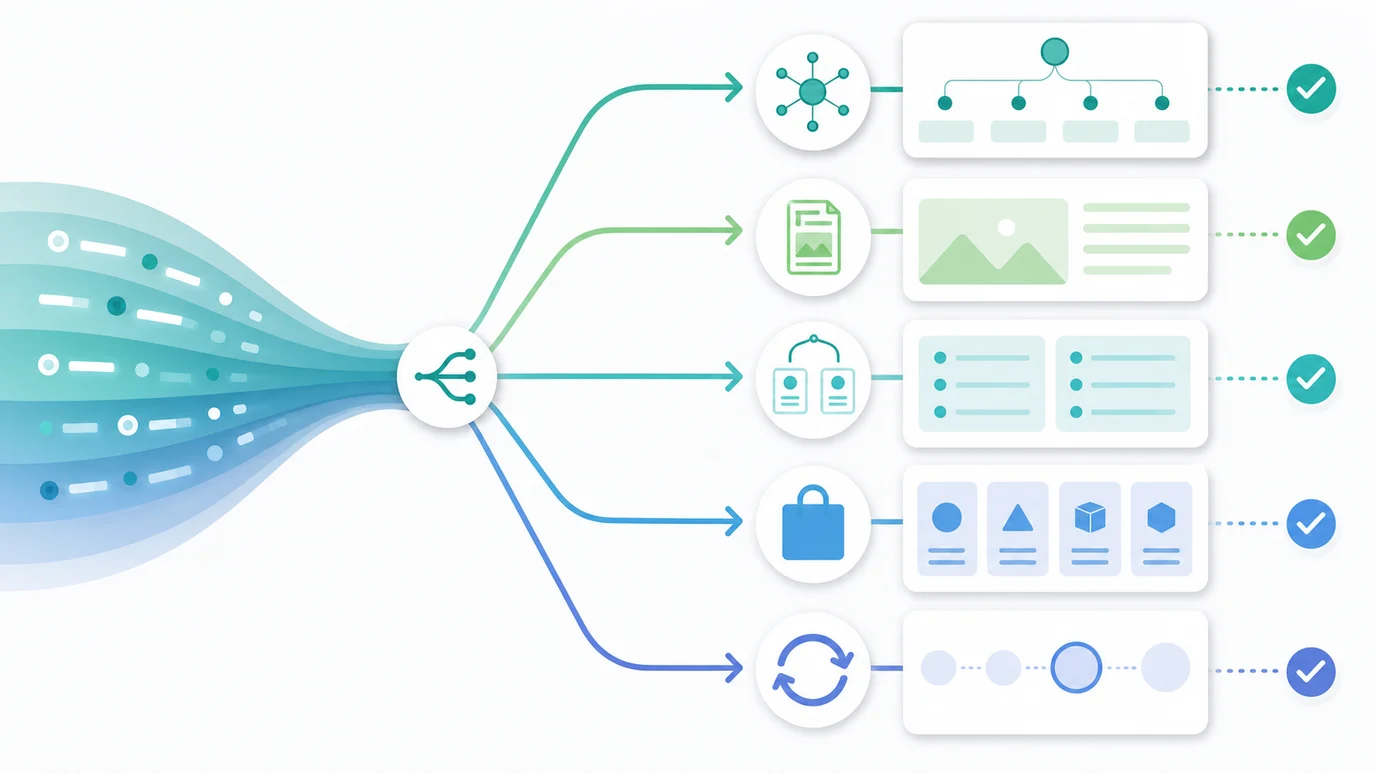
Use this routing model:
| Evidence | Better action | Why |
|---|---|---|
| Broad term, mixed intent, many child questions | Parent hub or stronger existing parent page | The reader needs orientation and routes into deeper jobs |
| Specific task, no same-job URL exists | New how-to or explainer article | The page can satisfy a focused task without splitting authority |
| Specific comparison | Decision guide or comparison section | The reader needs tradeoffs, not only a definition |
| Tool, template, calculator, or generator language | Product, tool, or downloadable asset | Advice alone may not satisfy the output the reader wants |
| Existing URL already serves the same keyword, page type, and job | Refresh, merge, or add internal links | A second URL would compete instead of clarify |
This is where keyword research becomes content architecture. The research step collects ideas. The routing step decides what the site should actually ship.
Avoid Cannibalization Without Blocking Useful Child Pages
Long-tail topics can create messy overlap when every modifier becomes a new article. Short-tail topics can create the same problem when teams publish generic parent pages without knowing which one owns the main job.
Use a strict overlap test:
| Question | Safe to create when | Better to refresh when |
|---|---|---|
| Is the core keyword distinct? | The new page targets a comparison, applied use case, or task the parent does not own | The phrase is only a synonym or close variant |
| Is the page type distinct? | One page is a hub, one is a comparison, one is a how-to, or one is a tool | Both pages are the same article shape |
| Is the user job distinct? | A reader would need both pages for different decisions | A reader would get the same answer twice |
| Is the information gain distinct? | The new page adds a table, workflow, examples, or validation path | The new page repeats the parent outline |
A parent-child relationship is not cannibalization by default. The problem is same-job duplication. The keyword cannibalization workflow is the better next step when two pages already compete for the same query family.
Validate The Choice After Publishing
A keyword decision is only useful if the page attracts the query family it was built for. After publishing, check whether the page behaves like the plan.

Use this validation loop:
- Crawl the new or refreshed URL and confirm it is indexable, canonical, internally linked, and in the sitemap.
- Check whether the title, H1, intro, and table make the intended page job obvious.
- Review Search Console once enough data exists and compare the query mix with the planned target.
- If a short-tail parent page only gets narrow queries, strengthen cluster links or add a clearer child route.
- If a long-tail child page attracts a broader job, decide whether it should expand, link back to the parent, or adjust its title.
- If two URLs begin earning the same job, refresh the stronger page and merge or redirect the weaker one when needed.
Google's Search Console performance report is useful for this review because it lets teams compare queries, pages, countries, devices, clicks, impressions, CTR, and position. Google's guidance on helpful, reliable content is the quality guard: the page should help a real reader complete the job, not exist only because a keyword tool found a phrase.
Where Searvora Fits
Searvora AI SEO Consultant fits the planning layer because the product page positions it around pattern-based diagnosis, priority scoring, fix-ready guidance, and execution alignment. That is the exact point where a team has to decide whether a keyword becomes a hub, child article, product update, refresh, merge, or no action.
Use the AI SEO consultant when short-tail and long-tail signals need to become assigned work:
| Input | Searvora planning role | Output |
|---|---|---|
| Short-tail topic cluster | Group demand by parent job and product fit | Hub, product, or roadmap decision |
| Long-tail query variants | Separate distinct jobs from wording variants | Create, refresh, section, or defer decision |
| Existing page inventory | Check same-keyword, same-type, same-job overlap | Internal links, refreshes, merges, or safe child pages |
| Crawl and dashboard evidence | Verify eligibility and performance context | Prioritized action queue with owners and validation steps |
A Practical Comparison Checklist
Use this checklist before approving a short-tail or long-tail keyword for production:
- Write the primary keyword and close variants.
- Decide whether the phrase is a market signal, a routing signal, or both.
- Name the reader job in one sentence.
- Choose the page type before writing the title.
- Check existing Searvora URLs for same keyword, same page type, and same user job.
- Decide whether the better action is create, refresh, merge, add a section, build a tool, or defer.
- Define the information gain in a way the existing page does not already provide.
- Pick one primary product CTA and no more than three supporting internal links.
- Add a table, workflow, or checklist that makes the decision easy to extract.
- Validate crawl eligibility, internal links, query fit, and AI-search clarity after publishing.
Short-tail keywords help you see the size and shape of the opportunity. Long-tail keywords help you decide what the reader actually needs. The strongest SEO roadmap uses both, but it only creates a new URL when the page job is clear, distinct, and measurable.