

A meta description is the HTML summary that can help shape the snippet shown for a page in search results. It does not guarantee what Google will show, but a useful description still matters because it gives searchers, editors, and QA systems a concise page promise to compare against the live content.
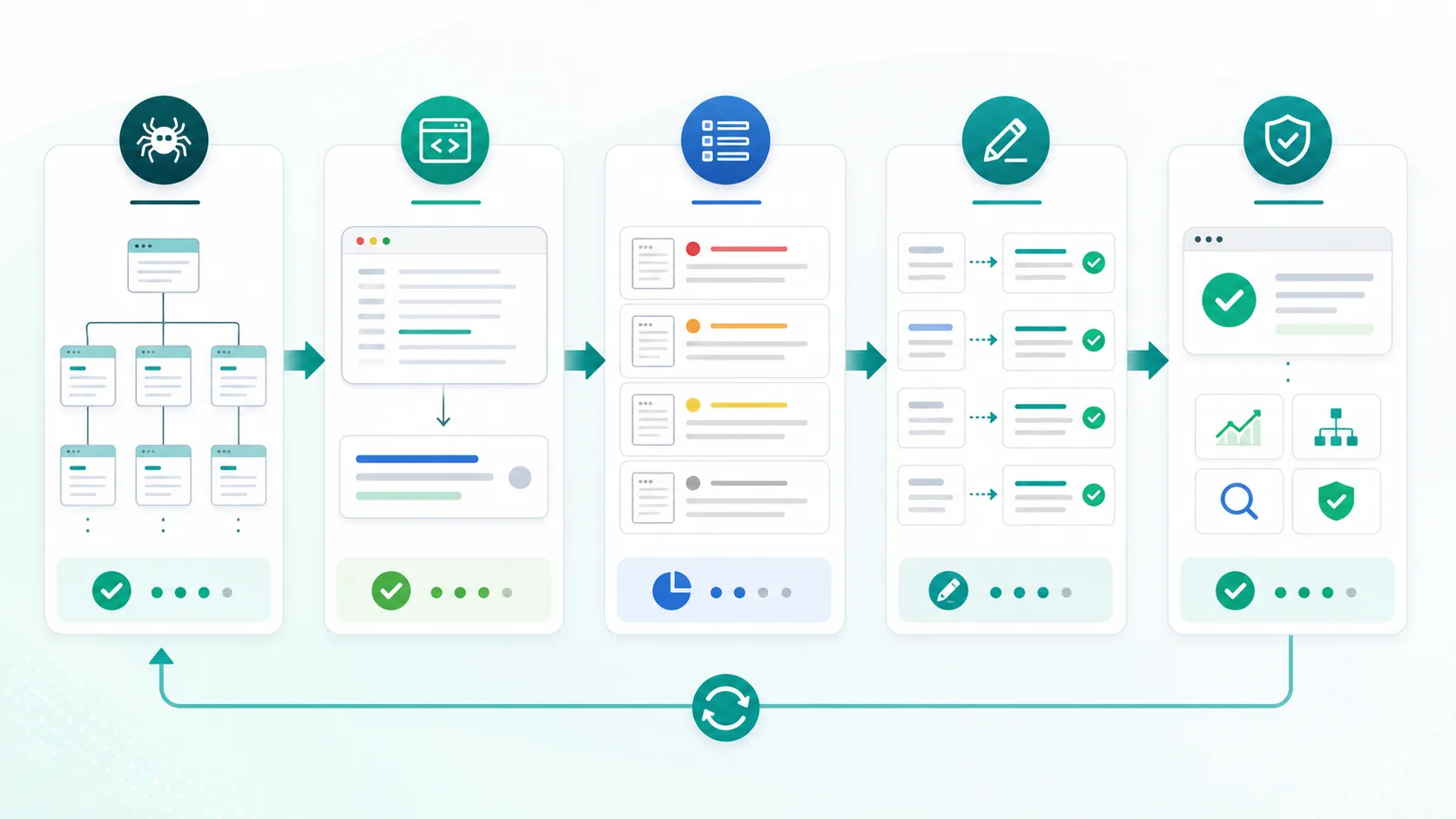
The practical workflow is not "write 155 characters and move on." Crawl the site, extract rendered descriptions, group missing and duplicated patterns by template, rewrite only where the snippet can improve the search task, then validate what search systems actually display after release.
Start With The Snippet Job
Before rewriting anything, decide what the snippet should help the searcher understand. A product page, article, collection, comparison, and support page should not all use the same description fallback.
| Page type | Snippet should clarify | Watch for |
|---|---|---|
| Product page | The product job, audience, and next action | Generic brand copy reused across features |
| Blog article | The practical answer and reader outcome | Descriptions that tease without answering |
| Comparison page | The compared options and decision criteria | One-sided claims the page does not prove |
| Category or collection | The scope of the collection and useful modifiers | Faceted URLs inheriting the same description |
| Support or docs page | The task the reader can complete | Promotional summaries that hide the answer |
Google's snippet documentation is the safest baseline: snippets are generated from page content, and the meta description may be used when it describes the page better than the visible text. That is why the description should match the page, not just the keyword.
Crawl The Rendered Head First
Meta description work gets messy when teams trust CMS fields without checking rendered HTML. A route helper, localization layer, product template, or old migration can change the output after the editor preview looks fine.
Export these fields before assigning rewrites:
| Crawl field | Why it matters |
|---|---|
| Final URL and canonical | Keeps rewrite work focused on the URL search systems should index |
| Status and indexability | Separates snippet work from blocked, redirected, or noindex pages |
| Title tag and H1 | Shows whether the visible page promise matches the description |
| Meta description | Finds missing, duplicated, stale, vague, or mismatched summaries |
| Template or directory | Reveals whether the issue is one page or a system pattern |
| Sitemap and internal links | Confirms the page is part of the discoverable canonical set |
| Search or business signal | Prevents teams from polishing low-value utility pages first |
The metadata parent workflow in Meta Tags for SEO is useful when descriptions sit beside robots, canonicals, hreflang, and Open Graph tags. This narrower workflow is for deciding which descriptions deserve copy work and how to verify the result.
Group Problems By Template And Intent
The most expensive mistake is treating every missing or duplicated description as an equal problem. A missing description on an important product page is different from a missing description on a filtered URL that should not be indexed.
Use this triage model:
| Finding | Priority | First action |
|---|---|---|
| Important indexable page has no description | High | Write a page-specific summary tied to the search task |
| Many URLs share one template description | High when pages target different jobs | Fix the template variables or page-type rule |
| Description disagrees with the H1 or intro | High | Fix the page promise before polishing copy |
| Description is long but still useful | Medium | Move the differentiator earlier; do not chase character counts blindly |
| Low-value utility URL has no description | Low | Check whether the URL should be indexable at all |
| Snippet is controlled by robots rules | Depends on intent | Review nosnippet, max-snippet, and data-nosnippet before rewriting |
Google's robots meta tag documentation matters here because snippet controls can limit what search results and AI answer surfaces may use. Do not remove or add those controls unless the access decision is deliberate.
Write Descriptions That Match The Page
A good description is not a sales slogan. It is a compact promise that helps the right visitor decide whether the page answers the task.
Use this pattern:
- Name the topic or product job plainly.
- Add the specific outcome, method, or decision the page supports.
- Include a differentiator only when the page proves it.
- Keep the most important words early.
- Avoid repeating the title tag with slightly different punctuation.
- Avoid claims such as rankings, results, awards, or pricing unless the page proves them.
For example, a weak article description says, "Learn everything about meta descriptions in this complete guide." A stronger one says, "Audit missing, duplicate, and mismatched meta descriptions by template, then validate search snippets after release." The second version tells the reader what work the page helps them do.
This is also where Page Title SEO connects naturally. The title earns the click, the description supports the decision, and the H1 confirms that the visitor landed on the right page.
Validate What Search Actually Shows
Publishing a new description is not the finish line. Search systems can choose visible body text instead, and they can show different snippets for different queries.

Run this validation loop for meaningful batches:
- Save a baseline crawl export for the affected URLs.
- Rewrite descriptions by page type or template group.
- Re-crawl the rendered HTML and confirm the new descriptions are live.
- Check canonical, indexability, sitemap inclusion, and internal links again.
- Sample priority queries after recrawl windows and note whether Google uses your description or page text.
- Review AI-search summaries for important pages where the snippet frames a product, definition, comparison, or workflow.
- Keep the winning template rule and roll it into the next batch.
Do not interpret every Google rewrite as failure. Sometimes the visible page text is a better match for a specific query. Treat rewrites as diagnostic feedback: the page may need a clearer intro, better section structure, or a description that matches the query family more closely.
Where Searvora Fits
Searvora SEO Spider Crawler is the best fit when meta description work needs to become a fix queue instead of a spreadsheet. Use the technical SEO crawler to inspect rendered metadata, canonicals, indexability, H1s, internal links, sitemap behavior, and template patterns before assigning copy work.
The useful handoff is grouped. One missing description on an old article is a small content task. One duplicated fallback across hundreds of product pages is a template release. One vague description on a high-intent landing page is a commercial snippet opportunity. One noindex canonical conflict is not a copy task at all.
For broader page-level cleanup, pair this with the On-Page SEO workflow. Descriptions work best when the page title, H1, intro, headings, internal links, schema, and media all support the same search task.
A Practical Meta Description Checklist
Use this checklist when turning crawl findings into work:
- Crawl the site and export rendered meta descriptions for canonical URLs.
- Remove blocked, redirected, non-canonical, and intentionally noindex URLs from the rewrite queue.
- Group pages by template, directory, locale, page type, and business owner.
- Flag missing, duplicated, stale, vague, overpromising, or intent-mismatched descriptions.
- Prioritize pages by search demand, business value, template footprint, and confidence.
- Rewrite descriptions by page type before patching one-off pages.
- Keep important words and the page's real differentiator near the front.
- Re-crawl the live site after release.
- Sample search snippets and AI-search summaries for priority queries.
- Record the template rule so future CMS edits do not recreate the same issue.
Meta descriptions hold up when they are connected to the page job and verified after release. Write them for the right searcher, crawl the rendered output, fix template patterns, and treat search-result changes as feedback for the next batch.