

If you need to know how to set up alerts for significant organic traffic changes, do not start with one sitewide traffic line. Start with the page groups that matter, define what normal movement looks like, set thresholds that avoid noise, and connect every alert to a triage path.
An organic traffic alert is useful only when it tells the team what changed, where it changed, and who should review it next. A vague "traffic dropped" message creates panic. A good alert says which segment moved, whether Search Console agrees, which pages need inspection, and what validation should happen before anyone rewrites content.
Choose The Alert Layer
GA4, Search Console, rank tracking, crawl monitoring, and internal dashboards can all trigger useful alerts. Do not make them all responsible for the same decision.
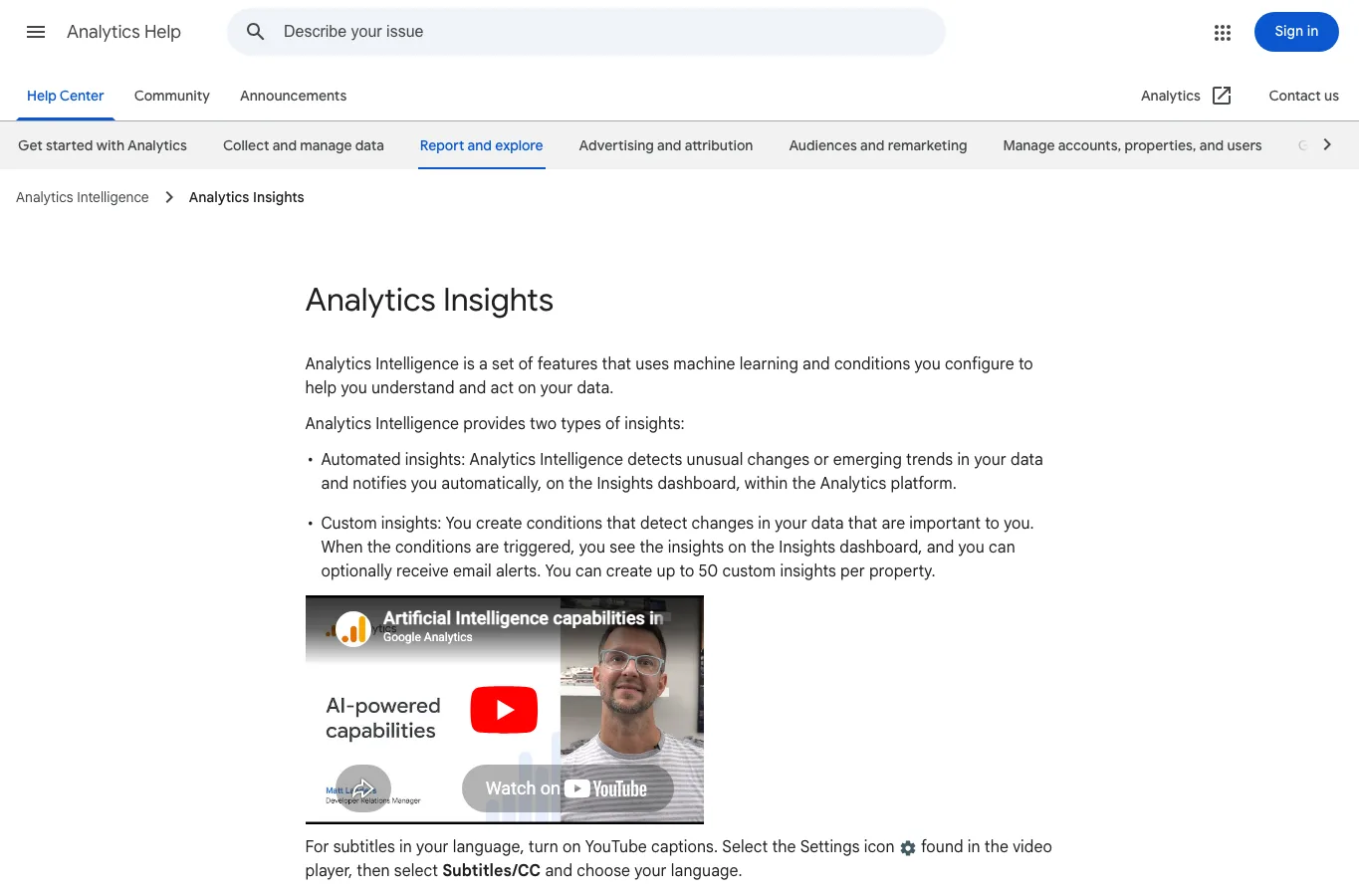
Google's Analytics Insights documentation describes automated insights and custom insights that can notify you when configured conditions are triggered. That is useful for analytics-side movement, especially when you want email alerts or a quick flag inside Analytics.
Use the alert layer based on the question:
| Alert layer | Best for | Do not use it alone for |
|---|---|---|
| GA4 custom insights | Sessions, users, conversions, and landing-page behavior | Search demand, query movement, or crawl eligibility |
| Search Console review | Clicks, impressions, CTR, average position, pages, and queries | Post-click behavior or revenue context |
| Crawl monitoring | Status codes, canonicals, noindex, sitemap, redirects, and links | Demand changes or ranking volatility |
| Searvora dashboard | Segment-level anomaly review and owner routing | Replacing source tools that collect raw data |
For organic traffic, GA4 is usually the notification layer and Search Console is the search-evidence layer. A triggered alert should send the reviewer to both.
Define The Segment Before The Threshold
The worst alerts compare the whole site against yesterday. That catches noise from weekends, campaigns, tracking changes, bot filters, content launches, and seasonal demand.
Build the alert around a segment the team can act on:
- Page type, such as blog, product, category, tool, documentation, or landing page.
- Directory, locale, country, device, or template.
- Branded versus non-branded organic demand when the data supports it.
- High-value landing pages or revenue-linked page groups.
- New pages that need early indexing and impression monitoring.
- Recovery cohorts after a migration, redesign, algorithm update, or technical fix.
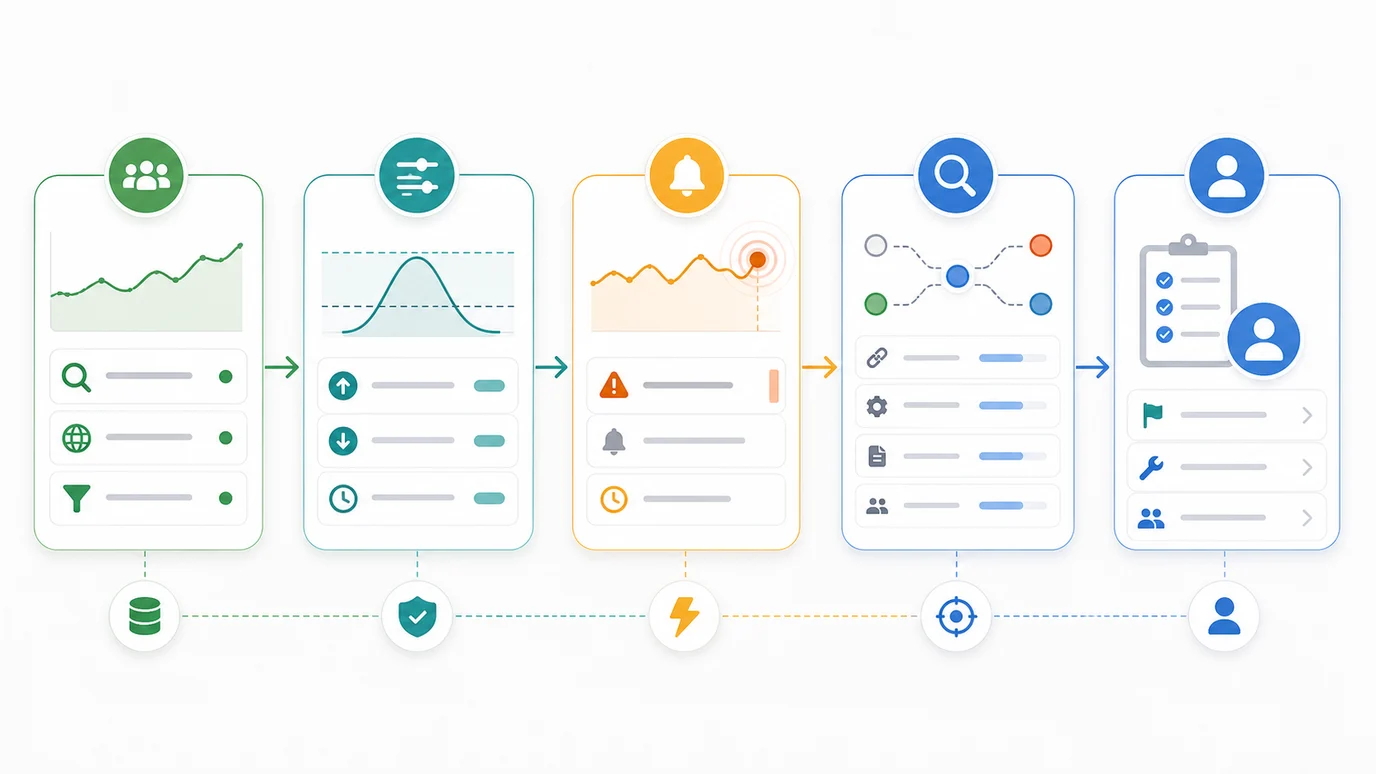
Use this setup table:
| Segment | Useful alert | Better first reviewer |
|---|---|---|
| Blog articles | Organic sessions or clicks fall beyond the normal weekly range | SEO/content |
| Product or signup pages | Organic traffic holds but conversions fall | Growth or analytics |
| Ecommerce categories | Clicks or impressions drop for one template | SEO and engineering |
| Localized routes | One locale moves differently from the rest | International SEO owner |
| Recently changed URLs | Organic clicks or index signals change after release | SEO and engineering |
This is also where alert names matter. "Organic traffic down" is too vague. "US blog non-brand organic clicks down beyond weekly baseline" gives the reviewer a place to start.
Set Thresholds That Avoid False Panic
Thresholds should be strict enough to catch real changes and loose enough to ignore normal movement. If every alert fires, the team will stop trusting the system.
Use at least three guardrails:
| Guardrail | Why it helps | Practical rule |
|---|---|---|
| Minimum volume | Small pages swing wildly | Alert only when the segment has enough sessions, clicks, or impressions |
| Comparison window | Day-to-day changes are noisy | Compare week over week or year over year when possible |
| Direction and size | Tiny movement is not an incident | Require both percentage and absolute change |
| Segment scope | Sitewide movement hides the cause | Alert by page group, directory, country, or template |
| Validation source | One tool can be wrong | Check GA4 against Search Console or crawl data before assigning work |
A simple threshold might be: alert when a priority blog cohort loses more than 25 percent and at least 300 organic sessions week over week. A Search Console companion might be: review when clicks fall more than 20 percent and impressions also fall for the same page group.
The exact number should come from your baseline. A large ecommerce site may need tighter rules. A small B2B site may need a longer comparison window and a higher absolute-change floor.
Triage The Alert Before You Assign Fixes
When an alert fires, do not jump straight to content changes. First decide what kind of movement happened.
Use this triage table:
| Alert pattern | First interpretation | Next check |
|---|---|---|
| GA4 organic sessions drop but Search Console clicks hold | Analytics, consent, channel grouping, or tracking may have changed | Check source / medium, landing pages, and reporting changes |
| Search Console clicks and impressions both drop | Demand, ranking, eligibility, or indexation may have changed | Review queries, pages, countries, and affected templates |
| Impressions hold but CTR drops | SERP layout, snippet promise, title, or AI answer behavior may be affecting clicks | Inspect live SERPs and title/meta fit |
| One directory drops after a release | Technical or template issue may be likely | Crawl the directory and inspect canonicals, noindex, redirects, and links |
| Traffic rises but conversions fall | Intent or landing-page fit may have shifted | Review query mix, CTA, page promise, and next-step paths |
The Search Console Performance report is the clean source for search-side clicks, impressions, CTR, average position, pages, and queries. Use GA4 for session and behavior evidence after the click. Read them together before calling the alert a ranking problem.
If the alert points to a real drop, use the organic traffic drop triage path before writing a recovery plan. If the movement follows a known update, pair the review with the algorithm update recovery workflow.
Turn Alerts Into Owner Ready Actions
An alert should end with a decision, not just a screenshot. After the first review, assign one of these actions:
| Decision | Use when | Owner |
|---|---|---|
| Watch | Movement is real but inside normal range | SEO owner |
| Fix reporting | GA4, tags, consent, channel rules, or property links changed | Analytics owner |
| Crawl check | A page group fell after a release or template change | Engineering and SEO |
| Content review | Queries shifted, CTR fell, or page intent drifted | SEO/content |
| Internal link update | Important pages lost support or discovery paths | SEO/content ops |
| Escalate | High-value pages lost clicks, impressions, and conversions | Growth lead |
For every action, write the validation signal. If the fix is technical, re-crawl and inspect the same URL group. If the fix is editorial, watch impressions, CTR, clicks, and query mix after indexing. If the alert was noise, update the threshold instead of keeping a bad rule alive.
Where Searvora Fits
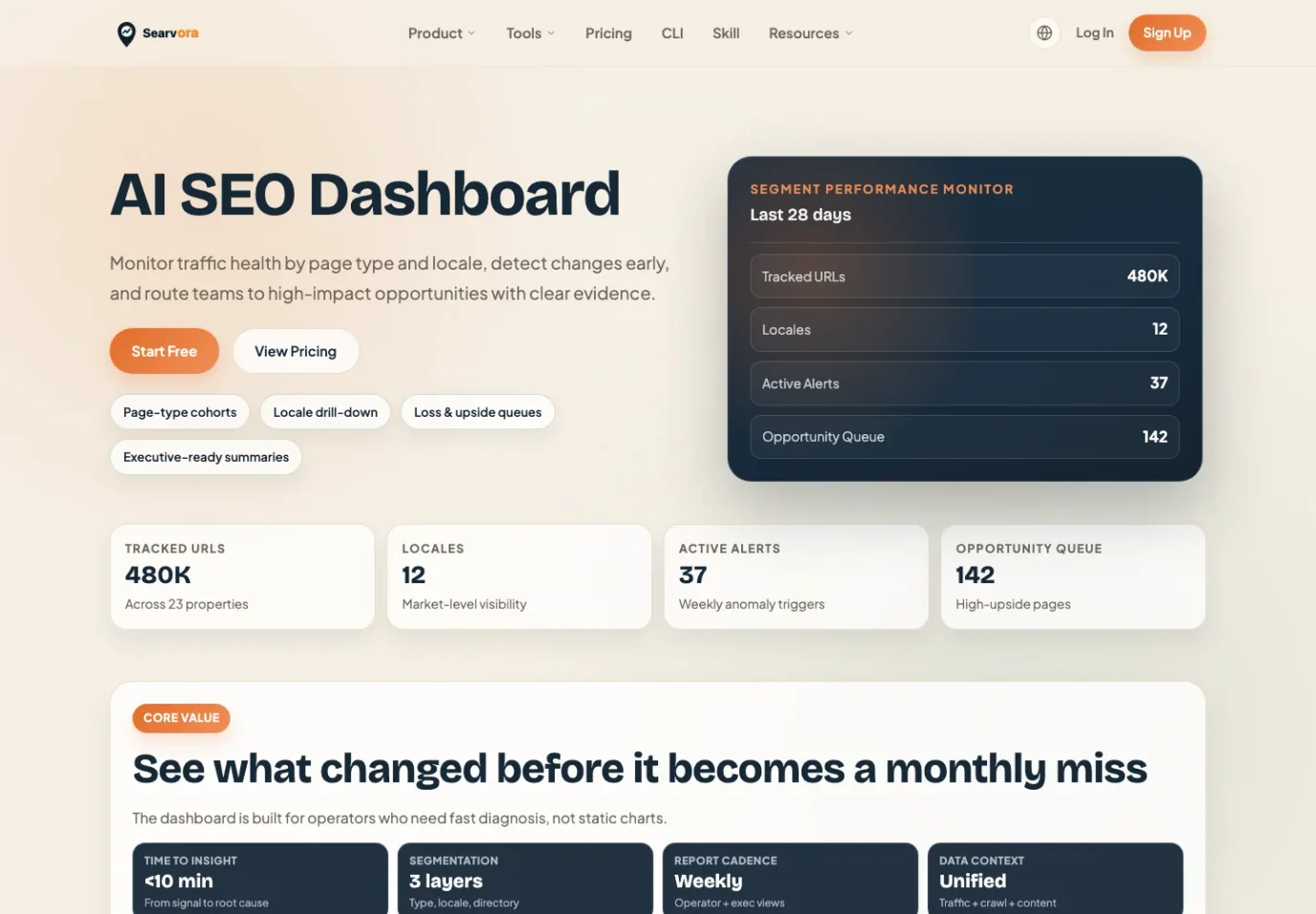
Searvora's AI SEO dashboard fits the layer between raw alerts and weekly work. The local product page positions it around page-type cohorts, locale drill-down, loss and upside queues, anomaly detection, opportunity scoring, and cross-team reporting. That is exactly what an organic traffic alert needs after it fires.
Use Searvora to keep the workflow disciplined:
| Alert job | Dashboard role |
|---|---|
| Segment monitoring | Track traffic health by page type, locale, directory, and cohort |
| Anomaly review | Separate meaningful shifts from normal movement |
| Opportunity queue | Rank follow-up work by upside, effort, and confidence |
| Cross-team reporting | Route the alert to SEO, content, analytics, or engineering with evidence |
The dashboard should not replace GA4 or Search Console. It should make their signals easier to act on by grouping changes around the pages and owners that can respond.
Organic Traffic Alert Checklist
Use this checklist before enabling alerts:
- Pick the page group, directory, locale, or template that deserves monitoring.
- Confirm the channel definition in GA4 before using organic sessions.
- Add Search Console clicks and impressions as the search-side validation source.
- Use a minimum volume floor so tiny pages do not trigger noisy alerts.
- Compare against a stable window, not just the previous day.
- Require both percentage movement and absolute movement when possible.
- Name the alert so the reviewer knows the segment and metric.
- Define the first triage check before the alert fires.
- Assign an owner and validation signal for each outcome.
- Review thresholds after noisy alerts, releases, migrations, or seasonality changes.
That is the practical way to set up alerts for significant organic traffic changes: monitor a meaningful segment, validate the signal with search data, and turn every alert into a decision your team can actually ship.