

People searching for how to fix organic traffic loss after algorithm update usually need one thing first: proof of what changed. Do not rewrite every page because a core update landed near the same week. Confirm the measurement, isolate the affected page group, compare query and SERP movement, check crawl and indexability, then build a recovery queue you can recheck.
Algorithm updates can expose weak pages, but they can also coincide with tracking changes, seasonality, site releases, SERP layout shifts, AI answer behavior, or technical mistakes. The recovery work is strongest when each fix is tied to one piece of evidence.
Confirm The Drop Before You Blame The Update
First, make sure the traffic loss is real and organic. Compare the same source, same property, same date window, same country, and same page group. A sitewide line chart can hide whether the decline came from one template, one country, a few high-volume pages, or an analytics configuration change.
Use this first-pass split:
| Signal | What it can mean | First check |
|---|---|---|
| GA4 organic sessions dropped | Search visits may have fallen, or channel rules changed | Compare source / medium and landing pages |
| Search Console clicks dropped | Search demand, ranking, or CTR may have changed | Compare queries, pages, countries, and devices |
| Impressions dropped | The page may be appearing less often | Check demand, indexation, and query coverage |
| Average position dropped | Ranking or SERP competition changed | Review affected query groups and page intent |
| CTR dropped while position held | Result layout, title promise, or AI answer behavior may be changing clicks | Review SERP shape and snippet fit |
Google's core update guidance is useful because it frames recovery around improving page quality and usefulness, not chasing a single mechanical fix. Use the update as context, then let your own data decide the work.
If the broader traffic-loss diagnosis is still unclear, use the organic traffic drop triage path before narrowing the issue to algorithm recovery.
Isolate The Page Cohort That Fell
The most useful recovery view is not "the site lost traffic." It is "this page type, topic group, locale, or directory lost this kind of search visibility."
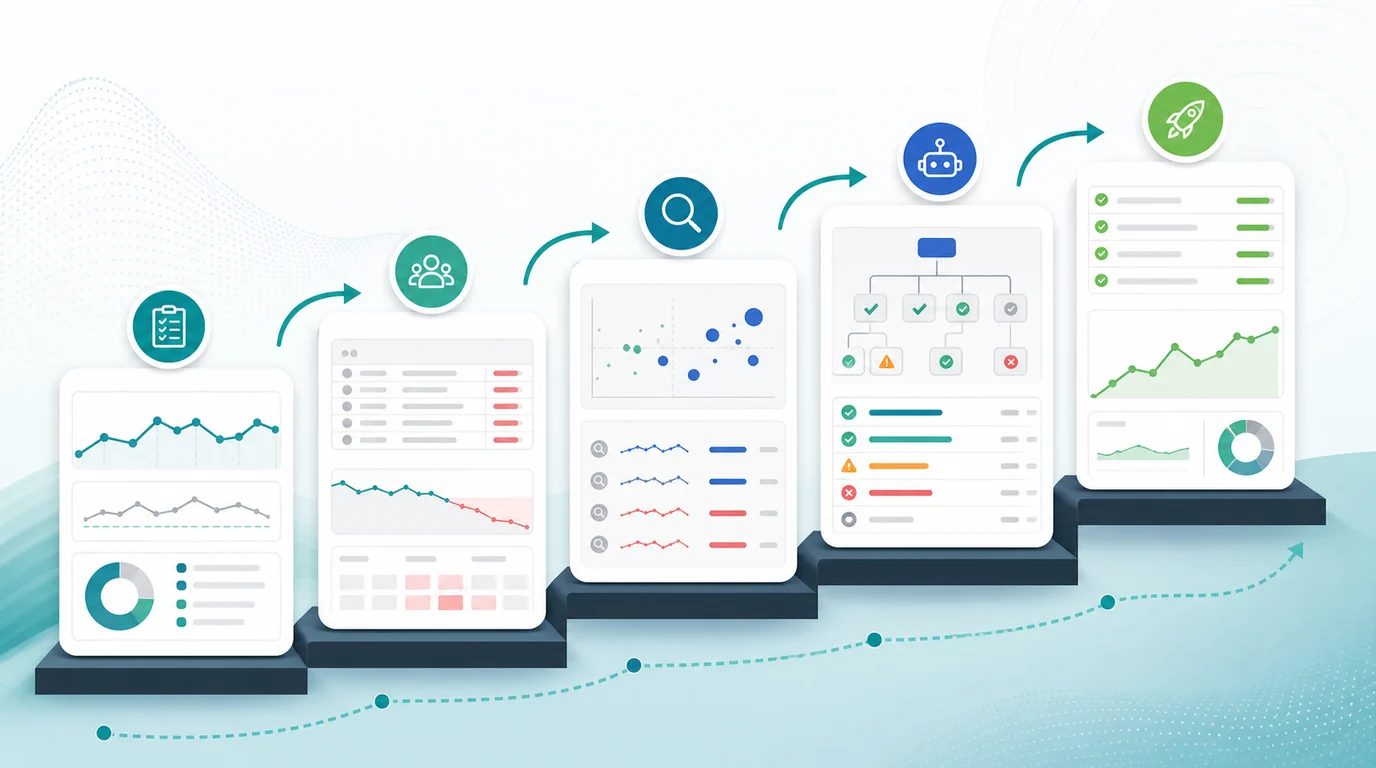
Build a cohort table before assigning any fixes:
| Cohort | Evidence to pull | Recovery question |
|---|---|---|
| Top losing pages | Clicks, impressions, CTR, average position, landing-page sessions | Did a few URLs cause most of the loss? |
| Query groups | Branded, non-branded, product, informational, comparison | Did intent shift or only rankings change? |
| Page type | Blog, product, collection, tool, location, docs | Did one template underperform? |
| Directory or locale | Path prefix, market, language | Did one section lose eligibility or demand? |
| Recently changed URLs | Releases, migrations, redirects, noindex, canonicals | Did the site change near the update window? |
Search Console is the cleaner starting point for this work because it shows search-side clicks, impressions, CTR, position, queries, pages, countries, devices, and dates. Google's Performance report documentation explains those dimensions. Use GA4 beside it to understand sessions and behavior after the click.
The reporting path in how to find organic search traffic in Google Analytics is the right companion when your team needs to reconcile GA4 and Search Console before changing pages.
Separate Update Impact From Noise
Once the losing cohort is clear, decide what kind of problem you are actually seeing. A Google update is only one possible cause.
Use this diagnosis table:
| Pattern | Likely cause | Better recovery move |
|---|---|---|
| Impressions and clicks fall on the same query set | Ranking or eligibility changed | Review page usefulness, intent match, internal links, and crawl health |
| Impressions hold but CTR falls | SERP layout, title promise, or competing result changed | Rewrite title and meta only after checking the live SERP |
| GA4 sessions fall but Search Console clicks hold | Analytics, consent, channel grouping, or tracking changed | Fix reporting before SEO work |
| One template falls across many URLs | Technical or content-template issue | Crawl the template and compare changed fields |
| Old articles lose long-tail queries | Content freshness or intent drift | Refresh examples, evidence, structure, and internal links |
| AI answer or overview surfaces appear for the topic | Click behavior may be changing | Compare source-page strength with AI visibility evidence |
This is where algorithm update recovery becomes operational. You are not looking for one universal remedy. You are deciding whether the next move is measurement repair, technical cleanup, content refresh, consolidation, internal linking, or a watchlist.
If the decline may be tied to answer surfaces rather than classic rankings, pair this workflow with how to tell whether AI search reduced organic traffic. Keep AI visibility evidence separate from normal organic sessions until both point to the same page group.
Check Crawl And Indexability Before Rewriting
Do not rewrite a page that search systems cannot evaluate cleanly. For every losing cohort, run the boring technical checks before the content team starts editing.
Check:
- Status codes and redirect chains for losing URLs.
- Canonical targets and duplicate URL variants.
- Noindex, robots.txt, and blocked rendering resources.
- Sitemap inclusion for the intended canonical URLs.
- Internal links from relevant hubs, product pages, and supporting articles.
- Title, meta description, H1, and structured content changes near the drop.
- Template releases, CMS changes, or content deployment issues.
Google's SEO starter guide is a helpful baseline for the discover, crawl, understand, and serve sequence. In recovery work, that sequence matters because a content-quality fix will not help much if the affected pages are canonicalizing elsewhere or disappearing from internal links.
Build A Recovery Queue You Can Recheck
After diagnosis, turn the evidence into a small queue. Large recovery plans often fail because they mix weak hypotheses with expensive rewrites. Start with the fixes you can validate fastest.
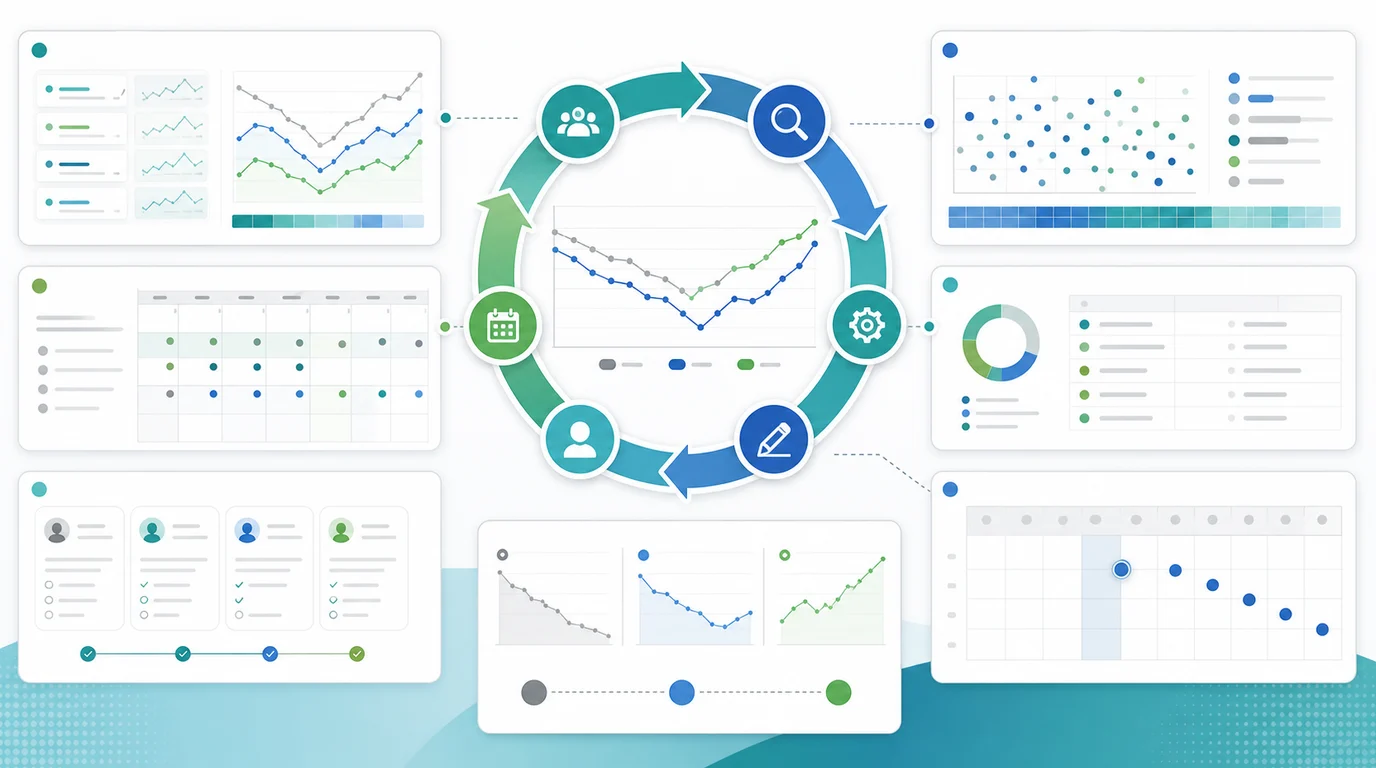
Use this queue structure:
| Finding | Owner | Fix | Validation |
|---|---|---|---|
| High-impression pages lost CTR | SEO/content | Rewrite title promise and intro to match current SERP intent | Compare CTR and query mix after reindexing |
| Important pages lost indexation | SEO/engineering | Fix canonical, noindex, robots, sitemap, or internal-link issue | Reinspect URLs and monitor impressions |
| One template declined | Engineering/content | Repair template-level metadata, schema, content blocks, or render issues | Re-crawl sample URLs and compare affected cohort |
| Thin old articles lost long-tail queries | Content | Add current examples, clearer answers, and stronger internal links | Track query recovery and engagement |
| SERP shifted to comparison or tool intent | SEO/product | Change page type, add decision support, or route to a better page | Check ranking and click movement for the new intent |
Keep each task tied to one expected signal. If you refresh content, define what should recover: impressions, rank, CTR, engagement, conversions, or internal-link flow. If you fix crawl access, define which URLs should return to the index or regain impressions.
Where Searvora Fits
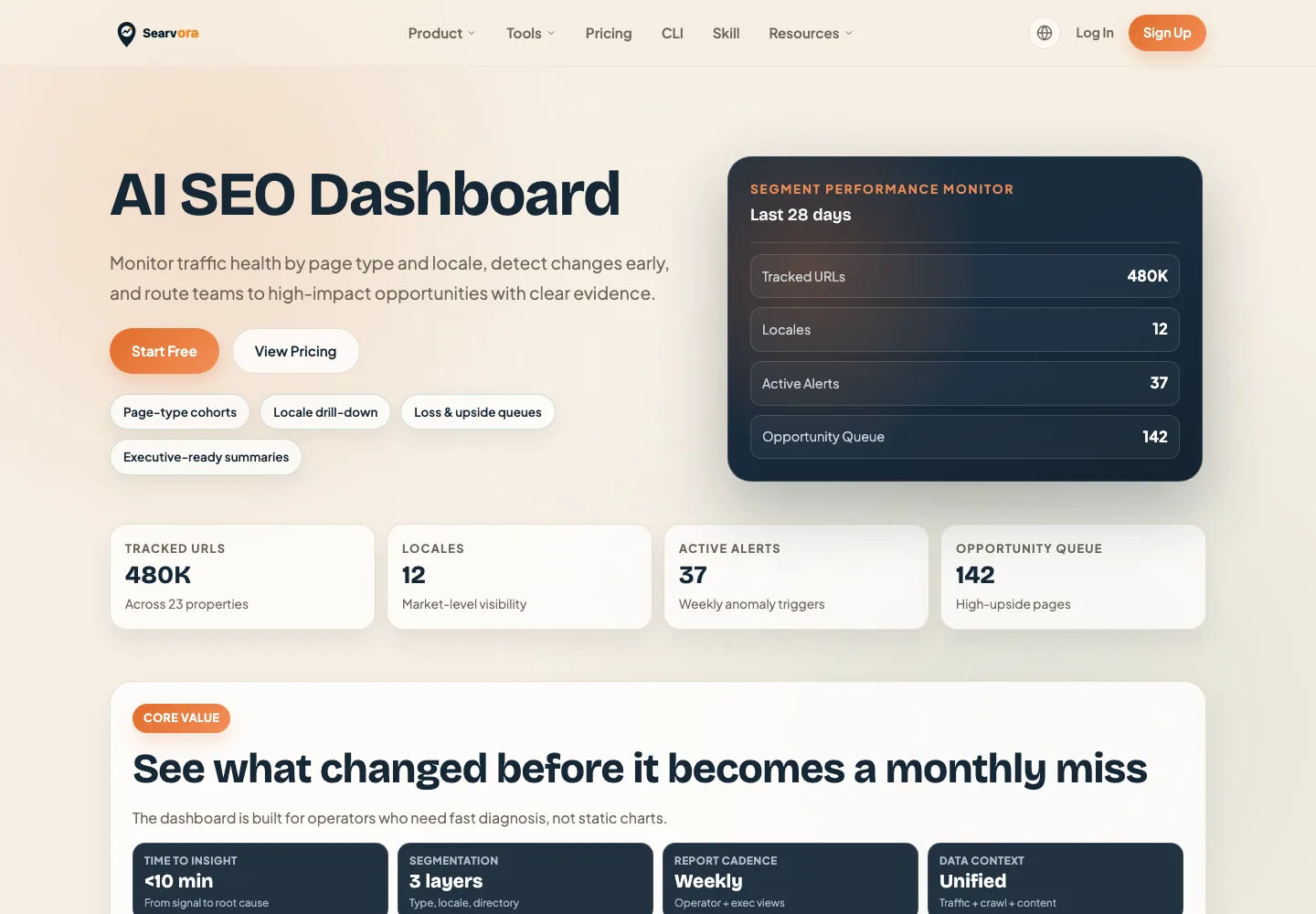
Searvora's AI SEO dashboard fits the monitoring and prioritization layer after an algorithm update. The local product page positions it around page-type cohorts, locale drill-down, loss and upside queues, anomaly detection, opportunity scoring, and cross-team reporting. That is the shape recovery work needs: isolate what changed, rank the fix, assign the owner, and recheck the same cohort.
Use the dashboard to keep recovery work disciplined:
| Recovery layer | Dashboard job |
|---|---|
| Segment monitoring | Separate blog, product, tool, directory, and locale movement |
| Anomaly review | Spot unusual clicks, impressions, CTR, and position shifts |
| Opportunity queue | Rank work by upside, effort, and confidence |
| Reporting | Keep SEO, content, and engineering aligned on the same evidence |
Algorithm Update Recovery Checklist
Use this checklist before publishing a recovery plan:
- Confirm the drop in both GA4 and Search Console where possible.
- Isolate the affected page cohort, query group, country, device, and date window.
- Compare the decline with site releases, tracking changes, migrations, redirects, and template edits.
- Check whether impressions, position, CTR, or sessions changed first.
- Inspect crawl access, canonicals, robots rules, sitemap status, and internal links.
- Review the live SERP for the losing query group before rewriting titles or content.
- Decide whether the fix is technical, editorial, structural, or measurement-related.
- Assign one owner and one validation signal to every recovery task.
- Recheck the same cohort after fixes ship instead of judging the whole site again.
That is the practical way to fix organic traffic loss after an algorithm update: prove the affected cohort, separate update impact from noise, check eligibility before rewriting, and ship a recovery queue your team can measure.