
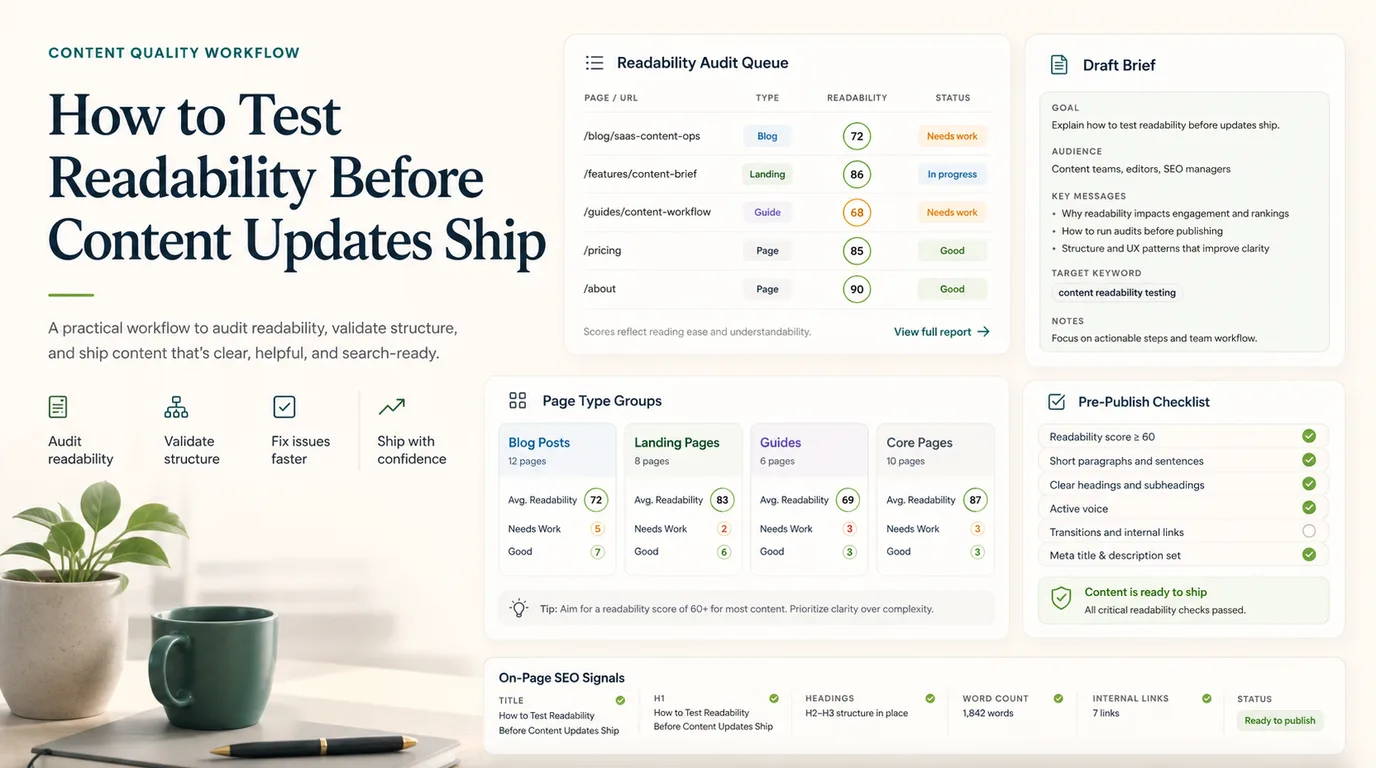
If you need to know how to test readability, score the page, but do not stop at the score. A useful readability QA pass groups URLs by page type, checks whether the intro answers the search task, flags sentences that slow the reader down, and validates the edited page after it ships.
The public Screaming Frog readability tutorial that surfaced this opportunity focuses on using Flesch Reading-Ease across crawled pages. Searvora's information gain is the operating workflow around that signal: when the score matters, when it misleads, and how content teams turn readability findings into publishable updates.
Start With The Reader Task
Readability is not a universal grade. A legal policy, technical SEO fix guide, product comparison, and beginner tutorial should not all sound the same. The first check is whether the page helps the reader complete the job they came for.
Use this first-pass map before rewriting:
| Page layer | What to check | Why it matters |
|---|---|---|
| Search task | What answer, decision, or action does the visitor need first? | Readability fails when the page delays the useful answer. |
| Page type | Is the URL a how-to, review, roundup, product page, hub, or support page? | Each format has a different acceptable depth and vocabulary. |
| Audience level | Is the reader a beginner, operator, developer, buyer, or editor? | A low score may be normal for expert technical language. |
| Friction point | Which paragraph, table, heading, or CTA makes the page harder to use? | The fix should target the bottleneck, not flatten the whole article. |
| Business role | Does the page need education, conversion, support, or refresh value? | The next action affects tone, examples, and CTA placement. |
This is why readability belongs inside an SEO copywriting workflow, not as a separate polish pass. If the page job is unclear, shorter sentences only make a weak page easier to skim.
Build A Readability Audit Queue
Start with a URL inventory instead of a blank rewrite list. A crawler or CMS export can show the pages that need review, but the queue should be grouped so editors can act on patterns.
Pull these fields before assigning updates:
| Field | Use in readability QA |
|---|---|
| URL and template | Group articles, product pages, collections, help pages, and hubs separately. |
| Title and H1 | Check whether the page promise is clear before reading the body. |
| Intro length | Find pages that delay the answer or spend too long on setup. |
| Sentence and paragraph length | Spot dense sections that slow scanning. |
| Reading score | Use Flesch or another score as a warning flag, not a final grade. |
| Query or intent note | Confirm whether the vocabulary matches the reader's task. |
| Owner | Route the fix to content, product, support, or SEO. |
| Validation date | Decide when the page should be checked again after publishing. |
The best queue is small enough to ship. Do not hand an editor 800 URLs with a score and no context. Group by template, choose the pages with real demand or strategic value, and rewrite the sections that block comprehension.
Score Pages Without Flattening The Voice
A readability score can help you find dense copy, but it cannot tell you whether the page is useful. Scores often penalize technical terms, brand names, and necessary specificity. That is why the score should be paired with page-level judgment.
Use this scoring table:
| Signal | Strong concern | Better next step |
|---|---|---|
| Low readability score | The page targets beginners and uses long abstract paragraphs | Rewrite the intro, split paragraphs, and add examples. |
| High readability score | The page sounds simple but skips evidence or decisions | Add source-backed detail, examples, and a clearer workflow. |
| Long paragraphs | Key steps are buried in uninterrupted text | Break into steps, bullets, or a decision table. |
| Repeated jargon | Terms appear before they are defined | Define the term once, then use consistent language. |
| Weak headings | H2s describe topics instead of tasks | Rewrite headings around decisions, steps, or checkpoints. |
| CTA friction | Product handoff appears before the reader understands the problem | Move the CTA after the workflow has earned it. |
For broader refresh work, pair readability QA with a content audit. A page may be hard to read because it is stale, cannibalized, technically blocked, or aimed at the wrong search task. The readability pass should expose that problem instead of hiding it with cleaner prose.
Turn The Findings Into A Writer Brief
The brief is where readability testing becomes production work. Give writers the exact job, the problem section, and the acceptance criteria.
Use this brief format:
| Brief field | What to write |
|---|---|
| URL | The canonical page that needs the update. |
| Reader task | The answer, decision, or action the page should make easier. |
| Problem section | The paragraph, heading, table, or CTA that creates friction. |
| Rewrite target | Shorter intro, clearer steps, stronger examples, better table, or moved CTA. |
| Evidence | Score, editor note, query data, customer question, or competitor proof. |
| Internal links | One to three next-step links that genuinely help the reader. |
| Validation | What must be checked after the update ships. |
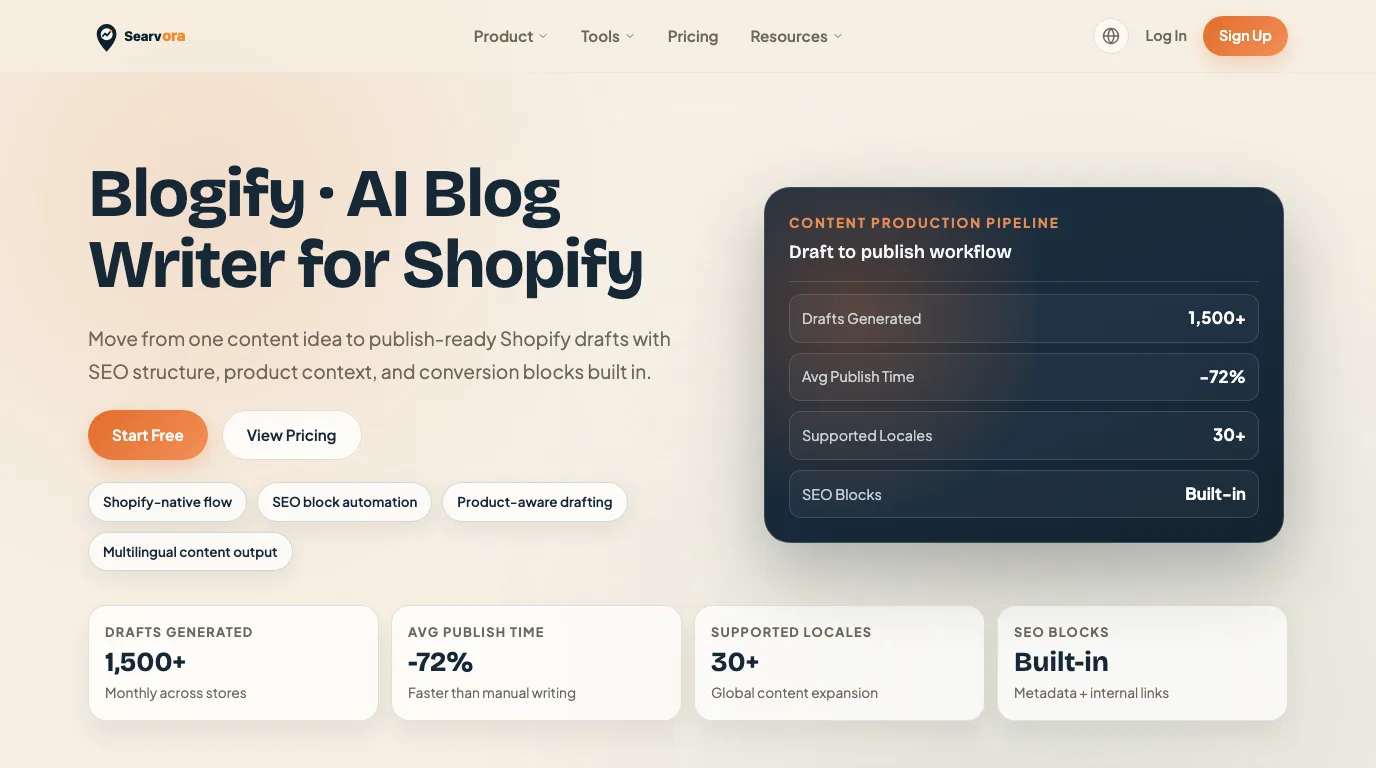
Blogify fits this stage when the team needs a repeatable production system. The product page positions it around store-aware topic intelligence, structured SEO drafting, editorial controls, multilingual output, and Shopify draft workflow. For readability work, that means the brief can move into a controlled draft process instead of becoming a scattered editing note.
Validate The Updated Page After Publishing
Readability QA is not finished when the draft looks cleaner. The live page needs to preserve the intended structure, metadata, links, visuals, and CTA order.
Run this validation loop:
- Save the baseline page title, H1, intro, score, and problem sections.
- Rewrite only the sections that create friction.
- Keep necessary technical terms, but define them before relying on them.
- Check that tables, examples, and images still make sense after editing.
- Confirm internal links point to the next useful step.
- Publish the update and inspect the live page.
- Review performance by page type, template, or content group after enough data arrives.
This is where readability connects to on-page SEO. The edited page still needs a clear title, H1, canonical, internal links, useful media, and indexable live output. Better prose does not help if the wrong URL is canonical or the page is isolated from the rest of the site.
Where Searvora Fits
Use Searvora where readability QA becomes a repeatable content operation:
| Workflow stage | Searvora fit | Output |
|---|---|---|
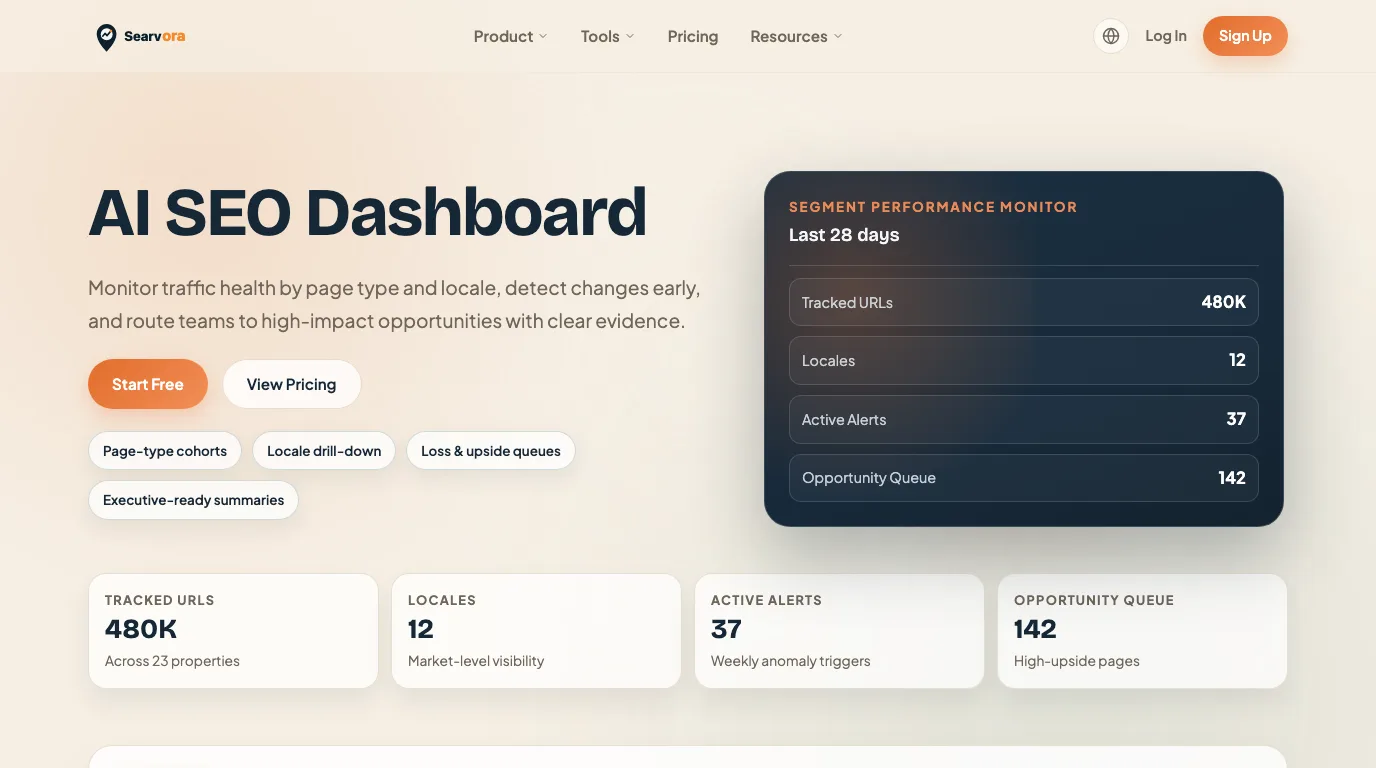
| Candidate review | AI SEO Dashboard | Page groups, losses, upside, and content queues. |
| Brief and draft | Blogify | Structured drafts with SEO blocks, product context, and editorial controls. |
| Technical context | SEO Spider Crawler | Crawl evidence when readability issues overlap metadata, links, or indexability. |
| Strategy call | AI SEO Consultant | Prioritized action plan when many pages compete for editing time. |
Keep the primary handoff focused on Blogify for this topic. The reader is not only asking how to calculate a score. They need a safer way to turn readability findings into approved, search-ready content updates.
A Practical Readability Testing Checklist
Use this checklist before a content update ships:
- Define the reader task and page type.
- Group URLs by template, product area, locale, and funnel job.
- Use a readability score to flag dense pages, not to judge every page by one number.
- Read the intro and first H2 before editing anything else.
- Split paragraphs that hide the answer, step, or decision.
- Keep necessary technical terms, but define them once.
- Replace abstract advice with examples, tables, or checklists.
- Remove sections that only repeat competitor structure without helping the reader.
- Pick one primary CTA that matches the page job.
- Validate the live page after publishing.
- Record what changed so future refreshes start from evidence.
The useful version of readability testing is practical and slightly ruthless. It does not chase the easiest score. It asks whether the right reader can understand the page, trust the next step, and move through the workflow with less friction than before.