

Screaming Frog List Mode is useful when you already know which URLs need inspection. Instead of starting from a homepage crawl and hoping the crawler discovers the right pages, you upload a curated URL set, decide what supporting resources should be crawled, review the findings, and recrawl the same list after the fix ships.
The search task is not just "where is the List Mode button?" The real SEO job is choosing the right URL set, constraining the crawl so the evidence stays clean, and turning the export into a QA queue that a team can act on.
The Short List Mode Workflow
Use List Mode when the scope matters more than discovery. A migration sample, product launch list, sitemap extract, redirect map, or high-value template group often needs a focused crawl before a full site audit.
| Step | What to decide | Output you need |
|---|---|---|
| 1. Build the URL set | Which exact URLs need validation | A clean list from a sitemap, export, redirect map, CMS, or QA ticket |
| 2. Pick the crawl scope | Only uploaded URLs, linked resources, images, canonicals, hreflang, or redirects | A crawl configuration that matches the risk |
| 3. Run the list crawl | Which mode, rendering, and robots settings are appropriate | Crawl data for the intended URLs, not the whole site |
| 4. Segment findings | Which issues belong to the same template, owner, or release | A smaller set of fix groups |
| 5. Prioritize action | Which findings can affect indexing, snippets, links, or revenue pages | A fix queue instead of a raw export |
| 6. Recrawl the same list | Whether the repair actually changed the evidence | Before-and-after validation |
What The Screaming Frog Tutorial Covers
The official Screaming Frog List Mode tutorial explains the product feature path: switch from the default spider crawl to List Mode, upload URLs, and control whether the crawler follows or checks related elements such as external links, images, canonicals, AMP, hreflang, redirects, and linked XML sitemaps.
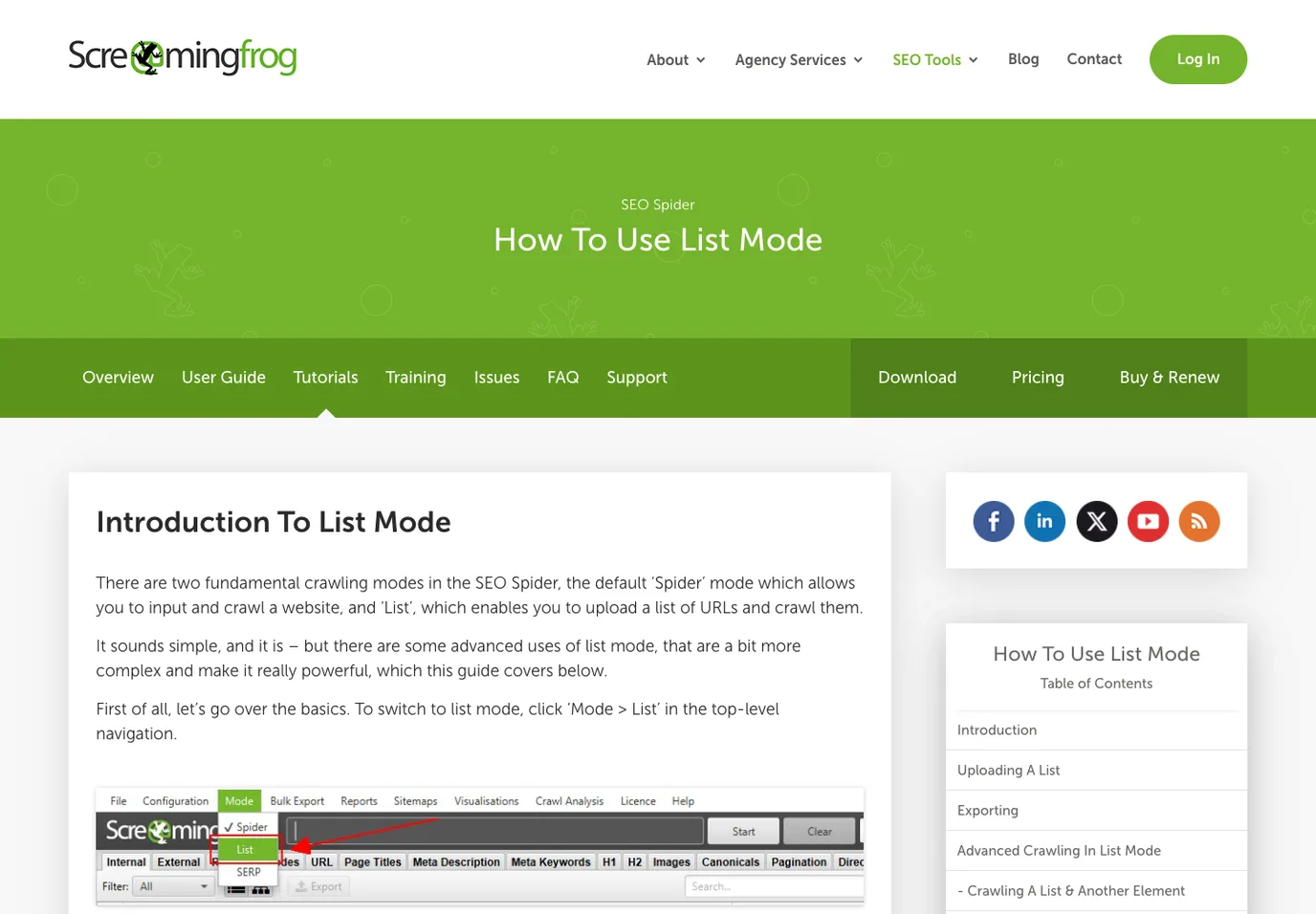
That makes List Mode especially useful when a crawl has to answer a focused QA question. You might have a redirect spreadsheet from a migration, a CSV of pages with weak titles, a set of URLs exported from Google Search Console, or a CMS list of pages edited last week. A normal spider crawl may still be useful later, but the first pass should stay close to the exact pages under review.
The practical value is control. If you upload 400 URLs from a release ticket, you can check those 400 URLs directly, then decide whether supporting assets or discovered links should be part of the evidence.
Choose The URL Set Before You Crawl
The quality of a List Mode audit depends on the list. If the input is sloppy, the crawl output will look precise while answering the wrong question.
Use this input model:
| URL source | Good List Mode job | Risk to watch |
|---|---|---|
| Migration redirect map | Check status codes, redirect chains, canonicals, and destination titles | Old URLs and new URLs get mixed without labels |
| XML sitemap extract | Validate indexable URLs before resubmission | Sitemap includes legacy, noindex, or parameter URLs |
| Search Console export | Inspect pages with impressions, drops, or weak CTR | Query data explains demand but not page health by itself |
| CMS publish list | QA recently edited pages before release | Draft, staging, or localized variants can slip in |
| Product or collection export | Check ecommerce metadata, availability copy, image alt, and canonicals | Variants and filters may create duplicate crawl targets |
| Manually selected sample | Audit a template or issue pattern quickly | The sample may be too small to prove template-level impact |
For broader discovery, a full crawl is usually better. For focused validation, List Mode keeps the audit honest because every row in the export ties back to a known business or technical reason.
Turn List Mode Output Into QA Decisions
The crawler export should not become the deliverable. It should become a decision table.
Group findings by page type, template, issue family, and owner. A single missing H1 on a retired URL may not matter. The same missing H1 across every new collection page may be a release blocker. A redirect chain on one legacy blog post may be cleanup work. A redirect chain across hundreds of migrated money pages may be urgent.
| Finding pattern | Weak handoff | Better handoff |
|---|---|---|
| 4xx responses in the uploaded list | "Fix broken URLs" | Separate old URLs, new URLs, internal links, and submitted sitemap entries |
| Redirect chains | "Too many redirects" | Identify the first hop, final destination, template owner, and migration rule |
| Canonical mismatch | "Canonical issue" | Confirm whether the target URL should consolidate, index, or stay separate |
| Missing metadata | "Add titles and descriptions" | Group by template and decide whether copy, data fields, or rendering caused it |
| Hreflang errors | "Hreflang failed" | Check return links, locale coverage, x-default, and canonical consistency together |
| Image alt gaps | "Add alt text" | Prioritize product, category, and editorial images that affect key page templates |
If the issue needs structured field extraction rather than a fixed URL list, pair the crawl with Screaming Frog Custom Search or a custom extraction workflow. If the issue is sitemap eligibility, the XML sitemap generator workflow is the better companion.
Where Searvora Fits After The Crawl
Screaming Frog List Mode is strong when one operator needs exact crawl control over a known URL set. The harder team problem usually starts after that: deciding which findings deserve action, assigning the right owner, and proving the fix after a release.
The local Searvora SEO Spider Crawler product surface positions the crawler around technical site audits, crawl discovery, indexability, canonical and hreflang validation, metadata checks, image alt and weight checks, issue clustering, prioritized implementation queues, and recurring crawl validation.
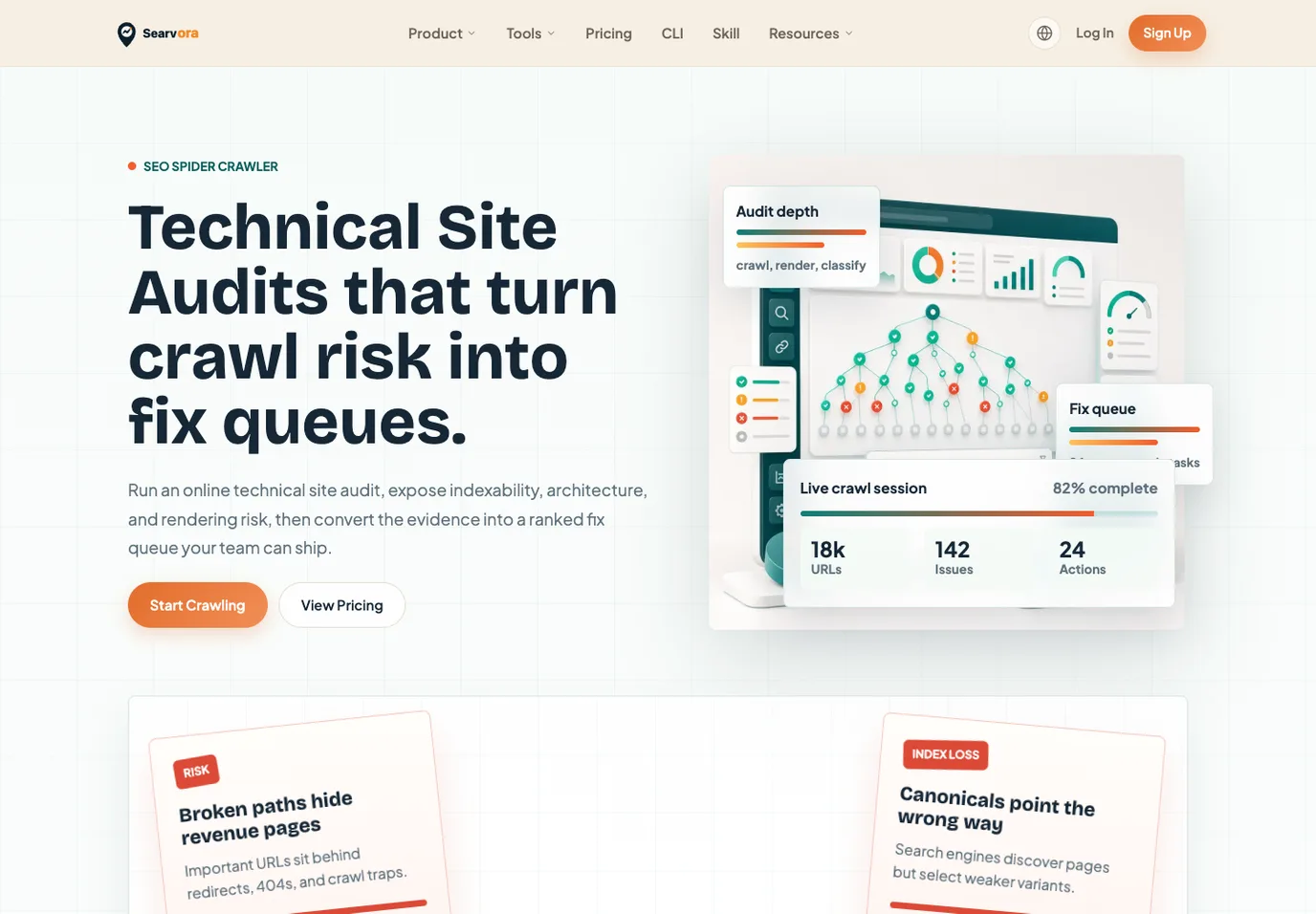
Use Searvora when the List Mode output needs to become shared work:
| Need after the list crawl | Searvora workflow layer |
|---|---|
| Compare the uploaded URLs against broader site risk | Join crawl findings to indexability, link depth, templates, and issue severity |
| Prioritize fixes | Rank by organic risk, page type, business value, and technical confidence |
| Assign owners | Route metadata, redirects, canonical, hreflang, content, and image issues to the right team |
| Validate repairs | Recrawl the affected segment and compare the same evidence after deployment |
| Connect strategy | Use crawl evidence inside a wider technical SEO site audit instead of treating the export as isolated data |
This is not a claim that one crawler replaces every List Mode workflow. Use the Screaming Frog tutorial when the searcher needs the exact feature path. Use Searvora when the crawl evidence needs to become a prioritized fix queue the team can ship and recheck.
QA Checks Before You Trust The Crawl
Before acting on a List Mode crawl, run a quick confidence check.
| Check | Pass condition |
|---|---|
| URL list hygiene | Duplicates, staging URLs, tracking parameters, and wrong locales are removed or labeled |
| Scope match | The crawl setting matches the risk you are testing |
| Rendering choice | JavaScript rendering is enabled only when the issue depends on rendered output |
| Robots and canonicals | The audit notes whether crawler settings respect or override live directives |
| Sample review | A few URLs are opened manually so the export matches what a browser sees |
| Owner mapping | Every meaningful issue has a content, SEO, product, or engineering owner |
| Recrawl plan | The same list can be rerun after fixes ship |
This checklist prevents a common mistake: approving fixes because the spreadsheet is long. The better question is whether the crawl evidence changes a page decision.
When List Mode Is The Wrong Fit
List Mode is not always the first crawl. Use a normal spider crawl when you need discovery, internal-link mapping, orphan-page investigation, architecture depth, or a sitewide issue baseline. Use a page-level inspection when only one URL has a rendering or canonical mystery. Use analytics and Search Console when the question is demand, clicks, or ranking movement.
Use List Mode when the URL set is known and the validation question is narrow. Use a broader crawl when the site structure itself is unknown. The best technical SEO workflow often uses both: discover with a full crawl, isolate the affected URLs, fix the issue, then recrawl the exact list to prove the work.