

Screaming Frog Log File Analyser is a desktop tool for importing server logs, verifying search and AI bots, and seeing which URLs those bots actually requested. It fits an SEO audit when the question depends on observed crawler behavior rather than only on what a simulated crawl can discover.
That distinction is the key buying and workflow decision. Log files show what happened at the server. A site crawler shows the technical state that may have caused it. Strong technical SEO work uses the two evidence sets together, then converts the mismatch into a prioritized fix and a validation check.
Quick Verdict
Use Screaming Frog Log File Analyser when you have access to supported server logs and need to investigate bot frequency, crawl waste, response codes, slow URLs, or pages that bots did or did not request. Do not use it as a substitute for a fresh site crawl, indexation evidence, or business prioritization.
| Decision area | Strong fit | Watch the boundary |
|---|---|---|
| Bot behavior | You need verified request evidence by crawler and URL | A request does not prove indexation, quality, or rankings |
| Crawl waste | You need to group bot hits by directory, status, or template | High request volume is not automatically high business priority |
| Release validation | You have before-and-after log windows for a migration or fix | Logs still need crawl checks for canonicals, links, directives, and sitemaps |
| AI crawler access | You need evidence that named AI bots reached source pages | Access alone does not prove citation or AI-search visibility |
| Team execution | One operator can interpret and export the data | The export still needs owners, priority, and recheck criteria |
What The Official Product Page Confirms
The current Screaming Frog Log File Analyser product page describes a Windows, macOS, and Linux desktop application that imports log files, verifies search engine and AI bots, identifies requested URLs, and analyzes bot behavior. Its public feature list includes crawl frequency, response codes, redirects, slow or large URLs, orphan and uncrawled URLs, and imported crawl-data comparisons.
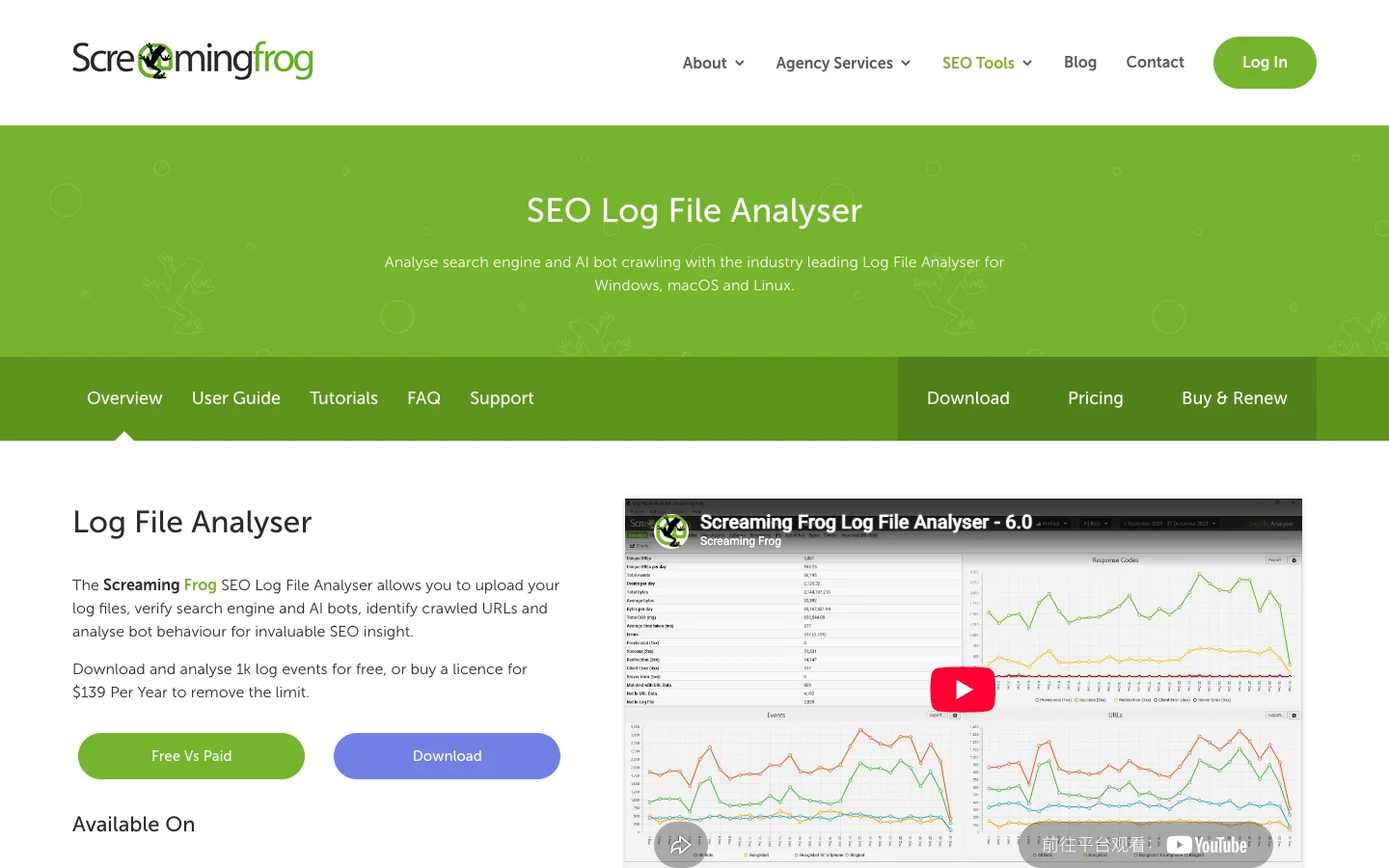
The public page checked on August 9, 2026 presents a free tier capped at 1,000 log events and one project. Its main comparison panel lists the paid licence at $139 per year and describes the event and project limits as removed, subject to storage capacity. Because pricing and plan language can change, verify the official pricing page before a purchase decision.
The official page also lists support for Apache, W3C Extended, IIS, NGINX, and Amazon Elastic Load Balancing formats. Test a real sample before committing a large workflow, because custom fields, proxy layers, CDN exports, and malformed lines can change what the importer can use.
What Log Evidence Can And Cannot Prove
Server logs are unusually valuable because they record requests at the infrastructure layer. They can show that a bot requested a URL, when it requested it, which response status the server returned, and how behavior changed across a chosen time window.
They do not prove everything an SEO team wants to know.
| Log evidence can support | It cannot prove by itself |
|---|---|
| A verified bot requested a URL | The URL was indexed or selected as canonical |
| A URL returned a 200, redirect, 4xx, or 5xx to that request | The rendered content and links were usable |
| One directory received more bot requests than another | The heavily crawled directory deserves more investment |
| Bot activity changed after a release | The release caused a ranking or traffic change |
| An AI crawler reached a source page | An AI answer cited or trusted that page |
This is why the existing log file analysis for SEO workflow starts with a decision, not a raw export. If the question is crawl budget, migration access, server errors, or bot coverage, logs can reduce uncertainty. If the question is canonical consistency, internal discovery, rendered links, or sitemap health, you still need crawl evidence.
A Workflow That Joins Logs And Crawl Data
The most useful workflow is not "open the tool and browse reports." It is a short evidence loop with a defined URL cohort.
- Define the technical SEO question and the affected page group.
- Export a log window that matches the incident, release, or monitoring period.
- Verify crawler identities before treating user-agent strings as trusted bots.
- Group requests by bot, directory, template, status code, and query pattern.
- Crawl the same URL group for redirects, canonicals, robots directives, sitemap inclusion, internal links, rendering, and metadata.
- Mark the mismatches where observed bot behavior and current site state disagree.
- Prioritize by page value, template footprint, severity, and confidence.
- Ship the fix, recrawl the affected cohort, and review a new log window.
| Mismatch | Likely interpretation | Next check |
|---|---|---|
| Bots request URLs the crawler cannot discover | Old links, external discovery, legacy sitemaps, or redirect residue | Crawl redirects, canonicals, sitemaps, and internal links |
| Important crawlable pages receive no trusted bot requests | Weak discovery, low crawl priority, or a short observation window | Check internal depth, sitemap quality, traffic, and a longer log window |
| Bots repeatedly hit redirected or canonicalized variants | Consolidation signals remain noisy | Align internal links, redirects, and canonical targets |
| Logs show 5xx responses during important crawl windows | Server reliability may be blocking access | Isolate templates and timestamps, fix the cause, then repeat both checks |
| AI bots reach pages but visibility does not move | Access exists, but source quality or measurement may be weak | Review entity clarity, answer structure, internal links, and AI-search monitoring |
For AI crawler investigations, the AI bot traffic workflow adds CDN and verification context without turning every automated request into a visibility claim.
Where Searvora Fits After The Log Import
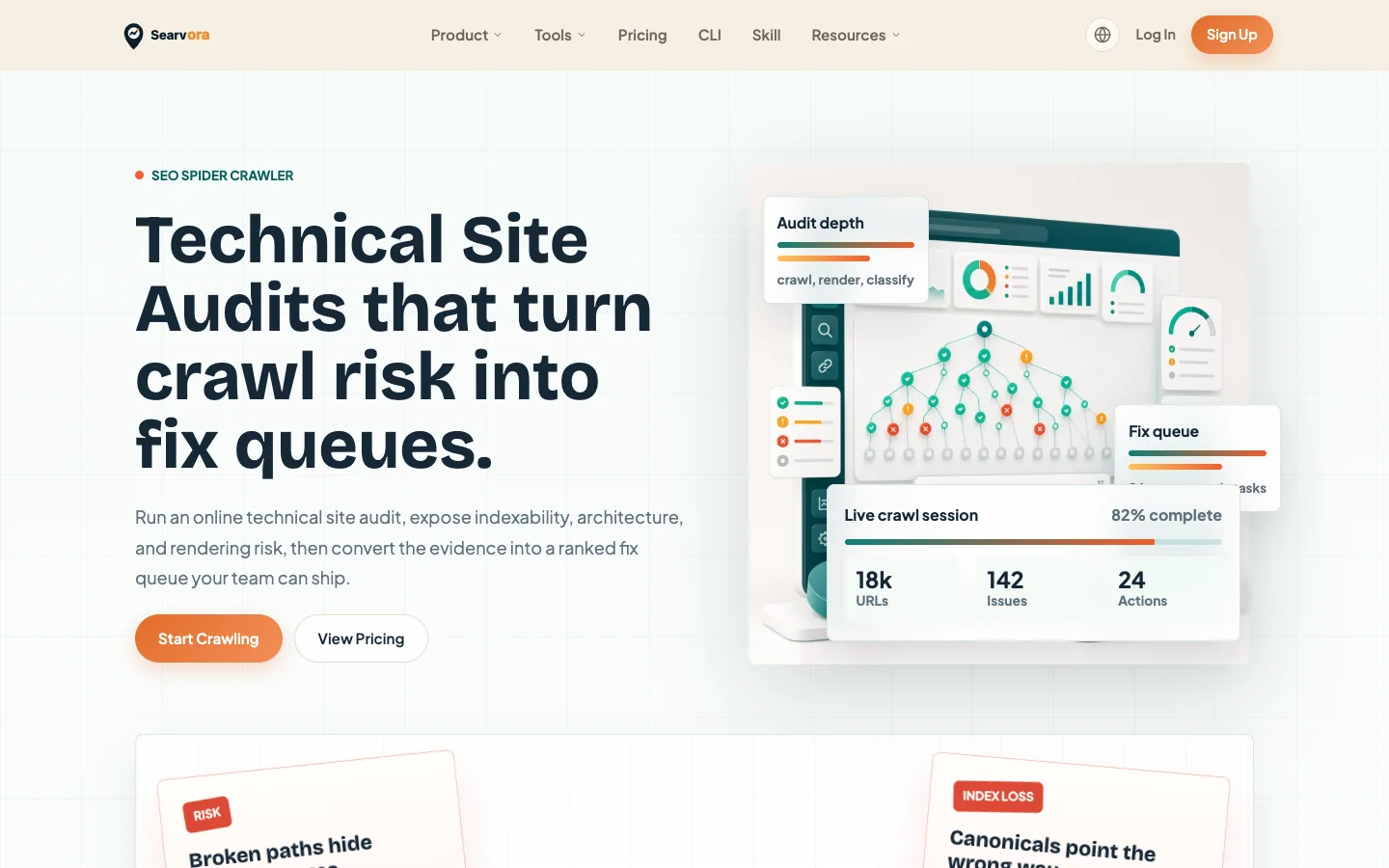
Searvora does not replace raw server logs. Its public SEO Spider Crawler page focuses on the next layer: crawling, rendering, issue grouping, prioritization, owner handoff, and validation criteria.
That makes the products complementary when the team already has log evidence.
| Workflow layer | Screaming Frog Log File Analyser | Searvora SEO Spider Crawler |
|---|---|---|
| Observed bot behavior | Imports and segments actual server requests | Not the source of raw server request truth |
| Current technical state | Can compare imported URL data with logs | Crawls status, redirects, canonicals, directives, links, rendering, and sitemap behavior |
| Prioritization | Operator interprets reports and exports | Groups risk into a ranked fix queue with impact and owner context |
| Handoff | Exported findings need a team process | Frames issues as shippable actions with validation steps |
| Proof after the fix | New log window shows subsequent bot behavior | Recrawl shows whether the intended technical state changed |
When To Choose Another Path
Screaming Frog Log File Analyser is not the first tool for every audit.
- Use a normal crawler first when you do not have server logs or the issue is already visible in site architecture, metadata, directives, or rendering.
- Use Search Console and analytics when the question is search demand, impressions, clicks, conversions, or page-level business impact.
- Use infrastructure monitoring when the problem is uptime, latency, capacity, security, or abuse rather than organic search behavior.
- Use a shared execution system when the bottleneck is not finding issues but assigning, shipping, and validating them across teams.
The product is a strong fit when real bot behavior changes the diagnosis. It is a weak fit when the team only wants another technical SEO export without a question, an owner, or a validation window.
Audit Checklist Before You Act On The Data
Use this final checklist to keep log analysis evidence-based.
- Confirm the log source, host, timezone, retention window, and supported format.
- Remove or protect sensitive request data before sharing exports.
- Verify search and AI bots with current official methods.
- Define the URL cohort before counting requests.
- Separate search crawlers from monitoring, scrapers, and unknown agents.
- Compare the same URL cohort with a fresh technical crawl.
- Rank findings by page value and template footprint, not hit count alone.
- Assign an owner and an expected technical output for every approved fix.
- Recrawl after release and inspect a new log window.
- Measure visibility or business impact separately from crawler access.
Screaming Frog Log File Analyser fits an SEO audit when server request evidence is the missing piece. The durable workflow is to use that evidence to explain bot behavior, use a crawler to identify the technical cause, and close the loop with an owner-ready fix and a repeatable validation check.