

If you need to know how to track AI Mode traffic, do not start by hunting for one perfect number. Start by separating the evidence. Search Console can show search performance movement. AI Mode observations can show whether your brand or URL appeared in the experience. Analytics can show what arrived on your site after the click or referral.
The useful workflow is to keep those streams separate, reconcile them before reporting, and turn the result into one page-level action. That keeps the team from double counting the same visibility shift or calling every unexplained session "AI Mode traffic."
Start With Three Evidence Streams
AI Mode tracking is not just an analytics setup. It is a measurement workflow with three inputs:
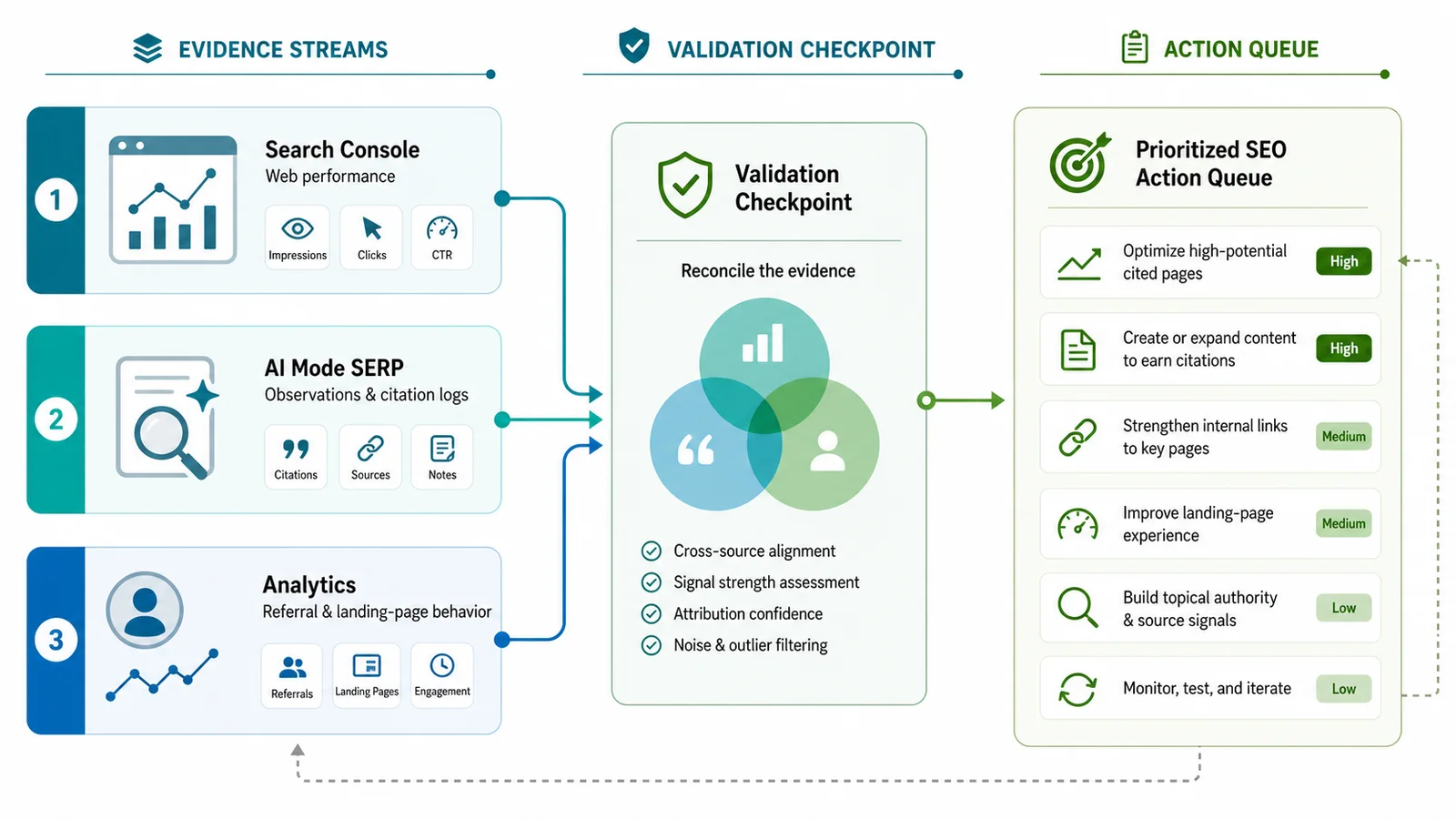
| Evidence stream | What it can show | What it cannot prove alone |
|---|---|---|
| Search Console performance | Clicks, impressions, CTR, position, query, page, country, and device movement | Whether every click came through an AI Mode interaction |
| AI Mode observation log | Whether AI Mode appeared, mentioned your brand, or surfaced your URL for a query | Full traffic volume or conversion behavior |
| Analytics and referral data | Landing pages, engagement, conversions, source patterns, and unattributed behavior | Whether the visit began inside AI Mode instead of another AI surface |
This split matters because AI Mode can influence discovery before a clean click exists. A page may be visible, cited, or used as a source without producing a neatly labeled visit. A different page may receive search traffic after the query set changes. Your report should preserve those differences.
Use Search Console For Search Performance
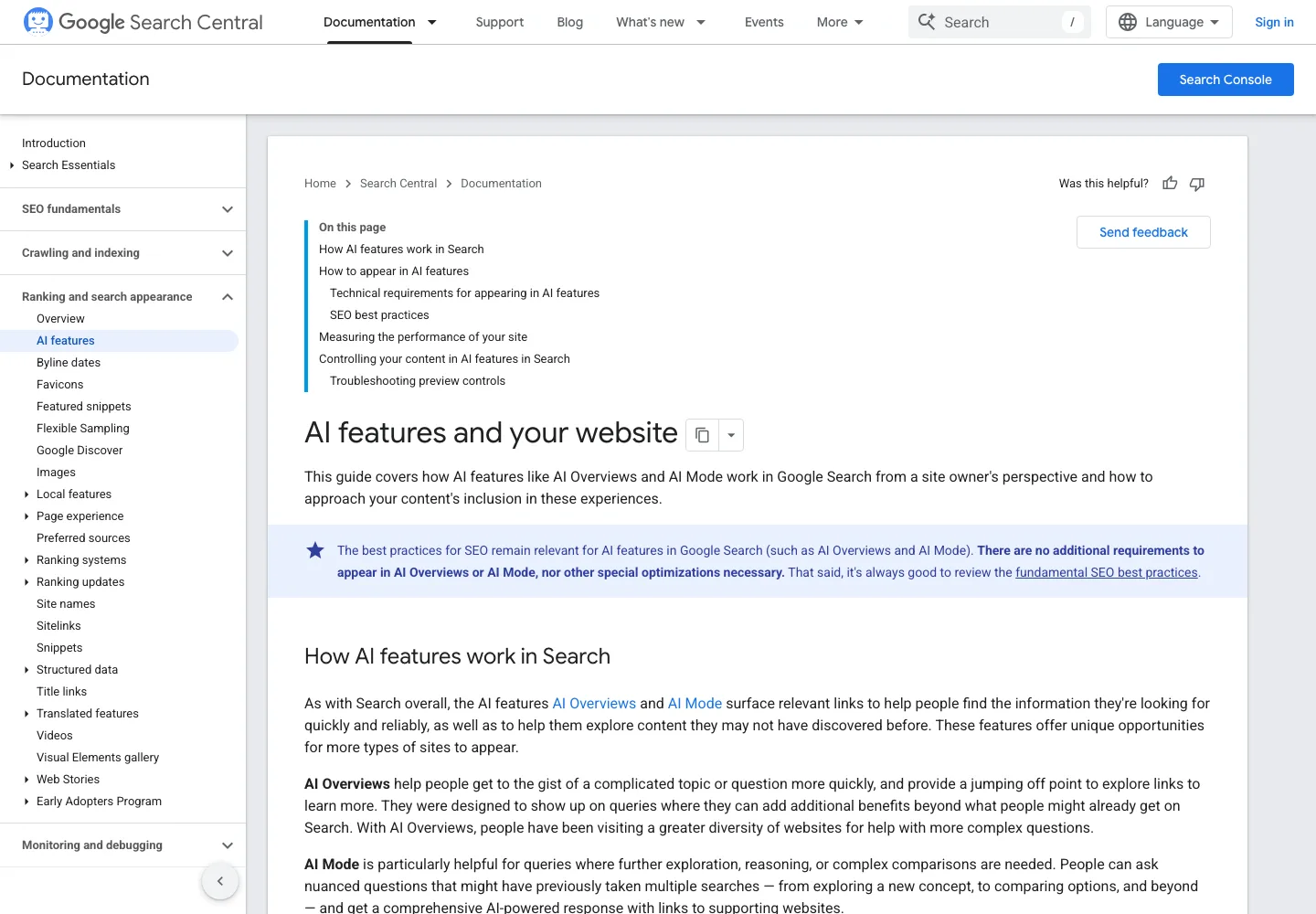
Google's AI features documentation explains AI Overviews and AI Mode from a site owner's perspective and points teams back to the same search-quality basics: crawlable, indexable, helpful pages that can support the answer. Google's Search results performance report remains the place to review clicks, impressions, CTR, position, queries, pages, countries, and devices.
Use Search Console for these AI Mode questions:
- Which query groups changed after AI Mode started appearing for the topic?
- Which pages gained or lost clicks, impressions, or CTR?
- Did average position change enough to explain the movement without blaming AI Mode?
- Did country or device behavior shift?
- Which pages should be reviewed for answer readiness, internal links, and conversion paths?
Search Console is strong evidence for search performance. It is weaker evidence for exact attribution. Keep the language precise: "Search Console shows movement for these query and page groups while AI Mode is present for the query set." That is safer than claiming a single AI Mode traffic number when the source path is still mixed.
Keep An AI Mode Observation Log
The observation log is where you record what the search experience looked like. It does not replace Search Console. It explains why a Search Console movement may deserve review.
Use a compact table:
| Field | Why it matters |
|---|---|
| Query | Keeps the evidence tied to a real search task |
| Country, language, and device | AI experiences can vary by market and device |
| Target URL | Names the page that should earn or protect visibility |
| AI Mode present | Separates normal search movement from AI surface movement |
| Brand mentioned | Captures entity visibility even without a click |
| URL cited or linked | Captures source-level visibility |
| Competing sources | Shows which page formats the answer appears to trust |
| Search Console change | Connects the observation to clicks, impressions, CTR, and position |
| Next action | Turns the observation into work instead of passive research |
The AI Overview tracking workflow is the closest companion when the query set is Google-specific. Use it for mention and citation discipline, then make this AI Mode log narrower: one query set, one observed experience, one target page, one next action.
Separate GA4 Referrals From AI Mode Search Clicks
GA4 can help after a user lands on your site. It can show landing pages, events, conversions, source patterns, and direct or unattributed behavior. It cannot prove every upstream AI Mode impression.
Keep these rules in the report:
| If GA4 shows | First interpretation | Better next step |
|---|---|---|
| Recognizable AI assistant referrals | Referral traffic from an AI assistant or answer surface | Use the GA4 AI traffic workflow to group and review the source |
| Direct traffic to a page that appears in AI Mode | Possible unattributed discovery, but not proof | Compare Search Console movement and observation logs before making a claim |
| Higher engagement from a target page | The page may be receiving better-fit users | Check whether the query group, CTA, and source evidence changed |
| More branded searches after AI visibility | Possible assisted discovery | Track brand demand separately from AI Mode click attribution |
| No visits despite source visibility | Citation or answer influence without a click | Improve the source page and watch the next review window |
For broader AI assistant discovery, pair this with the AI chatbot traffic workflow. AI Mode is one Google search experience. ChatGPT, Perplexity, Copilot, and other assistants can behave differently in analytics.
Reconcile Before You Assign Work
Do not assign content work from one stream alone. Reconcile the evidence first.
| Pattern | Likely reading | Action |
|---|---|---|
| Search Console clicks fall, impressions stay steady, AI Mode appears | Possible SERP layout or answer-satisfaction pressure | Improve answer clarity, snippet promise, and source depth |
| Brand is mentioned, URL is not cited | Entity visibility exists, owned source strength is weak | Strengthen the owned source page and internal links |
| URL is cited, clicks stay flat | Source visibility may not send visits every time | Add better mid-funnel paths and track assisted visibility |
| GA4 referrals rise, Search Console stays stable | Assistant referral behavior may be separate from Google search movement | Keep the sources separate and inspect landing-page fit |
| Search Console position drops, no AI Mode pattern appears | Normal ranking or demand issue may explain the change | Diagnose intent, technical eligibility, and competitor movement first |
The common failure is turning every AI Mode observation into a rewrite request. Some findings need a technical fix. Some need a clearer answer block. Some need internal links. Some need no action until the pattern repeats.
Where Searvora Fits
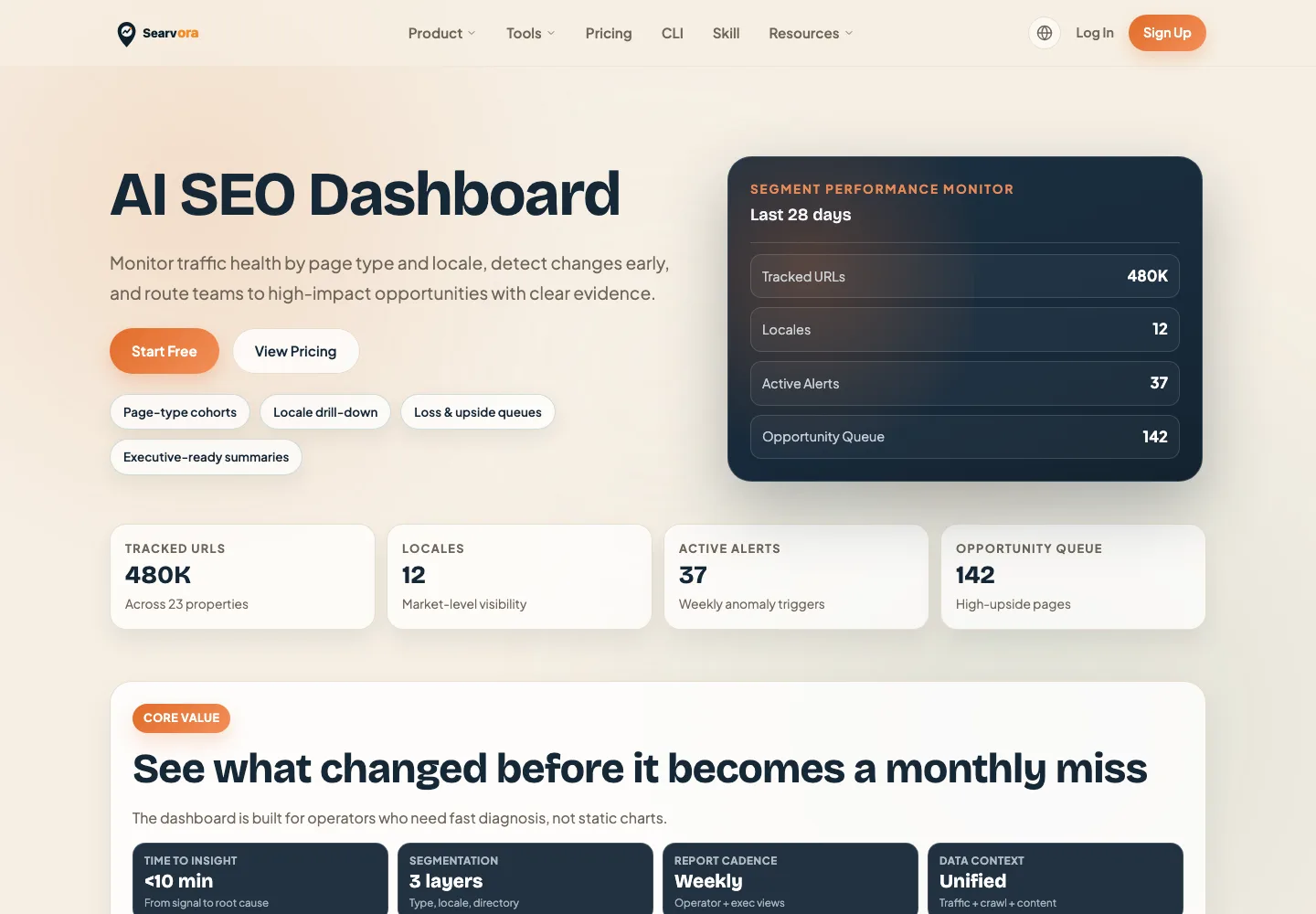
Searvora's AI SEO dashboard fits the reconciliation layer. The product page positions it around page-type cohorts, locale drill-downs, anomaly alerts, opportunity queues, and executive-ready summaries. Those are the jobs AI Mode tracking needs after the evidence is collected.
Use the dashboard to keep the review operational:
| Layer | Review in Searvora for | Output |
|---|---|---|
| Query group | AI Mode-sensitive topics, pages, and countries | Monitored segment |
| Page cohort | Affected URL family, funnel role, and owner | Prioritized page group |
| Evidence ledger | Search Console movement, observations, and analytics behavior | Reviewed signal |
| Action queue | Content, technical, internal-link, or watchlist decision | Assigned work |
AI Mode Traffic Checklist
Use this checklist before reporting AI Mode traffic:
- Pick one query set and one target page group.
- Record country, language, device, and date.
- Check whether AI Mode appears for the query set.
- Record brand mentions, URL citations, and competing sources.
- Review Search Console clicks, impressions, CTR, position, query, and page movement.
- Review GA4 landing pages, source patterns, engagement, and conversions without merging them into Search Console numbers.
- Compare the observation log with the performance movement.
- Diagnose technical eligibility, source quality, answer clarity, internal links, and CTA fit.
- Assign one next action or mark the query group as watchlist.
- Recheck the same evidence after the next reporting window.
That is how to track AI Mode traffic without double counting. Keep the evidence streams separate, reconcile them at the page level, and only then decide whether the next move is a content update, a technical fix, an internal-link change, or a watchlist note.