

If you need to know how to track AI traffic in GA4, start with referral sources, create or review a channel rule for known AI assistants, keep a source ledger, and compare the traffic with the pages that should earn those visits. GA4 can help you see visits from AI tools, but it will not explain by itself whether the traffic came from an answer citation, a copied link, a browser referral, or a user who discovered you somewhere else first.
The useful goal is not a perfect "AI traffic" number. The useful goal is a repeatable review that tells the SEO team which pages, sources, and query groups deserve action.
Start With What GA4 Can Actually See
GA4 reports visits after a user lands on your site. That means AI traffic tracking depends on what the browser and referring surface pass through. Some AI assistants may appear as recognizable referrers. Some may be grouped by channel rules. Some visits may arrive as direct or unattributed traffic.
Use GA4 for these questions:
| Question | GA4 can help with | GA4 cannot prove alone |
|---|---|---|
| Did visits arrive from known AI assistants? | Referral source, session source, landing page, events, and conversions | Whether the user saw your brand inside an AI answer |
| Which pages receive those visits? | Landing page plus source or channel group | Whether the page was cited, summarized, or manually shared |
| Did the traffic behave differently? | Engagement, conversion, path, and event comparisons | Whether AI search is the cause of a larger organic trend |
| Should the team change a page? | Page-level behavior and source mix | The exact content or technical fix without page review |
This is why GA4 should sit beside Search Console, AI answer observations, and crawl checks. If you treat GA4 as the whole picture, you will over-read a partial signal.
Create A Channel Rule For AI Referrals
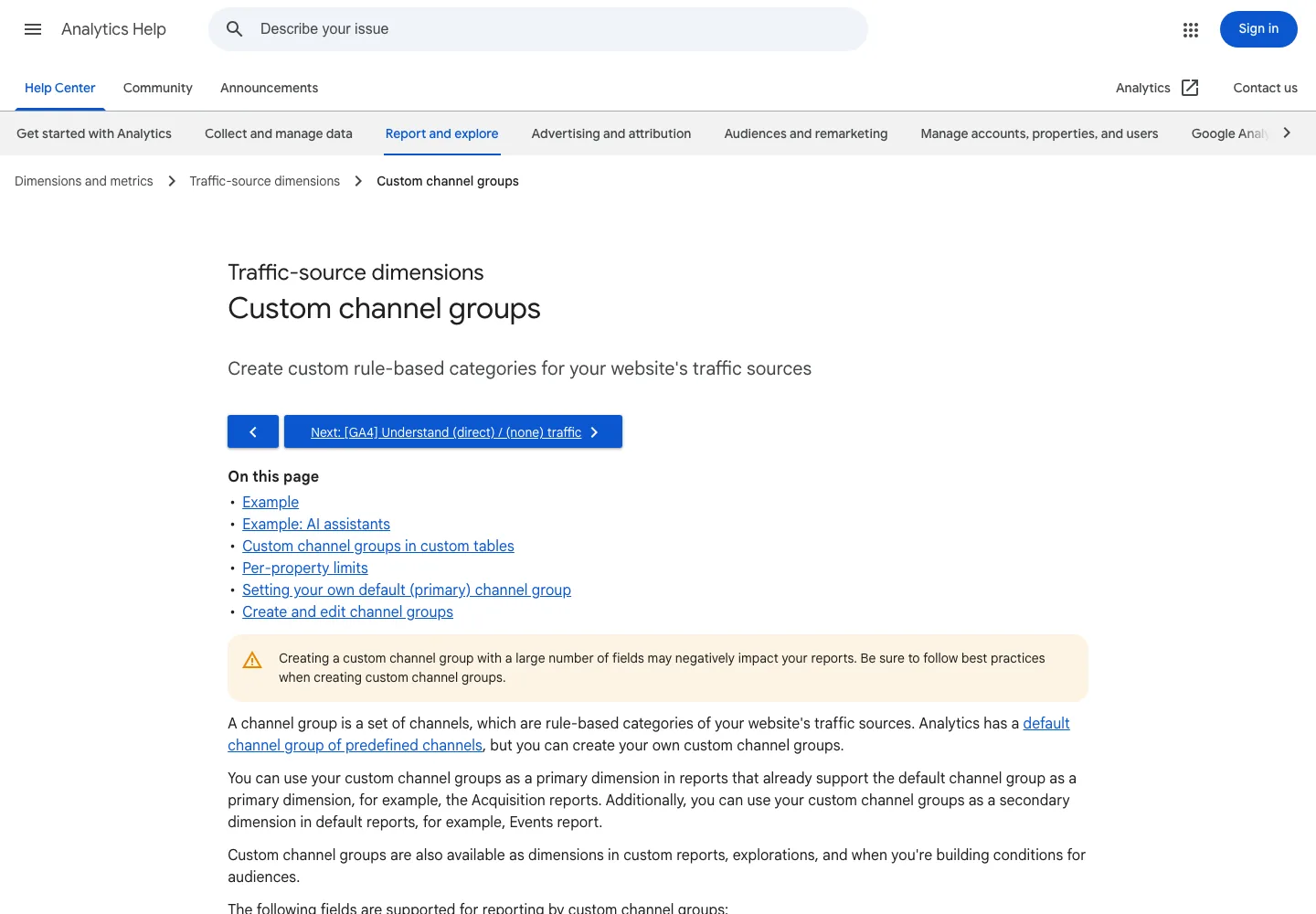
Google's custom channel group documentation explains that GA4 can create rule-based categories for traffic sources. That is the right place to build or review an AI traffic grouping, especially when your property needs consistent reporting beyond the default channels.
Use a custom group when you need to:
- Group known AI assistant referrers under one reviewed channel.
- Keep the rule visible to the team instead of hiding it in a spreadsheet.
- Separate AI assistant traffic from generic referral traffic.
- Compare AI-sourced sessions against landing pages and conversions.
- Preserve the original source and medium for debugging.
Build the rule conservatively. Start with the referrers you can verify in your own data. Do not add every AI company name you can think of. The rule should be easy to audit later.
| Rule element | Practical choice |
|---|---|
| Source dimension | Use source, session source, or source/medium depending on the report you review most |
| Match logic | Match known AI assistant hostnames or source patterns seen in your data |
| Label | Use a plain name such as AI Assistants or AI Referrals |
| Exclusions | Keep generic referral, social, paid, and direct traffic out of the rule |
| Review cadence | Recheck the source list monthly or after visible AI-search changes |
If GA4 already exposes an AI-related default channel in your property, keep your custom reporting aligned with it instead of creating duplicate definitions. Google's default channel group documentation is the place to verify how your current property classifies traffic-source dimensions.
Keep A Source Ledger
The channel rule is only the first layer. Keep a small ledger beside GA4 so the team knows what each source means.
| Ledger field | Example value | Why it matters |
|---|---|---|
| Source pattern | perplexity, chatgpt, copilot, or another observed referrer | Makes the rule auditable |
| First seen date | Date the source appeared in GA4 | Separates new traffic from old noise |
| Landing page | The URL receiving sessions | Identifies the page to inspect |
| Query or answer context | Known prompt, query group, or observed citation if available | Connects traffic to search intent |
| Conversion or event | Signup, lead, scroll, tool use, or other action | Shows whether the visits matter |
| Follow-up | Improve page, add evidence, fix crawl issue, watch, or ignore | Turns the report into work |
This ledger should be boring. That is the point. AI traffic tracking becomes useful when the same fields are reviewed every week, not when the team rebuilds the definition from memory each time.
Connect GA4 Traffic To Source-Page Diagnosis
Once GA4 shows AI-referred traffic, inspect the landing page before recommending changes. The page may need a content update, but it may also need technical eligibility, clearer internal links, better conversion context, or no action at all.
Use this triage table:
| GA4 finding | First diagnosis | Better next action |
|---|---|---|
| AI referrals land on one guide but do not convert | CTA and next-step fit | Add a relevant product, tool, or comparison path |
| AI referrals land on an outdated page | Source freshness and factual accuracy | Update the answer-ready section and visible evidence |
| AI referrals rise while organic clicks fall | SERP layout and answer-surface change | Compare Search Console query movement and AI answer observations |
| Sessions appear as direct instead of referral | Attribution limits or browser behavior | Keep a watchlist and avoid overclaiming |
| A page gets cited but not clicked | Answer gives enough information without a visit | Improve source depth, internal links, and conversion hooks |
Pair this with the AI visibility workflow when you need mention and citation evidence, and with How to Track AI Overviews when the query set is Google-specific. GA4 tells you what arrived. AI visibility work helps explain what may have caused it.
Avoid Common Reporting Mistakes
AI traffic tracking is still young enough that teams can easily create misleading reports. Watch for these mistakes:
| Mistake | Why it hurts | Better rule |
|---|---|---|
| Calling all AI-related traffic organic | AI assistants can send referral-like visits that are not the same as search clicks | Keep source, medium, and channel definitions separate |
| Treating direct traffic as AI traffic | Some AI-driven visits may look direct, but direct has many causes | Mark it as unattributed unless you have supporting evidence |
| Ignoring landing-page intent | Traffic volume without page context does not guide action | Review page type, query job, and CTA fit |
| Changing content after one spike | One source can produce noisy traffic | Wait for a repeatable pattern or a clear strategic page |
| Hiding the source list | Nobody can audit the channel rule | Keep the referrer patterns and rule date visible |
The safest reporting language is specific: "GA4 shows sessions from these observed AI assistant referrers to these landing pages." That is better than claiming "AI search increased traffic" when the evidence is only one channel grouping.
Where Searvora Fits
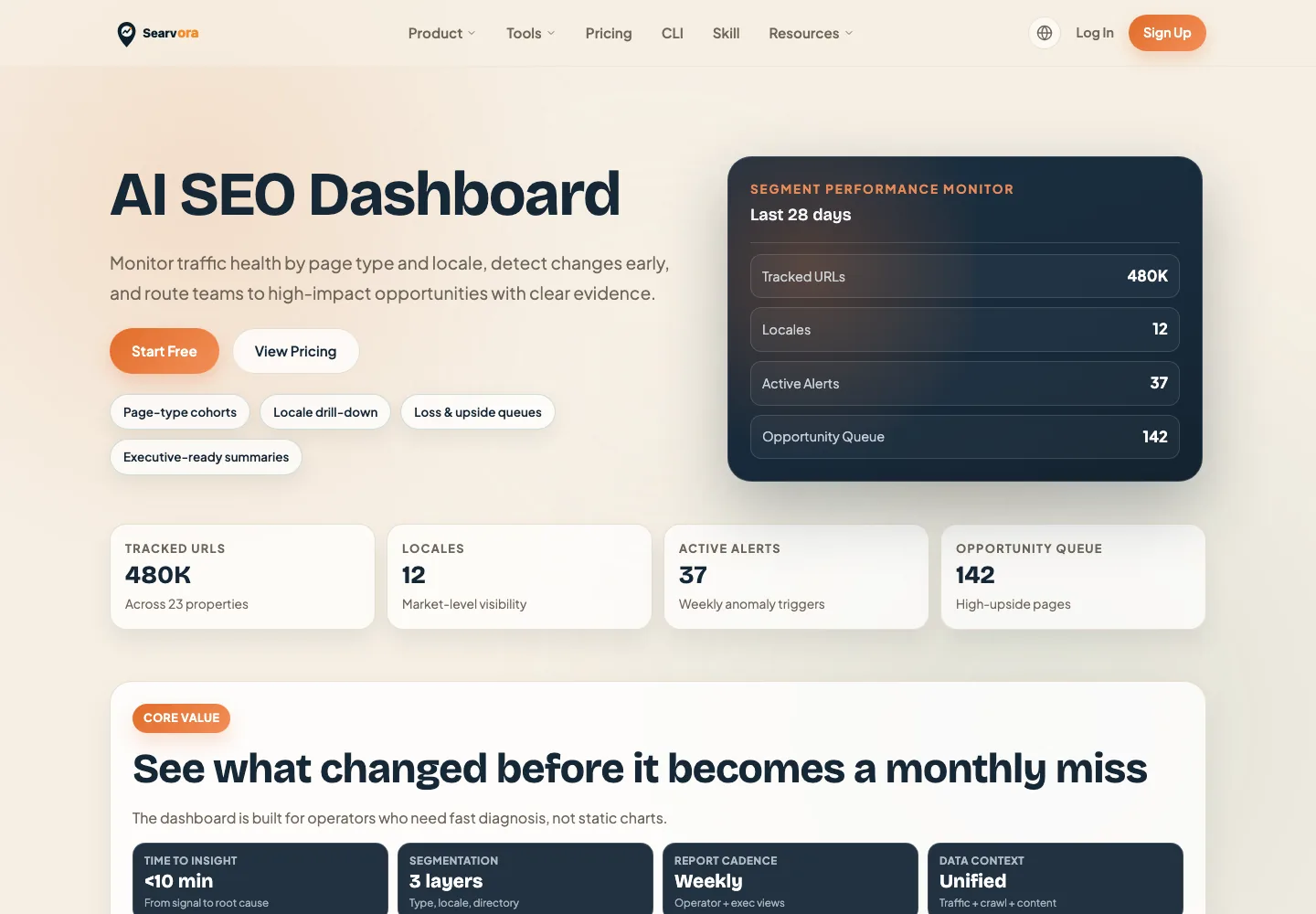
Searvora's AI SEO dashboard fits the review layer after GA4 collection. The product page positions it around segment-first monitoring, anomaly detection, opportunity scoring, and cross-team reporting. Those capabilities are useful when AI traffic needs to be reviewed beside page cohorts, source pages, and action queues.
Use Searvora to connect the pieces:
| Layer | Use it for | Output |
|---|---|---|
| GA4 | Identify AI assistant referrals, landing pages, events, and conversions | Traffic evidence |
| Search Console | Review query, page, CTR, and position movement | Search demand evidence |
| AI visibility checks | Record mentions, citations, and answer surfaces | Source-page evidence |
| Searvora dashboard | Segment the signals and route them into weekly work | Prioritized action queue |
A GA4 AI Traffic Checklist
Use this checklist before reporting AI traffic to stakeholders:
- Confirm which GA4 source or channel dimensions the report uses.
- List the AI assistant referrers observed in your own property.
- Create or review a custom channel group only from verified patterns.
- Preserve source/medium detail so the rule can be debugged later.
- Compare landing pages, engagement, conversions, and query movement.
- Record known AI answer observations or citations separately from GA4.
- Diagnose the landing page before recommending content changes.
- Assign one next action or mark the source as watchlist.
- Recheck the same report after the next reporting window.
That is the practical answer to how to track AI traffic in GA4: measure the referrals you can verify, keep attribution limits visible, and turn page-level patterns into decisions your SEO team can validate.