

Website migration SEO is the work of proving that search-critical pages, URLs, signals, and measurement survive a site move. Before anything launches, save the baseline crawl, map every meaningful old URL to the right new destination, align canonicals, sitemaps, robots rules, hreflang, and internal links, then validate the live site until search systems can see the new version clearly.
The Ahrefs website migration article that surfaced this opportunity frames migration as a planning and troubleshooting job. Searvora's information gain is the operating layer: turn the migration into a control room with owners, acceptance criteria, launch-day checks, and post-launch recrawls instead of another static checklist.
Start With A Migration Control Room
A migration is not one SEO task. It is a release that can change URLs, templates, rendering, internal links, metadata, analytics, canonical targets, locale alternates, and crawl paths at the same time.
Treat the migration control room as the place where every high-risk signal has a baseline, an owner, and a validation rule.
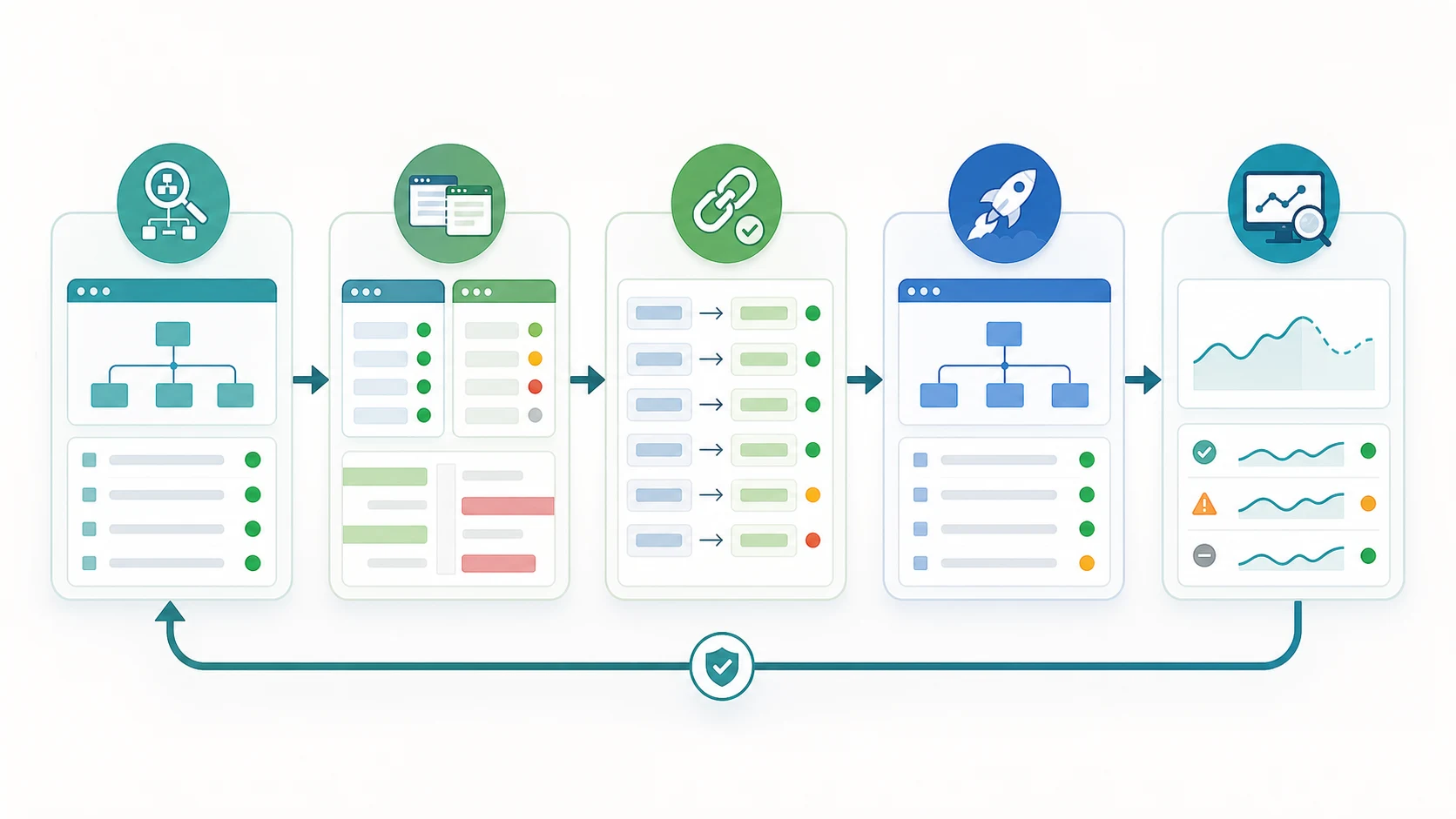
| Control room field | What to record | Why it matters |
|---|---|---|
| URL groups | Old and new URLs by template, directory, locale, and page type | Keeps migration QA from becoming random spot checks |
| Search role | Product page, article, hub, category, support page, asset, or utility URL | Prevents low-value URLs from crowding out important pages |
| Expected destination | Same page, merged page, new canonical, retired URL, or noindex path | Makes redirect and canonical decisions intentional |
| Owner | SEO, engineering, content, localization, analytics, platform, or ecommerce | Makes launch-day problems assignable |
| Validation rule | Crawl, rendered HTML check, sitemap fetch, URL inspection sample, or dashboard segment | Defines what "done" means after release |
Google's site move documentation is the right official baseline when URLs change. It treats URL mapping, redirects, sitemap submission, and monitoring as a sequence. The practical mistake is doing those steps without evidence from the actual site.
Build The Baseline Before Anything Moves
The baseline is your proof of what search systems could see before the migration. Without it, every post-launch issue becomes a debate about whether the problem is new, old, or simply more visible.
Capture the old site before release:
- Crawl the current canonical URL set.
- Export final URL, status code, redirect chain, canonical, robots directives, indexability, sitemap inclusion, H1, title, meta description, hreflang, schema, and inlinks.
- Segment pages by template, directory, locale, and business role.
- Save top organic landing pages, linked pages, and conversion-supporting URLs as a priority sample.
- Annotate analytics and Search Console reporting so post-launch comparisons do not split old and new paths.
This baseline should connect to the existing redirect and canonical workflows, not replace them. Use the redirects for SEO workflow when URL destinations need a decision. Use the canonical tags audit when duplicate or near-duplicate URL variants could confuse the representative page.
Map Redirects, Canonicals, And Sitemaps Together
Most migration losses happen when one signal moves and another signal stays behind. A redirect may point to the new page, but internal links still point to the old URL. A sitemap may submit the new URL, but the canonical still references staging. Hreflang may point to redirected alternates. Robots rules may block the section that just launched.
Use this signal parity map before release:
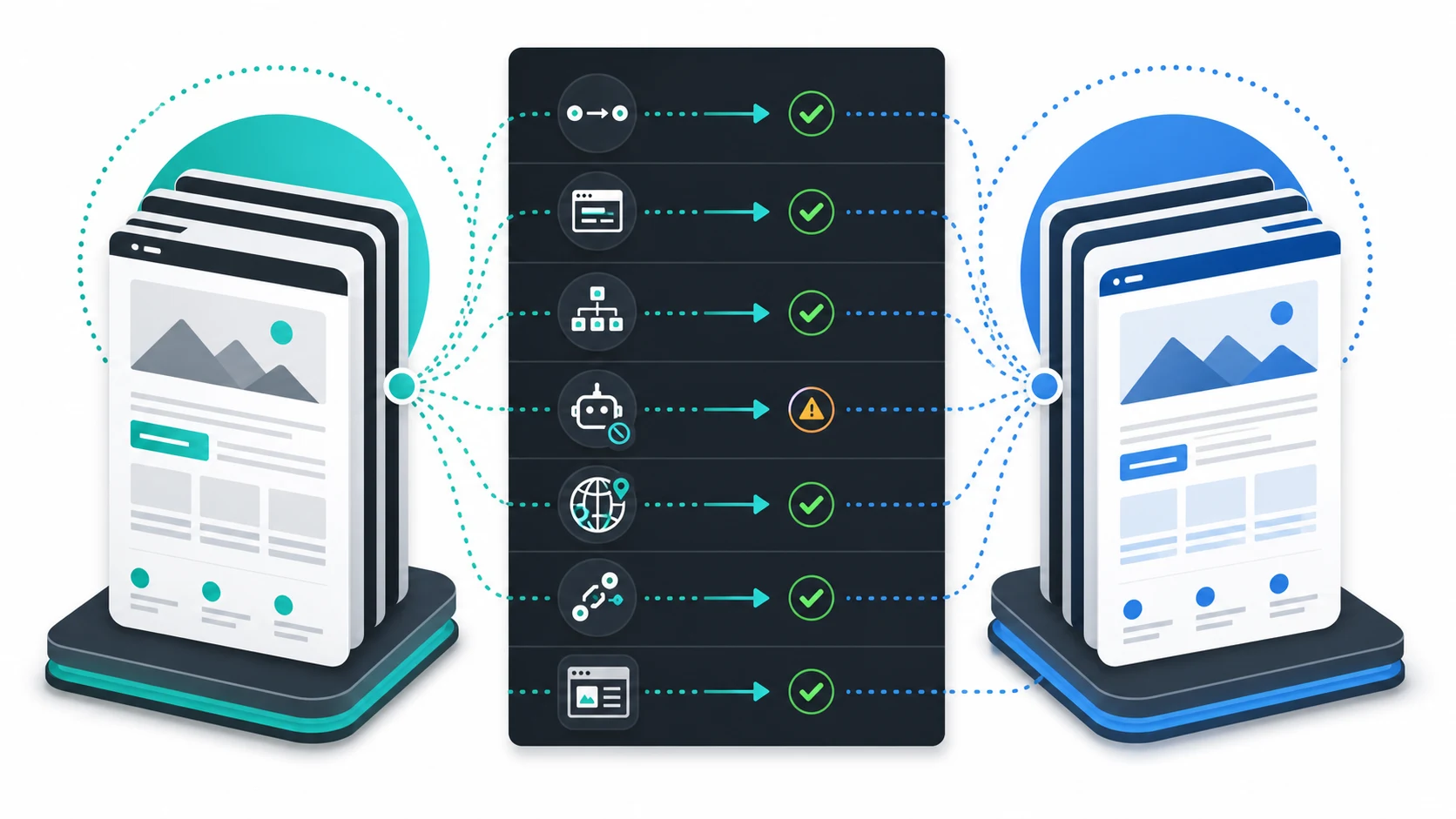
| Migration signal | Healthy launch state | Failure pattern |
|---|---|---|
| Redirects | Old URLs resolve directly to the closest new destination | Old URLs chain through temporary paths or irrelevant pages |
| Canonicals | New canonical pages self-reference final URLs | New pages canonicalize to old, staging, or mismatched URLs |
| Sitemaps | Only canonical, indexable new URLs are submitted | Old, redirected, noindex, or staging URLs remain in XML files |
| Robots and noindex | Search-critical pages remain crawlable and indexable | A launch rule blocks the new section or carries staging controls live |
| Hreflang | Locale alternates point to final canonical pages | Alternates point to redirected, missing, or cross-locale canonicals |
| Internal links | Navigation, breadcrumbs, hubs, and body links use final URLs | The site relies on redirects for its own crawl paths |
| Rendered content | Mobile and desktop output preserve primary content and metadata | Redesign or JavaScript changes hide the page job from crawlers |
For localized moves, pair this with the hreflang tags workflow. Migration QA should prove that every locale remains indexable, self-canonical, and connected to the right alternates after the route change.
Test Staging Like Search Will See Production
Staging tests are useful only when they resemble the final search-facing output. A private staging crawl can catch template mistakes, redirect logic, canonical drift, missing metadata, and broken internal links before the public launch, but it should not create indexable staging URLs.
Run staging checks in this order:
- Crawl the mapped priority sample on staging.
- Compare old and new title, H1, primary content, canonical, robots, schema, and internal links.
- Test redirect rules against the exact old URL patterns, including protocol, host, trailing slash, uppercase variants, and parameter patterns.
- Check XML sitemap output for final canonical URLs only.
- Confirm staging blocks are not copied into the production robots or meta robots configuration.
- Record every failed check with owner, URL group, severity, and acceptance criteria.
Do not validate only the homepage. The risky pages are often category templates, localized routes, article archives, old campaign URLs, product variants, and high-value pages with external links.
Run Launch-Day And Post-Launch Validation
Launch-day SEO work should be a focused recrawl, not a feeling that the site "looks fine." The first crawl should confirm that important old URLs, new URLs, sitemaps, and source links agree with the migration plan.
Use this validation sequence:
- Crawl old priority URLs and confirm they resolve as planned.
- Crawl new canonical URLs and confirm clean status, indexability, canonical, H1, title, metadata, schema, and primary content.
- Fetch XML sitemaps and confirm old redirected or noindex URLs are gone.
- Crawl source pages that link to migrated URLs so internal links stop sending crawlers through old paths.
- Sample important URLs in Search Console after the live output is stable.
- Monitor impressions, clicks, indexed URL count, crawl errors, and affected directories through at least one recrawl window.
- Keep a recovery list for pages that lost their destination, canonical owner, or internal-link path.
This is where migration differs from a normal technical SEO audit. A normal audit can prioritize gradually. A migration needs fast comparison between the baseline and the new state because search systems may recrawl important pages before the team has finished arguing about ownership.
Where Searvora Fits
Searvora SEO Spider Crawler is the product fit for the evidence layer. The local product page positions the crawler around technical audits, JavaScript rendering, robots parsing, canonicals, hreflang validation, redirects, sitemap behavior, metadata checks, issue clustering, exports, and recurring crawls. That maps directly to migration control-room work.
Use the technical SEO crawler in three phases:
| Phase | Searvora role | Output |
|---|---|---|
| Before launch | Crawl the old site and priority samples, then group signals by template and URL family | Baseline evidence and migration risk list |
| During launch | Check redirects, canonicals, sitemaps, robots, hreflang, metadata, and rendered content | Owner-ready issue queue for launch-day fixes |
| After launch | Re-crawl changed URL groups and monitor affected directories | Proof that search signals stabilized or a recovery path is needed |
Website Migration SEO Checklist
Use this checklist before approving a migration release:
- Define the migration type: domain, protocol, platform, URL structure, redesign, CMS, localization, or content consolidation.
- Crawl the old canonical URL set and priority samples.
- Segment URLs by page type, template, locale, directory, and business role.
- Build a redirect map with closest-match destinations, owner, and validation rule.
- Confirm new canonical URLs return clean status codes and self-canonicalize.
- Keep XML sitemaps limited to canonical, indexable new URLs.
- Validate robots, noindex, hreflang, schema, title, H1, metadata, and rendered primary content.
- Update internal links so the live site points to final destinations directly.
- Crawl staging without exposing staging URLs to search.
- Re-crawl old and new URL samples on launch day.
- Monitor Search Console, analytics, crawl errors, and directory-level performance after release.
- Keep the baseline and validation notes for the next migration.
Website migration SEO succeeds when the team can prove continuity. The old URL set has a documented destination, the new site sends consistent search signals, and post-launch crawl evidence shows whether the migration is stable or needs recovery work.