

Wix SEO is not a simple yes or no verdict on the CMS. A Wix site can grow in organic search when its important pages are crawlable, indexable, clearly structured, and supported by useful content. It becomes a problem when the team treats built-in settings as a finished SEO workflow or blames the platform before checking the rendered site.
The Ahrefs Wix SEO article that surfaced this opportunity answers the broad platform question. Searvora's information gain is the operating layer: decide what can be fixed inside Wix, what needs crawl evidence, what belongs in the content queue, and when a migration is really justified.
Treat Wix SEO as a CMS audit
Start with the site job, not the platform reputation. A local service site, portfolio, simple ecommerce catalog, or small publisher can have very different SEO needs even when all of them run on Wix.

Use this first-pass decision table before assigning work:
| Question | Good sign | Risk signal |
|---|---|---|
| Can search engines reach priority pages? | Important URLs are linked, indexable, and present in sitemap logic | Pages depend on hidden navigation, blocked routes, or duplicate variants |
| Can templates produce unique signals? | Titles, descriptions, headings, canonicals, and structured data match page type | Large page groups share generic metadata or unclear canonicals |
| Can the content workflow support search intent? | Each page has a distinct reader job, internal links, and review ownership | Blog posts and service pages target the same query without a canonical owner |
| Can the team validate changes? | Search Console, crawl checks, and release notes are reviewed together | Fixes happen inside the editor with no post-publish verification |
| Does the business need custom SEO control? | Current needs fit available Wix controls | Growth depends on custom rendering, complex faceting, or large-scale templates the team cannot manage |
Check the Wix controls first
Wix's public help center describes several SEO surfaces site owners can use, including the SEO Setup Checklist, SEO dashboard, default SEO settings, structured data behavior, Search Console connection, and indexing controls. The practical question is not whether these features exist. It is whether they are configured correctly for the pages that matter.
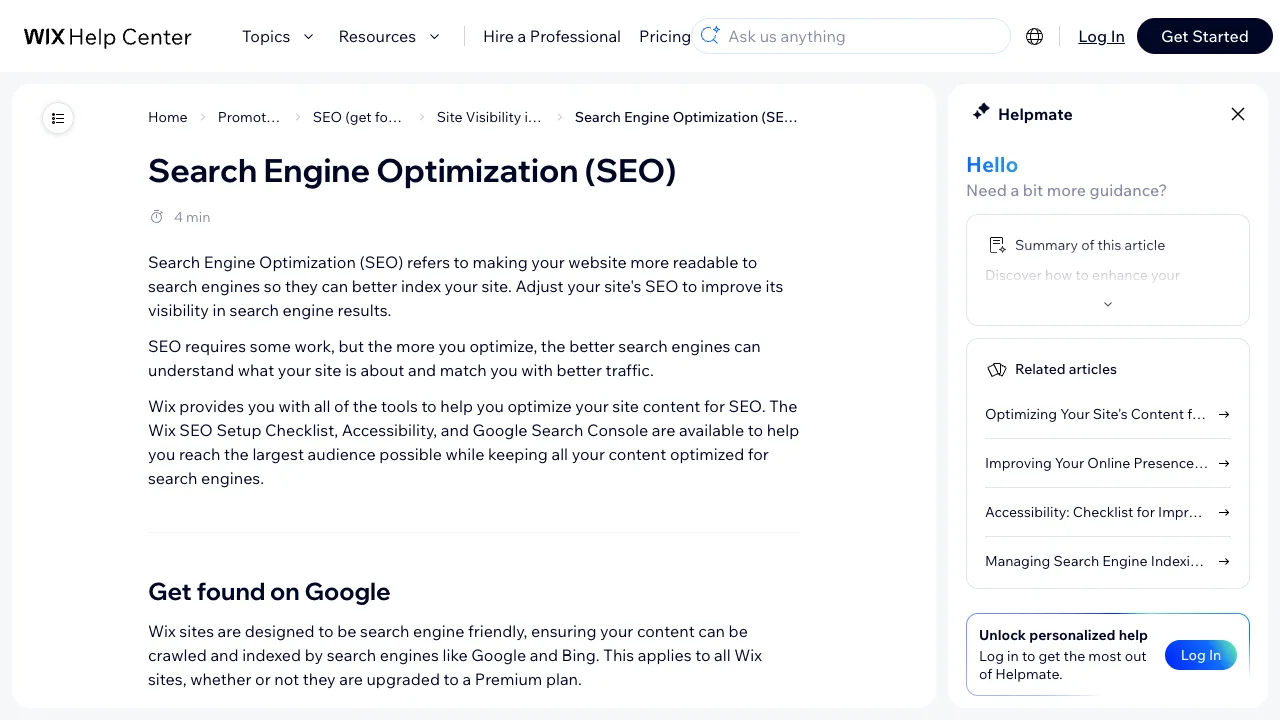
Use official documentation as the source of truth for platform behavior:
| Wix surface to verify | Why it matters | Source to check |
|---|---|---|
| SEO Setup Checklist | Confirms basic site details, keyword inputs, and Google connection steps | Wix SEO Setup Checklist documentation |
| SEO Dashboard | Centralizes SEO tools, checklist progress, and Search Console-connected reporting | Wix SEO Dashboard documentation |
| Default SEO Settings | Shows how page-type metadata, URL patterns, and markup defaults are handled | Wix default SEO settings documentation |
| Search visibility basics | Explains how Wix frames crawlability, indexing, accessibility, and analytics | Wix Search Engine Optimization documentation |
| Search evidence in the platform | Shows why putting Search Console data near site owners can improve action | Google Search Central Wix case study |
This review should not become a feature checklist for its own sake. Tie each setting to one page group and one risk. For example, a service-page title pattern matters only if it affects pages with demand. A structured data default matters only if the visible page supports the same facts. A Search Console connection matters only if someone uses the data to change the next queue.
Crawl before rewriting Wix pages
Wix SEO work often starts as copywriting, but many problems are technical or structural. A page can have a good headline and still fail because the wrong URL is indexed, the canonical signal is unclear, the page is buried, or the template outputs repetitive metadata.
Run a crawl baseline before the rewrite sprint:
- Export or collect the important Wix URLs by page type.
- Crawl the site as rendered pages, not only as editor records.
- Group findings by service pages, blog posts, product pages, category pages, and support pages.
- Check status codes, canonicals, indexability, title tags, meta descriptions, H1s, internal links, image alt text, and sitemap inclusion.
- Compare findings against Search Console impressions and clicks.
- Assign each issue to SEO, content, design, or site-owner action.
- Re-crawl after fixes ship.
This is where the technical SEO site audit workflow helps. The site audit turns a CMS concern into evidence: which URLs are affected, which template created the pattern, which pages have search value, and what validation will prove the fix worked.
Decide what to fix inside Wix
Most Wix SEO work should stay inside the current CMS when the issue is specific and fixable. Migration is expensive, and moving a site without evidence can create more crawl risk than it solves.
| Finding | Usually fix inside Wix | Escalate beyond Wix when |
|---|---|---|
| Generic title tags | Update page or template-level SEO settings | The site needs many dynamic title rules the team cannot manage |
| Weak service pages | Rewrite content around one search job and add internal links | The business needs programmatic location or service templates at scale |
| Indexing gaps | Check indexability, sitemap, links, and Search Console verification | Critical pages remain inaccessible after platform-supported fixes |
| Duplicate blog topics | Consolidate, retarget, or strengthen canonical owners | The CMS workflow keeps recreating duplicates without governance |
| Slow or heavy pages | Compress media, simplify page sections, and validate Core Web Vitals | Required functionality depends on scripts or layouts the team cannot control |
| Missing structured facts | Use supported structured data and make visible content match | The site needs custom markup logic across large content types |
The important distinction is control. If the team can identify the affected URLs, change the page or setting, publish safely, and recheck the live output, Wix is not the blocker. If the team cannot create, govern, or validate the search-critical patterns the growth model depends on, the CMS becomes a strategic constraint.
Keep content production from creating CMS debt
Wix SEO is not only technical. Blog posts, service pages, landing pages, and support content still need a clear owner. The risk is producing new pages faster than the site can maintain them.
Use this brief gate before publishing a new Wix page or post:
| Brief field | What to write before drafting |
|---|---|
| Search job | The one user task this URL should own |
| Page type | Service page, article, product page, category page, comparison, or support page |
| Existing owner | The current Searvora or site URL that might already satisfy the same task |
| Internal links | One to three pages the reader should naturally visit next |
| CMS controls | Title, description, slug, canonical, structured data, media, and navigation checks |
| Validation date | When the live URL will be crawled and reviewed in Search Console |
For Shopify teams, the Shopify SEO workflow shows how content briefs, product context, and publishing QA fit together. For a Wix site, the same discipline still applies even if the publishing system is different: no new URL should ship without a page job, metadata plan, internal-link plan, and validation step.
Where Searvora fits
Searvora fits the evidence and prioritization layer of a Wix SEO workflow. The product does not need to pretend to be the Wix editor. Its job is to show what the public site outputs, which issues matter, and which work should enter the next queue.

Use the Searvora stack this way:
| Workflow stage | Searvora fit | Output |
|---|---|---|
| Crawl and validation | SEO Spider Crawler | Rendered-page crawl, metadata checks, indexability findings, internal-link issues, and sitemap evidence |
| Prioritization | AI SEO Consultant | Owner-ready recommendations ranked by impact, confidence, and effort |
| Monitoring | AI SEO Dashboard | Search movement by page group, anomaly detection, and weekly action queues |
| Content execution | Blogify when the store is Shopify-based | Structured drafts with SEO metadata, internal links, and review controls |
If the site uses JavaScript-heavy sections or embedded apps, pair the crawl with the JavaScript SEO workflow. The goal is to validate rendered HTML and discoverability before blaming content quality.
Wix SEO audit checklist
Use this checklist before approving a rewrite, migration, or platform complaint:
- List the priority Wix URLs by page type.
- Confirm each priority page has one primary search job.
- Check whether the page is crawlable, indexable, and linked from the site.
- Verify title tags, meta descriptions, H1s, canonicals, structured data, image alt text, and sitemap inclusion in the rendered page.
- Compare Search Console queries against the page promise.
- Identify duplicate or overlapping Wix URLs before publishing another article.
- Separate editor settings, content changes, navigation changes, and technical constraints.
- Fix inside Wix when the issue has a clear supported control.
- Escalate only when the needed pattern cannot be governed or validated in the CMS.
- Re-crawl after publishing and record the validation result.
Wix SEO is good enough when the site owner can see, change, and validate the search signals that matter. It is risky when the team cannot prove what the live site is sending to search engines. Start with evidence, fix what is under control, and let migration become a measured decision rather than a reflex.