

YouTube SEO is the work of making a video easier to discover, understand, choose, watch, and reuse across search surfaces. A useful workflow starts before upload: pick a query-shaped video job, package the video honestly, add chapters and transcript support, connect the video to crawlable pages when needed, and measure what changed after the video is live.
The mistake is treating YouTube SEO as a title field. YouTube's own search and discovery guidance says the system matches videos to viewers and looks at viewer behavior, personalization, and satisfaction signals. Google Search adds another layer when the video or an embedded watch page needs to be eligible for video results, key moments, and rich features.
Start With The Video Search Job
The competitor page that surfaced this opportunity is a long how-to article about ranking videos on YouTube. Searvora's information gain is the operating layer: translate the keyword into the job the video must satisfy, then decide which SEO assets need to support it.
Use this first pass before writing a script:
| Search signal | Video job | Better planning question |
|---|---|---|
| "how to..." | Teach a task | Can the video show the task faster than a text article? |
| "best", "tools", "software" | Compare options | Do viewers need a visual walkthrough, a searchable table, or both? |
| Brand or product query | Answer a specific evaluation task | Can you stay factual without pretending to own the product? |
| Troubleshooting query | Diagnose and fix a symptom | Should the video include a checklist, screen recording, and support article? |
| Broad learning topic | Build trust and route deeper | Does the video need chapters that map to child questions? |
This is the same discipline as keyword research: do not approve a video just because the topic has demand. Approve it when the video format can satisfy the job better than another page type.
Build The Package Before Upload
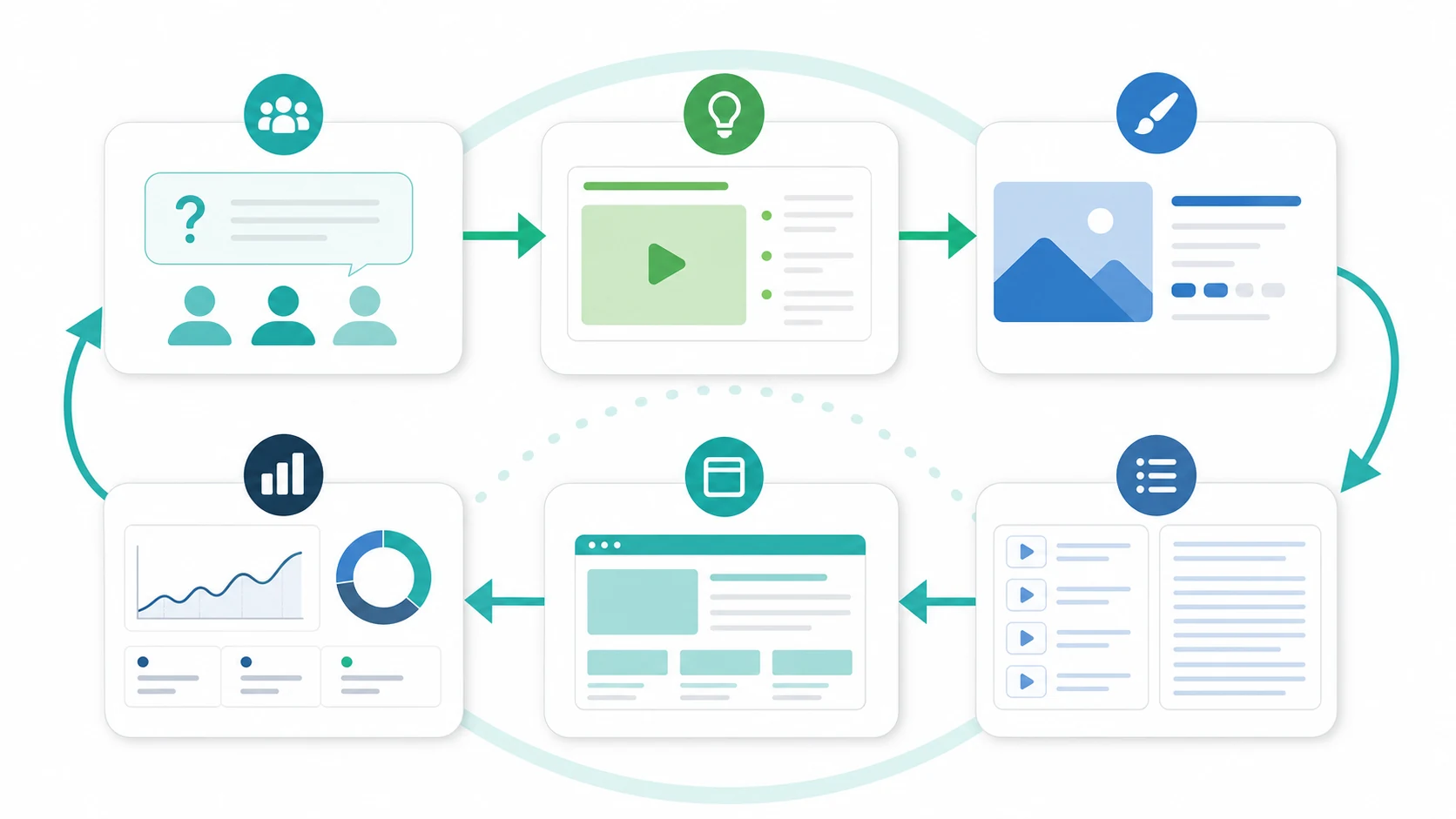
The video package is the first quality gate. It should help the right viewer choose the video and help systems understand the topic without overpromising.
YouTube's thumbnail and title guidance emphasizes accuracy and succinct titles, with important words early. Its video settings documentation also identifies title and description as editable details, and its tags documentation treats tags as an optional metadata field rather than a magic ranking lever.
Use this packaging checklist:
| Element | Strong version | Weak version |
|---|---|---|
| Title | Leads with the viewer job and matches the video | Chases keywords the video does not answer |
| Thumbnail | Sets a clear promise the video can fulfill | Uses clutter, vague emotion, or misleading drama |
| Description | Summarizes the task, resources, and next steps | Repeats keywords without helping the viewer |
| Tags | Clarify misspellings, alternate names, or edge cases | Pretend tags can carry a weak video |
| Playlist | Groups the video with a coherent journey | Dumps unrelated uploads into one bucket |
If the video also supports a blog post, landing page, or product tutorial, decide that pairing before upload. The page and the video should reinforce one job, not split the promise across two disconnected assets.
Use Chapters And Transcripts As Search Structure
YouTube chapters can break a video into sections with individual previews. YouTube Help says creators can add chapters with timestamps and titles, and the first timestamp should start at 00:00. Google Search Central also explains that key moments can come from structured data or from timestamps and labels in a YouTube description.
That makes chapters more than a viewer convenience. They are a structure layer for long videos, especially tutorials, product walkthroughs, and technical explainers.
Use chapters when the video has distinct jobs:
- Start with the main task and promise.
- Split the work into natural decision points.
- Name each chapter with the action or question it answers.
- Keep the chapter title honest and short.
- Pair transcript cleanup with chapter cleanup so the page can be quoted, summarized, and understood.
For videos embedded on your own site, Google Search Central's video SEO best practices are the technical checklist. Google recommends video metadata through structured data, video sitemaps, or Open Graph, and it explains that watch pages, thumbnails, stable video URLs, key moments, and Search Console video reports all affect what can be eligible in Google Search.
Connect The Video To Crawlable Support
YouTube SEO does not end on YouTube if the video supports a website growth strategy. A video can be the answer, but the site often needs a crawlable support asset so search engines, AI answer systems, and readers can connect the video to a durable source page.
Decide which support asset fits:
| Video use case | Support asset | Why it helps |
|---|---|---|
| Tutorial | Step-by-step article | Lets readers scan, copy steps, and cite the process |
| Product walkthrough | Feature page or help article | Gives search systems a stable source URL |
| Research or benchmark | Methodology post | Separates claims, data limits, and visuals from the video |
| Webinar or long interview | Recap article with chapters | Turns a long recording into searchable sections |
| Troubleshooting video | Fix guide | Gives the team a written checklist and validation path |
The support page should not be a thin transcript dump. It should answer the query directly, include the video where useful, add the missing context, and link to the next action.
For technical eligibility, pair this with schema markup when the page needs structured data, and use a crawl check before assuming the support page can be discovered.
Validate Beyond YouTube Views
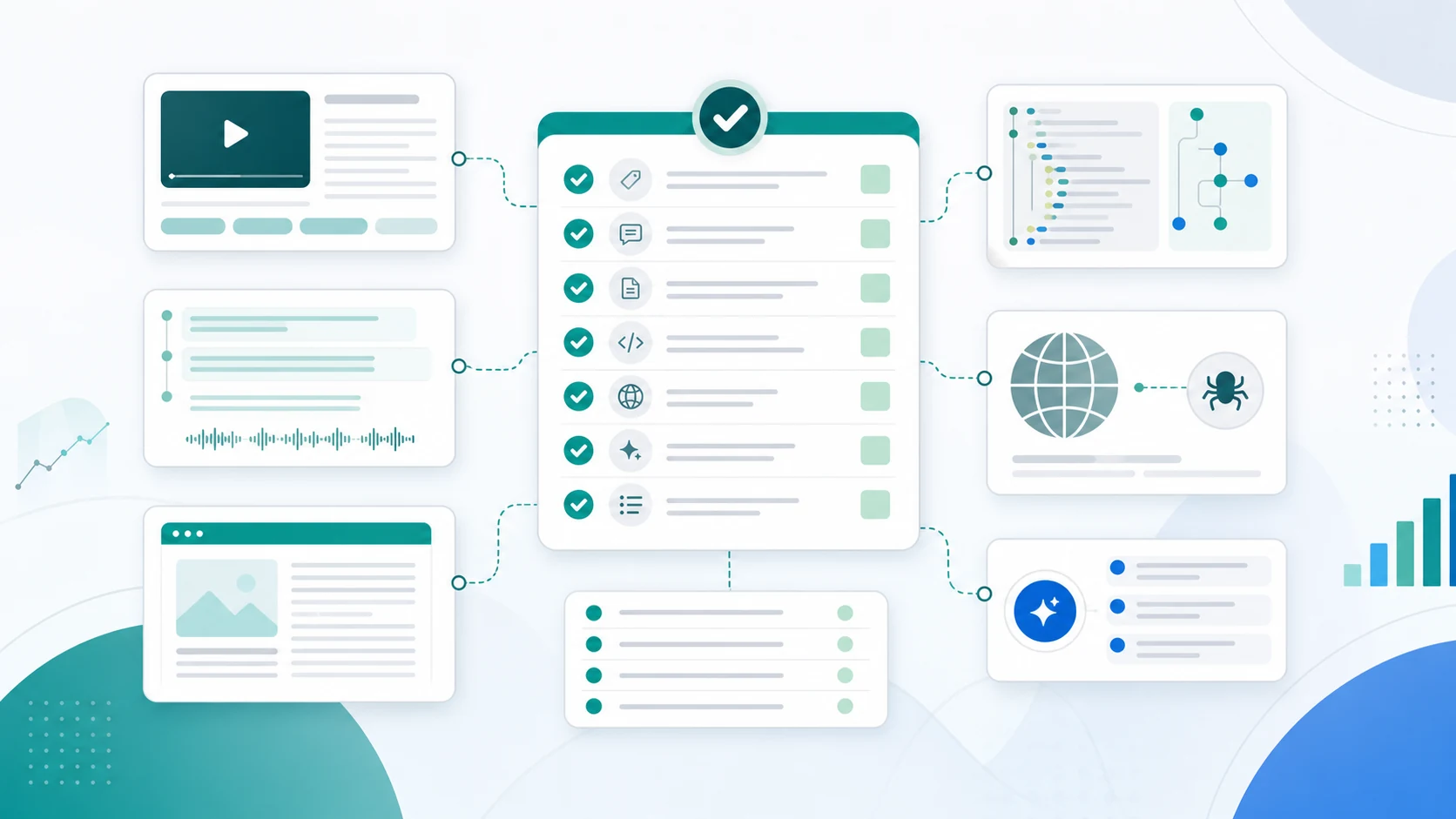
Views matter, but they are not the whole measurement system. YouTube Help describes performance signals such as whether viewers choose the video, stick around, and indicate satisfaction. Google Search adds watch-page eligibility, video indexing, rich results, and video search appearance when your own site is involved.
Use a measurement board like this:
| Signal | What it can tell you | What it cannot prove alone |
|---|---|---|
| YouTube impressions and CTR | Whether the package earns clicks on YouTube | Whether the topic should become a website page |
| Average view duration or percent viewed | Whether the video keeps attention | Which section needs a written support asset |
| Comments and questions | Which follow-up jobs viewers still have | Whether the keyword has durable search demand |
| Google Search Console video appearance | Whether Google surfaces eligible video pages | Whether YouTube discovery is improving |
| AI-search observations | Whether the topic appears in answer surfaces | Whether your video caused the mention |
| Website landing-page performance | Whether video-supported pages lead to action | Whether the video itself is the bottleneck |
For AI and referral measurement, pair the review with How to Track AI Traffic in GA4. The point is not to label every assisted visit as YouTube SEO. The point is to keep video, search, AI, and website evidence separate enough that the next action is obvious.
Decide What To Update
YouTube SEO improves through controlled changes. Change everything at once and you will not know what worked. Use the evidence to choose one update path.
| Finding | Better next action |
|---|---|
| High impressions, low CTR | Rework title and thumbnail promise before changing the video |
| Strong CTR, weak retention | Review intro, pacing, chapter order, and whether the video satisfies the query quickly |
| Good retention, weak discovery | Recheck topic targeting, description, playlist context, and supporting page links |
| Search traffic lands on the support page, not the video | Improve embed placement, summary, transcript, and next-step CTA |
| Video gets questions in comments | Add chapters, pinned resources, or a follow-up article |
| Google video indexing reports issues | Validate watch page, thumbnail, structured data, and crawl access |
Do not rewrite a video page because one metric moved. Look for the evidence pattern, pick the smallest useful update, and review the same metric after the next window.
Where Searvora Fits
Searvora should not be treated as a replacement for YouTube Studio. The useful Searvora role is planning and execution: choose which video topics deserve production, decide when a support page is needed, route crawl or schema checks, and turn post-publish evidence into a fix queue.
Use the AI SEO consultant when the team needs to decide:
| Decision | Searvora workflow |
|---|---|
| Should this keyword become a video, article, or both? | Compare user job, page type, information gain, and production effort |
| Does an existing page already own the topic? | Check exact same keyword, page type, and user task before splitting authority |
| Does the video need a support page? | Route to article, help page, product page, or no page |
| What should be validated before launch? | Crawl access, metadata, schema, internal links, and measurement segment |
| What should be updated after launch? | Turn evidence into a prioritized action queue |
A Practical YouTube SEO Checklist
Use this checklist before and after publishing:
- Name the primary YouTube SEO query and the viewer job.
- Decide whether the answer should be a video, article, support page, or paired asset.
- Write a title that matches the video promise and puts the important words early.
- Make the thumbnail reinforce the same promise without misleading the viewer.
- Use the description to summarize the task, resources, chapters, and next step.
- Add chapters when the video has distinct sections.
- Clean up the transcript if the video supports a searchable page.
- Create or update a support page when the topic needs crawlable context.
- Add structured data or video sitemap signals when the video appears on your own site.
- Review YouTube performance, Search Console video data, website behavior, and AI-search observations separately.
- Pick one update path and measure it in the next review window.
That is the practical version of YouTube SEO: plan the video around a real search job, package it honestly, make the structure easy to understand, connect it to crawlable support when needed, and keep the measurement clean enough to decide what to improve next.