

If you want to know how to drive organic traffic to a website, do not start with a list of tactics. Start with the page that should earn the traffic, the search job it should satisfy, and the evidence that the page can be crawled, indexed, understood, and trusted.
Organic traffic grows when the right page becomes easier to discover and more useful than the alternatives. That usually means better page selection, stronger content, cleaner crawl paths, natural internal links, and a validation loop that tells the team whether the work changed anything.
Pick The Page Job Before The Tactic
The common mistake is asking "how do we get more traffic?" before asking which page deserves the demand. A homepage, category page, product page, blog article, comparison page, and tool page all earn traffic differently.
Use this routing table first:
| Search task | Best page type | First check |
|---|---|---|
| Learn a concept | Explainer article or hub | Does the intro answer the definition clearly? |
| Compare options | Comparison article or landing page | Are the criteria fair and useful? |
| Solve a process | How-to article | Are the steps specific and verifiable? |
| Evaluate a product | Product or feature page | Is there proof, fit, and a next action? |
| Use a calculator or checker | Tool page | Can the user complete the task directly? |
| Fix a technical issue | Diagnostic article or crawler workflow | Is the cause tied to crawl or index evidence? |
This protects the site from publishing a new article when a landing page, tool, or existing URL is the better answer. It also protects the team from keyword cannibalization. Two pages can share a topic, but they should not chase the same user job in the same format.
Check Crawl Eligibility Before Content Work
Content changes cannot drive reliable traffic if search systems cannot reach or trust the page. Before rewriting, run a short crawl and indexability check.
Review these signals:
| Layer | Healthy signal | Risk signal |
|---|---|---|
| Discovery | Important pages are linked from crawlable navigation or relevant articles | Pages depend on search forms, scripts, or orphaned paths |
| Indexability | Canonical, robots, noindex, and status codes are intentional | Conflicting canonicals, blocked URLs, or soft 404 patterns |
| Structure | Titles, H1s, headings, and internal links match the page job | Templates repeat the same promise across many pages |
| Sitemap | Canonical indexable URLs are included | Redirects, noindex pages, or stale campaign URLs are submitted |
| Rendering | Main content appears in the rendered page | Critical content is missing or delayed |
Google's SEO starter guide frames search visibility around helping search engines discover, crawl, and understand content. That is why technical eligibility belongs near the front of organic-growth work, not after months of content production.
The technical SEO workflow is the deeper companion when the first blocker is crawl access, indexation, rendering, canonicalization, or sitemap drift.
Build The Organic Growth Queue
Once the page job and crawl state are clear, turn the opportunity into a queue. The queue should be specific enough for a writer, SEO lead, or engineer to own.

Use this workflow:
- Group queries by user job, not only by shared words.
- Choose the existing or new page that should own each group.
- Check crawl eligibility before approving content work.
- Compare the current page against intent, missing proof, and next-step clarity.
- Add or improve internal links from supporting pages.
- Ship one focused update at a time.
- Recheck the same page group after the validation window.
The organic traffic explainer defines the traffic source. This article is the operating layer: how to turn that source into a reviewed work queue instead of a vague growth wish.
Improve Pages With Evidence
A useful organic traffic update starts from evidence. Do not rewrite a page because it "feels thin." Rewrite it because the page has impressions without clicks, rankings without conversion, crawl access but weak intent match, or internal links that point users to the wrong next step.
Use this improvement table:
| Evidence | Likely fix | Validation signal |
|---|---|---|
| High impressions, weak CTR | Rewrite title and description to match the actual page promise | CTR, clicks, and query mix |
| Ranking on page two | Add missing examples, comparison criteria, or stronger answer blocks | Average position and impressions |
| Strong content, weak crawl path | Add internal links from relevant pages and hub sections | Crawl depth, internal clicks, and discovery |
| Traffic with poor engagement | Align intro, CTA, and page type with the search task | Engagement, assisted conversions, and next-page clicks |
| Technical drift | Fix canonical, robots, redirects, sitemap, or rendering issues | Recrawl confirms eligibility |
The AI-assisted traffic workflow explains where AI can help with clustering and page-update options. Keep the approval step human. AI can organize evidence, but it should not approve a new page without the page-type and cannibalization checks.
Use Internal Links Like A Routing System
Internal links should help users and crawlers understand which page owns which job. They are not just a ranking trick.
Use three link types:
| Link type | Purpose | Example |
|---|---|---|
| Parent to child | Help readers move from a broad concept to a focused workflow | Organic traffic overview to a GA4 tracking guide |
| Child to product | Move ready readers toward a relevant solution | Traffic workflow to AI SEO Dashboard |
| Support to canonical owner | Consolidate related demand around the best URL | Older article linking to the newest parent workflow |
Keep links natural. A guide about organic traffic does not need to link every SEO article on the site. It needs the few links that help the reader continue the same task without confusion.
Where Searvora Fits
Searvora AI SEO Dashboard fits the monitoring and prioritization layer. The product page positions it around page-type and locale monitoring, anomaly detection, opportunity scoring, and cross-team reporting. Those are the signals a team needs when organic traffic work has to become a weekly queue.
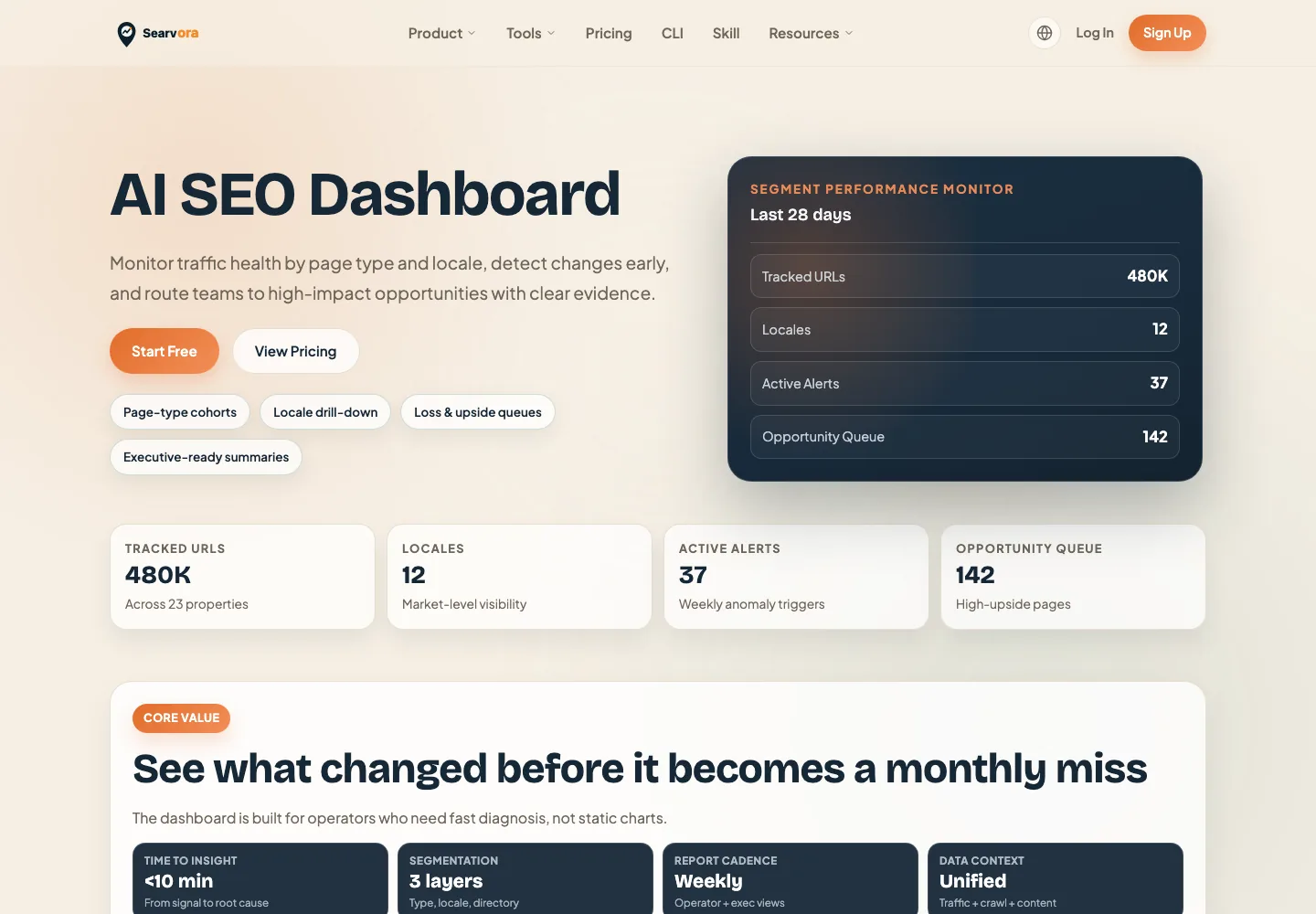
Use the dashboard this way:
| Workflow stage | Dashboard role | Output |
|---|---|---|
| Monitor | Watch clicks, impressions, CTR, position, and segment movement | A shortlist of pages worth inspection |
| Diagnose | Separate page type, locale, directory, and query-group changes | A clearer cause of growth or decline |
| Prioritize | Rank opportunities by upside, effort, and confidence | Owner-ready action queue |
| Validate | Recheck the same page group after release | Keep, revise, or stop the change |
Google's Search Console Performance report documentation is still the baseline for clicks, impressions, CTR, position, queries, and pages. Searvora's value is turning those signals into segmented decisions and handoffs, not replacing the source data.
Organic Traffic Checklist
Use this checklist before approving more content:
- Name the query group and user job.
- Choose the page type that should own the demand.
- Check whether an existing page already satisfies the same job.
- Confirm crawl access, indexability, canonical, rendering, and sitemap state.
- Improve the page with evidence, examples, structure, and next-step clarity.
- Add only the internal links that help the reader continue.
- Separate Search Console, analytics, AI visibility, and crawl evidence.
- Assign an owner and validation window.
- Recheck the same page group before calling the update successful.
That is how to drive organic traffic with less guesswork. Choose the page job, remove technical friction, improve the asset, route internal links, and measure the same signal after the change ships.