

Google Keyword Planner for SEO can help teams find seed terms, related phrases, and rough demand ranges. The mistake is treating those ad-side numbers as a finished organic SEO plan. Keyword Planner tells you where search language exists. It does not tell you whether the best response is an article, landing page, tool, comparison page, or refresh of an existing URL.
The Ahrefs guide that surfaced this opportunity proves the search intent is a practical how-to. Searvora's information gain is the operator layer: use Keyword Planner as one input, then route the idea through organic intent, page-type fit, overlap checks, crawl validation, and an owner-ready SEO action queue.
Use Keyword Planner For The Jobs It Can Do
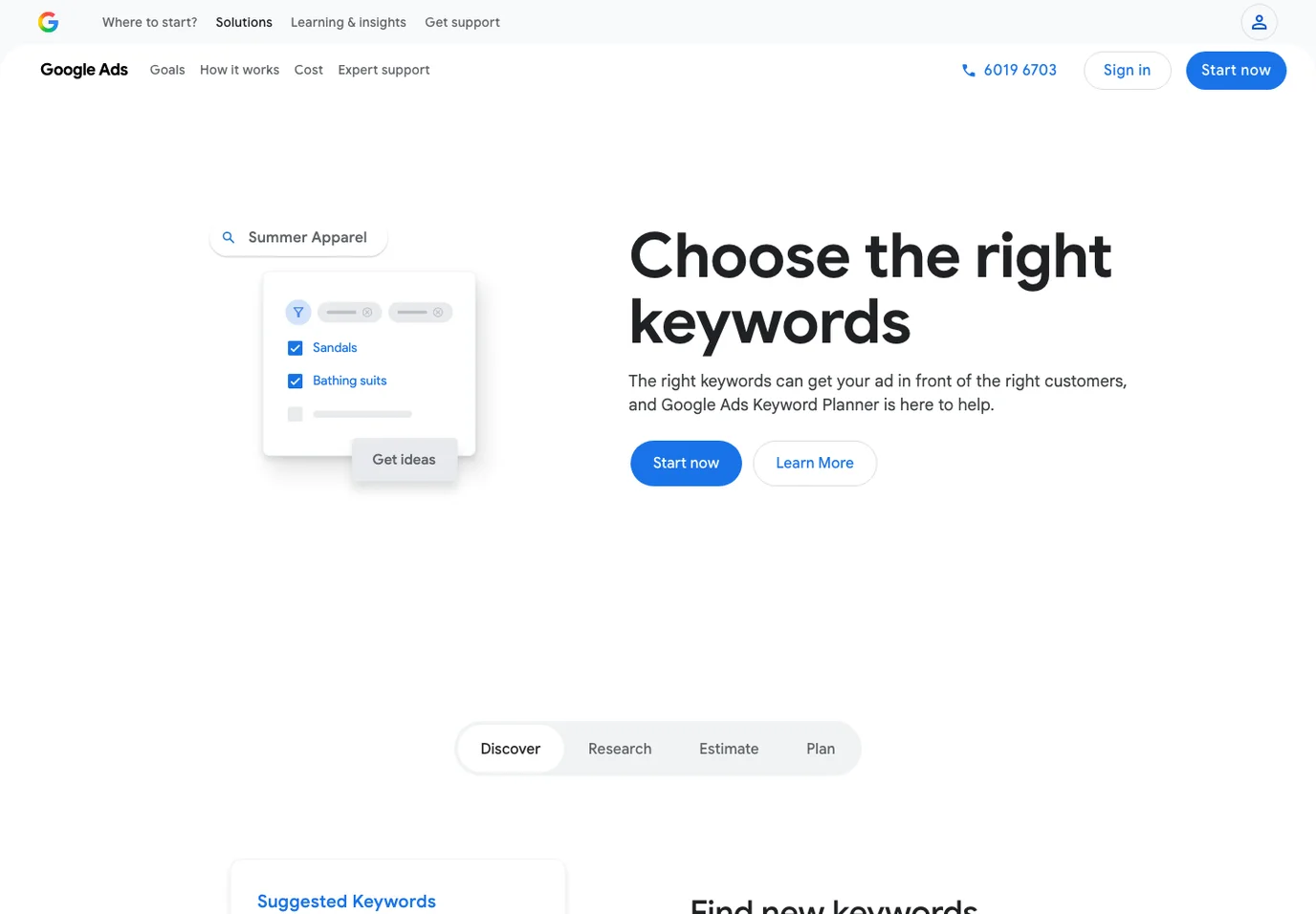
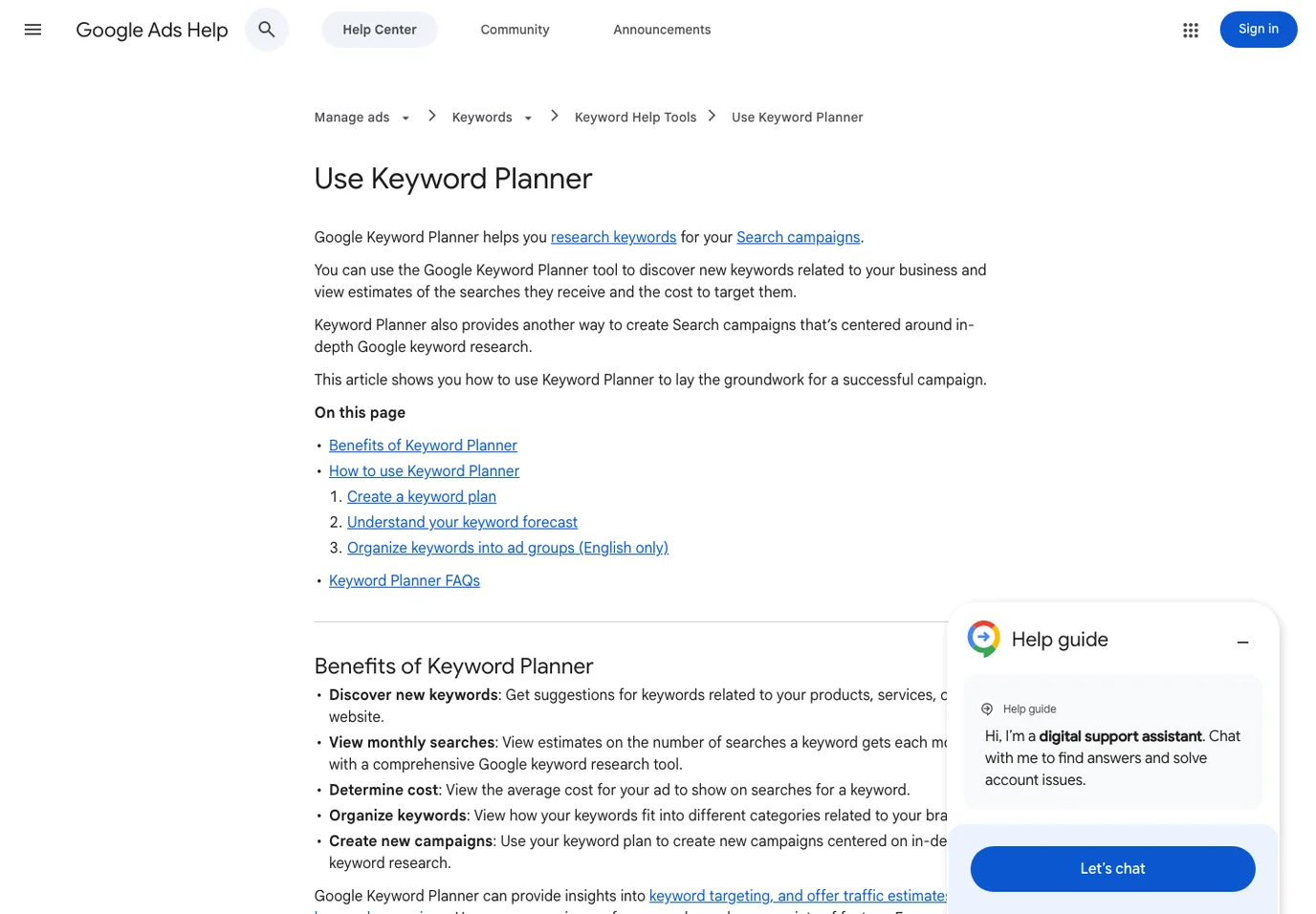
Google's public Keyword Planner page frames the tool around choosing keywords for Google Ads. The official help page says Keyword Planner can help users research keywords, discover new keyword ideas, view search estimates, understand cost signals, organize keywords, and create campaigns. That is useful for SEO, but only when you keep the source context clear.
Use Keyword Planner for these SEO jobs:
| SEO job | What Keyword Planner can contribute | What it cannot decide alone |
|---|---|---|
| Seed expansion | Related phrases, variants, and adjacent commercial language | Whether the organic result should be a blog post |
| Demand screening | Broad monthly search ranges and relative topic size | Whether the page can actually compete |
| Commercial language | Terms advertisers care enough to bid around | Whether the searcher wants a product page, guide, or comparison |
| Keyword grouping | Clusters that can become briefs or landing-page sections | Whether current Searvora content already owns the same job |
| Forecast context | Paid-search planning signals that show business relevance | Organic traffic, ranking difficulty, or AI-search visibility |
Turn Planner Output Into Organic Page Types
The first useful move is to separate "this phrase has demand" from "this phrase deserves a new article." Those are different decisions.
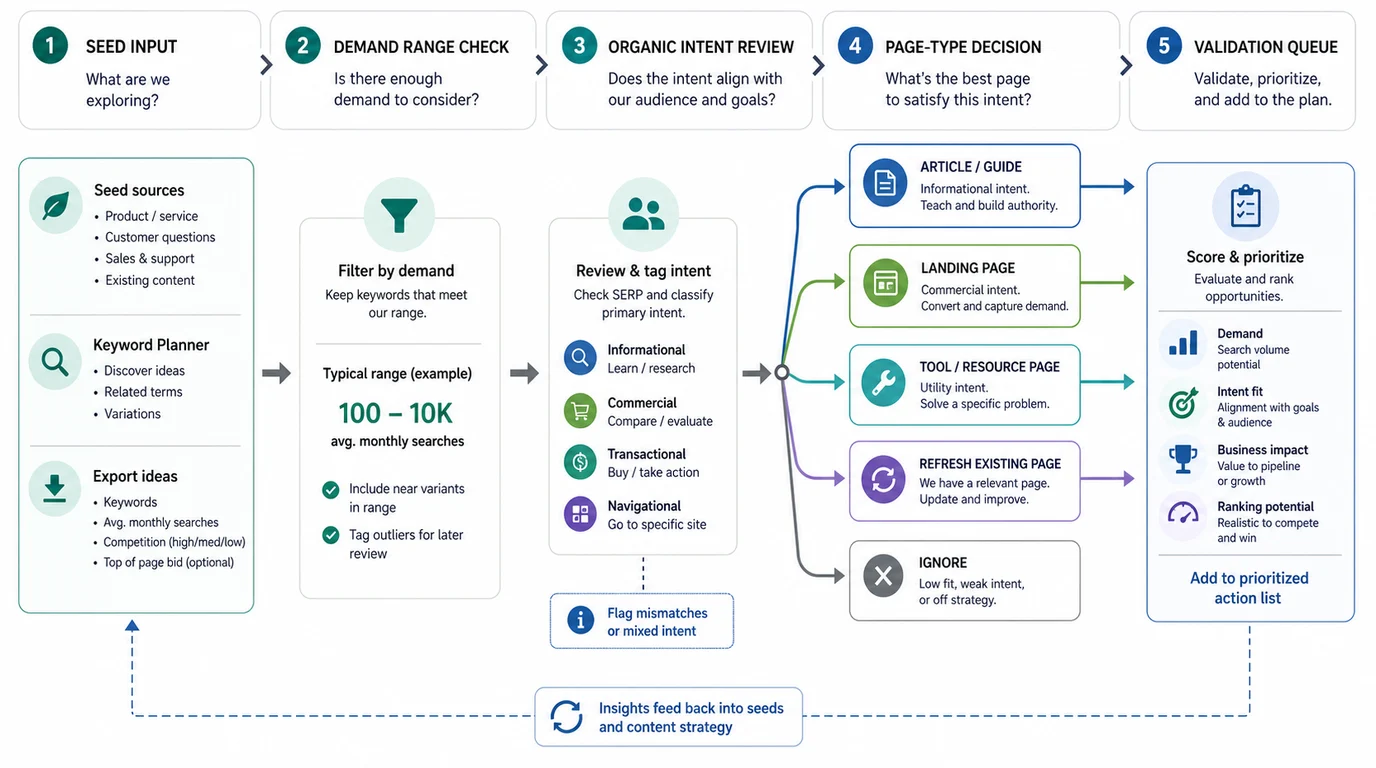
Use this routing model after exporting ideas:
| Planner signal | Organic interpretation | Better page decision |
|---|---|---|
| Broad informational modifier | Searcher needs a concept or process | Article, guide, or hub section |
| Product/category modifier | Searcher is comparing or ready to evaluate | Landing page, category page, or comparison page |
| "Free", "tool", "generator", or "checker" | Searcher may want an interactive asset | Tool page or resource page |
| Branded third-party tool query | Searcher wants help with a named product | Fair support/intercept article only if Searvora adds value |
| Existing URL already earns impressions | The site may not need a new page | Refresh, internal links, or metadata update |
| Same core keyword, page type, and user job already covered | New page would split the job | Update the existing URL |
This is why Keyword Planner belongs next to search intent in SEO, not apart from it. A phrase can look attractive in a keyword export and still be the wrong page type. Another phrase can look small but support a conversion page, FAQ section, or technical resource that improves the whole cluster.
Run A Safe SEO Workflow
Use Google Keyword Planner in this order:
- Start with a real seed source, such as a product category, customer question, Search Console query, competitor URL, or content gap.
- Use Keyword Planner to expand related phrases and identify demand ranges.
- Remove phrases that clearly belong to paid ads, job searches, unrelated industries, or navigational brand tasks you cannot answer fairly.
- Group the remaining ideas by user job, not by exact wording.
- Pick the likely page type for each group before writing a title.
- Check current Searvora coverage so parent topics, child topics, and true cannibalization stay separate.
- Define the information gain before assigning a writer.
- Validate the chosen URL path with crawl, indexability, internal-link, and measurement checks.
For a broader workflow, use the parent keyword research guide. If the question is roadmap sequencing, use keyword strategy before putting a brief into production. Keyword Planner is strongest in the evidence pass; it is weaker as the final judge.
Watch The Places Where Ad Data Misleads SEO
Keyword Planner was built for campaign planning, so some signals need translation before they become organic SEO work.
Be careful with these patterns:
| Signal | Common SEO mistake | Safer interpretation |
|---|---|---|
| High top-of-page bid | Assuming the organic article will convert | The query may be commercially valuable, but the page type still needs SERP and product-fit review |
| Broad monthly range | Treating the volume as precise | Use it for relative sizing, then validate with Search Console, ranking data, or a live SERP when needed |
| Many close variants | Creating many thin pages | Group variants by user job and decide whether one stronger page can cover them |
| Commercial phrase | Forcing a blog post | Consider landing, comparison, pricing, or tool intent first |
| Low-volume long-tail phrase | Ignoring it automatically | It may be valuable if it maps to a high-intent page or support workflow |
The safest SEO use is not "pick the biggest keyword." It is "use Planner to reveal language, then choose the asset that should own that language."
Validate Before The Brief Ships
Keyword Planner should end in a validation queue, not a spreadsheet.
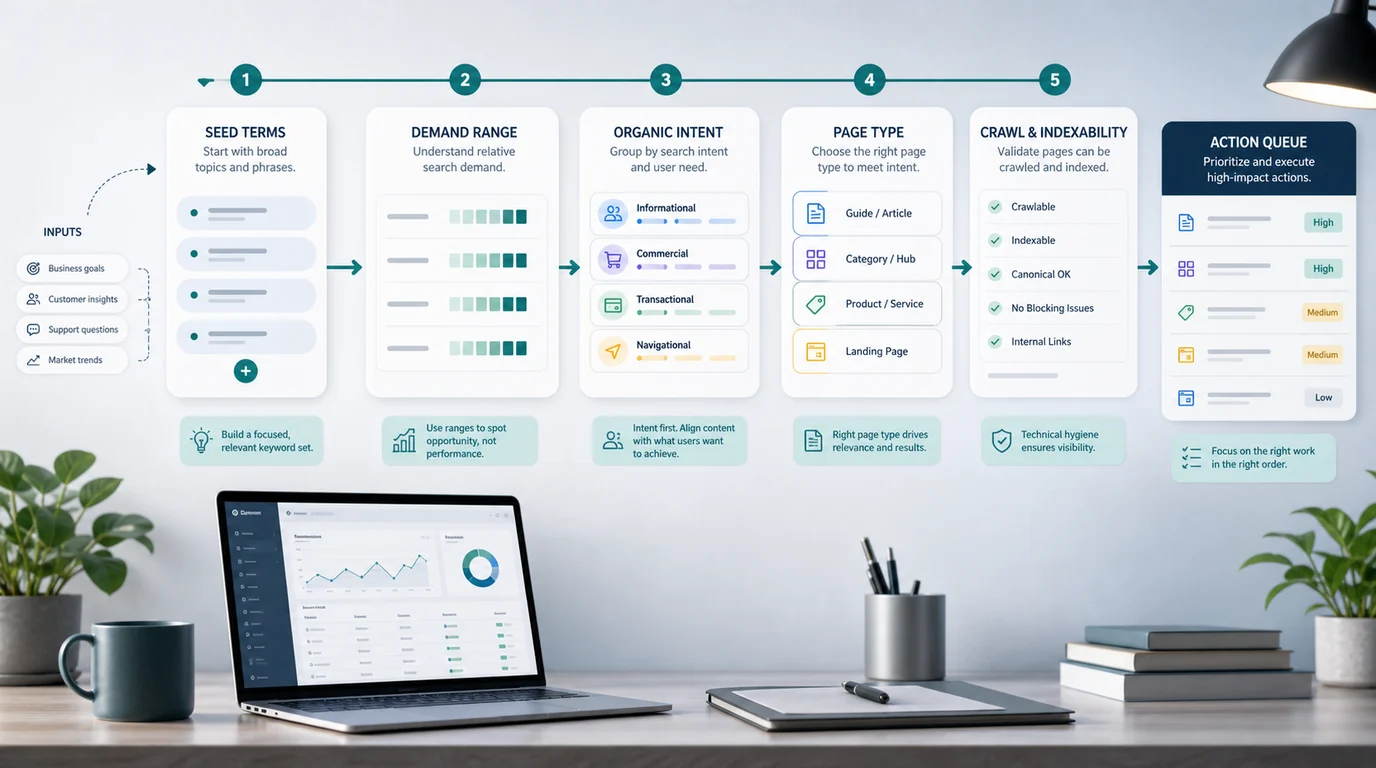
Before a brief is approved, check:
- Does the query group have one clear user job?
- Is the organic page type obvious, or does it need SERP validation?
- Which existing Searvora URL is closest?
- Is the closest URL the same core keyword, same page type, and same user job?
- What source, screenshot, example, table, or workflow will make the new page better than the competitor result?
- Can the target page be crawled, indexed, linked internally, and measured after launch?
- Who owns the next action: content, SEO, product, or engineering?
This final pass keeps Keyword Planner from creating content noise. It turns keyword discovery into a decision your team can defend.
Where Searvora Fits
Searvora fits after the evidence pass, when the team needs to decide what a keyword should become and who should act on it.
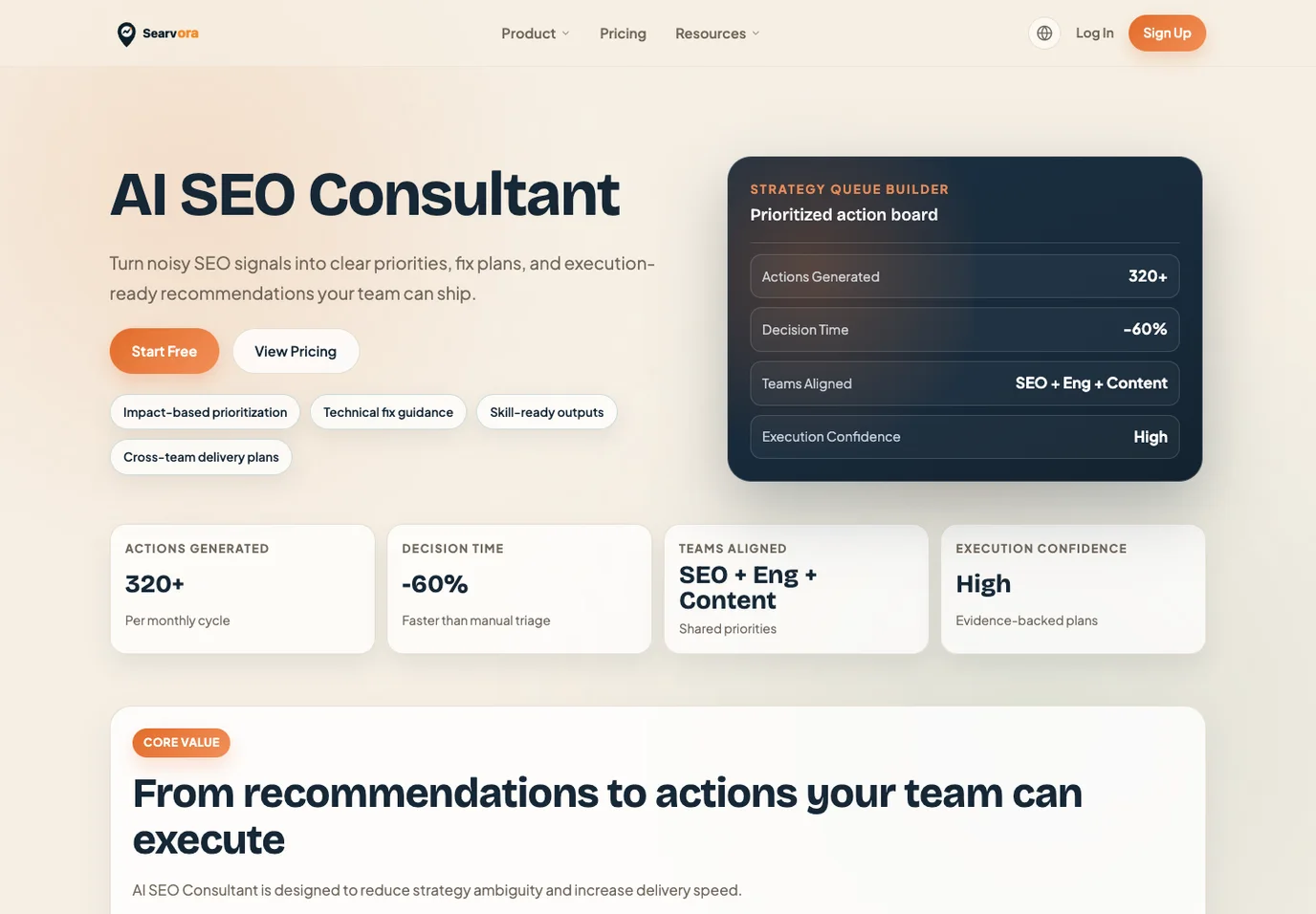
Use the AI SEO consultant to turn Keyword Planner exports into a priority model: user job, page type, existing-page overlap, information gain, effort, and validation path. Use the free keyword research tools comparison when the team needs a wider source stack before choosing the final evidence mix.
| Planning stage | Searvora decision |
|---|---|
| Raw keyword export | Normalize phrases into user jobs and clusters |
| Intent review | Decide whether the page should teach, compare, convert, solve, or refresh |
| Overlap check | Separate adjacent cluster coverage from true same-job cannibalization |
| Brief approval | Define information gain and source requirements |
| Post-publish validation | Recheck crawl, indexability, internal links, and performance signals |
Use This Approval Checklist
Run this checklist before turning Google Keyword Planner data into a draft:
- The keyword group has one primary user job.
- The intended page type is written down.
- Paid-search signals have been translated into organic intent.
- Existing Searvora pages were checked for same keyword, same type, and same job.
- The information gain is stronger than "we also explain the topic."
- External claims point to official public sources.
- Screenshots are used as evidence only, not as the cover image.
- The brief includes crawl, indexability, internal-link, and measurement validation steps.
Google Keyword Planner is useful for SEO when it stays in its lane. Let it expand and size the language. Let organic intent, page-type judgment, source evidence, and technical validation decide what your team should ship.