

Getting started with Screaming Frog is less about learning every panel than getting one crawl that helps someone make a sound next decision. Pick a bounded URL set, run a crawl that answers a real question, and turn the findings into a fix queue instead of an export that waits for interpretation.
The official Screaming Frog Getting Started Guide covers the practical product path: install the desktop crawler, begin a crawl, review data and issues, export findings, and save the work. This companion adds the operating layer: how to make a first crawl useful for a technical SEO team.
The Short Answer
Start with one question you need the crawl to answer. That could be whether important pages are discoverable, whether a template is returning the wrong status codes, or whether a migration list matches the live site. Crawl a scope small enough to inspect, preserve the settings and source URLs, then group the findings by cause and owner before you ask anyone to fix them.
| If your immediate job is | Start here | Do not confuse it with |
|---|---|---|
| Learn the product path and desktop crawl controls | The official Getting Started Guide | A complete technical audit plan |
| Verify a known URL list, migration sample, or launch inventory | A controlled list or tightly scoped crawl | Evidence that the pages are internally discoverable |
| Find what a site exposes through its internal links | A start-URL crawl with a clear boundary | A promise that every important URL is in scope |
| Turn crawl observations into work | A prioritised issue and validation workflow | A spreadsheet of unranked warnings |
Set Up The Crawl Around One Question
Before opening a report, write the audit question in a sentence. For example: “Are the URLs in this revenue directory indexable and linked from the primary site?” That sentence determines the crawl source, the URL boundaries, the checks worth saving, and the evidence a developer will need later.
For a first pass, keep these choices explicit:
- Choose the URL source. Start from a live URL when you need to inspect natural internal discovery. Use a supplied URL list when you are validating a migration, release, or known page set.
- Set a boundary. Record the host, directory, locale, or sample size. A bounded crawl is easier to explain and recrawl after the fix.
- Name the comparison set. Keep the sitemap, release checklist, analytics landing-page set, or stakeholder-provided URLs beside the crawl. Differences between those sets are often the first useful finding.
- Decide what proof is needed. A status code alone may not settle an indexability, canonical, rendering, or internal-linking question.
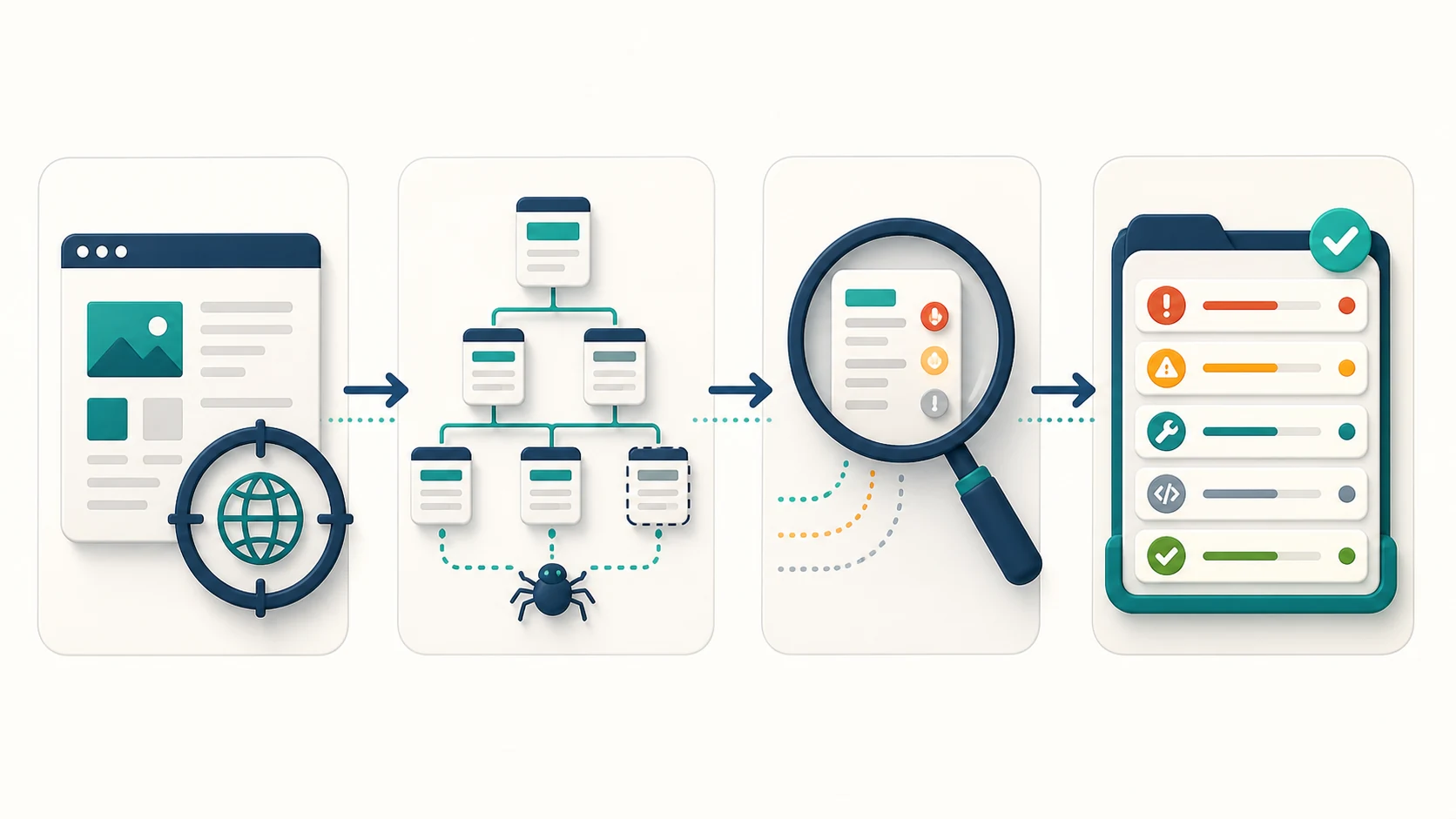
This is intentionally smaller than a “crawl everything” exercise. A narrowly scoped crawl that establishes a repeatable baseline is more useful than a site-wide file that nobody can confidently prioritise.
What The Official Guide Covers
Screaming Frog's public guide presents SEO Spider as a desktop crawler and walks through installation, initial crawl setup, viewing the collected data and issue reports, exporting, and saving or reopening a crawl. Its free download is documented as allowing crawls of up to 500 URLs; check the official page for the current product limits and platform details.
The guide also distinguishes a normal Spider crawl from List mode. That distinction matters operationally:
| Crawl approach | Good first use | What to validate next |
|---|---|---|
| Spider crawl from a start URL | Discover the pages and links the site exposes from that starting point | Whether important sitemap-only or orphaned pages are missing |
| List-based crawl | Check a known migration map, release set, or priority URL inventory | Whether those URLs also have the expected internal discovery and canonical relationships |
| Smaller directory or locale crawl | Investigate one template family without site-wide noise | Whether a shared component creates the same issue elsewhere |
Use the official guide when you need exact interface instructions. Use a Screaming Frog configuration workflow when the real question is how rendering, scope, robots behavior, or storage choices could change the evidence.
Read The First Crawl For Patterns, Not Just Errors
The first useful review is rarely a search for a single red flag. Look for patterns that change the scope of a repair:
| Pattern to investigate | Evidence to preserve | Responsible next step |
|---|---|---|
| Priority URLs are absent from the crawl | Start URL, crawl boundary, source list, and linking context | Confirm whether the issue is discovery, exclusion, or an incomplete source list |
| Many URLs share the same status or metadata problem | Affected directory, page type, and representative examples | Check the template or publishing rule before editing individual pages |
| Canonical, indexability, or redirect signals disagree | Source URL, target URL, response sequence, and page purpose | Define the intended owner URL and validate the whole cluster |
| A rendered page behaves differently from source markup | Rendering choice, affected template, and browser evidence | Treat rendering as an implementation question, not a copywriting task |
| A few URLs look severe but affect low-value paths | Impacted traffic or page-type context and the known business goal | Rank the fix against issues that block high-value pages |
This is where an introductory crawl becomes a technical SEO workflow. The crawler provides observations. The work is to preserve enough context that another person can reproduce the problem, choose an owner, and verify the repair.
For a broader product-fit decision, read the Screaming Frog SEO Spider review. For the wider operating sequence around crawl evidence, see the technical SEO site audit workflow.
Turn Findings Into A Fix Queue
Screaming Frog can give a technical SEO detailed crawl controls and a deep set of reports. It is especially valuable when an experienced operator can shape the crawl and interpret its output. The handoff gap often appears afterwards: a team has issue tabs and exports, but no shared decision about what must be fixed first or how to prove it is fixed.
Searvora SEO Spider Crawler is the complementary execution layer for teams that need browser-based technical audit evidence to move into a prioritised, owner-ready workflow. Its product page focuses on crawl diagnostics, indexability and architecture risks, and grouped fix queues. It is not a claim that one crawler replaces every desktop crawl control; it is a different step in the operating process.
| After the first crawl, the team needs | A useful operating response |
|---|---|
| A way to share evidence beyond one desktop machine | Keep affected URLs, examples, scope, and severity together in a reviewable audit record |
| A defensible repair order | Group by template, page value, severity, and whether the issue blocks a real business goal |
| A clean engineering handoff | Include the expected state, representative URLs, owner, and acceptance check |
| Proof after a release | Recrawl the same segment and compare it with the saved baseline |
First-Crawl Checklist
Before you call the first crawl complete, check that you can answer each item:
- What decision was this crawl designed to inform?
- Which URLs, hostnames, directories, or locales were intentionally in scope?
- Which source set should the crawl be compared with?
- Which settings could change the meaning of the result, such as rendering, exclusions, or robots handling?
- Which issue patterns appear to be template-level rather than page-level?
- Which findings affect the pages that matter to the current business goal?
- What evidence does the eventual fix owner need to reproduce the problem?
- Which exact recrawl will confirm the repair shipped correctly?
The best way to get started with Screaming Frog is to make the first crawl answer one practical question and leave behind a baseline someone else can validate. Once that loop works, expand the scope deliberately instead of letting the volume of crawl data set the agenda.