

Screaming Frog configuration is where a technical SEO audit starts to become reliable. The settings you choose decide which URLs are discovered, which resources are rendered, how robots rules are handled, whether canonicals are trusted, and which findings are meaningful enough to send to a fix queue.
Use Screaming Frog's official configuration documentation when you need the exact product path. Use this workflow when you need to turn those settings into an audit-ready crawl plan.
Quick Answer
Before you run a crawl, configure Screaming Frog around the audit question, not around every possible setting. Start with crawl scope, then choose rendering, crawling and storing rules, URL exclusions, robots behavior, canonicals, and post-crawl validation.
| Audit question | Configuration choice to check first | Why it matters |
|---|---|---|
| Can search engines discover the important pages? | Crawl internal links, XML sitemaps, and selected URL lists | Missing discovery sources can make healthy pages look invisible |
| Does JavaScript change the indexable content? | Rendering mode and resource crawling | Source HTML and rendered HTML can expose different SEO issues |
| Are images, CSS, JavaScript, and media relevant to this audit? | Store/crawl resource settings | Some audits need resource evidence; others need a cleaner URL inventory |
| Should blocked or parameterized URLs be inspected? | Robots, includes, excludes, and URL rewriting | Crawl waste can hide the actual template problem |
| Will the output become action? | Segmentation, crawl analysis, and validation criteria | A crawl export is only useful when the team knows what to fix next |
What The Official Page Covers
The official Screaming Frog configuration page is a product manual for SEO Spider settings. The refreshed snapshot for this run showed configuration areas for images, media, CSS, JavaScript, internal hyperlinks, external links, canonicals, pagination, hreflang, AMP, structured data, robots, URL rewriting, authentication, extraction, and more.
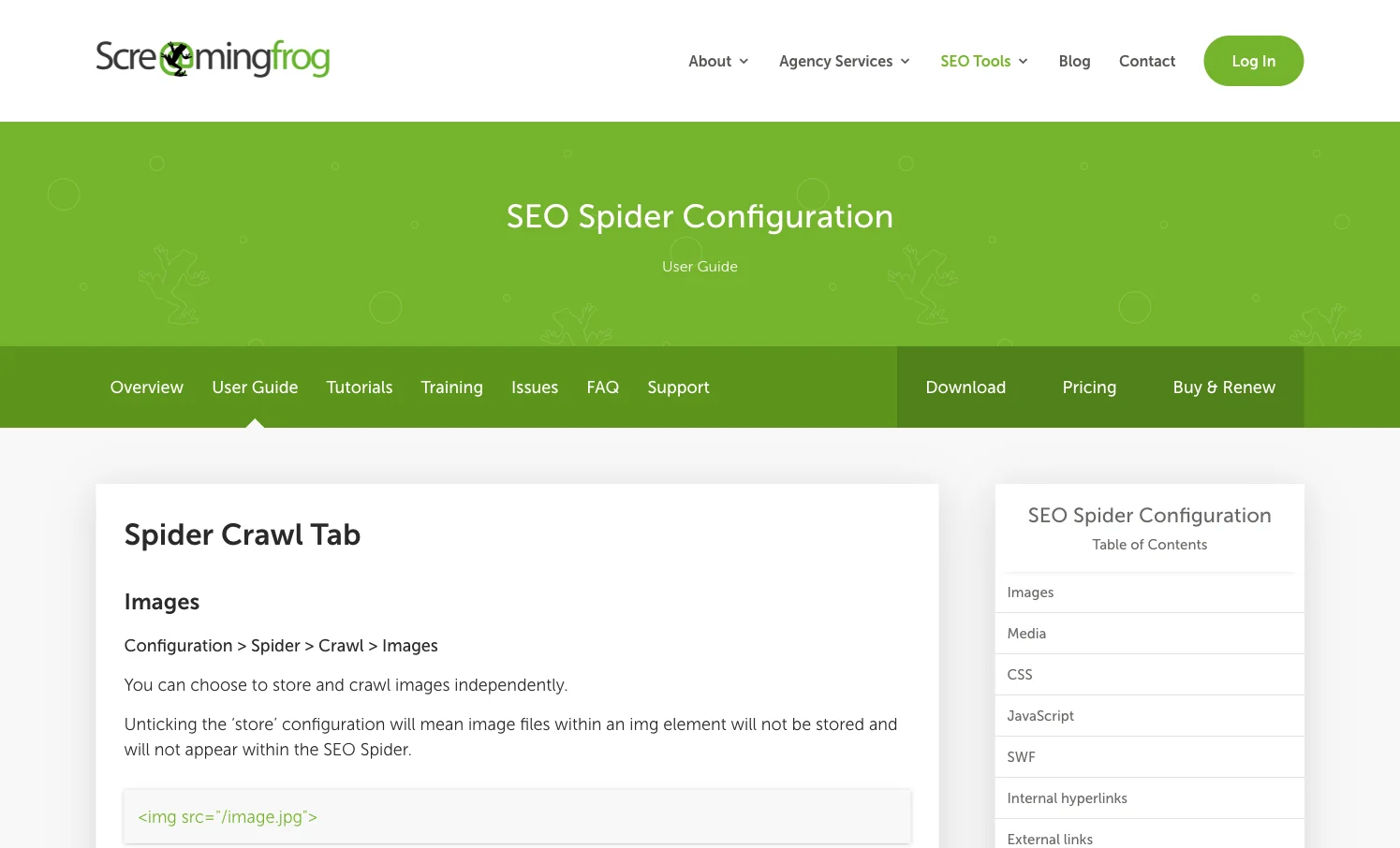
That depth is useful, but it also creates the real operator challenge: the right configuration depends on whether you are auditing a migration, a JavaScript template, a faceted ecommerce section, a sitemap inventory, or a narrow QA rule.
This is why the best answer to "Screaming Frog configuration" is not a copied list of settings. The better answer is a setup sequence that protects the audit from false positives and missed evidence.
Configure The Crawl Scope First
Start by naming the URL set you trust. A full-site crawl is useful for discovery, but it is not always the right first pass.
Use this scope model:
| Scope | Use it when | Watch for |
|---|---|---|
| Start URL crawl | You need to see what internal links discover naturally | Important URLs may be orphaned or sitemap-only |
| XML sitemap crawl | You are auditing submitted URLs or launch inventory | Sitemaps can include redirected, canonicalized, or noindex pages |
| List mode | You have a migration map, priority URL set, or QA sample | It will not show discovery depth unless you join crawl context later |
| Subdomain crawl | The business treats subdomains as one SEO surface | It can add noise if support, app, or staging hosts are included |
| Directory-limited crawl | You need a focused ecommerce, blog, docs, or locale audit | Exclusions may hide cross-template links and canonical targets |
For most technical audits, the safest first pass is a controlled crawl plus a second validation source. Crawl the site from the start URL, then compare that inventory with XML sitemaps, priority pages, and known revenue directories. If those sets disagree, the configuration has already found an SEO problem.
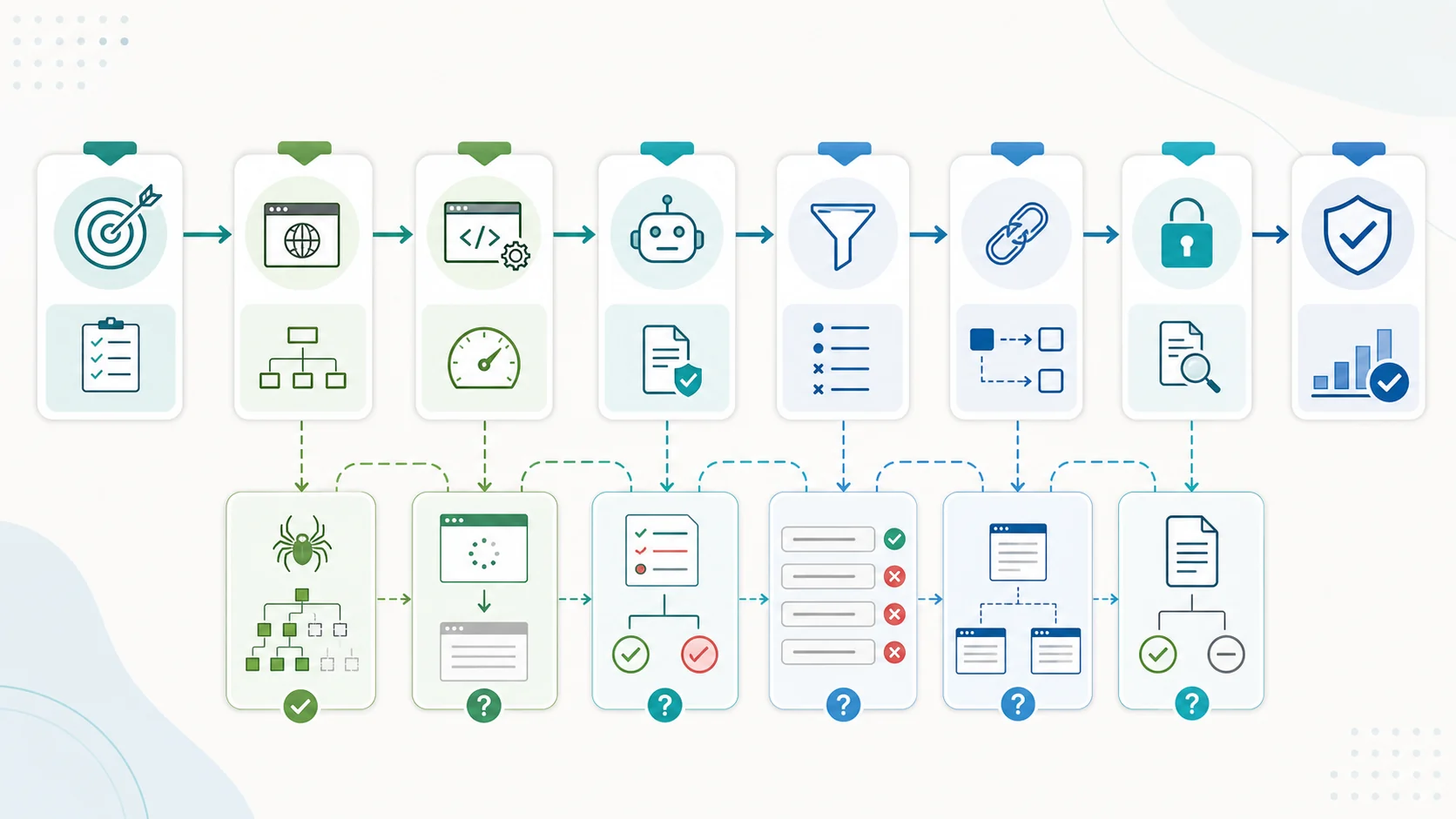
Choose Rendering And Resources By Risk
Rendering is not a prestige setting. It is a risk decision.
Use JavaScript rendering when the site depends on client-side templates, hydration, app routes, product variants, personalization, lazy-loaded copy, or rendered links. Use a lighter crawl when you only need status codes, static metadata, link paths, and sitemap consistency.
Then decide what to store and crawl:
| Resource choice | Turn it on when | Keep it limited when |
|---|---|---|
| Images | Image alt text, image response codes, or media templates matter | The audit is about HTML URLs and crawl budget is tight |
| CSS and JavaScript | Rendering, layout, blocked resources, or JS content are in scope | You only need raw URL inventory and basic metadata |
| External links | Outbound status, affiliate links, or policy compliance matters | You are focused on internal architecture |
| Canonical and pagination signals | Duplicate clusters, faceted navigation, or listing pages are in scope | The crawl is a narrow QA sample with known URLs |
| Structured data | Rich results, product templates, or article schema are in scope | Schema is not part of the current fix queue |
The point is not to minimize the crawl. The point is to collect the evidence that changes the next action. A slow, noisy crawl can make stakeholders trust the audit less, even when the crawler is technically powerful.
Protect Robots And Indexability Decisions
Robots rules are especially easy to misread. A URL blocked by robots.txt may still be discovered through links. A crawlable URL may still be noindex, canonicalized away, duplicated, thin, or ignored by Google.
Before you crawl, decide how to handle:
- Production robots.txt versus custom robots testing.
- Noindex pages that still need QA.
- Canonicalized URLs that should be counted as variants, not primary pages.
- Parameter URLs and faceted navigation.
- Login, cart, search, account, and staging paths.
- International URLs and hreflang alternates.
- URL rewriting or normalization rules.
This is also where you should separate crawling from indexing. Configuration can prove whether the crawler is allowed to access a URL and whether the page declares itself indexable. It cannot prove that Google will keep that page indexed after quality, duplication, and authority signals are considered.
For adjacent checks, pair this workflow with the robots.txt SEO workflow, canonical tags, and technical SEO site audit articles.
Turn Settings Into A Fix Queue
Screaming Frog is strongest when a technical SEO can interpret the crawl and decide what matters. The gap often appears after the crawl: teams have exports, issue tabs, and filters, but no agreed repair order.
Use this handoff table before you send findings to engineering or content:
| Crawl finding | Configuration evidence to preserve | Fix queue rule |
|---|---|---|
| Important pages missing from crawl | Start URL, sitemap source, includes/excludes, robots behavior | Verify discovery before rewriting content |
| Rendered page differs from source HTML | Rendering mode, resource crawling, blocked files | Fix rendering or blocked resources before judging copy quality |
| Canonical conflicts | Canonical setting, duplicate clusters, status codes | Group by template and choose the intended canonical owner |
| Faceted crawl traps | Include/exclude rules, parameter patterns, depth | Control crawl waste without blocking valuable filters |
| Metadata duplication | Crawl scope, page type segment, template footprint | Fix the template before editing individual pages |
| Orphan or weakly linked pages | Sitemap/list evidence plus internal crawl evidence | Add internal links only after confirming the page should exist |
That is the information gain Searvora can add to this query. The configuration setting is only half the work. The audit should end with owners, severity, affected templates, validation checks, and a recrawl plan.
Where Searvora Fits
Searvora SEO Spider Crawler is positioned around online technical site audits, issue prioritization, AI explanations, and owner-ready fix queues. The local product page frames the workflow as crawl, diagnose, prioritize, and execute.
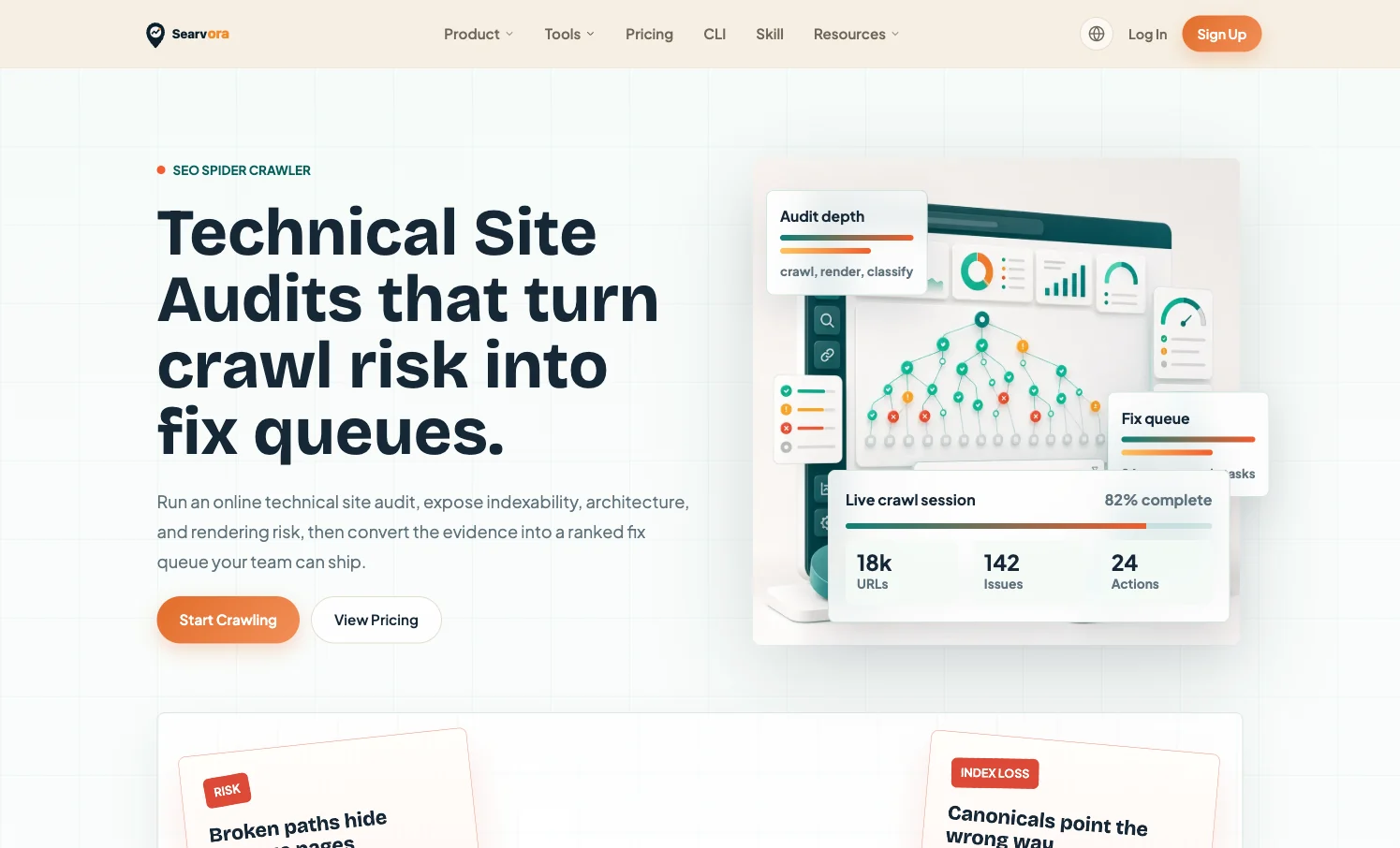
Use Searvora when the team needs the crawl setup to stay connected to execution:
| Team need | Searvora workflow layer |
|---|---|
| Shared audit evidence | Browser-based crawl findings are easier for non-specialists to inspect |
| Priority decisions | Issues can be grouped by severity, page type, organic impact, and confidence |
| Clear handoff | Fixes can be written as owner-ready tasks instead of raw exports |
| Recrawl proof | The same affected segment can be checked after the repair ships |
| Strategy context | Crawl findings can be routed into AI SEO Consultant when the fix affects roadmap decisions |
This does not make Screaming Frog unnecessary. If you need deep desktop crawl controls, use the official configuration page and configure the tool carefully. If the bigger problem is turning technical findings into shipped work, add an execution layer.
Audit Checklist Before You Crawl
Use this checklist before pressing start:
- Write the audit question in one sentence.
- Choose the URL source: start URL, sitemap, list mode, or directory scope.
- Decide whether JavaScript rendering changes the evidence.
- Choose which resources to crawl and store.
- Set robots, includes, excludes, and URL rewriting intentionally.
- Confirm whether canonicals, pagination, hreflang, AMP, and structured data are in scope.
- Decide how findings will be grouped by page type, template, owner, and severity.
- Save the crawl configuration with the report so the next recrawl is comparable.
- Sample matched and unmatched URLs in the browser before assigning work.
- Define the validation crawl that will prove the fix shipped correctly.
Screaming Frog configuration is powerful because it lets technical SEOs shape the evidence. It becomes more valuable when the configuration is tied to a clear audit question, a clean URL set, and a fix queue the team can actually complete.