

Single-page website SEO is the work of making one URL carry a clear search job without hiding important content, links, images, performance risk, or future expansion needs. A one-page site can rank when the search intent is narrow and the page is strong. It becomes fragile when several different user jobs are squeezed into one scrolling experience.
The useful question is not whether one-page websites are always bad for SEO. The useful question is whether this one URL can satisfy the search demand, earn links, load quickly, support crawlable sections, and give the team enough room to expand when the topic grows.
The Ahrefs single-page website SEO article that surfaced this opportunity explains the core tradeoff well: one page can be simpler, but it also limits keyword targeting and site architecture. Searvora's information gain is the operating layer around that choice: validate the page, decide what belongs on it, and know when to split it into a larger structure.
Decide Whether One Page Can Own the Job
Start with the search task, not the page length. A one-page site works best when the visitor has one main decision to make: understand a focused offer, join a waitlist, book a service, inspect a small portfolio, or read a concise product story. It works poorly when the same URL tries to serve pricing, docs, blog education, support, comparison, local pages, and industry pages at once.
Use this decision table before committing to a one-page build:
| Signal | One page can work when | Expand when |
|---|---|---|
| Search intent | The query points to one focused offer or concept | The topic contains several distinct jobs or page types |
| Keyword set | Variations share the same answer and conversion path | Keywords imply separate tutorials, comparisons, locations, or use cases |
| Content depth | The page can answer the task without becoming bloated | Sections need their own examples, FAQs, media, or proof |
| Internal links | A few supporting anchors are enough | The site needs hubs, child pages, or related resources |
| Measurement | One conversion path is the main success metric | Different sections need different owners or outcomes |
The URL structure SEO workflow is a useful companion here. If the future site architecture is already obvious, do not make one long page the permanent canonical target just because it is faster to launch.
Build the Page Around Crawlable Sections
A single-page website still needs structure. Search systems and assistive technology should be able to understand the page without relying on visual design alone.
Google's SEO starter guide recommends organizing content so users can easily navigate and understand it. On a one-page site, that means each major section has to do real work: one H1 for the page promise, descriptive H2 sections, concise copy, crawlable links, and media that supports the section instead of decorating it.
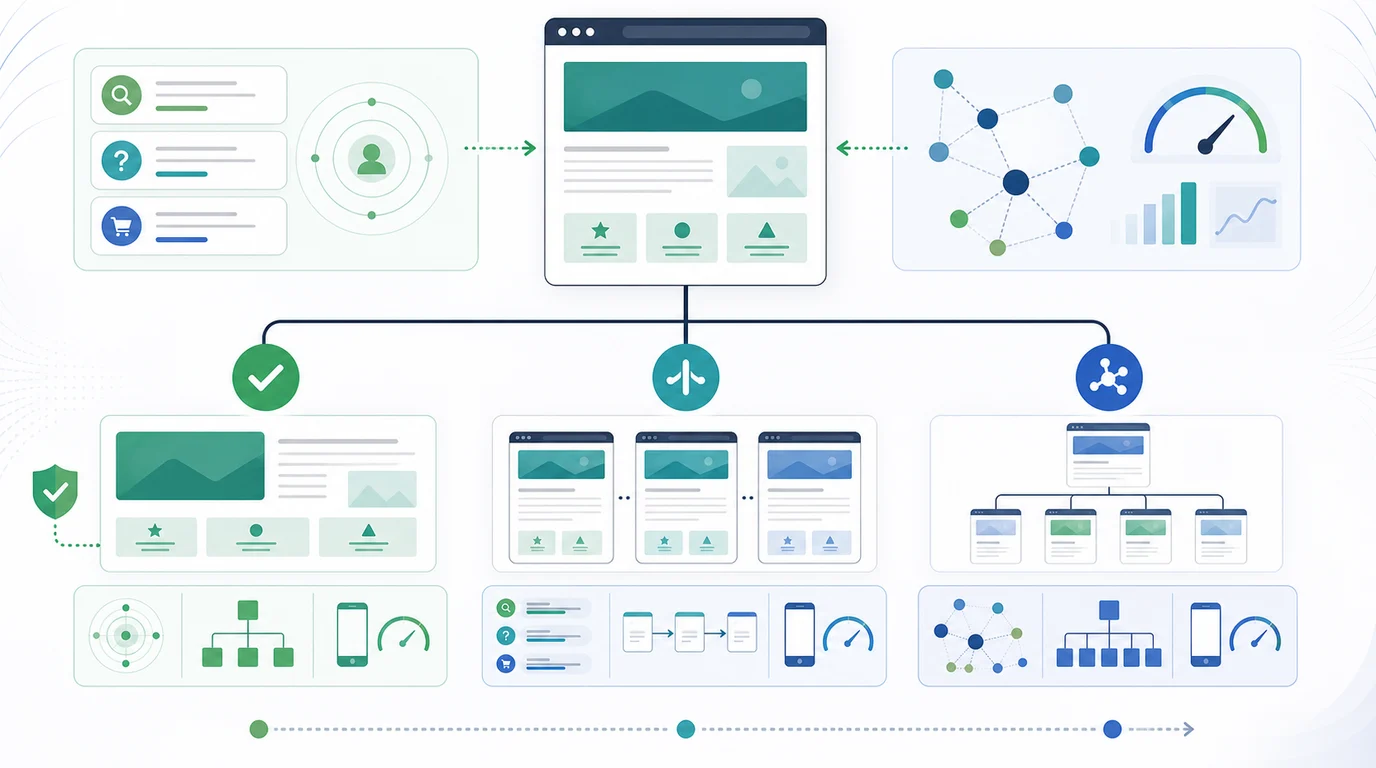
Audit these elements first:
- One clear H1 that matches the page's main job.
- H2 sections that separate the offer, proof, use cases, process, pricing, FAQ, and conversion path when those sections exist.
- Anchor links that use real
hrefvalues and point to useful sections. - A title tag and meta description that describe the whole page, not only the hero.
- Image alt text for meaningful visuals.
- A self-canonical URL and clean sitemap inclusion.
- A small set of external links only when they help the user verify something.
Google's crawlable links guidance is especially important for single-page sites. Navigation that relies only on buttons, script handlers, or visual scroll effects may feel polished to users while giving crawlers weaker discovery and context signals.
Know the Risks That One Page Creates
The SEO risk is not the number of URLs. It is the number of jobs the URL is expected to perform.
| Risk | What it looks like | How to validate it |
|---|---|---|
| Intent compression | One page targets service, pricing, tutorial, and comparison queries | Map each section to one search task and mark conflicts |
| Thin topical support | The page mentions important subtopics but cannot explain them | Check whether each subtopic deserves a child URL |
| Weak internal linking | There are few crawl paths into or out of the page | Crawl the site and inspect inlinks, anchors, and depth |
| Slow media stack | One long page carries too many images, scripts, and embeds | Test Core Web Vitals and compress media by section |
| Fragment-only reporting | Analytics sees one URL but cannot explain section-level interest | Track meaningful section events without hiding content |
| Expansion debt | The site grows, but the original page stays the only canonical target | Create a split plan before new topics pile up |
This is where a one-page SEO review overlaps with the orphan pages workflow. When the site finally adds new pages, those pages need crawlable paths and contextual links. Otherwise the original single page remains strong while the new pages launch isolated.
For images, Google's image SEO guidance gives a practical baseline: use descriptive filenames, useful alt text, and pages that provide context around the image. A one-page site often has more visual weight than a normal article or landing page, so image markup and compression are not small details.
Choose When to Split the Page
Do not split a one-page site just to make more URLs. Split it when the search task, proof requirement, or maintenance model needs a standalone page.
Use this split framework:
| If the section is | Keep it on one page when | Split it when |
|---|---|---|
| Use cases | The use cases share the same offer and proof | Each use case has its own keyword, objections, examples, or buyer |
| Pricing | A simple price or plan summary supports the main offer | Pricing needs FAQs, comparison, or sales qualification |
| FAQ | Questions clarify one conversion path | Questions reveal separate tutorials or support tasks |
| Portfolio or case studies | A few examples prove credibility | Each case study can rank, earn links, or explain a different market |
| Blog-style education | One short explainer helps the page convert | The topic deserves evergreen search traffic and internal links |
| Local or industry pages | One market is enough | Locations or industries have different intent, evidence, or SERPs |
If two future URLs would target the same keyword, page type, and user job, do not split yet. That is how a small site creates keyword cannibalization before it has enough authority to support multiple pages. Use the keyword cannibalization workflow when the split is close.
When the split is justified, make the expansion explicit:
- Name the child page job.
- Pick the canonical slug before drafting.
- Move the section into a full page only if it can add new evidence.
- Link from the original one-page site to the new child page.
- Link back when the child page helps users return to the main offer.
- Update the sitemap after the new URL is live and indexable.
- Re-crawl the site to confirm the new structure is discoverable.
Validate Before and After Launch
Single-page SEO needs evidence because visual inspection can miss technical problems. The page may look complete while the rendered DOM hides links, images load late, canonical signals drift, or the sitemap points to the wrong version.
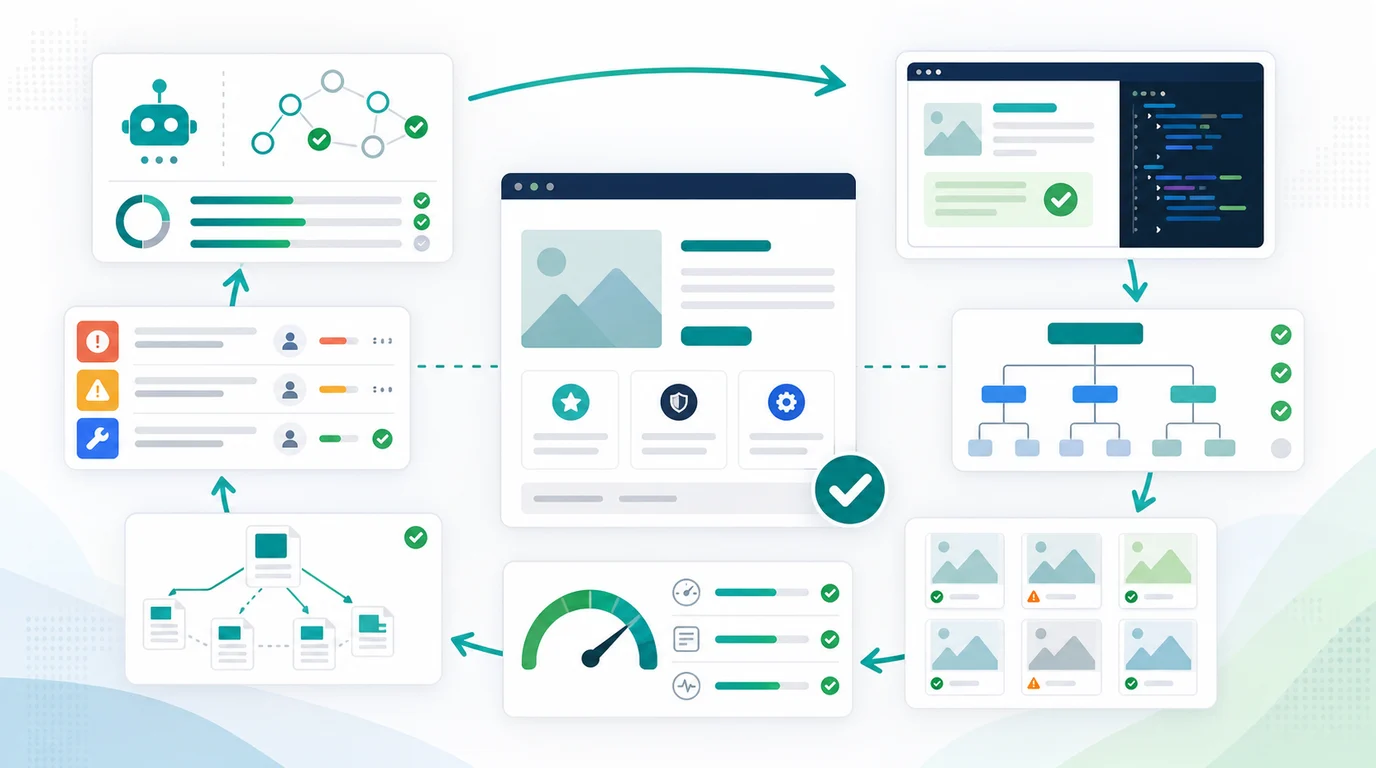
Run this validation loop:
- Fetch the raw HTML and rendered page.
- Confirm status code, final URL, canonical, title, meta description, robots directives, and H1.
- Check that the main content appears without user-only interactions.
- Inspect anchor links, navigation links, and section jump links.
- Test image alt text, dimensions, lazy loading, and compression.
- Review Core Web Vitals and mobile layout because long pages can become heavy quickly.
- Compare the sitemap URL with the canonical URL.
- Decide whether any section deserves a child page.
- Re-crawl after edits and save the before-and-after evidence.
The validation step matters most after redesigns, campaign launches, and CMS migrations. A single-page site can be easy to ship and easy to break because so many signals live in one template.
Where Searvora Fits
Searvora SEO Spider Crawler fits the evidence layer for single-page website SEO. Use it to crawl the page, inspect rendered signals, check internal links, review metadata, validate image issues, confirm sitemap behavior, and turn findings into a fix queue.
| Workflow step | Searvora role | Output |
|---|---|---|
| Crawl the page | Collect status, metadata, canonical, links, images, and sitemap signals | Baseline page evidence |
| Inspect structure | Review headings, internal links, content sections, and page depth | One-page structure QA |
| Prioritize fixes | Group issues by crawl risk, UX impact, and owner | Fix queue for technical and content teams |
| Decide expansion | Separate one-page improvements from child-page opportunities | Split plan or keep-one-page decision |
| Re-crawl after changes | Validate that fixes and new links shipped cleanly | Evidence for release notes and monitoring |
AI SEO Consultant is useful when the audit reveals judgment calls: keep one page, split into a child guide, create a resource hub, or rewrite a section. Keep the claim narrow. The consultant helps turn evidence into a decision queue; the page still needs real content, technical QA, and owner review.
Single-Page Website SEO Checklist
Use this checklist before publishing a one-page site or deciding whether to expand it:
- Define the one search job the page is allowed to own.
- Confirm the title, description, H1, and first section all match that job.
- Use descriptive H2 sections for proof, use cases, process, FAQ, and conversion content.
- Make section navigation crawlable with real anchors.
- Add useful alt text and compressed local images.
- Keep the canonical URL, internal links, and sitemap entry aligned.
- Test mobile speed and layout before adding heavy embeds.
- Mark sections that are trying to serve separate keywords or page types.
- Split a section only when it can satisfy a distinct user job.
- Re-crawl after launch and again after expansion.
A single-page website is not an SEO shortcut or an SEO penalty by default. It is a constraint. If the page has one job, clean structure, crawlable links, fast media, and a plan for expansion, it can work. If the page is carrying several different jobs, the better SEO move is to turn that scroll into a real site architecture.