

The best SEO agency software is not one tool that replaces every specialist platform. It is a stack that helps an agency find opportunities, audit sites, monitor rankings and AI visibility, produce client-ready reporting, and turn the next action into shipped work.
The Ahrefs SEO agency software article that surfaced this opportunity is built around tools an agency team may already know. Searvora's information gain is the delivery layer: how to judge each platform by the handoff it creates after the audit, report, crawl, or keyword export is finished.
Choose Tools By Delivery Job
Start with the workflow before you compare logos. Agencies usually need software for five jobs: market discovery, technical diagnosis, client reporting, content execution, and validation after work ships.
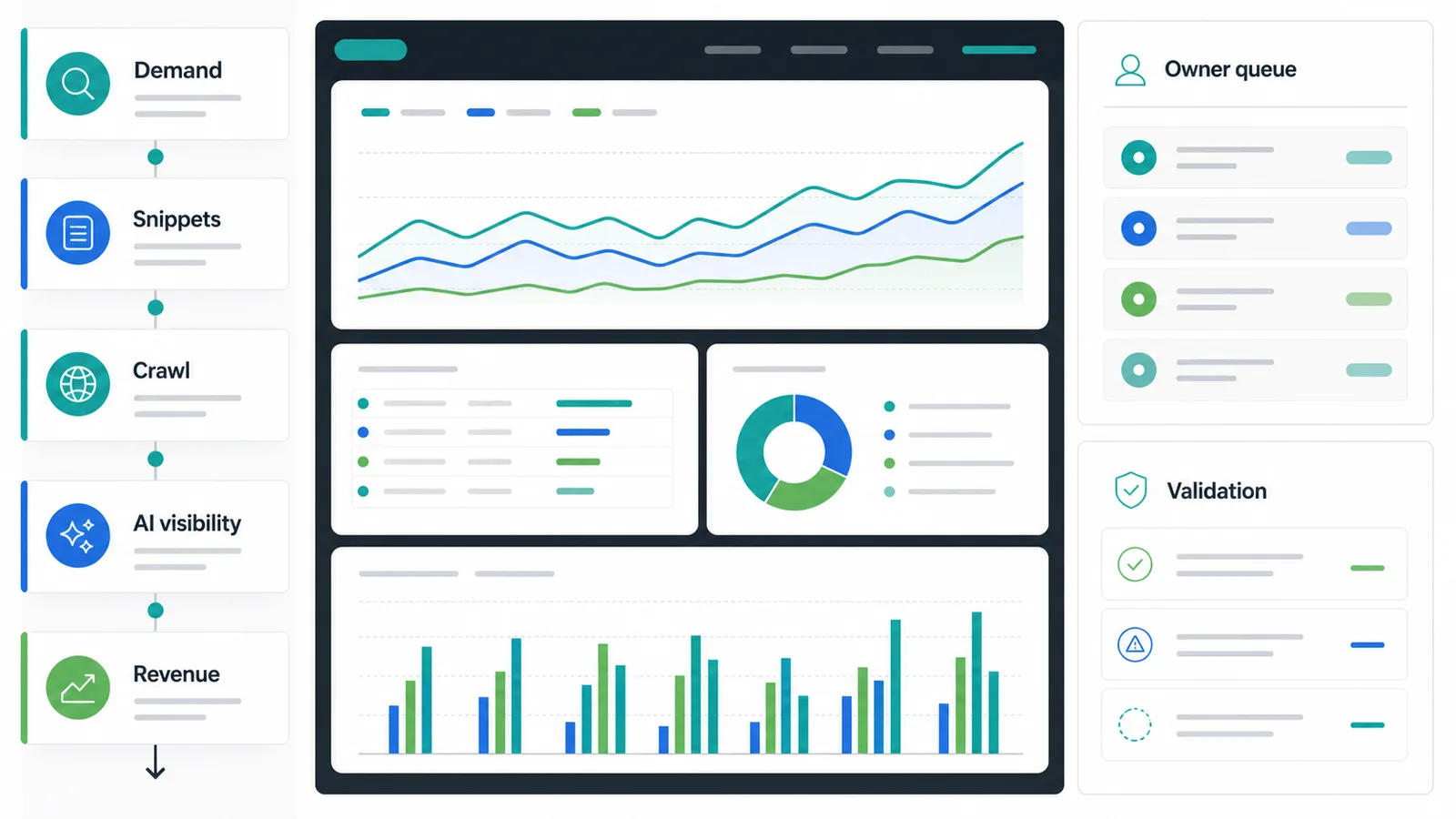
Use this first-pass matrix:
| Delivery job | What the software should make easier | Weak fit signal |
|---|---|---|
| Discovery | Find keywords, competitors, backlinks, SERP changes, and AI-search topics worth acting on | Exports are rich but the next priority is unclear |
| Technical audit | Confirm crawl access, indexability, canonicals, redirects, internal links, and rendering risk | Issue counts are not grouped by template, owner, or impact |
| Reporting | Explain what changed, why it matters, and what the client should expect next | Reports look polished but do not assign decisions |
| Content workflow | Move from topic to brief, draft, internal links, metadata, and CMS handoff | The team still rebuilds the article plan in a separate document |
| Validation | Track whether fixes, refreshes, and new content changed leading indicators | The agency cannot see what shipped and what remains open |
That distinction matters for cannibalization, too. Keyword tracking tools help monitor visibility; SEO reporting dashboards help explain movement; SEO competitor analysis helps locate demand and threats. This article is about the agency stack that connects those jobs.
SEO Agency Software Comparison
| Software | Best fit | What it should own | Watch before you buy |
|---|---|---|---|
| Searvora | Agencies that need monitoring, AI-search visibility, crawl diagnosis, and content actions in one delivery queue | Page cohorts, opportunity queues, technical handoffs, AI visibility, and client-ready next steps | It is an execution layer, not a replacement for every backlink or keyword database |
| Ahrefs | Agencies that need deep SEO research and link intelligence | Keyword research, competitor research, backlink analysis, site audits, and web analytics | Pair exports with a delivery workflow so analysis turns into assignments |
| Semrush | Agencies that need broad SEO plus paid, social, and visibility suites | Keyword, backlink, competitor, advertising, and visibility research | Breadth can create too many dashboards unless the agency defines owners |
| AgencyAnalytics | Agencies that need client reporting and dashboards | Automated reporting, dashboards, templates, and client communication | Reporting still needs a diagnosis and implementation loop |
| SE Ranking | Agencies that want rank tracking, white-label reporting, and multi-client operations | Cross-channel visibility, client seats, lead generation, and agency workflows | Good reporting should still be tied to prioritized fixes |
| Screaming Frog SEO Spider | Agencies that need technical crawling depth | Site audits, crawl exports, rendering checks, and technical SEO investigations | It is a crawler, so clients still need prioritization and plain-language handoff |
| Google Search Console | Every agency that works on Google organic search | Query, page, index, sitemap, and URL inspection evidence | It is source-of-truth data, not a complete agency workflow system |
1. Searvora For Turning Signals Into Client Work
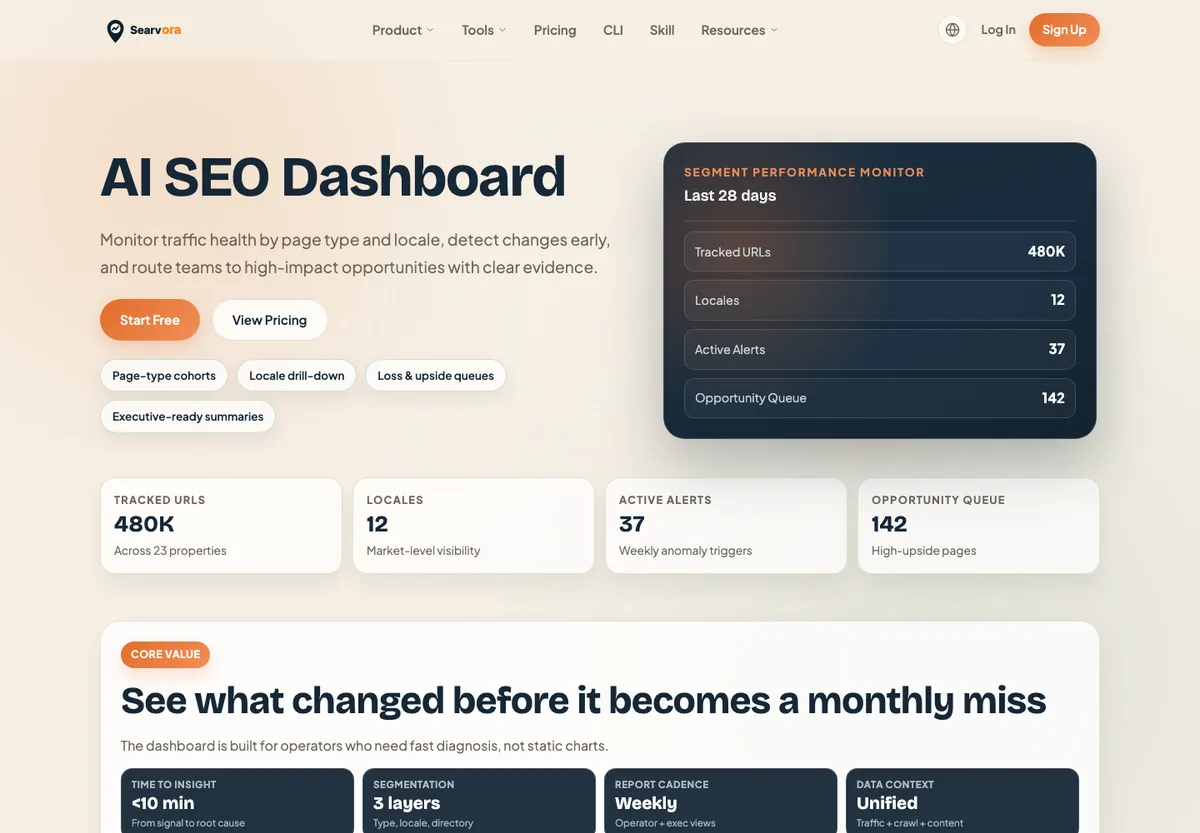
Searvora fits agencies that already collect plenty of SEO evidence but need a cleaner way to decide what should ship next. Its public AI SEO Dashboard focuses on page-type cohorts, loss and upside queues, AI-search visibility, crawl signals, and executive-ready summaries. Its AI SEO Consultant is positioned around priority decisions and fix plans rather than another disconnected export.
Use Searvora when the agency needs to:
- Group signals by page type, locale, directory, or content cluster.
- Turn crawl, query, AI-search, and content signals into prioritized tasks.
- Explain to clients why one fix matters more than another.
- Route work to SEO, content, product, or engineering owners.
- Validate whether a shipped fix changed the leading indicator it was meant to change.
Searvora should sit beside specialist tools, not pretend they do not matter. An agency may still use Ahrefs or Semrush for deep market data, Screaming Frog for technical crawling, and Google Search Console for first-party performance evidence. Searvora's role is to make those signals easier to prioritize, assign, and review.
2. Ahrefs For SEO Research Depth
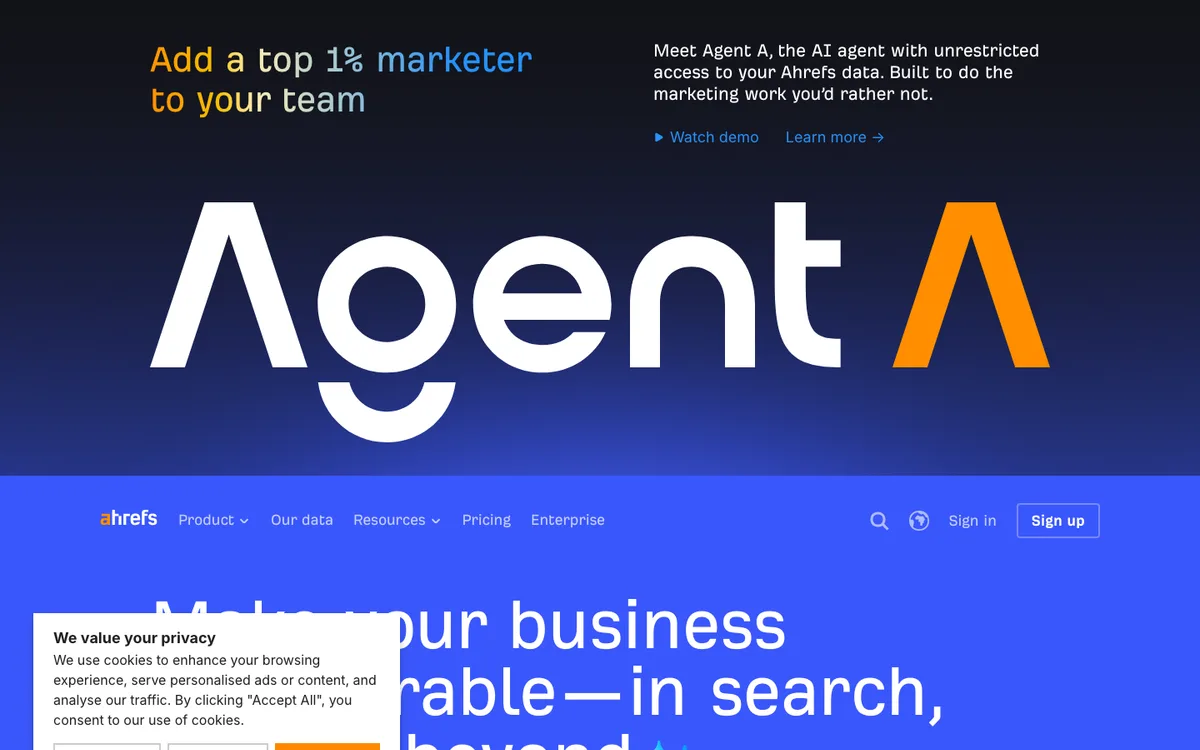
Ahrefs remains a strong fit when an agency needs research depth. Its public site positions the platform around search rankings, AI answers, traffic, visibility, and revenue. Its tool set includes keyword, backlink, site audit, content, and web analytics surfaces, which makes it useful for competitive discovery and opportunity sizing.
Use Ahrefs when the agency needs to:
- Build keyword and competitor research from a large SEO database.
- Investigate link profiles and content gaps.
- Audit sites before planning technical or content work.
- Pull evidence for client strategy, not just weekly reporting.
The handoff risk is familiar: research exports can become a backlog that nobody owns. For agency delivery, pair Ahrefs with a workflow that turns promising keywords, link gaps, technical issues, and content opportunities into status, owner, due date, and validation windows.
3. Semrush For Broad Visibility Work
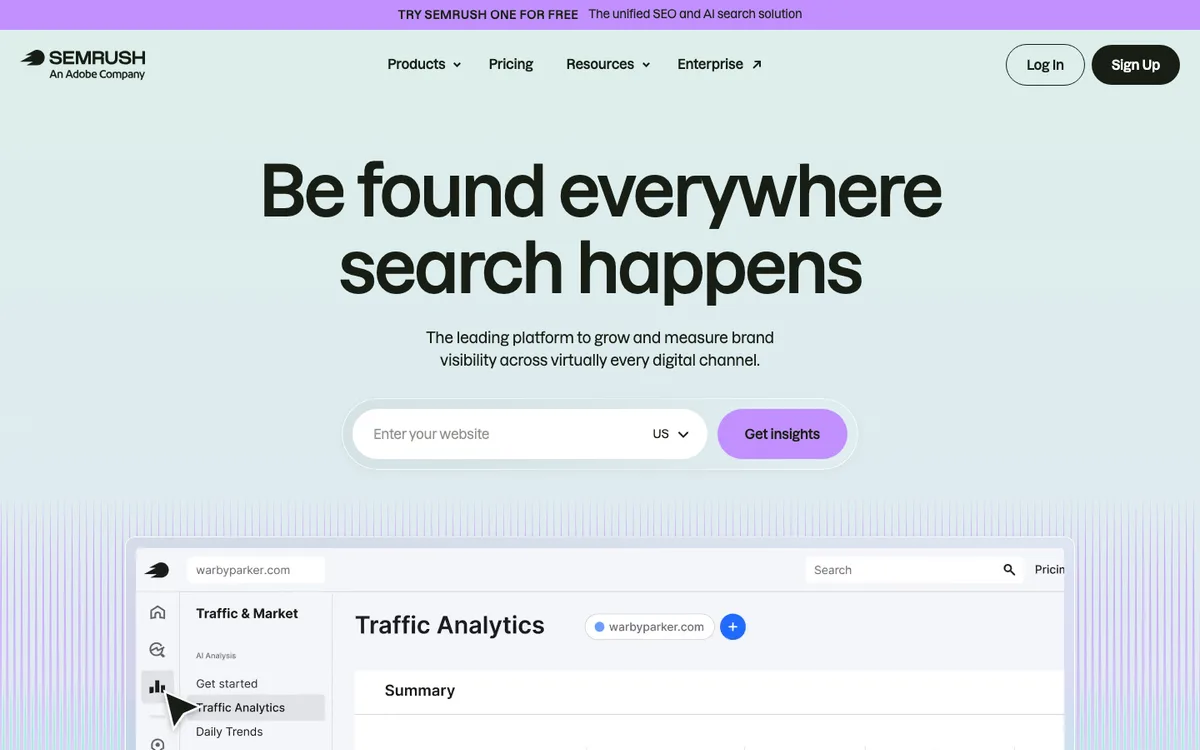
Semrush is useful when an agency wants one broad platform across SEO, AI visibility, paid search, social, and competitor intelligence. Its public positioning emphasizes brand visibility across search and AI answer surfaces, with SEO workflows for keyword research, backlinks, rankings, traffic potential, and technical audits.
Use Semrush when the agency needs to:
- Combine SEO research with paid, social, or broader market visibility analysis.
- Compare competitors across several acquisition channels.
- Build dashboards around rankings, backlinks, technical checks, and demand.
- Support clients that want one platform rather than several point tools.
The operating challenge is scope. Semrush can surface many opportunities, but the agency still has to decide which team owns the next step. Treat each dashboard as an input to a delivery queue, not as the queue itself.
4. AgencyAnalytics For Client Reporting
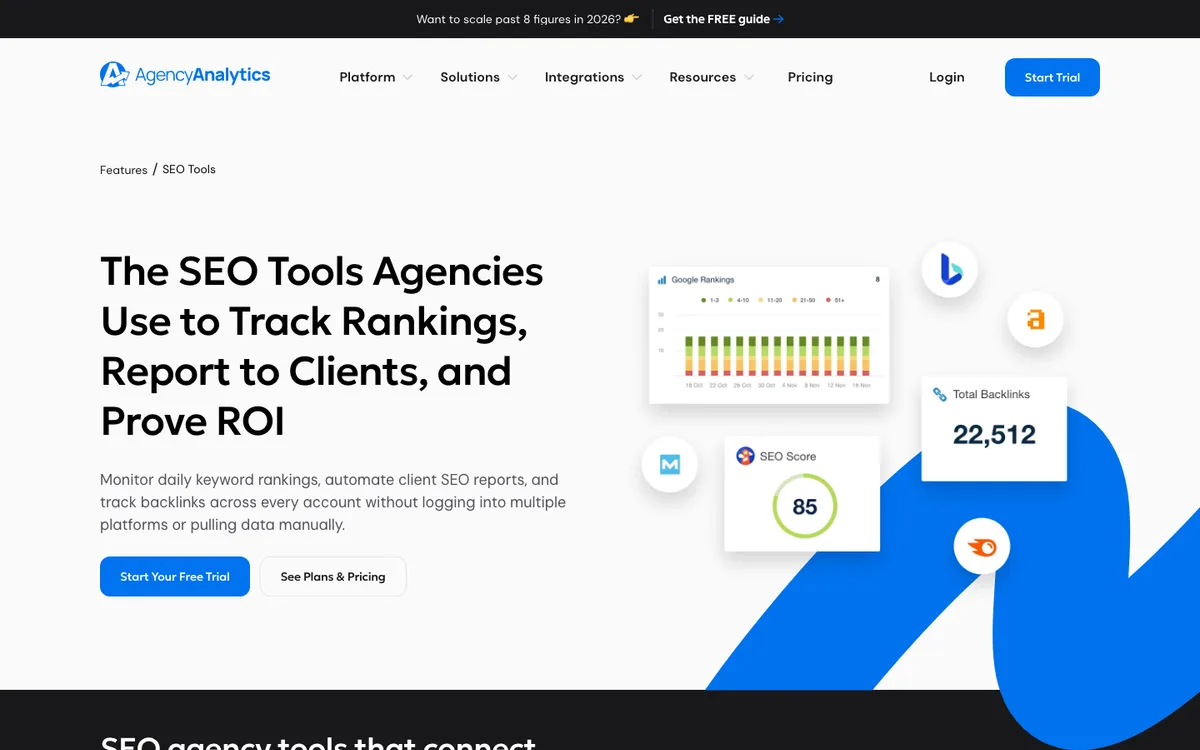
AgencyAnalytics is built for agencies that need recurring reports, dashboards, and client-facing communication. Its public pages describe automated SEO reporting, ready-made dashboard templates, scheduled reports, rank tracking, and client reporting workflows.
Use AgencyAnalytics SEO tools when the agency needs to:
- Standardize reporting across many clients.
- Reduce recurring report assembly time.
- Show rankings, traffic, backlinks, and campaign metrics in one client view.
- Create dashboard templates for account managers and clients.
Reporting software is strongest when the diagnosis already exists. If a report says rankings fell or crawl issues rose, the client still needs the agency to explain why, what will ship, and when the result will be checked. Build that owner-and-validation layer into the reporting process.
5. SE Ranking For Multi-Client SEO Operations
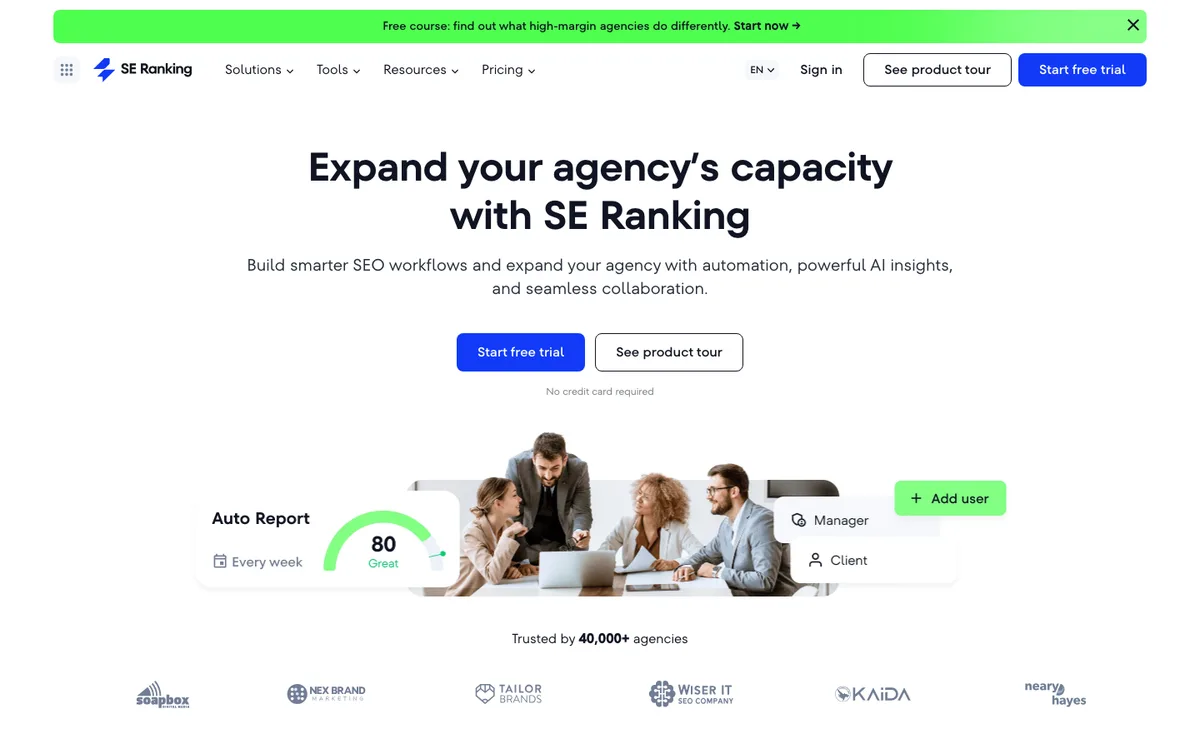
SE Ranking is a practical fit for agencies that want rank tracking, reporting, collaboration, and multi-client operations in one place. Its agency page highlights automation, AI insights, cross-channel visibility, client seats, white-label reporting, and agency-oriented workflows.
Use SE Ranking for agencies when the team needs to:
- Track rankings and visibility across many client projects.
- Produce white-label or client-facing reports.
- Manage client access and agency collaboration.
- Connect monitoring, reporting, and lead-generation workflows.
The main selection question is whether reporting and rank tracking are enough for the agency's delivery model. If technical fixes, AI-search visibility, content production, and cross-team handoffs drive the client relationship, make sure those workflows have a clear owner outside the reporting view.
6. Screaming Frog SEO Spider For Technical Audits
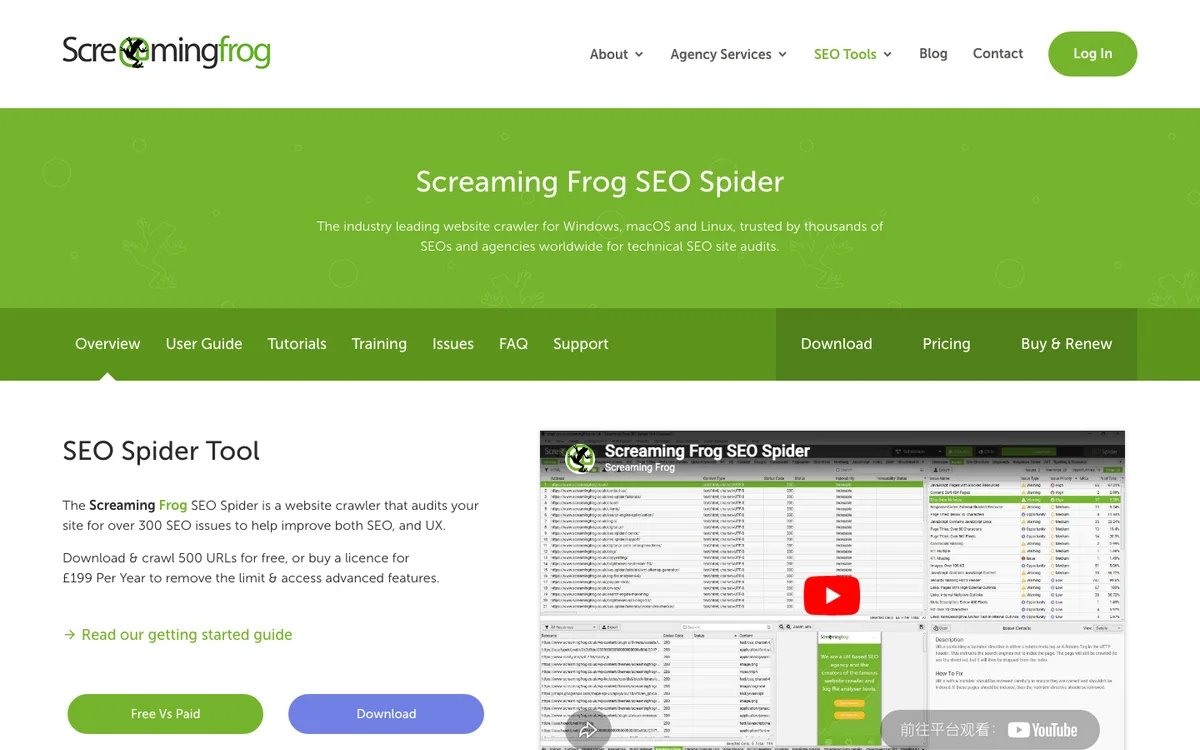
Screaming Frog SEO Spider is the technical crawler many agencies use when they need reliable site-audit evidence. Its public product page describes crawling for more than 300 technical issues, broken links, onsite elements, redirects, canonicals, hreflang, structured data, rendering, and exports.
Use Screaming Frog SEO Spider when the agency needs to:
- Crawl a site before an audit, migration, refresh, or technical investigation.
- Validate canonicals, redirects, internal links, metadata, hreflang, and structured data.
- Investigate JavaScript rendering, duplicate pages, broken links, and crawl waste.
- Export technical findings for a specialist SEO or engineering workflow.
The limitation is not data quality. It is translation. A client rarely needs a giant issue export; they need to know which issues affect important templates, which fixes are safe, and what should be validated after implementation.
7. Google Search Console For First-Party Evidence
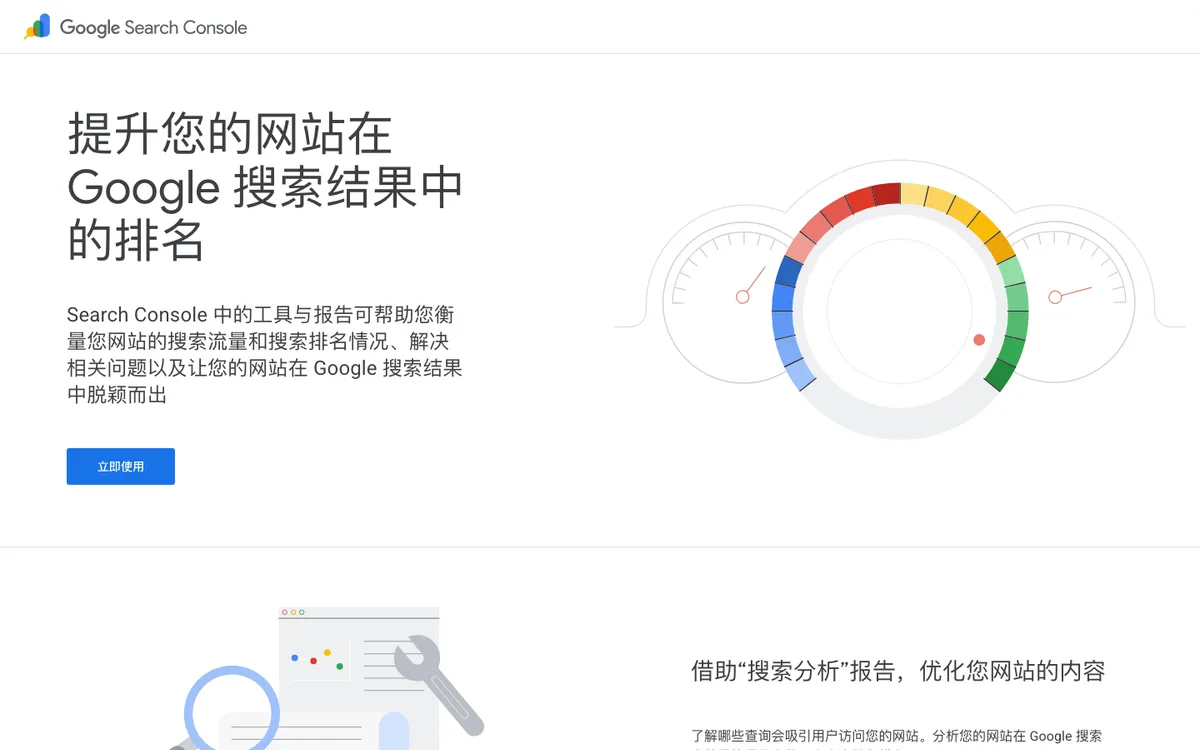
Google Search Console is not agency software in the commercial sense, but no agency stack should ignore it. Google's public page describes it as a way to measure search traffic and performance, fix issues, submit sitemaps and URLs, and inspect how Google sees a URL.
Use Google Search Console when the agency needs to:
- Confirm query, page, country, device, and search appearance movement.
- Check indexing, sitemap, and URL inspection evidence.
- Validate whether shipped work changed impressions, clicks, CTR, or eligibility.
- Ground client reporting in first-party Google data.
Search Console should anchor the evidence layer. It should not be the whole workflow. Agencies still need segmentation, commentary, prioritization, and client-specific next actions around the raw data.
Build The Stack By Workflow
Most agencies do not need every tool on this list for every client. The right stack depends on the client promise.
| Agency promise | Core stack pattern | Why |
|---|---|---|
| Technical SEO retainers | Screaming Frog, Google Search Console, and Searvora | Crawl evidence needs prioritization, owner routing, and validation |
| Content growth retainers | Ahrefs or Semrush, Searvora, and a CMS workflow | Topic discovery needs briefs, internal links, metadata, and publication handoff |
| Client reporting retainers | AgencyAnalytics or SE Ranking, Google Search Console, and Searvora | Reports need a decision layer so meetings end with actions |
| AI-search visibility programs | Semrush or Ahrefs for discovery, Searvora for AI visibility and source-page actions | AI visibility work needs evidence, source pages, and content or technical fixes |
| Shopify or ecommerce SEO | Google Search Console, a crawler, Searvora, and content workflow tools | Product, collection, and article pages need different queues |
For a related execution path, how to crawl large websites explains segmentation before technical diagnosis, and Blog SEO covers how article production should connect topic selection, briefs, links, and metadata.
Selection Checklist
Use this checklist before buying or renewing SEO agency software:
- Which client workflow will the software improve this quarter?
- Does it create a clear next action, or only another report?
- Can the agency segment by page type, template, locale, directory, market, or owner?
- Does the tool show evidence the team trusts, or does it hide source data behind scores?
- Can findings become tasks with owners, status, and validation dates?
- Are client-facing views separate from internal diagnostic views?
- Does the software support AI-search visibility, crawl health, and content execution where those matter?
- Can the agency explain how this tool changes delivery time, accuracy, or client confidence?
- What specialist data still needs a separate platform?
- What work will stop being done because the stack became simpler?
The best SEO agency software stack is the one that shortens the path from evidence to implementation. Use specialist tools for depth, use reporting platforms for communication, and make sure one operating layer owns the messy middle: priorities, owners, handoffs, and validation after the work ships.