

SEO Chrome extensions are best for fast page checks, not final SEO decisions. Use them to inspect metadata, links, SERP context, redirects, and technology clues while you are already in the browser. Then validate important findings with crawl data, Search Console evidence, and owner-ready fix queues.
The Ahrefs roundup that surfaced this opportunity confirms the search intent is a real list. Searvora's information gain is the operating layer: choose each extension by the job it can do quickly, then decide when the finding needs a deeper crawl or dashboard check.
Compare Extensions By The Job They Do
Do not install every SEO extension and hope the browser becomes an audit system. Start with the kind of evidence you need.
| Extension | Best quick check | What it cannot prove alone | Validate with |
|---|---|---|---|
| Detailed SEO Extension | Page-level headings, links, schema, images, and metadata | Sitewide template footprint | Crawl exports and template grouping |
| META SEO Inspector | Hidden head signals, canonical hints, structured data, and missing tags | Whether the issue affects many URLs | Rendered crawl and priority pages |
| Ahrefs SEO Toolbar | On-page, keyword, and link context inside the browser | Whether the opportunity deserves work | Existing coverage and page-type review |
| Keyword Surfer | Keyword ideas and search-volume clues in Google results | Organic intent or content quality | SERP review and brief approval |
| SEOquake | SERP and page metrics, quick audits, and exportable checks | Business impact or fix ownership | Searvora queue prioritization |
| SEO Minion | On-page checks, broken-link checks, and SERP previews | Crawl depth, templates, and recurring monitoring | Technical crawler validation |
| Link Redirect Trace | Redirect path, headers, canonicals, robots, and trust hints | Internal-link scale or migration coverage | Redirect crawl and sitemap checks |
| Wappalyzer | Technology stack and platform clues | SEO quality or indexability | Technical QA and rendered-page checks |
The Shortlist
This is not a universal ranking. It is a practical shortlist for SEO operators who need quick evidence while browsing pages, SERPs, competitors, and staging URLs. The screenshots below are local WebP captures from each tool's official Chrome Web Store listing.
1. Detailed SEO Extension
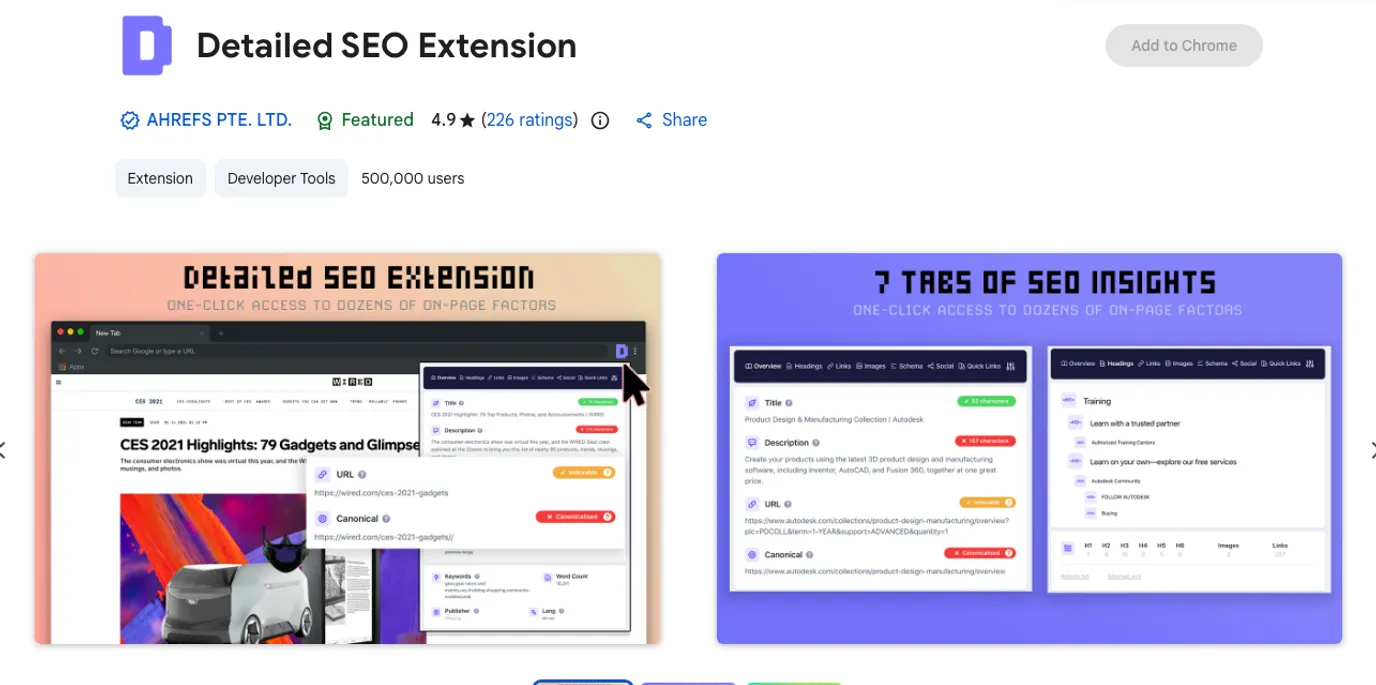
The official Detailed SEO Extension listing describes one-click SEO insights for the page you are viewing. That makes it useful when an SEO operator wants a quick pass over title, description, headings, links, images, schema, canonical, and other page-level signals before opening a crawler.
Use it when you need to answer: "Does this page look structurally coherent right now?" Do not stop there when the same issue may affect a template, locale, or directory. One browser check can find the symptom; a crawl shows whether the problem is isolated or systemic.
Best next action: capture the finding, group similar URLs, and validate the pattern in a crawl before assigning rewrites or engineering work.
2. META SEO Inspector
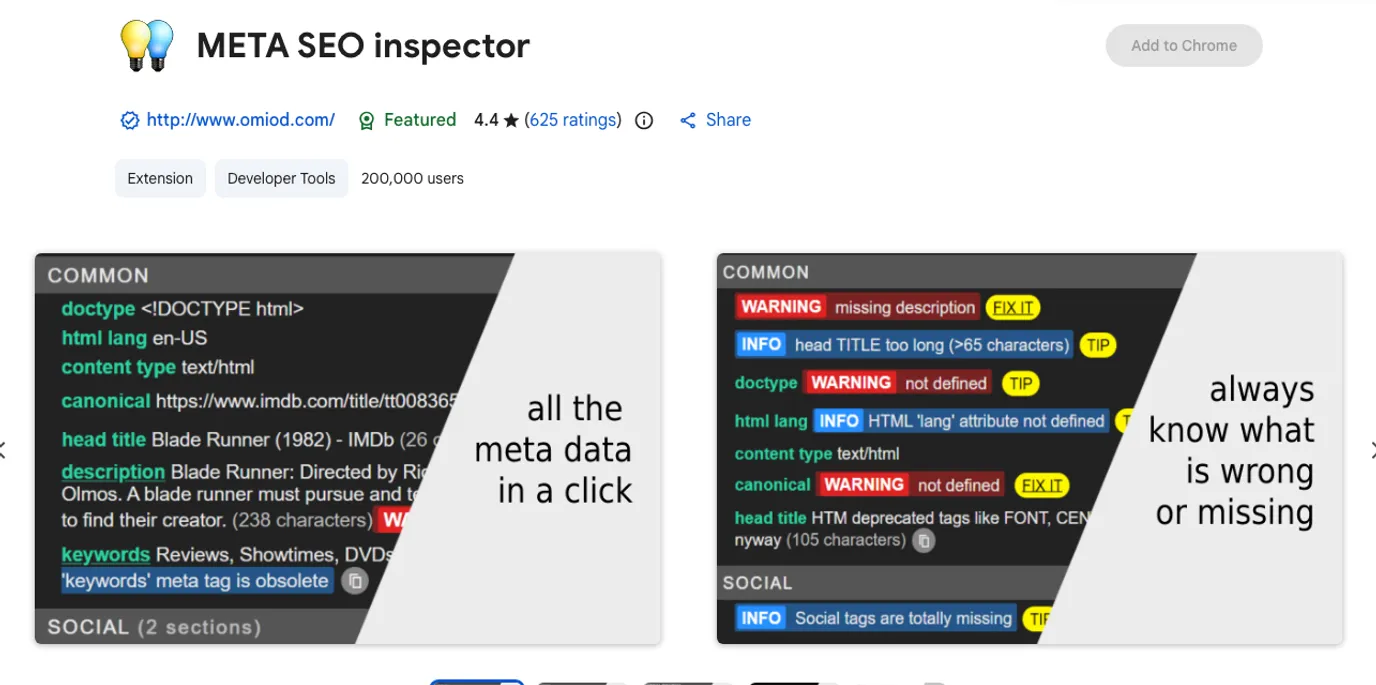
The official META SEO Inspector listing positions the extension around exploring what is hidden behind a web page. It is useful for head-level QA: titles, descriptions, canonical tags, Open Graph data, structured data, hreflang hints, and warnings that are easy to miss during visual review.
Use it when a page looks fine to a human but search-facing signals may disagree. It is especially useful during publishing QA, CMS migrations, template edits, and localized page checks.
Best next action: pair the browser finding with the meta tags for SEO workflow, then crawl the affected template to avoid fixing one URL while the system keeps generating the same issue.
3. Ahrefs SEO Toolbar
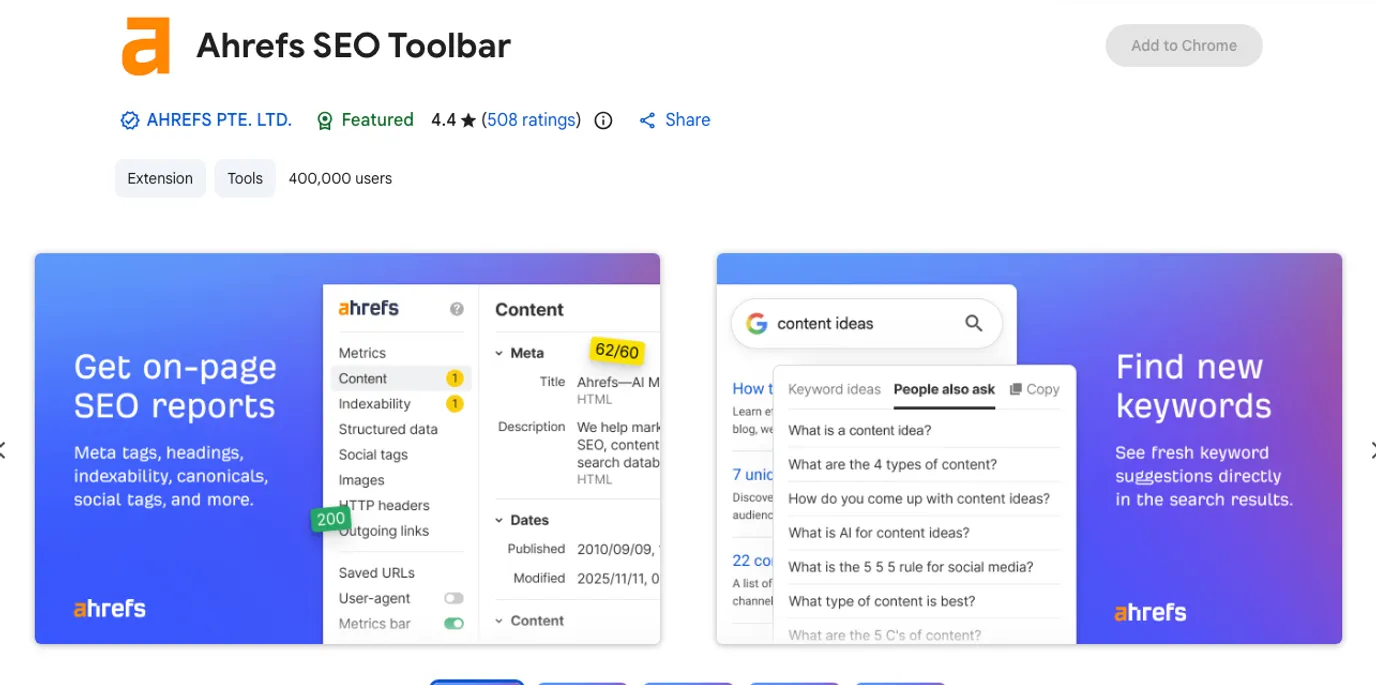
The official Ahrefs SEO Toolbar listing describes a toolkit for on-page, keyword research, and link analysis on any webpage. It is strongest when the browser task is connected to Ahrefs data or a quick competitor review.
Use it when you are checking a competitor page, a SERP, or an existing URL and need fast context around links, page-level signals, and keyword ideas. Keep the workflow fair: a toolbar can help interpret a page, but it does not decide whether Searvora should publish a new article, update an existing one, or create a tool page.
Best next action: send promising findings through the SEO competitor analysis workflow so tool signals become page-type decisions instead of copied competitor ideas.
4. Keyword Surfer
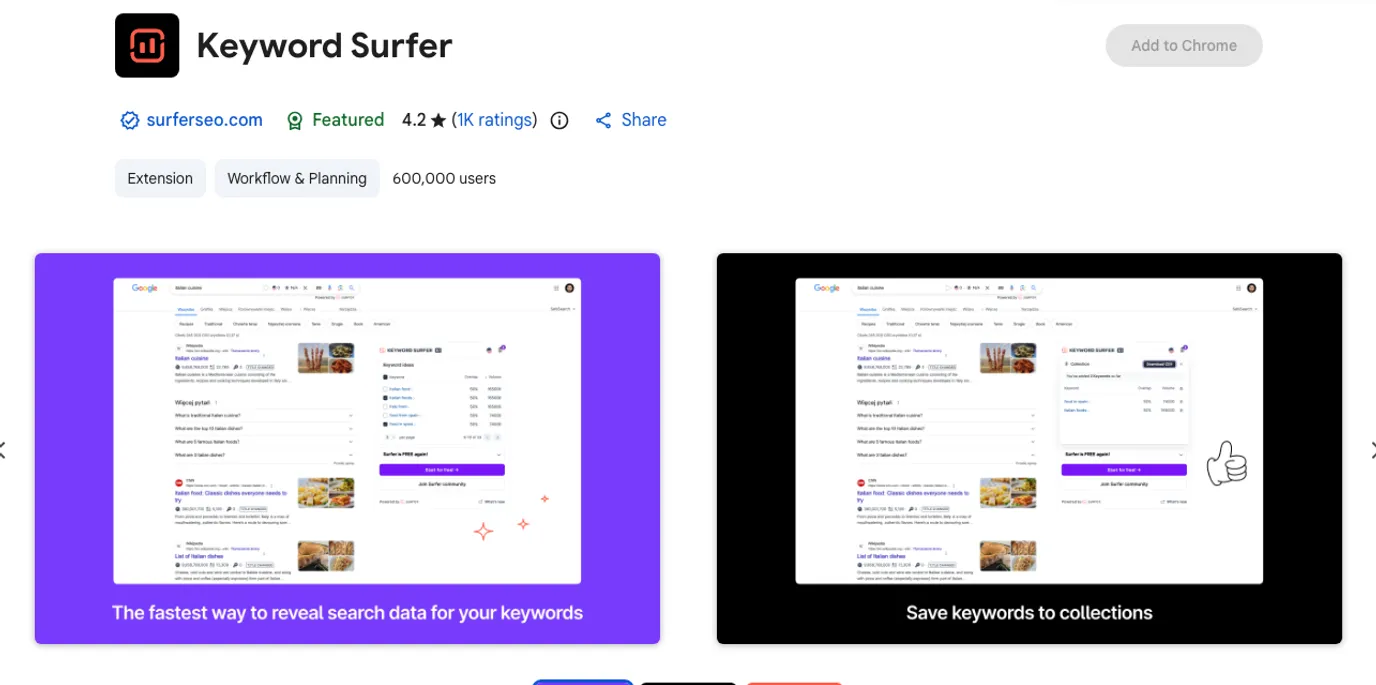
The official Keyword Surfer listing describes keyword ideas and search volumes directly in Google search results. That makes it useful during early topic expansion, especially when you are already comparing SERP language.
Use it to collect modifiers, related terms, and first-pass demand clues. Do not approve an article from a browser-side volume hint alone. The stronger question is whether the result set wants an article, list, product page, tool, hub, or update to an existing Searvora URL.
Best next action: compare the ideas with the free keyword research tools workflow, then route only the page jobs with clear intent and information gain.
5. SEOquake
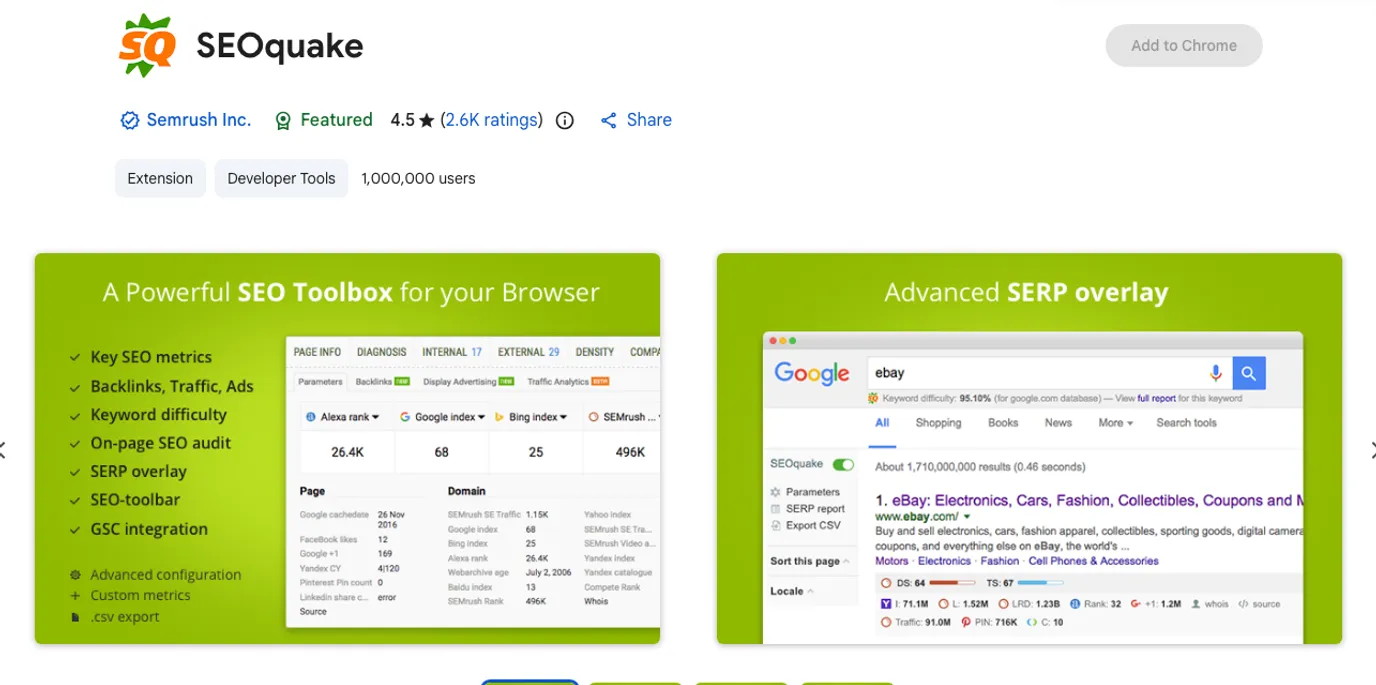
The official SEOquake listing describes a free plugin for SEO metrics, SEO Audit, and related tools. It is useful when the operator wants quick SERP-side or page-side metrics without leaving the browser.
Use it for lightweight comparison, spot checks, and exports that help frame a question. Treat the output as a triage input, not as the final priority list. Metrics become useful only when they are connected to the page job, business value, crawl health, and the owner who can fix the issue.
Best next action: translate quick metrics into a short decision table before creating any ticket: what changed, which URLs are affected, why it matters, and what validation proves the fix worked.
6. SEO Minion
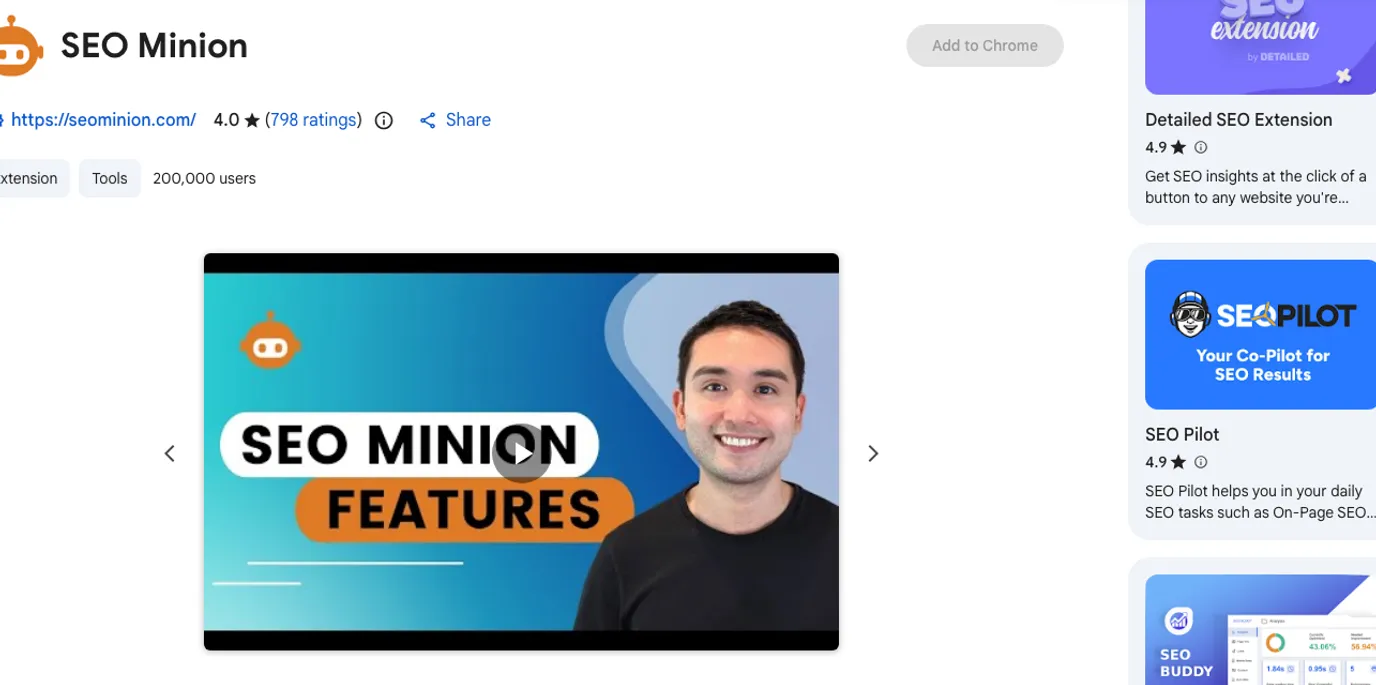
The official SEO Minion listing describes daily SEO tasks such as on-page SEO analysis, broken-link checking, SERP preview, and more. It fits the moment when you want a fast page check before deciding whether the issue deserves crawl-level investigation.
Use it for one-page review, SERP preview checks, and quick link validation. Avoid turning one broken-link result into a sitewide conclusion. Broken links need URL inventory, internal-link context, and status-code validation across the crawl.
Best next action: if the issue matters, run the broken link checker workflow and decide whether the fix is a redirect, content update, internal-link edit, or removal.
7. Link Redirect Trace
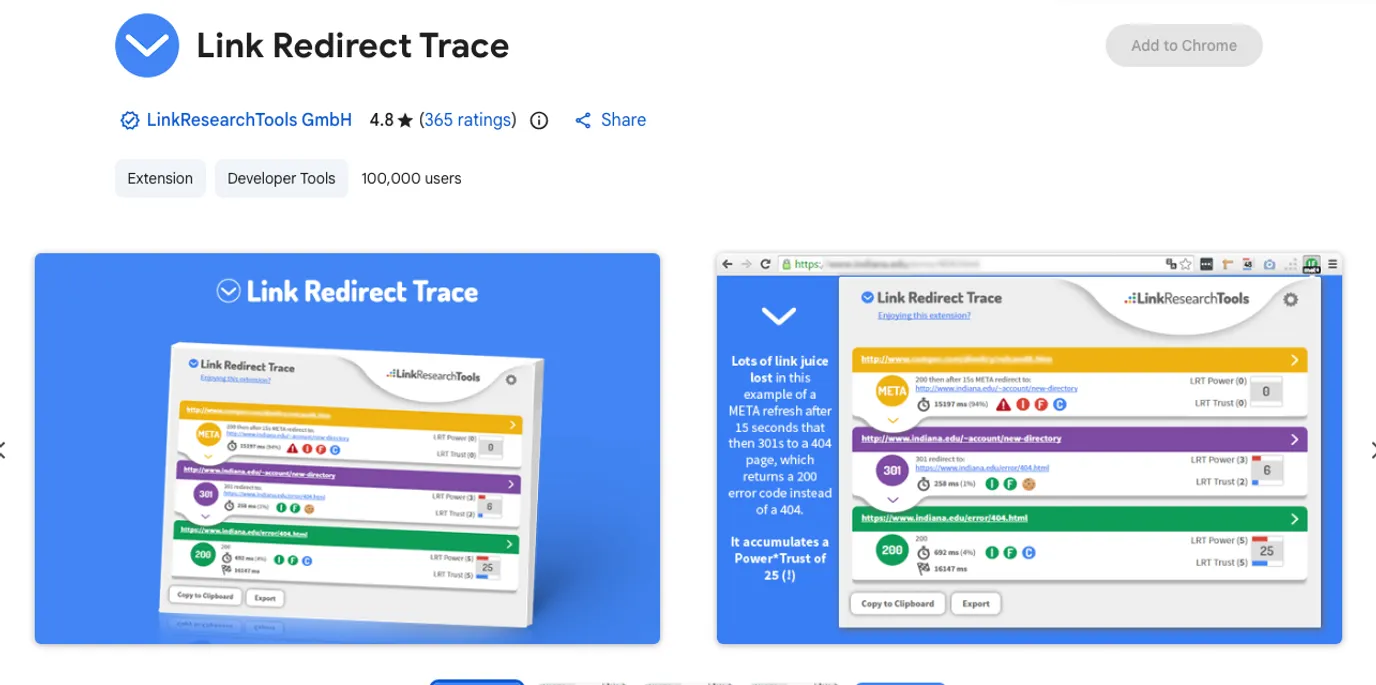
The official Link Redirect Trace listing describes an all-in-one redirect path analyzer that also inspects protocol headers, canonicals, robots.txt, and other signals. It is useful when a single URL behaves differently than expected.
Use it when a redirect chain, canonical hint, protocol change, or header signal looks suspicious. It is particularly helpful during migrations and release QA because it makes one URL's path visible quickly.
Best next action: validate important redirect findings against a full URL set with the redirects for SEO workflow. A clean single redirect is not enough if internal links, sitemaps, and canonical targets still point at the old path.
8. Wappalyzer
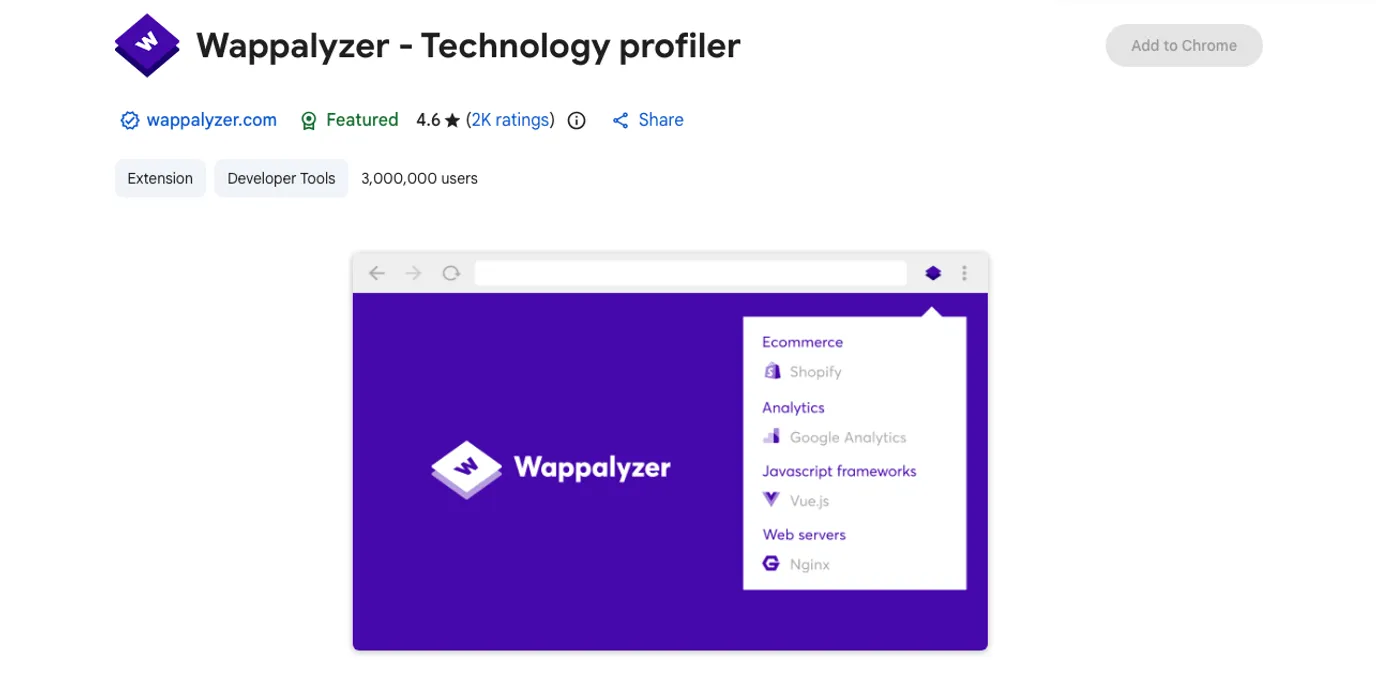
The official Wappalyzer listing describes the extension as a technology profiler. It is not an SEO audit tool by itself, but it helps operators understand the stack behind a page: CMS, analytics, ecommerce, JavaScript framework, tag managers, and other detected technologies.
Use it when the likely SEO issue depends on platform behavior. A Shopify theme, JavaScript framework, analytics setup, or CMS template can change how metadata, links, canonical tags, and rendered content behave.
Best next action: combine stack clues with crawl evidence. Technology explains where to look; it does not prove whether a page is indexable, internally linked, or ready for AI-search citation.
Turn Extension Findings Into Crawl Evidence
The common failure mode is simple: a browser extension finds a real issue, but nobody turns it into scoped work. A title is missing. A canonical looks wrong. A redirect chain appears. A competitor page has a strong structure. Then the finding sits in a screenshot, Slack thread, or spreadsheet.
Use this workflow instead:
- Capture the extension finding with the URL, timestamp, and page type.
- Decide whether it is a one-page issue, a template issue, a directory issue, or a migration issue.
- Crawl the affected URL set before assigning fixes.
- Add search demand, impressions, traffic, or conversion context when the issue affects prioritization.
- Assign one owner and one validation check.
- Re-crawl after release and compare the rendered output.
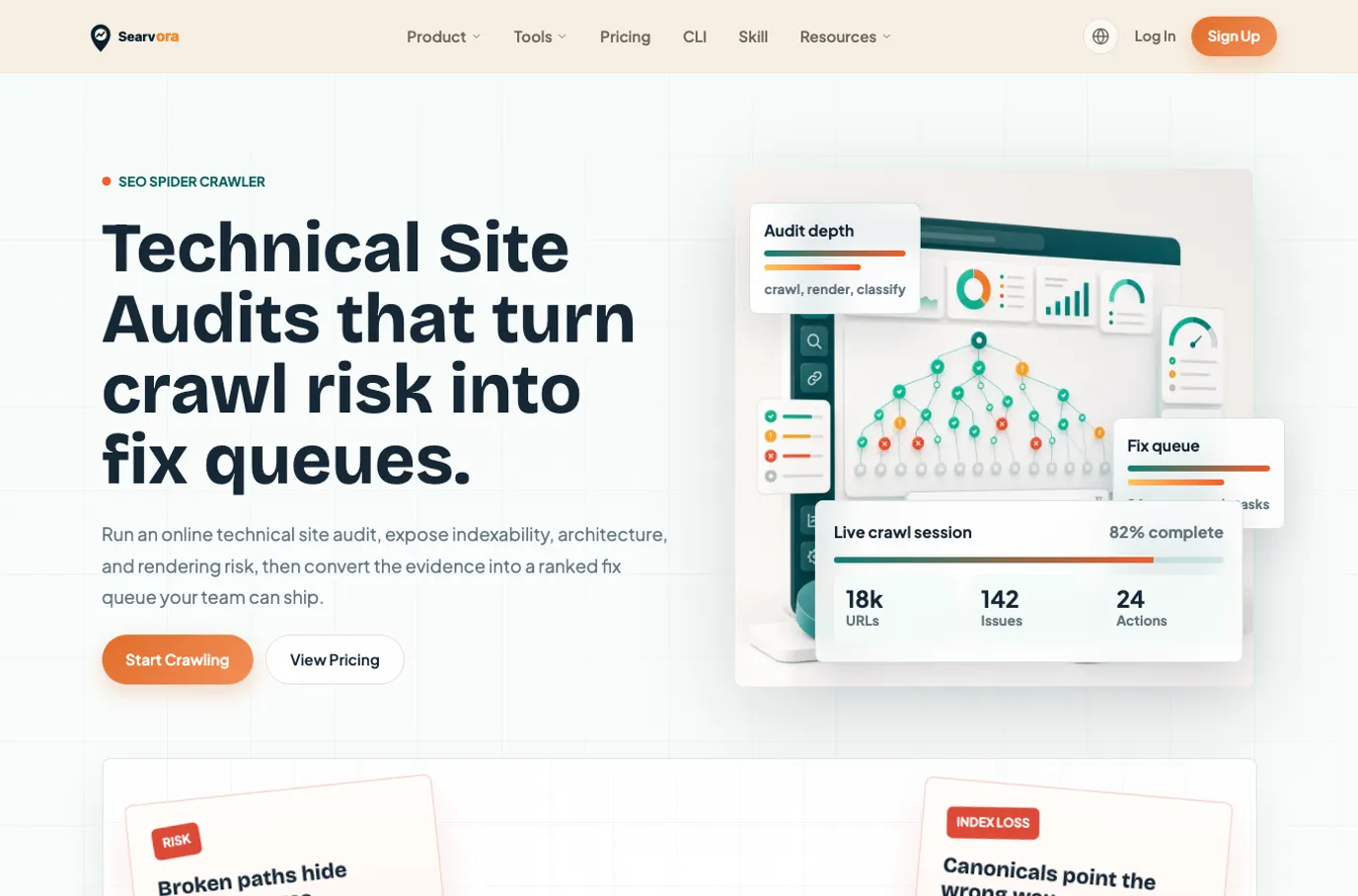
This is where a technical SEO crawler fits naturally. Searvora SEO Spider Crawler is positioned around crawl discovery, indexability, metadata, redirects, sitemap behavior, issue grouping, severity, template footprint, and owner-ready fix queues. Browser extensions find useful clues; the crawler turns those clues into repeatable QA.
Install Fewer Extensions And Use Them Better
Before adding another SEO Chrome extension, answer these questions:
| Question | Better answer |
|---|---|
| What task will this extension speed up? | Metadata, links, redirects, SERP context, keyword ideas, or technology profiling |
| What evidence will it produce? | A page-level clue, not a final sitewide conclusion |
| What is the next validation step? | Crawl, Search Console check, SERP review, or existing-page overlap check |
| Who owns the fix if the finding is real? | Content, SEO, engineering, ecommerce, or analytics |
| What would make this a tool/page decision instead of an article decision? | If the searcher wants live data, templates, downloads, or product comparison |
For keyword-heavy extension findings, use the keyword mapping workflow before approving new content. For quick SERP and question research, use People Also Ask SEO to separate section ideas from page ideas.
SEO Chrome extensions are valuable when they shorten the first diagnosis. They are dangerous when they replace the operating workflow. Pick the extension for the task, preserve the evidence, validate at crawl scale, and only then turn the finding into shipped SEO work.